If you use Home Assistant, you might wonder how to get even more out of your smart home setup. An AI tool like ChatGPT can help with that. By adding an LLM to your automations, you can handle things like making grocery lists, add personality to your smart home, or get news briefings made just for you. This post will go over some different ways you can set up automations and show easy examples to try out yourself. If you want new ideas for your smart home, keep reading to see what you can do when you put an AI like ChatGPT and Home Assistant together.
What Is the AI Task Integration?
Home Assistant added a built-in AI Task integration in the 2025.7 release. It gives your automations one standard way to ask any connected AI model for text, structured data, or an image, instead of wiring up separate logic for each provider. New to Home Assistant? Our guide to getting started covers the basics before you add AI on top.
The two AI Task actions are ai_task.generate_data for text and structured output, and ai_task.generate_image for pictures. Any AI Task entity works the same way, whether it comes from OpenAI’s ChatGPT models, Google Gemini, Anthropic Claude, or a local Ollama server.
ChatGPT, Gemini, Claude, or Ollama: Which AI Provider Should You Use?
OpenAI (ChatGPT): cloud-based, pay-per-use API pricing, snapshots and prompts go to OpenAI’s servers.
Google Gemini: cloud-based, pay-per-use API pricing, data goes to Google’s servers.
Anthropic Claude: cloud-based, pay-per-use API pricing, data goes to Anthropic’s servers.
Ollama: runs on your own hardware, free to run, keeps everything on-device.
Custom Morning News Briefings

Custom morning news briefings in Home Assistant can bring together news, weather, calendar events, reminders, and more in one voice update when you start your day. This is an easy automation to setup, with Home Assistant having a full tutorial on it here. You can customize this morning briefing how you want, but it defaults to reporting any weather and calendar events that you have scheduled for the day. Depending on what other information you have available, you could easily set this automation to notify if it’s trash day, if the laundry needs to be removed from the washer, or any other information you want.
A Smarter Voice Assistant

Home Assistant with ChatGPT can help make smart home devices easier to use by letting people control them through simple voice commands. A common problem with a lot of voice assistants is that you need to know the command in order for it to be registered. Even though a lot of commands are intuitive, odd naming of items or just odd phrasing choices can cause voice commands to fail. This is where Home Assistant and ChatGPT can shine. Home Assistant can pass any voice commands that it doesn’t understand on it’s own to ChatGPT ( or another LLM ) to be processed there also. This helps fix the odd phrasing and odd naming problem, since your AI provider can translate between what was said and what the actual command is that Home Assistant expects.
Pair this fallback with other automations for the best results. Our guide to the most useful integrations for your Home Assistant setup covers more ways to expand what your system can do.
Giving your Smart Home Some Personality
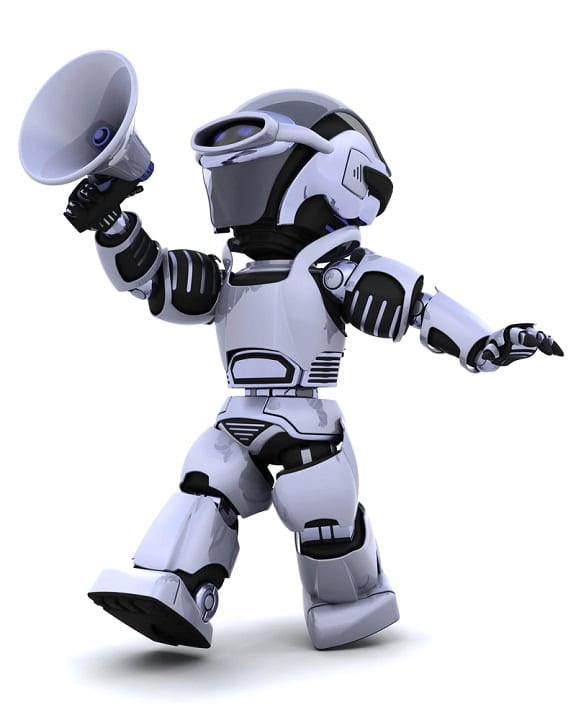
One way to use ChatGPT in Home Assistant is for customizing voice responses to automations. You can set up a simple automation ( or better yet, a script that can be called from many automations ) that passes a message to ChatGPT to add personality to it. You can dictate whatever personality you want, from your favorite smart home personality, to a TV or book character, or just give personality characteristics you want your smart home to have.
Text Descriptions of Pictures from Security Cameras
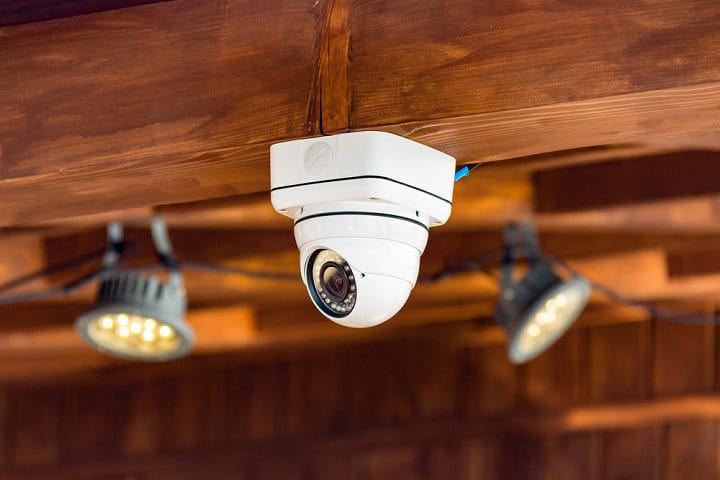
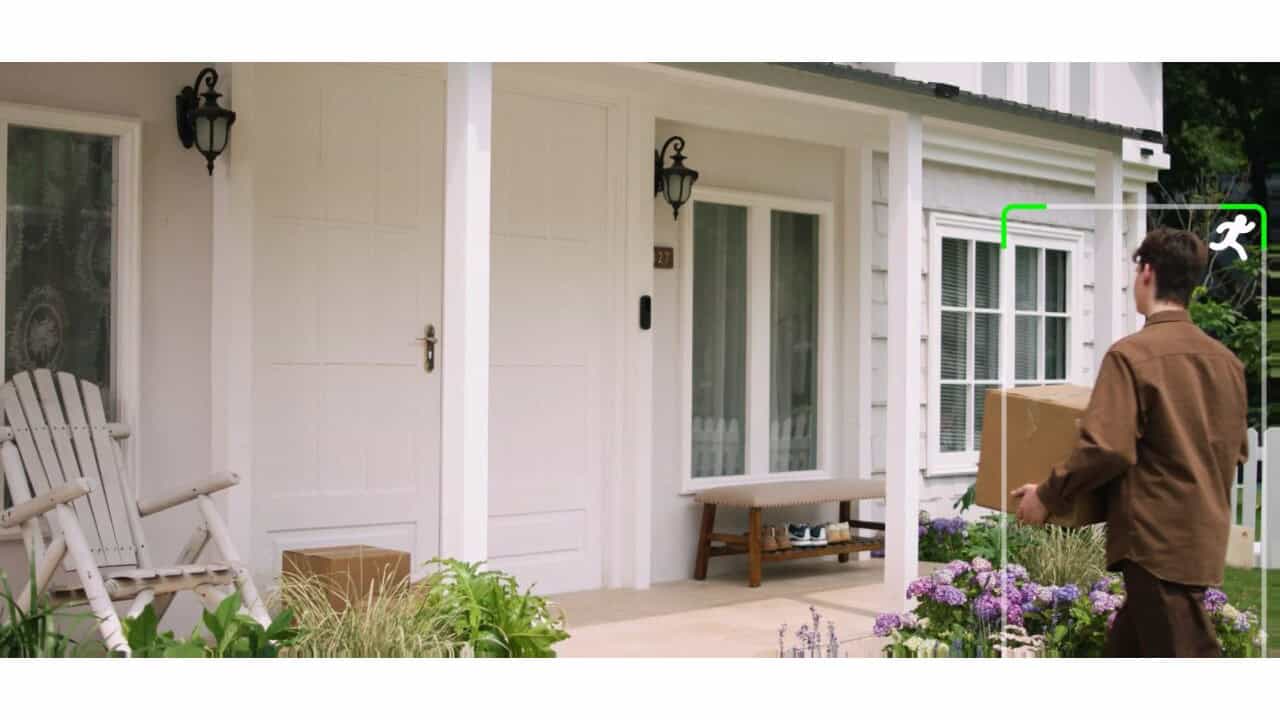
Home Assistant and ChatGPT are great for getting a text description of what’s happening in pictures from security cameras. You would simply create an automation that passes a camera snapshot to your AI Task entity and asks for a description of what is present in the picture. If you are looking for something specific ( say, the presence of trash cans), you can specify that to your AI tool to get a better result from it. This can allow you to trigger multiple different flows and automations depending on what is present or not present. This can drive reminders to take the trash out, notifications that a maintenance person is present, or just announcements that packages have arrived.
Try It: Describe a Camera Snapshot with AI Task
This automation grabs a camera snapshot and asks your AI Task entity to describe what’s in it, using the generate_data action from the AI Task integration. Swap in your own camera entity ID.
action: ai_task.generate_data
data:
  task_name: "front door snapshot description"
  instructions: >-
    Describe what's visible in this security camera snapshot
    in one sentence.
  attachments:
    media_content_id: media-source://camera/camera.front_door
    media_content_type: image/jpeg
response_variable: camera_description
Running your AI Task entity locally through Ollama keeps these snapshots off the cloud entirely. Pair that with a camera that supports local-only operation, like in our guide to setting up Reolink cameras for local-only control, and the whole pipeline stays on your own network.
Meal Planning

ChatGPT can help with meal planning when connected to Home Assistant and an inventory of what you have in stock. Simply create an automation to ask ChatGPT to suggest meals for the week based on what you have in your kitchen and the types of food you like or want. You can then create custom voice assistant sentences tied to more automations to ask ChatGPT for the items to make those meals, and add the items to your grocery list if needed. This helps make meal planning and shopping easier using only your voice or a simple message.
Grocery Shopping Lists

Home Assistant and your AI provider can make managing and maintaining a grocery shopping list easier. Depending on what data and sensors are available, you can pass a list of items you always want on hand and what’s available in the house via an automation to ChatGPT and ask it to create a shopping list for you. Have a counter of how many loads of laundry that were done, an inventory list of what’s in your kitchen, or just a camera in your kitchen that you can grab pictures of when an item is used? You can pass all of this information to ChatGPT and ask it to figure out what you’re running low on. Then, your automation can add these items into a shopping list for you.
Try It: Build a Structured Grocery List with AI Task
The structure option tells the AI Task entity exactly what shape to hand back the data in. Here it’s a plain list of item names, so your automation can drop the result straight into a to-do list without extra parsing.
action: ai_task.generate_data
data:
  task_name: "grocery list generator"
  instructions: >-
    Based on what's running low in the pantry, generate
    a grocery list.
  structure:
    items:
      selector:
        text:
          multiple: true
response_variable: grocery_list
Reminders for House Chores and Maintenance

Home Assistant can help with reminders for house chores and maintenance by working with ChatGPT. Depending on what sensors and information you have available, you can pass that information to ChatGPT via a Home Assistant automation and ask for a list of recommended chores and tasks to be completed. These can include seeding spring grass, winterizing pipes, replacing air filters, and other chores based on various sensors throughout your home. Your automation can then add these items to a to-do list in Home Assistant.
Do I Need ChatGPT Specifically?
No. The AI Task integration works with any provider that adds an AI Task entity, including OpenAI, Google Gemini, Anthropic Claude, or a local Ollama server. Use whichever one you already have set up as your conversation agent.
What Is the AI Task Integration?
AI Task is the built-in Home Assistant feature, added in the 2025.7 release, that lets automations request text, structured data, or images from your connected AI model through the ai_task.generate_data and ai_task.generate_image actions.
Can I Run This Locally for Privacy?
Yes, with Ollama. It runs the AI model on your own hardware, so camera snapshots and other data never leave your network. Keep the entities you expose to it under 25, since smaller local models make more mistakes as that list grows.
Summary
Using ChatGPT with Home Assistant gives you more ways to manage daily life around the house. You can set up automations for things like making shopping lists, getting news updates, or just giving your smart home some personality. These ideas can help you stay organized and keep track of what needs to be done while also making your smart home smarter. If you want to get more out of your smart home, connecting ChatGPT to Home Assistant is one way to try new automations that might make things a little easier.