Home Assistant’s August release focuses on making things easier to understand and less fussy to use. The theme this time is “Approachable by design,” and almost every change is about setup, naming, navigation, and clarity, rather than flashy new tricks. There are also fifteen new integrations, a more guided Home Assistant Cloud setup, and some welcome tweaks to automations and the dashboard.
One of the biggest changes affects how new Home Assistant OS installs are reached in your browser. Fresh installations now use a normal web address by default, with no port number tacked onto the end. That means new users can type a simple address instead of remembering an extra number. Existing installations stay exactly as they are, so nothing changes on systems that are already running and there is nothing you need to do to keep them working.
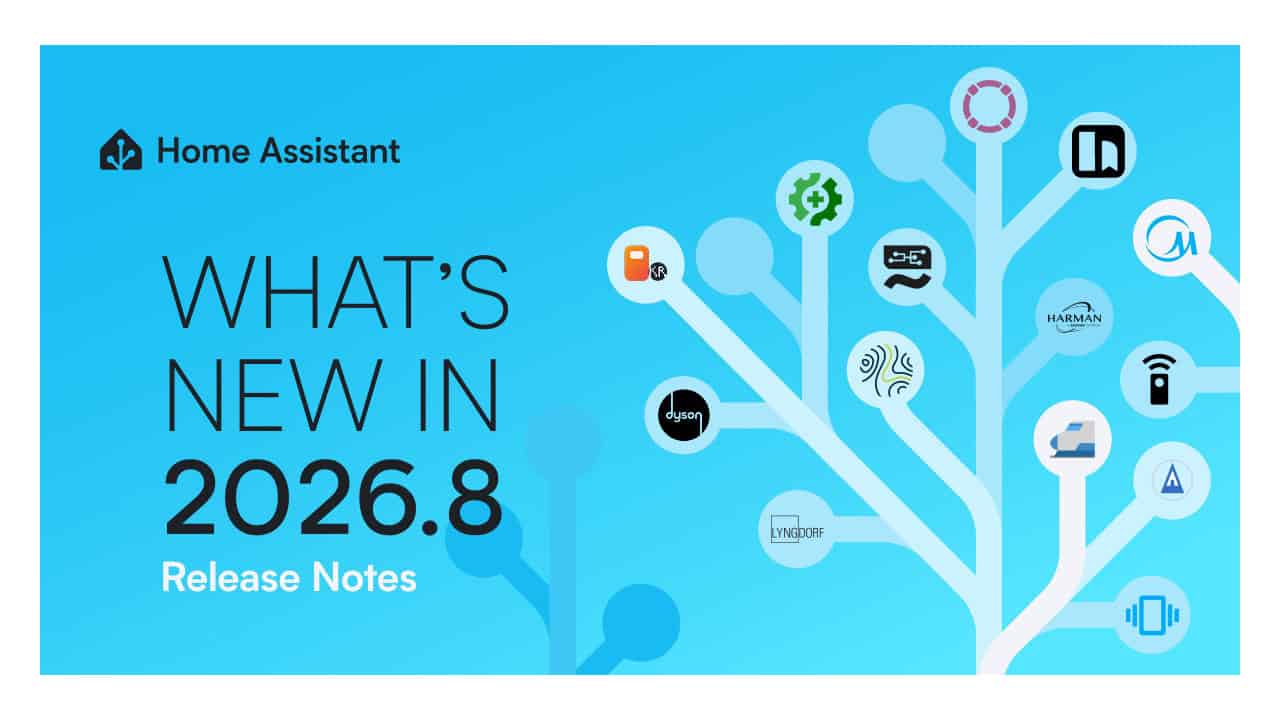
Integrations get a big expansion with fifteen new arrivals, giving more ways to connect devices and services. Named new options include Midea, Dyson Infrared, LED Infrared, Google Health, Harman Luxury Audio, Lyngdorf, LiteLLM, and llama.cpp. There are also fresh entries like Karakeep, Gatus, Harbor Sleep, NeoPool, and ScorpionTrack. Together, these cover everything from health tracking and sleep to audio gear, pool control, vehicle tracking, bookmarks, service monitoring, and tools tied to language models.
The Home Assistant Cloud experience is also more approachable. The Cloud page has been redesigned and now uses a guided setup, which should make it easier to walk through each step instead of guessing what to connect next. This is especially helpful for people who are new to remote access or voice assistant connections and want clearer direction instead of a long static settings page.
Daily use of Home Assistant gets some simple but very noticeable quality-of-life upgrades. Entity IDs can now be renamed directly from the interface, which means you no longer have to dig into more advanced sections just to clean up confusing names. Devices that are managed by more than one integration are now separated, which makes it easier to see which integration is responsible for what and to avoid confusion when the same physical device shows up in different ways. The template editor now uses a split-view layout, which helps you see your template and its result side by side in a more organized way.
On the automation and dashboard side, there are several changes that open up more control. New vibration conditions and new moon triggers and conditions are available for automations, giving more options tied to vibration state and lunar phases when building “if this, then that” style rules. In the dashboard builder, you can now favorite cards, which makes it easier to keep track of the ones you keep reusing when building or tweaking views. Media sources are now searchable, so you can search through your available media instead of scrolling through long lists to find what you want to play.
Matter users get a more specific tweak inside the integration. The Doorbell device type was added to the discovery schemas for event entities in the Matter integration.
Updating to this release is handled from the Settings area, just like other recent versions. You go to Settings, then find the update section for your installation, and start the update from there. If you already have Home Assistant running, your current web address stays the same after the update, and there is no extra step needed to keep using the address you know. The new “no-number” web address behavior applies by default only to brand new Home Assistant OS installations, though existing systems can switch to the shorter address themselves from Settings, then System, then Network. Home Assistant waits for you to confirm the change works and puts your previous settings back if you do not confirm within five minutes.
View the original press release.