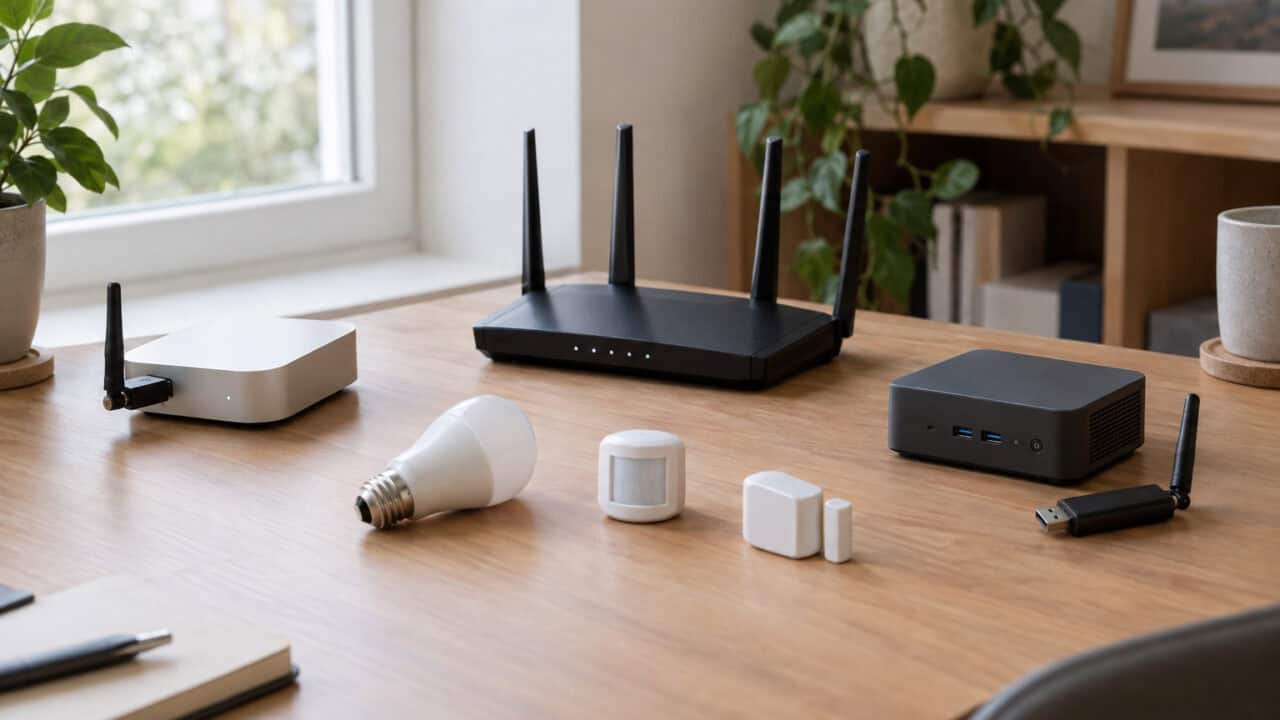
ZHA vs Zigbee2MQTT comes down to how much you want to set up yourself. ZHA is built into Home Assistant and is the shorter path to a working Zigbee network. Zigbee2MQTT is a separate project that takes more setup, and in return gives you a published list of supported devices, its own web interface and the option to run several Zigbee networks, each on its own adapter. Pick ZHA if you want the fewest moving parts, and Zigbee2MQTT if those extras matter to you.
What ZHA and Zigbee2MQTT Are
Both do the same job: they run your Zigbee network and bring its devices into Home Assistant. They go about it in different ways.
ZHA, short for Zigbee Home Automation, ships as part of Home Assistant and is built on the open-source zigpy libraries. It talks to your Zigbee adapter directly, with no extra software in between. As of Home Assistant 2026.11, ZHA also supports Zigbee Green Power devices, which are battery-free devices such as some light switches. Zigbee2MQTT’s docs cover Green Power devices as well.
Zigbee2MQTT is an independent open-source project led by a developer known as Koenkk. It runs as its own program and passes your Zigbee devices to Home Assistant over MQTT, a messaging system that needs a broker such as Mosquitto. The current release as of this writing is Zigbee2MQTT 2.14.3, published on November 1, 2026.
How Setup Differs
Because ZHA ships with Home Assistant, there is no separate software to install. You connect a supported adapter and set up ZHA inside Home Assistant.
Zigbee2MQTT has more pieces. On Home Assistant OS, its instructions have you install and start the Mosquitto broker app (formerly called an add-on) first, then add the Zigbee2MQTT repository and install the Zigbee2MQTT app. Your devices then show up in Home Assistant through its MQTT integration, which you turn on separately.
One hardware note comes from Zigbee2MQTT’s own docs. Its Home Assistant app page says only 64-bit hardware is supported there, and if you run Zigbee2MQTT outside Home Assistant OS, its Linux and Docker install pages add that 32-bit platforms are deprecated, with support ending in April 2027.
Adapters Each Project Recommends
Your Zigbee adapter, also called a coordinator, matters as much as the software. The two projects word their recommendations differently, but the lists overlap.
Home Assistant’s ZHA documentation recommends its own Connect ZBT-2 for a new network. The older Connect ZBT-1 is discontinued but still fully supported. The docs also name third-party adapters that are known to work well with ZHA: the Sonoff ZBDongle-E, the SMLIGHT SLZB-07, Texas Instruments CC2652 and CC1352 adapters running Z-Stack firmware, and the ConBee III.
Zigbee2MQTT’s getting-started guide names Texas Instruments (zStack) and Silicon Labs (EmberZNet) adapters as its recommended choices. Its adapter guide also lists deCONZ adapters such as the ConBee under Recommended, with a warning that various features are not supported. The Connect ZBT-2 is on Zigbee2MQTT’s Silicon Labs list too, with a note to set its baud rate to 460800. If you choose Silicon Labs hardware, note that Zigbee2MQTT has deprecated its older ezsp driver in favor of one called ember, and that it doesn’t support multiprotocol firmware.
ConBee owners should read the fine print. ZHA lists the ConBee III among its tested adapters, but puts the older ConBee II on its “supported, but not recommended” list as legacy hardware. Zigbee2MQTT works with ConBee adapters too, though its docs say various features are not supported with them, its adapter backup doesn’t cover them, and the ConBee II may have network connectivity issues.
If you want a ConBee anyway, the ConBee III is the one on ZHA’s tested list. Neither project names it as its first choice.

Device Support and Firmware Updates
Checking whether a device will work is easier with Zigbee2MQTT. It publishes a supported devices list that, as of this writing, covers more than 5,800 devices from more than 600 vendors. Home Assistant’s docs say there is no official compatibility list for ZHA, and point to an unofficial community-run list instead. That doesn’t mean ZHA supports fewer devices, only that there is no official list to check before you buy a Zigbee device.
Devices that don’t follow the Zigbee standard need extra handling in both systems. ZHA uses Python scripts called quirks. Zigbee2MQTT uses converters written in JavaScript. Both ship with handlers for many devices. If you want to add your own, Zigbee2MQTT calls these external converters, and they are turned off by default in new installations since version 2.11.0.
Firmware updates differ too. ZHA’s docs say it only includes update sources for a few manufacturers (IKEA, Inovelli, Ledvance/OSRAM, Sonoff and Third Reality), with Ledvance, Sonoff, Inovelli and Third Reality turned on by default and the rest needing advanced configuration. Zigbee2MQTT pulls updates from its zigbee-OTA repository, a mirror of manufacturer firmware.
ZHA vs Zigbee2MQTT at a Glance
This table sums up the differences each project documents.
| Feature | ZHA | Zigbee2MQTT |
|---|---|---|
| How it installs | Built into Home Assistant | Separate app, plus an MQTT broker and Home Assistant’s MQTT integration |
| Who maintains it | Ships with Home Assistant, built on the zigpy libraries; device quirks come from the volunteer ZHA Device Handlers project | Independent project led by Koenkk |
| Recommended adapter | Home Assistant Connect ZBT-2 | Texas Instruments (zStack) or Silicon Labs (EmberZNet); deCONZ (ConBee) also listed, with caveats |
| ConBee adapters | ConBee III tested; ConBee II supported, but not recommended | Supported, with some features missing and no adapter backup |
| Published device list | No official list | More than 5,800 devices from more than 600 vendors |
| Non-standard devices | Python quirks | Built-in converters; user-added external converters are off by default since 2.11.0 |
| Firmware update sources | A few manufacturers built in (IKEA, Inovelli, Ledvance/OSRAM, Sonoff, Third Reality); some are off by default | Its zigbee-OTA repository, a mirror of manufacturer firmware |
| Interface | Home Assistant’s own screens, including a network map | Its own web interface, which you can add to the Home Assistant sidebar |
| Moving to a new adapter | Built-in migration for Silicon Labs, Texas Instruments and ConBee adapters | Backup and restore for zStack and EmberZNet adapters only |
| Zigbee networks | One | One per instance; multiple instances possible, each with its own adapter |
| Groups and binding | Yes | Yes |
Which One Should You Pick?
Match the choice to your situation:
- You’re new to Home Assistant, or you want the fewest moving parts: pick ZHA. It’s built in, and it backs up your Zigbee network automatically.
- You’re buying a Connect ZBT-2: either works. Home Assistant says it maintains the adapter’s Zigbee firmware with optimizations for ZHA.
- You want to confirm a device works before you buy it: pick Zigbee2MQTT for its published device list.
- You need more than one Zigbee network: pick Zigbee2MQTT. ZHA supports a single network. Zigbee2MQTT also runs one network per instance, but you can run several instances, each with its own adapter, base topic and channel.
- You already run an MQTT broker: one of Zigbee2MQTT’s extra pieces is already in place, so the setup gap between the two is smaller.
- You run Home Assistant on a Raspberry Pi 3: Zigbee2MQTT’s app page warns it may be unstable there and calls for at least a Raspberry Pi 4. ZHA avoids the extra app, though Home Assistant’s own install guide also suggests a Raspberry Pi 4 or 5.
Switching Between Them Later
Plan on re-pairing everything. Home Assistant’s ZHA documentation says devices currently or previously connected to another Zigbee system need a factory reset before they can join ZHA. We couldn’t find a documented way, from either project, to move a network from one to the other without re-pairing.
Changing adapters while staying on the same software is easier. ZHA can migrate a network between Silicon Labs, Texas Instruments and ConBee adapters, as long as the old adapter was used in ZHA and not in Zigbee2MQTT. Zigbee2MQTT’s backup and restore covers zStack and EmberZNet adapters only. Its FAQ says a swap within the same adapter family doesn’t require re-pairing, and that switching between the two families might not, but results vary and it is not officially supported.
Frequently Asked Questions
Does Zigbee2MQTT need an MQTT broker?
Yes. Zigbee2MQTT’s docs say it requires an MQTT broker connection to operate, and they recommend Mosquitto. On Home Assistant OS you install Mosquitto as an app before you install Zigbee2MQTT.
Can I run ZHA and Zigbee2MQTT at the same time?
Not on the same adapter or with the same devices. Home Assistant’s docs say the adapter ZHA uses can’t be used by any other application, and a Zigbee device can only be connected to one network at a time.
Do I have to re-pair my devices to switch from ZHA to Zigbee2MQTT?
Yes. Plan for a factory reset and a fresh pairing of each device, because ZHA’s adapter migration only covers adapters that were already used in ZHA.
Which Zigbee adapter works with both?
The Home Assistant Connect ZBT-2 is recommended for ZHA and also works with Zigbee2MQTT. The Sonoff ZBDongle-E and Texas Instruments CC2652 adapters are on ZHA’s tested list and use the chip families Zigbee2MQTT recommends.
Can one adapter run Zigbee and Thread together?
Not the Connect ZBT-2, which runs either Zigbee or Thread. Home Assistant says running both on the older Connect ZBT-1 remains experimental and is not recommended, and Zigbee2MQTT doesn’t support multiprotocol firmware.
The Bottom Line
ZHA is the simpler choice: it’s part of Home Assistant, there is no broker or extra app to run, and network backups and adapter migration are built in. Zigbee2MQTT asks for more setup and gives you a published device list, its own interface and room for more than one network if you add adapters. Decide before you pair many devices, because changing your mind means pairing them all again.