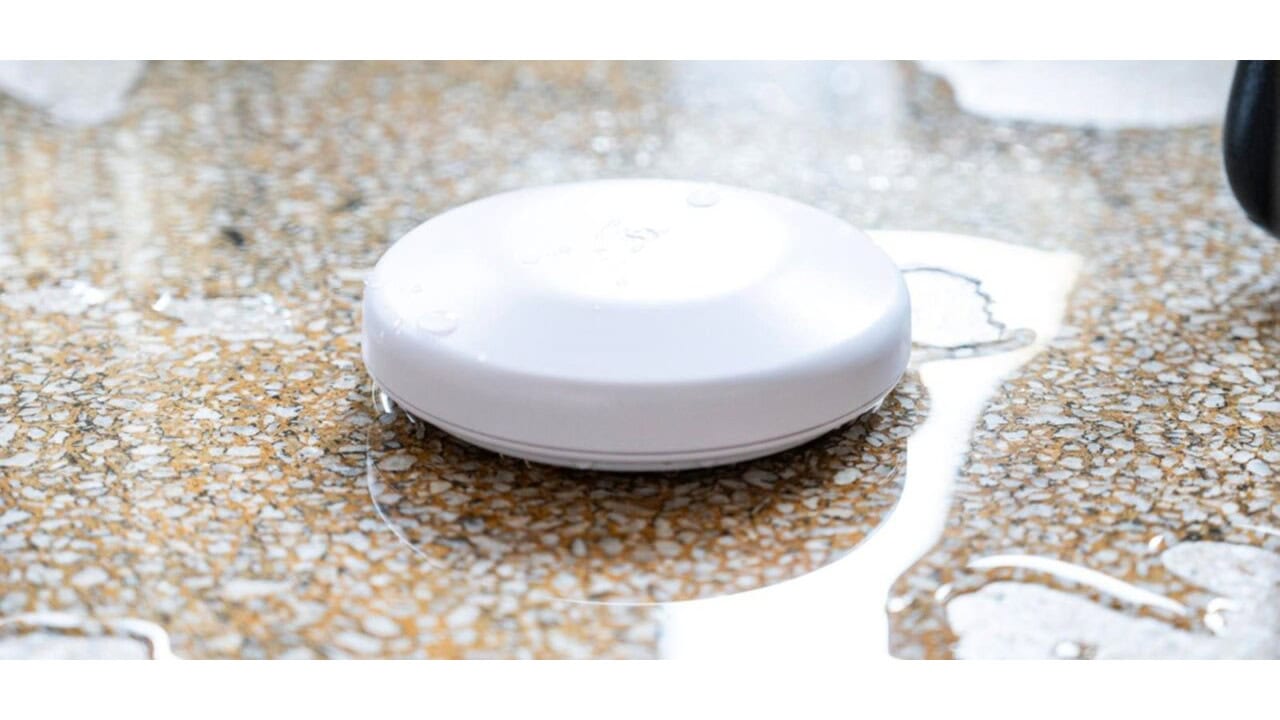
Shelly’s new Flood S Gen4 is a small, battery-powered water leak sensor that focuses on wide smart home support, fast alerts, and better detection of tiny leaks than most pin-style sensors. It is built for those hidden spots where a slow drip can turn into a very expensive repair, like under washing machines, sinks, toilets, or near air conditioning units.
Instead of the usual two tiny metal pins, the Flood S Gen4 uses three large stainless steel contact pads across the bottom. That larger contact area helps it pick up very small amounts of water, including cleaner or low-conductivity water such as condensation from AC systems, which many basic sensors struggle with. The pads sit almost flush with the floor, so even a thin film of water can trigger it.
When the sensor detects water, it can trigger a built-in alarm and send notifications to your phone through your smart home platform. You can also tie it into automations so other devices respond right away, such as cutting power to a device or shutting off a smart water valve if your wider setup supports that. The unit runs on a single CR123A battery, with Shelly rating it for up to two years of operation before you need to swap the battery.
On the connectivity side, the Flood S Gen4 runs either Zigbee or Matter over Wi-Fi, and it is one or the other rather than both at once. It ships in Matter firmware by default, and pressing the button five times rapidly switches it over to Zigbee, or back. That choice is what lets it slot into a lot of different smart home ecosystems. Shelly lists compatibility with Amazon Alexa, Google Smart Home, and Samsung SmartThings, alongside Shelly Cloud and Home Assistant, and the Matter path also brings leak alerts into Apple Home. That broad support is useful if you have a mixed-brand smart home or if you think you might switch ecosystems later.
Home Assistant users get another option, because the Flood S Gen4 can be added locally without pairing through Matter or Zigbee at all. That is appealing if you prefer to keep your automations local on your own hub and reduce reliance on outside services. Local control can also help cut down on alert delays if your internet connection goes down but your home network stays up.
Getting the Flood S Gen4 working is a straightforward process, as long as you have a compatible platform and a place to put it where water will collect first. You pick your ecosystem path: Matter over Wi-Fi into Apple Home, Zigbee into a Zigbee hub after five quick button presses to flip the firmware and three more to open inclusion mode, or direct local pairing with Home Assistant. Alexa users can also reach the sensor through Shelly’s own integration, which exposes it as a contact sensor. From there, you add the sensor to your chosen platform using its normal “add device” or “pair new accessory” flow, then place the unit flat on the floor under or behind the appliance or fixture you want to watch. Once paired, you can set up notifications and any automations your platform supports, so that when those stainless steel pads touch water, you hear the alarm and see alerts before a small leak becomes a big mess.
View the original press release.