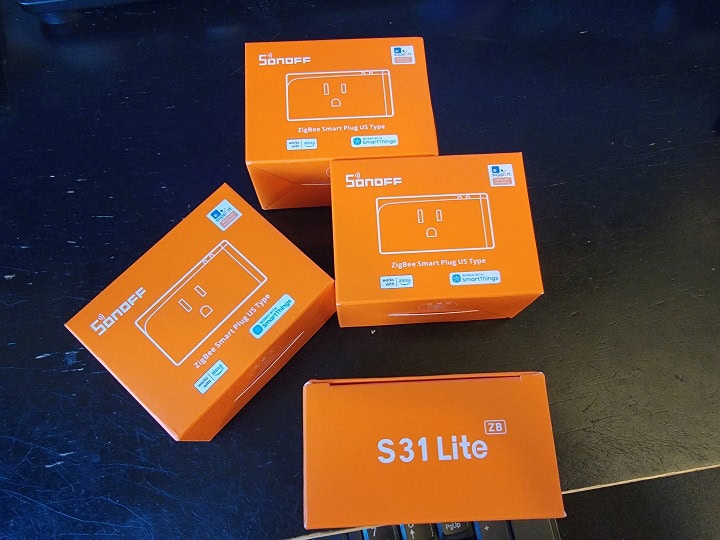
The Sonoff S31 Lite ZB is a Zigbee 3.0 smart plug that handles basic on/off control and nothing else: no energy monitoring, no extra sensors. It also works as a Zigbee router, so every plug you add helps repeat signals to battery-powered sensors and bulbs elsewhere in your home.
It’s a good fit if you just need dependable scheduled on/off control for lamps, fans, or holiday lights and you already run a Zigbee hub like Home Assistant, SmartThings, or a Sonoff bridge. Skip it if tracking how much power something draws matters to you, since this plug can’t measure that at all.
At a street price generally under $15, the S31 Lite ZB is still one of the cheapest ways to add a Zigbee outlet to your network. This review covers what it does well, where it falls short, and how it stacks up against newer Sonoff Zigbee plugs.
About the Sonoff S31 Lite Smart Plug
Product Features:
- Zigbee connectivity (requires a Zigbee hub)
- 15A / 120V (1800W max)
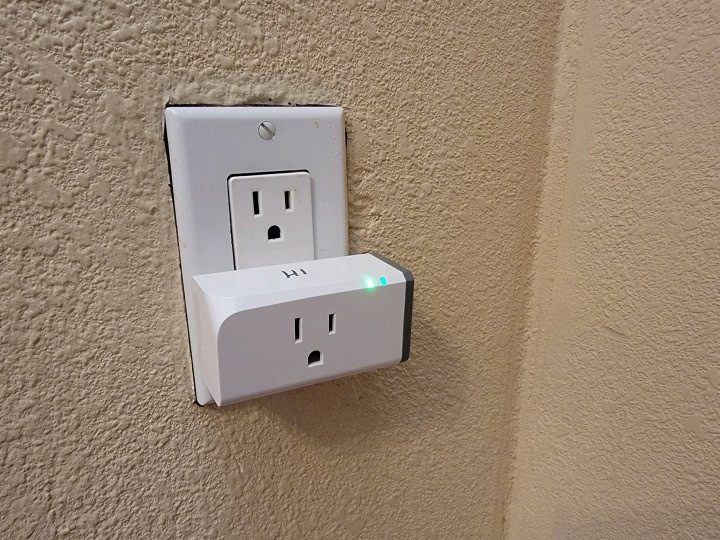
- slim profile so it doesn’t block another outlet
- works with Alexa, Google, SmartThings, Home Assistant
Sonoff S31 Lite Smart Plug Details

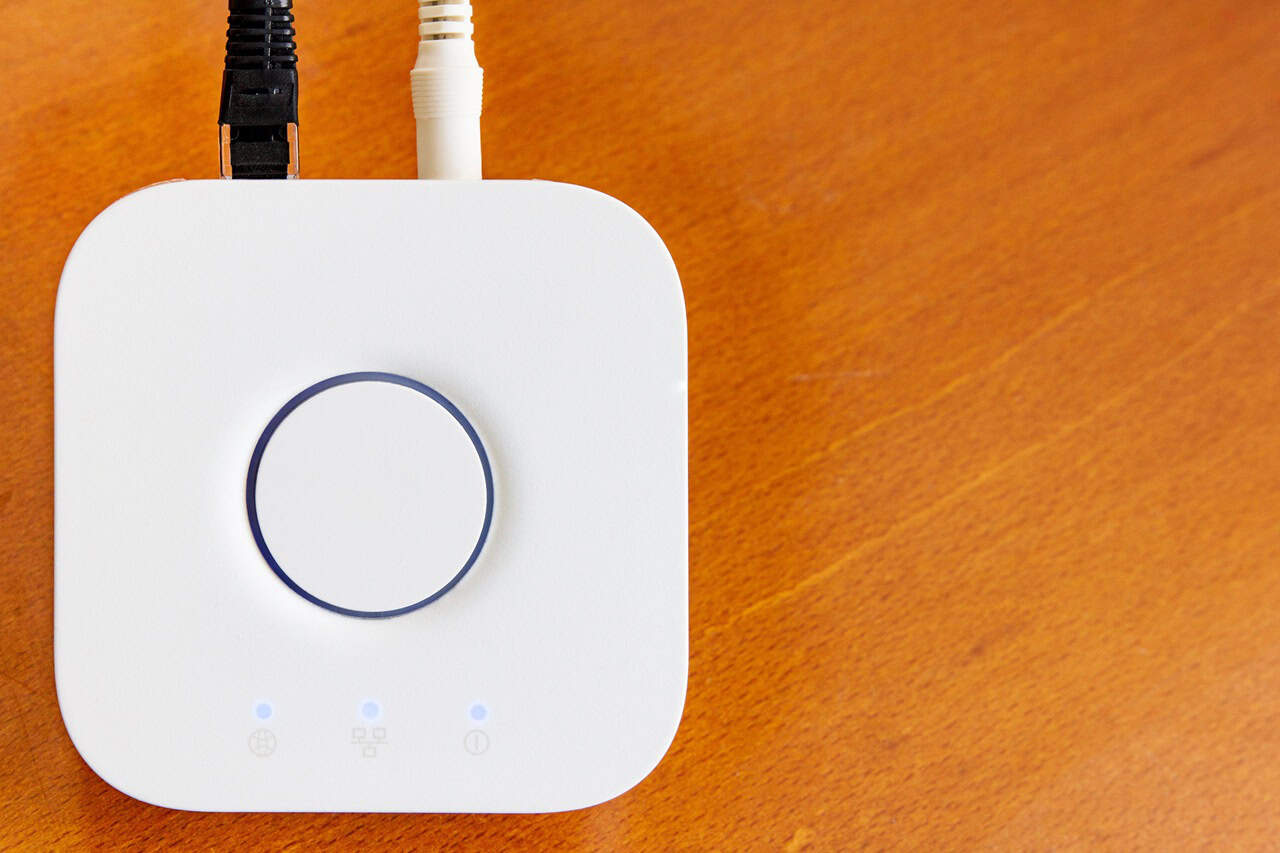
The Sonoff S31 Lite Smart Plug is a compact and affordable smart plug built for Zigbee-based smart home systems. Unlike Wi-Fi plugs, it connects via Zigbee, which allows for faster response times, better reliability, and lower power consumption. It works with Zigbee hubs such as the Sonoff Zigbee Bridge, the Phoscon Conbee II, and SmartThings, making it a great choice for those who prefer local control of their smart home devices. However, this does mean that you would need a Zigbee hub in order to connect this device to smart home assistants like Alexa, Google Home, and more.
The compact design of the S31 Lite Smart Plug means it does not block adjacent outlets, making it much more practical. They do act as Zigbee repeaters, so help to add stability and redundancy into your Zigbee mesh network. The plug’s scheduling feature allows you to set timers for your appliances, which can help in saving energy. The smart plug is designed to work with a variety of household devices, making it a versatile choice for those looking to add smart functionality to their home.
Sonoff S31 Lite ZB Quick Specs
| Spec | Detail |
|---|---|
| Protocol | Zigbee 3.0 |
| Max Load | 15A / 1800W at 120V |
| Energy Monitoring | None |
| Zigbee Router/Repeater | Yes |
| Hub Required | Yes, a Zigbee coordinator such as a Sonoff bridge, SmartThings hub, or a Home Assistant Zigbee dongle |
| Design | Slim profile, doesn’t block the adjacent outlet |
Our Review
I got the Sonoff S31 Lite Smart Plugs to help with my holiday decorations, where I needed a few more smart plugs to turn things on and off at scheduled times. Setting them up was a breeze, and getting them to work with Home Assistant was even easier. I can’t really comment on how they work with the Sonoff app or with Google Home or Alexa since I didn’t use those. But once I had everything set, the plugs just did their job without any fuss. The devices turned on and off as scheduled, and I didn’t have to think about them again.
These plugs do act as Zigbee network repeaters, so that was a nice benefit of them. Having more repeaters in your Zigbee network helps to make your network more stable. Instead of being dependent on a single router to relay signals, Zigbee is a mesh network with repeaters being able to relay signals for you. So if one repeater goes down, other repeaters in the network can keep the network running smoothly.
One thing I did notice is that these plugs don’t track power usage. I have some other Zigbee smart plugs that show how much power is being used, which is useful for things like knowing if my washing machine is still running. So, if tracking power usage is important, you might want something different. Other than that, these plugs worked perfectly for my needs.
What Others are Saying
As of publishing time, the Sonoff S31 Lite ZB has a 4.4-star rating on Amazon with over 300 reviews, largely praised for its easy setup and reliable on/off functionality. Home Assistant users, in particular, find it simple to integrate, and its compact design allows for convenient use without blocking adjacent outlets. However, while it works well as a basic smart plug, several users report issues with its Zigbee repeater functionality. Many found that it does not effectively strengthen their Zigbee mesh network, with weak signal strength and poor routing for nearby battery-powered devices.
Another common complaint is the lack of energy monitoring, which some buyers assumed was included. Additionally, some users noted that the plug sends excessive duplicate Zigbee messages, which could clutter a busy network. The always-on LED indicator is another minor annoyance, as it cannot be disabled in certain integrations like Zigbee2MQTT. Despite these drawbacks, the Sonoff S31 Lite ZB is still a solid option for those needing an affordable Zigbee smart plug, but users looking for stronger repeater performance or energy monitoring may want to explore alternatives.
S31 Lite ZB vs S40 Lite ZB vs iPlug S60
All three of these are SONOFF Zigbee smart plugs, but only one of them tracks power use, and it is not sold in a US plug shape. The S31 Lite ZB and S40 Lite ZB cover the same job: basic on/off control and Zigbee mesh repeating, nothing more.
| Model | Max Load | Energy Monitoring | Zigbee Router | US Plug Type |
|---|---|---|---|---|
| S31 Lite ZB | 15A / 1800W | No | Yes | Yes |
| S40 Lite ZB | 15A / 1800W | No | Yes | Yes |
| iPlug S60 (Zigbee) | Up to 16A / 4000W | Yes | Yes | No, EU/UK only |
The S40 Lite ZB is SONOFF’s newer plug in the same no-monitoring category. Load rating and Zigbee behavior match the S31 Lite ZB, so picking between them mostly comes down to whatever is in stock when you shop.
The iPlug S60 is SONOFF’s first Zigbee plug that actually measures power, voltage, and total energy through the eWeLink app. The catch for US shoppers: SONOFF currently sells the Zigbee S60 only in EU (Type E/F) and UK (Type G) plug shapes, so it is not a drop-in option for an American outlet.
If energy monitoring matters more than staying in the SONOFF family, our roundup of 8 Smart Plugs That Track Home Energy covers Zigbee and Wi-Fi options sold with a US plug.
Zigbee2MQTT vs ZHA: How the S31 Lite ZB Pairs
Both Zigbee2MQTT and Home Assistant’s ZHA integration handle the S31 Lite ZB the same way: as a simple on/off switch. Pairing happens on the Zigbee radio, not in the software, so the steps are nearly identical no matter which one you run.
To pair, put your coordinator into pairing mode first, then press and hold the plug’s button for about 5 seconds until its LED cycles through two short flashes and one long flash. Release the button and the plug should join within a few seconds.
In Zigbee2MQTT, the plug shows up under the model S31ZB and exposes only a switch, with an optional timed shutoff. There is no power or voltage field to expose, since the hardware itself has no metering chip.
ZHA recognizes the same generic Zigbee on/off cluster, so it also treats the plug as a basic switch entity. If you have not set up Home Assistant yet, our guide to getting started walks through installing it before you add Zigbee hardware.
What about Matter?
No, the S31 Lite ZB does not speak Matter on its own. It is a Zigbee-only device, and Zigbee and Matter are different protocols that do not talk to each other directly.
SONOFF’s Zigbee plugs can still join a Matter setup indirectly, through a bridge like the SONOFF Zigbee Bridge Ultra. That bridge is Matter certified and translates other Zigbee devices, including this plug, onto a Matter fabric that Apple Home, Google Home, and Alexa can all see.
SONOFF’s native-Matter plugs are a separate Wi-Fi line instead, like the iPlug Gen2 S41s. If you want a plug that joins Matter without a bridge, that is the family to look at, not the Zigbee S31 Lite ZB. For more on how Zigbee and Matter fit together, see our post on Is Zigbee Being Replaced by Thread?
Pros and Cons of the Sonoff S31 Lite Smart Plug
| Pros | Cons |
|---|---|
| Acts as a Zigbee repeater | Doesn’t have energy monitoring |
| Simple to setup | Requires a Zigbee hub |
| Affordable | Always-on LED light |
| Local control of devices | Limited automation options in app |
| Compact design |
FAQ
Does the S31 Lite ZB work with Alexa or Google Home?
Only through a compatible Zigbee hub, not directly. Alexa works if you pair the plug to an Echo device with a built-in Zigbee hub or through SmartThings, and Google Home needs a bridge like Home Assistant since it does not speak Zigbee on its own.
Does it monitor energy use?
No. The S31 Lite ZB only turns on and off. SONOFF’s iPlug S60 is the Zigbee model in this lineup that actually tracks power, though it is not sold in a US plug shape.
Does it work without a hub?
No. Zigbee devices always need a coordinator or hub to talk to your phone or a voice assistant. There is no direct Wi-Fi or Bluetooth connection on this plug.
What is the max load?
15A at 120V, or 1800W for resistive loads like lamps and space heaters. Do not exceed that rating, especially with anything that draws a steady high current.
Does it act as a Zigbee repeater?
Yes. It functions as a Zigbee router, so it can relay signals for other Zigbee devices in range, which helps battery-powered sensors and bulbs stay connected.
Summary
The Sonoff S31 Lite ZB is an affordable and reliable option for basic on/off control. It’s easy to setup, budget friendly, and allows for local control of devices. Its compact design makes it convenient to use, but it has some drawbacks. It does not function well as a Zigbee repeater, lacks energy monitoring, and some users report excessive Zigbee message duplication. While it’s a good choice for simple automations, those needing stronger network performance or advanced features may want to consider other options.