Matter is worth trusting for basic smart-home gear like lights, plugs, and simple sensors, but it still feels shaky for locks, cameras, and bigger setups. Backed by Apple, Google, Amazon, and Samsung through the Connectivity Standards Alliance (CSA), Matter has made real progress but still leaves gaps once you move past simple on/off control. Here is where Matter is ready for your home and where you might want to wait.
What Matter Actually Is
Matter is a shared smart-home standard that many big brands agreed to use, allowing multiple devices from different brands to communicate with each other.
Matter is an IP-based protocol backed by major brands
Matter is an IP-based protocol from the Connectivity Standards Alliance, backed by Apple, Google, Amazon, Samsung, and dozens of device makers. It rides on tech you already know, like Wi‑Fi, Ethernet, and Thread, instead of creating a totally separate network. That means a Matter bulb or plug can, in theory, talk to an Apple HomePod, a Google Nest Hub, an Amazon Echo, or a Samsung SmartThings Hub using the same basic language.
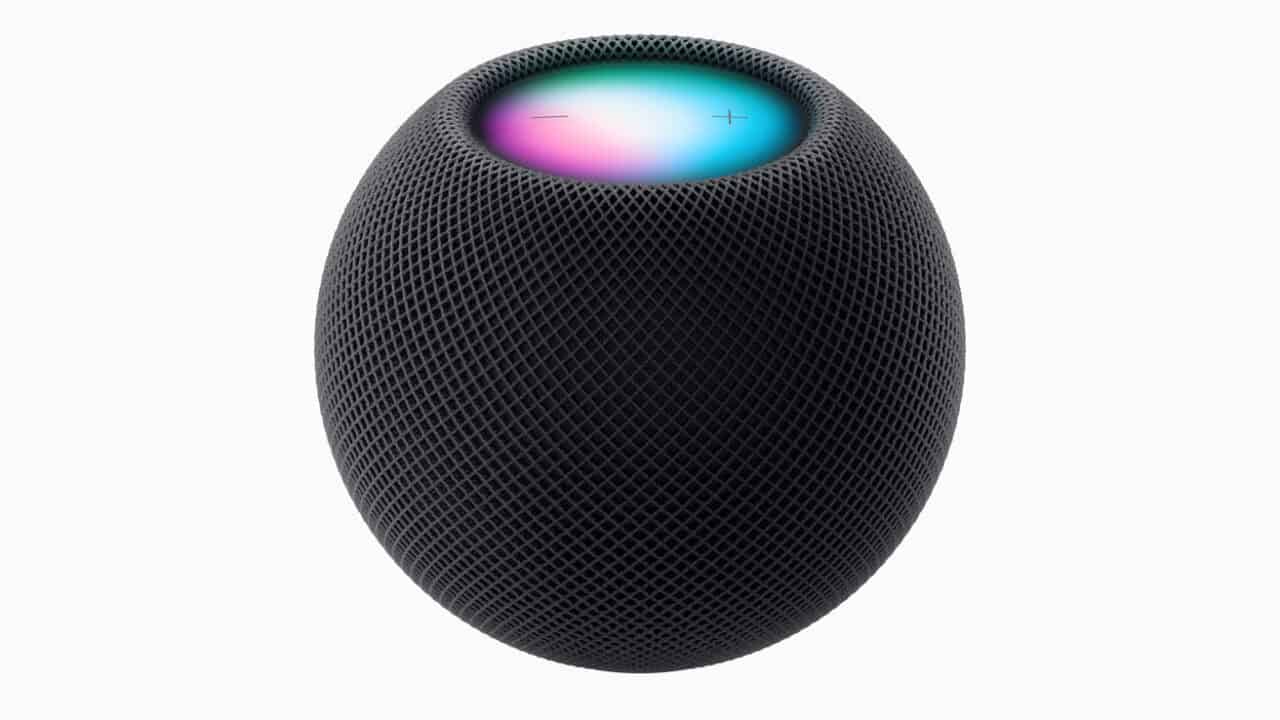
Big names already ship Matter support in software: iOS 16.1 added it to the Home app, Google added it to recent Nest Hubs and Nest Wifi Pro, Amazon pushed it to many Echo speakers, and Samsung baked it into newer SmartThings hubs and TVs. You still need a compatible “controller” for each platform, like a HomePod mini for Apple Home or an Echo for Alexa. But once that is in place, a single Matter-certified device can be onboarded by more than one ecosystem without buying a different version.
After roughly five years of work, the realistic promise of Matter is simpler setup and basic cross-platform control, not a magical “everything works the same everywhere” experience. You should be able to scan one QR code, add a device to Apple Home, and then pull that same device into Google Home or Alexa without resetting it. Core functions like on/off, dimming, and simple scenes are meant to carry across apps, which helps with basic lights, plugs, and some locks and sensors.
Where things still fall short is advanced features and deep integrations. A Matter light strip might expose simple color and brightness controls in every app, but advanced effects, music sync, or camera-linked automations may stay locked to the brand’s own app or a specific platform. Each ecosystem still decides which Matter features it supports and how they show up, so your experience with the same gadget can feel different in Apple Home, Google Home, Alexa, and SmartThings.
Where It Works Today
Matter is reliable enough right now for smart bulbs, plugs, and basic sensors, especially if you care about simple on/off control and automations.
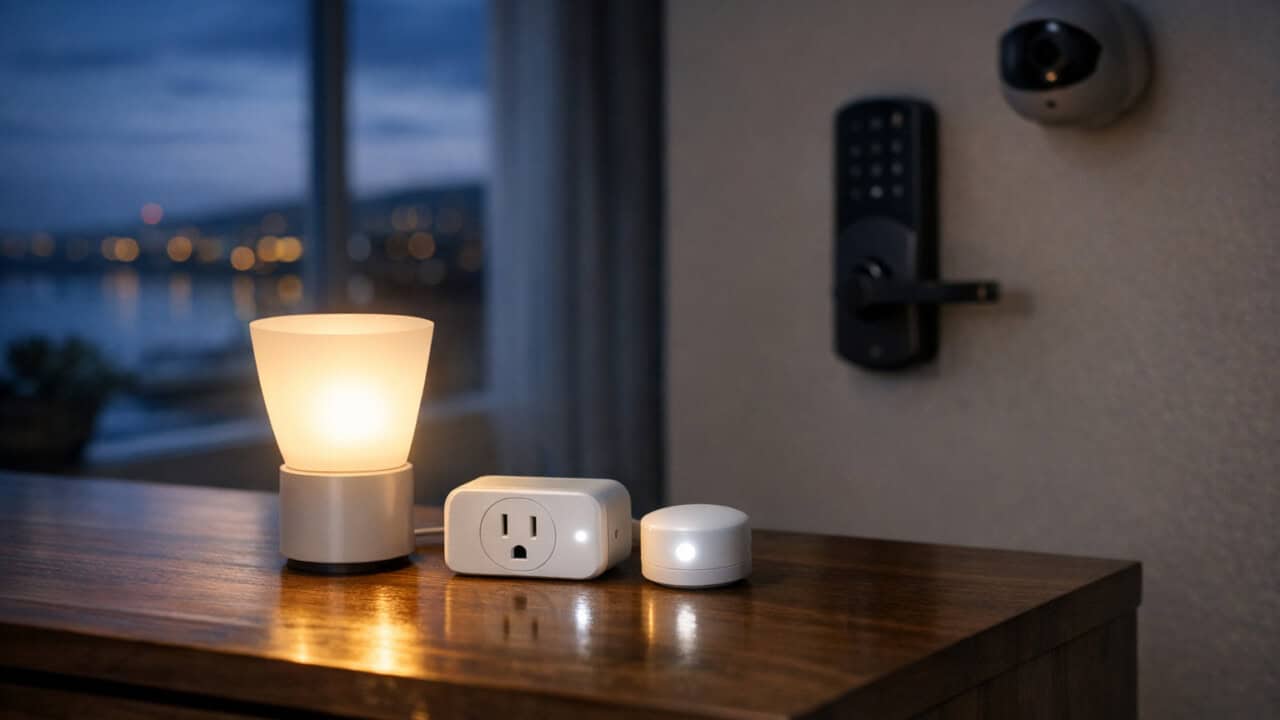
For lights and plugs, Matter covers the basics most people actually use: turning devices on and off, dimming, scenes, and schedules across different brands. You can buy a Matter-ready color bulb from a big brand and expect it to work with Apple Home, Google Home, Amazon Alexa, and SmartThings through one standard. Smart plugs are similar, handling lamps, fans, and coffee makers without extra hubs as long as they support Matter over Wi‑Fi or Thread. These device types rely on features Matter has had since the early versions, so they tend to behave more predictably than newer categories.
Simple sensors, like contact sensors for doors and windows, motion sensors, and basic temperature or humidity sensors, also fit well into Matter’s comfort zone. Their main jobs are to report status quickly and trigger automations, and Matter handles those events reliably on Wi-Fi or Thread. That means routines like “turn on hallway light when motion is detected after 10 p.m.” usually work the same, even if your sensor and light come from different brands. For most homes, this is where Matter feels closest to “set it and forget it.”
Even basic Matter devices vary widely by vendor
Matter solves the standard, not hardware quality. Some of the cheapest Matter-over-Thread devices hitting shelves in late 2025 and early 2026 have shipped with elevated DOA rates, flaky pairing, and units that just stop showing up after a few weeks. The protocol is fine; the antenna design, firmware updates, and basic build quality from low-cost vendors often are not. If you are filling rooms with sub-$10 sensors and sub-$15 plugs, expect a higher fail rate, and budget time for swapping units that will not stay connected. Stick with brands that have been making smart-home gear for several years, and always check the reviews! This way you can get the “set it and forget it” experience, even if you pay two or three times more per device.
Matter’s Biggest Struggle is Versioning
One of the bigger struggles with Matter devices is actually hub versions. Different vendors have different versions of the Matter standard available on their hubs, and this dictates what capabilities are available. If your hub doesn’t support a version, you won’t get the functionality.
Where It’s Still Rough
Matter 1.3 expanded beyond simple on/off and added support for more detailed energy, water, and appliance controls, which helps with better monitoring of what devices are doing. This version introduced new device types like energy-focused hardware and some appliance classes so your smart home can track usage data, not just switch things on and off. For example, an energy-aware plug or appliance can report how many watts it is using so your app can show trends over time. Water-related devices can report flow or leak status through the same Matter path instead of separate, brand-specific setups.
Matter already included smart door locks in earlier versions; Matter 1.4 expanded the spec in other areas rather than newly adding lock support. That change is meant to let a single lock work with multiple platforms without juggling different apps or bridges. Matter 1.5 brought cameras into the spec, covering core features like live video and related camera capabilities. These newer categories are still catching up in real products, but they show Matter stretching beyond lights and switches.
Locks and cameras are closer, but depend on your platform’s Matter support and your app
Smart locks and security cameras over Matter are no longer “future features,” but they still work best only in very specific setups. A lot of the newer camera features land in Matter 1.5, while lock support has existed in Matter earlier and still depends on each platform to flip the switch. For example, a lock that says “Matter-ready” on the box may only support basic lock and unlock in your favorite app, while another app can handle PIN codes, auto-lock, and status history. You end up needing to dig into release notes instead of just trusting the logo on the box.
Support also depends heavily on which app you use as your main smart home controller. One brand’s app might expose advanced features like user codes, one-time guest access, and battery alerts, while another only shows “locked” or “unlocked.” Cameras are even more uneven: some platforms only see them as simple motion sensors, while others are starting to add streaming, privacy modes, and basic automation triggers. Until newer Matter support rolls out across Apple Home, Google Home, Alexa, SmartThings, and others, you can still run into missing options on locks and cameras that work fine in their original apps.
Most hubs are running behind on Matter versions
Matter 1.5 added cameras in November 2025, but most ecosystems shipping Matter today are still running older Matter versions for many device categories. Apple Home, Google Home, Alexa, and SmartThings each roll out new Matter version support on their own timelines, and “Matter 1.5 cameras shipped” headlines are misleading if your hub is still on Matter 1.3 or 1.4 for that category. Before you buy a Matter 1.5 camera or a 1.4 energy device, check your hub vendor’s actual supported Matter version, not just whether they “support Matter.” SmartThings and Amazon tend to roll out new Matter versions faster than Apple Home, which is more conservative. If you are an Apple-first household, expect a real gap between a Matter spec release and your devices actually showing those new features in the Home app.
Multi-hub Thread setups still get messy
Running multiple Thread border routers in the same home can still cause random slowdowns, missing devices, or “accessory not responding” errors. You might have a Nest Hub Max, an Apple TV 4K, and a SmartThings hub all acting as Thread routers, and they do not always agree on which one should handle which device. Some people see battery-powered sensors hop between hubs and drop automations, or notice that a lock takes several seconds to respond to a command. The problem is not that Thread is bad, but that each platform manages its own Thread network slightly differently.
SmartThings started shipping two-way Thread unification in October 2025 to help combine separate Thread networks into one, and that helps, but it does not fix every mix of hubs. If you run SmartThings alongside Google and Apple gear, you can still end up with overlapping networks that are hard to debug without developer-level tools. For now, the most reliable setup is often to limit how many Thread border routers you rely on, or at least avoid having them scattered in every room. Matter is meant to let your different hubs work with the same devices, but multi-hub Thread homes can still feel more fragile than a single-hub system with classic Wi‑Fi or Zigbee.
Matter tl;dr
So should you trust Matter yet?
For everyday lights, plugs, and sensors, yes. For locks and cameras, yes, as long as you are willing to live with some missing features across apps. For more complex, multi-hub Thread setups, be ready to tinker or keep things simpler for now.
No, it usually is not worth switching working Zigbee and Z‑Wave devices over to Matter yet. Most of the time you would need new hubs or bridges, and you might lose some advanced features or reliability compared to keeping those devices on their native protocols for now.
For multi-hub homes with lots of Thread gear or if you are looking for the newest features, the answer is “not quite.”
Matter itself is fine, but Thread routing and border router behavior can still be tricky when you mix hubs from several brands. You may save yourself some headaches by limiting how many Thread border routers you run, or by picking one platform to be your main Thread backbone.
For locks and cameras, the answer is “mostly,” with some real caveats. You want hardware that clearly supports Matter for locks or Matter 1.5 for cameras, and you need to check how your main app handles those features. Expect basic control and status to work, but plan to keep the brand app around for setup, firmware updates, and some advanced options.
In Summary
Matter is ready to trust for simple stuff like lights, plugs, and basic sensors, but it is still shaky for locks, cameras, and bigger multi-hub setups. If you are just starting or expanding a basic smart home, look for Matter logos on bulbs, plugs, and sensors that use Wi‑Fi or Thread and work with your main app. For locks, cameras, and anything security-related, stick with brand-native setups or well-reviewed non-Matter options until your preferred platform clearly supports the newer Matter versions. And if you already have a stable Zigbee or Z-Wave setup, keep it in place and add Matter slowly around the edges instead of ripping everything out.