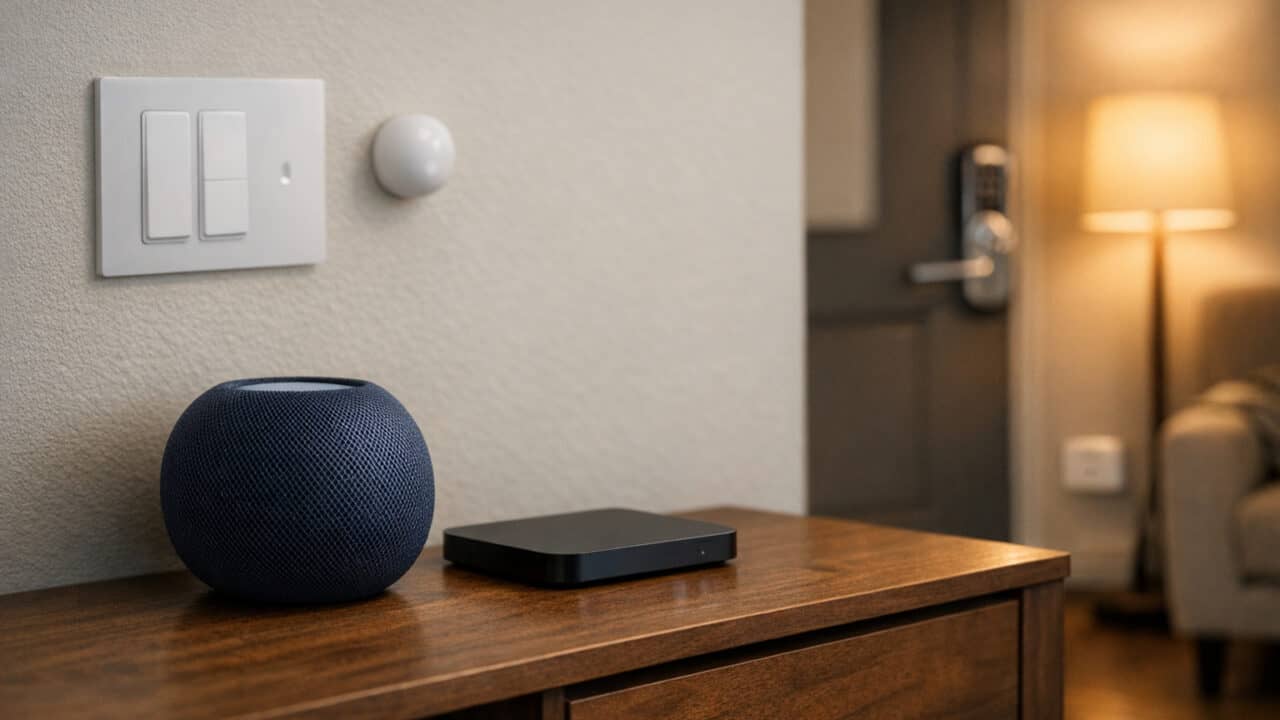
These Apple Home setup essentials give you a complete starter kit that actually works together, from your main hub and speaker to lights, lock, plugs, switches, and even a presence sensor. With gear like the Apple HomePod 2 in Midnight and the Apple TV 4K 128GB Wi‑Fi+Ethernet as your Thread and Matter backbone, you can build a stable smart home that feels fully native to your iPhone and iPad. Keep reading to see how each piece fits into a clean, reliable Apple Home setup.
Apple Home Speaker With Built‑In Thread Radio

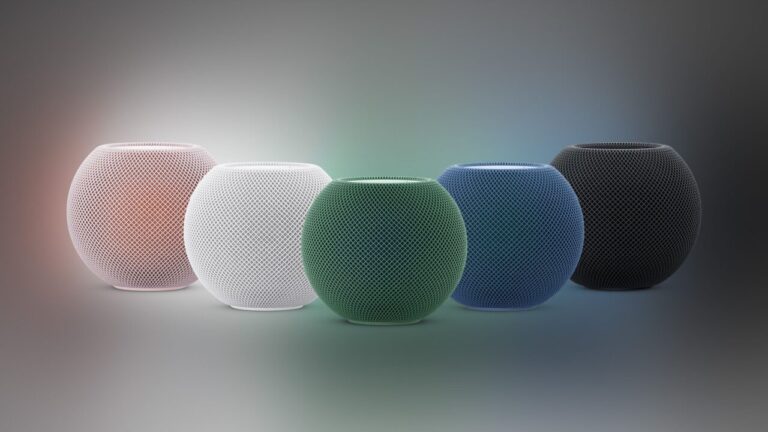
Apple Home Speaker With Built‑In Thread Radio in Midnight is your main Apple Home speaker and a Thread border router in one box. It uses a 4-inch high‑excursion woofer and five horn‑loaded tweeters to give you rich bass and clear sound for music, TV audio, and alerts.
With Siri and a four‑microphone array, you can control lights, plugs, locks, and scenes by voice, and it acts as a HomeKit/Matter hub with a built‑in Thread radio for supported accessories. You also get simple tap controls on the top, sound recognition alerts, and privacy features that keep your personal data on lock while it runs your whole Apple Home setup in the background.
Apple TV Home Hub With Thread And Matter
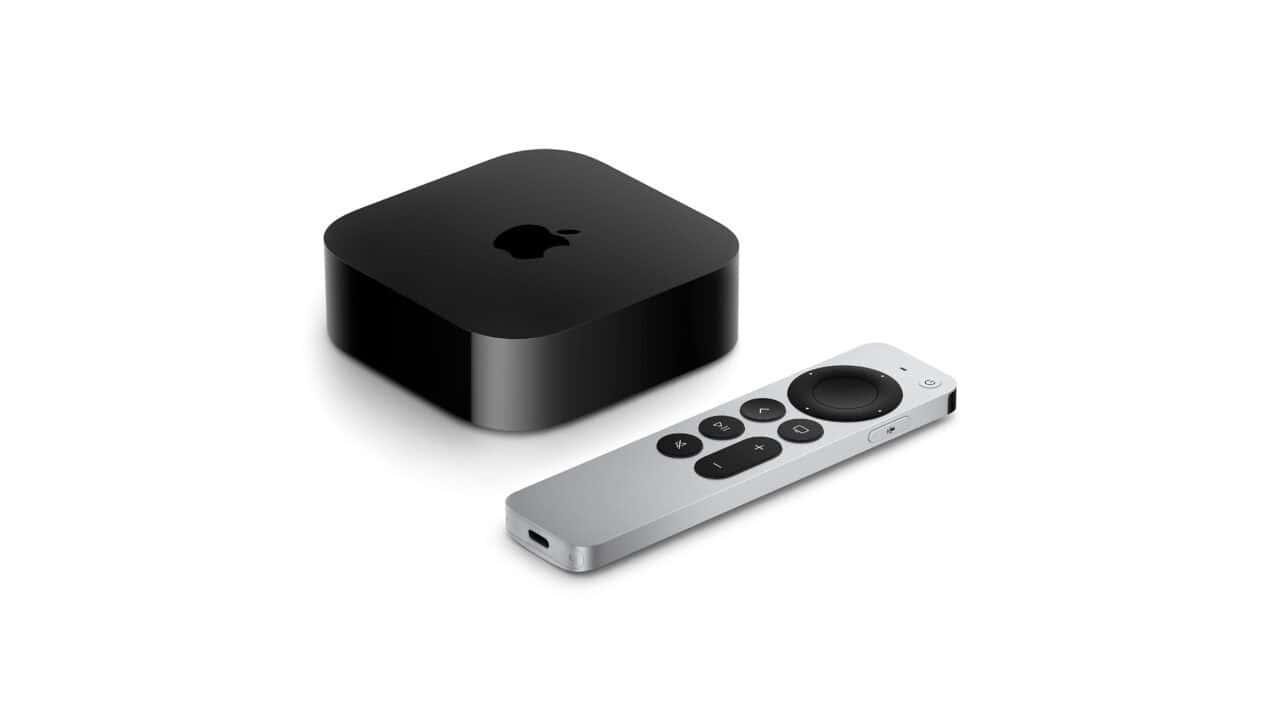
Apple TV Home Hub With Thread And Matter 128GB Wi‑Fi+Ethernet is the streaming box that also acts as a HomeKit/Matter hub and Thread border router for your Apple Home. This specific 128GB Wi‑Fi+Ethernet model is the one you want for Thread; the cheaper 64GB Wi‑Fi‑only version does not have Thread support. With this box on your network, Thread gear like your HomePod 2 and compatible accessories can form a fast, low-power mesh, and Matter devices like the Linkind smart plugs can show up in the Home app with no extra bridges. It also pulls double duty as your main TV streamer, so you get both Apple TV streaming and a smart home brain in one box.
Color Smart Bulbs For Apple Home Lighting
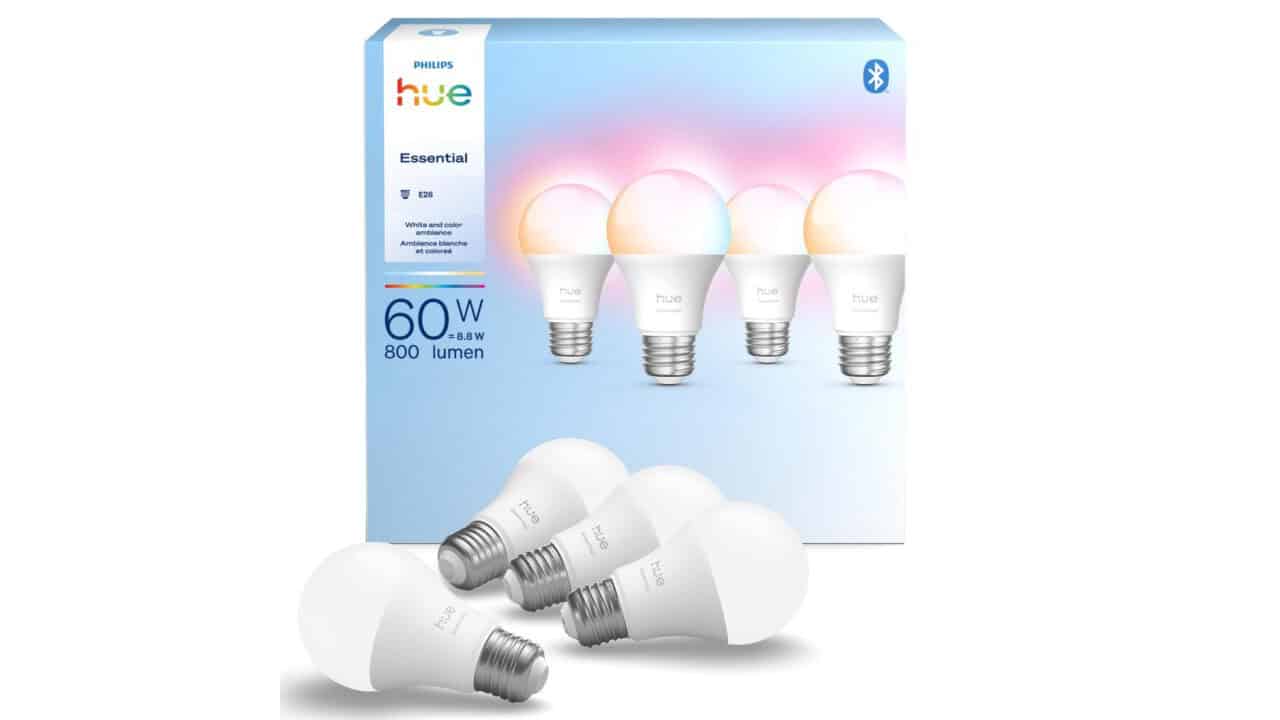
These Philips Hue Essential E26 A19 4-pack give you four white and color Zigbee bulbs you can drop into standard E26 lamps for Apple Home scenes and automations. These are full color bulbs, so you can set warm white for evenings, bright cool white for work, or color scenes that match movies, holidays, or focus time.
These bulbs do not join Apple Home on their own and always need the separate Philips Hue Bridge (about $60) in the mix. In an Apple Home starter setup, you connect the bulbs to the Hue Bridge in the Hue app, then add the Hue Bridge to the Home app so all four bulbs show up alongside your HomePod 2, Apple TV 4K, smart plugs, and switches.
Apple Home‑Ready Smart Lock With Home Key
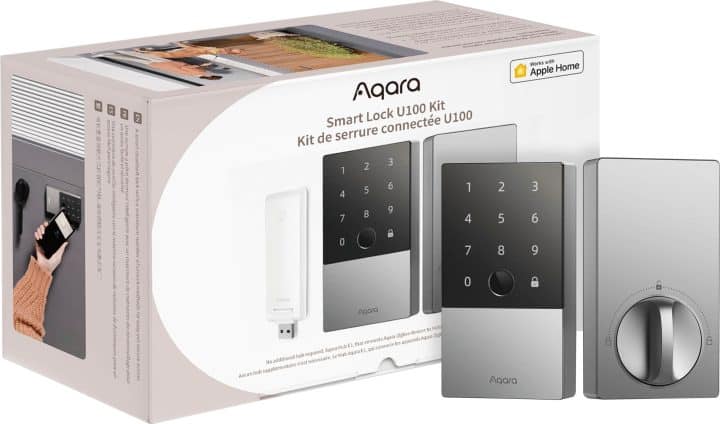
The Apple Home‑Ready Smart Lock With Home Key is a HomeKit-compatible deadbolt that lets you unlock your door with Apple Home Key using a tap of your iPhone or Apple Watch. It connects to Apple Home over Bluetooth, so you do not need an extra hub just to lock and unlock through the Apple Home app or to set guest codes. The lock also includes a fingerprint reader and a touchscreen keypad, giving you multiple ways to get in if your phone or watch is not handy. For Matter, Alexa, or Google support, you need to pair the U100 with a separate Aqara Zigbee hub, but that is optional if you are sticking with an Apple-only setup.
Matter Smart Plugs For Lamps And Small Appliances
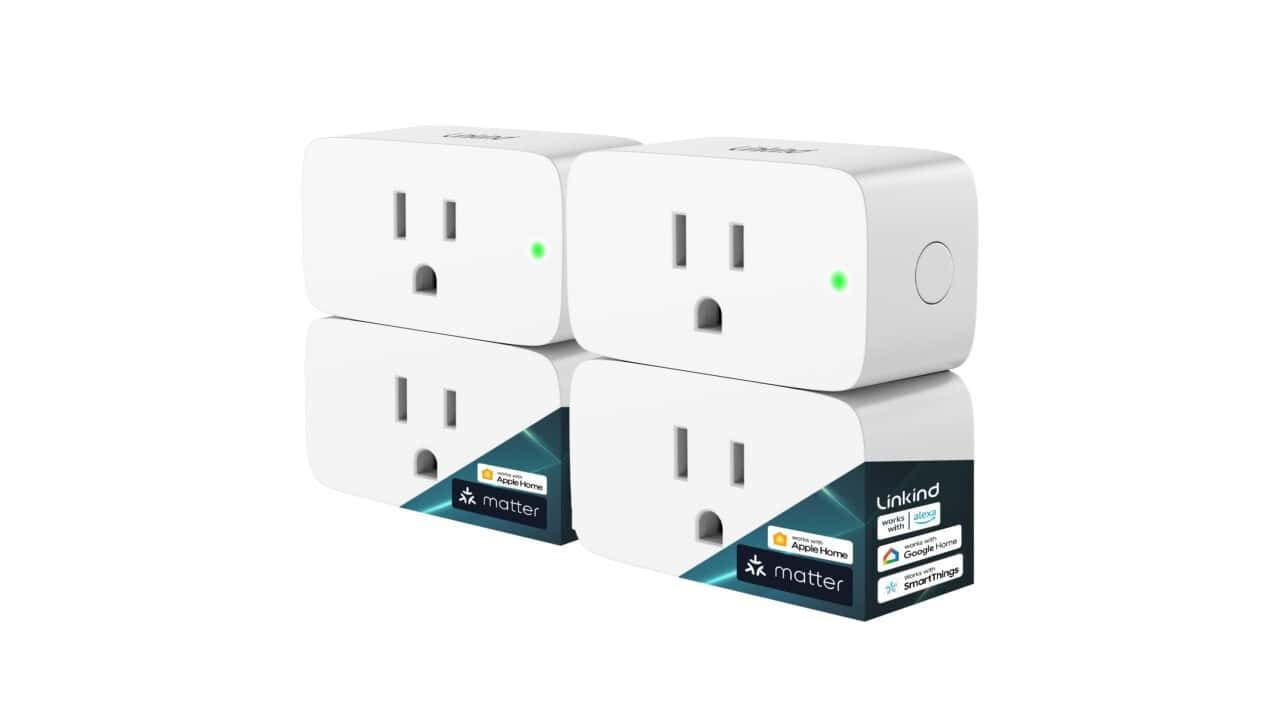
The Linkind Matter Smart Plug 4-pack gives you four 15A/1800W smart outlets that drop right into your Apple Home setup. These plugs speak Matter over Wi‑Fi, so they show up in the Home app through your Apple TV 4K 128GB or HomePod 2 acting as the Matter controller. You can use them to put lamps, fans, or a coffee maker on schedules and scenes, like “Good Morning” or “Away,” without swapping any wiring in your walls. They are especially handy for filling gaps the smart switches and Hue bulbs do not cover, so your whole space feels consistent when you use Siri or automations to turn things on and off.
Smart Lighting Hub For Wall Switches
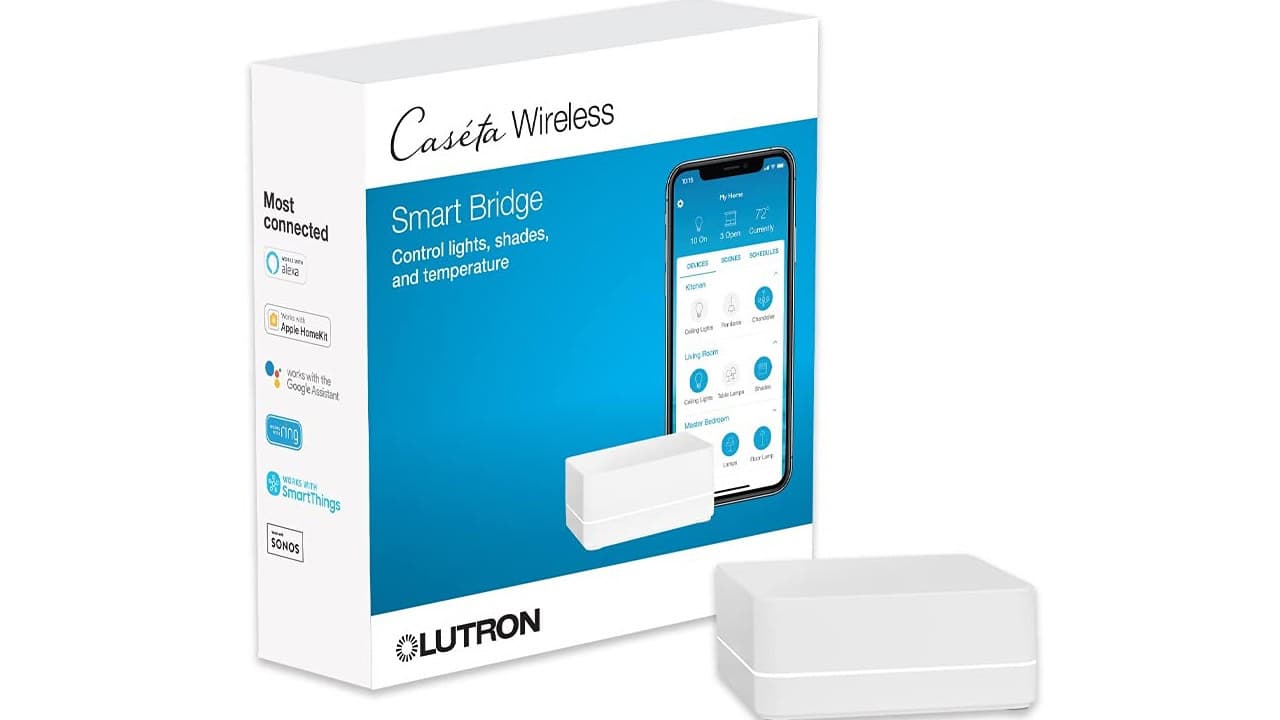
The Smart Lighting Hub For Wall Switches is a HomeKit-certified hub that connects your Lutron Caseta dimmers, switches, and Serena shades to your Apple Home setup. It plugs into an outlet, connects to your Wi‑Fi router, and supports up to 75 Caseta devices, so it can cover a whole home worth of wall switches and remotes. Once it is added to Apple Home, your Caseta lights and shades show up alongside your HomePod, Apple TV, Hue bulbs, and smart plugs for scenes, automations, and Siri control.
This hub uses Lutron’s Clear Connect radio, which keeps your Caseta gear off your main Wi‑Fi and helps keep things reliable when you start adding a lot of other smart devices. From the Lutron app or the Apple Home app, you can schedule lights based on time of day, set “goodnight” or “away” scenes, and use geo-fencing so lights turn on as you arrive or turn off when you leave. For this 8-piece Apple Home starter, the L-BDG2-WH is the required base for the Lutron Caseta PD-6WCL dimmer switches to show up in Apple Home.
Wall Dimmer Switch For Overhead Lights
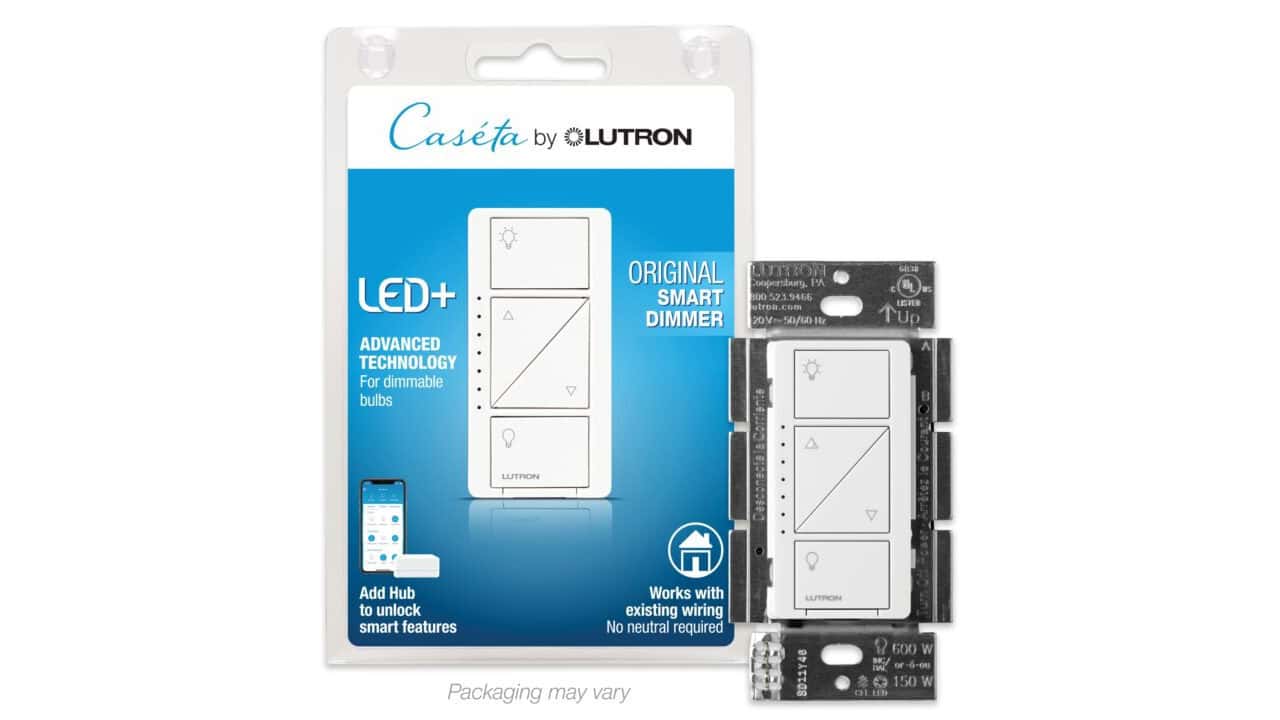
The Lutron Caseta Smart Dimmer Switch (PD-6WCL) is the in-wall dimmer that turns your existing overhead lights into a HomeKit-controlled scene without rewiring. It handles up to 150W of LED or CFL bulbs (or 600W of older incandescent or halogen) and pairs with the Caseta Smart Hub above to show up in the Apple Home app alongside your HomePod, Apple TV, and Hue bulbs.
Two install notes worth knowing: this dimmer does not require a neutral wire, so it fits in older boxes where many smart dimmers won’t work. And while it’s wired as a single-pole switch by default, you can add a Lutron Pico companion remote anywhere in the room for 3-way control without running new cables. Once it’s set up, you can dim from the wall, the Apple Home app, Siri (“Hey Siri, set the living room to 50%”), or from HomePod and Apple TV automations.
Presence Sensor For Hands‑Free Automations
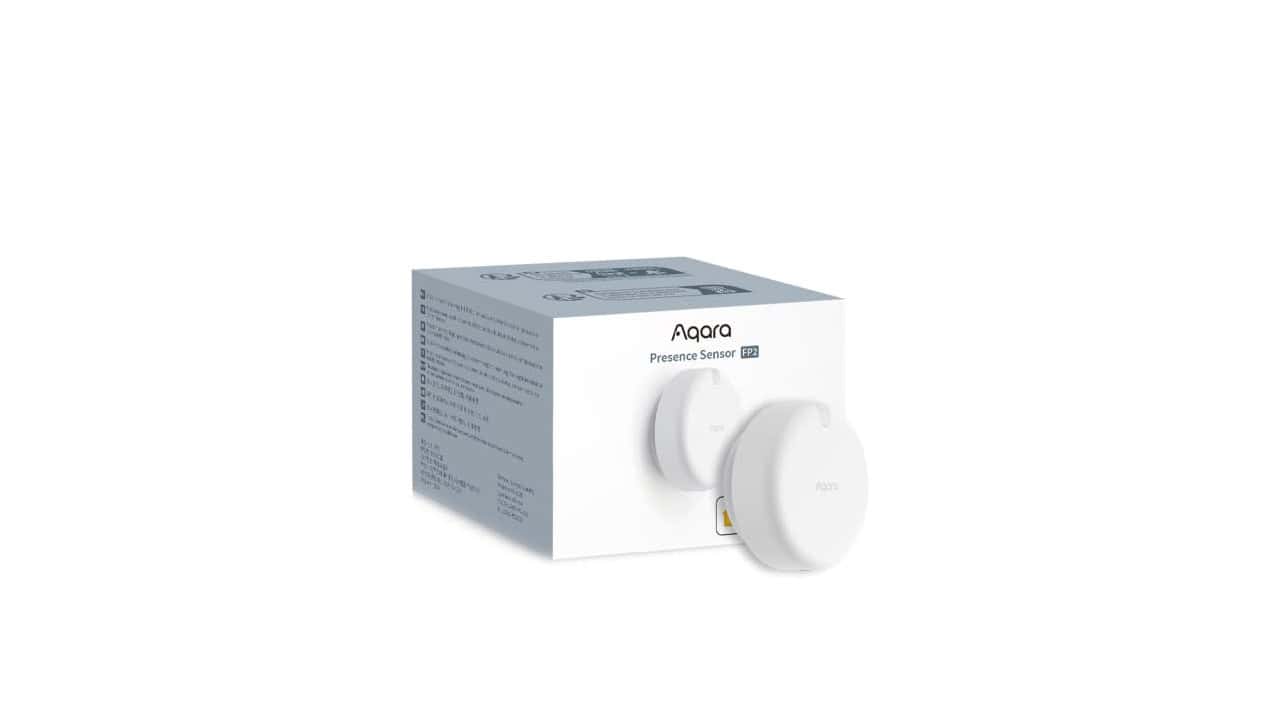
The Aqara Presence Sensor FP2 uses millimeter-wave radar over 2.4 GHz Wi‑Fi to give your Apple Home setup room-level, presence-based automations. Because it talks to Apple Home as a native HomeKit device, you do not need an Aqara hub to add it to the Home app.
This sensor can split a single room into up to 30 zones and track up to 5 people at once, so you can trigger different scenes for the couch, desk, or bed in the same space. Features like human fall recognition, sleep monitoring, and a built-in light sensor let you build smart rules such as turning lights and plugs on only when someone is actually in a specific spot, not just when motion is detected in the general area.
Summary
The single most important fact is that a solid Apple Home setup starts with a reliable hub and compatible devices. As you shop, always double‑check that accessories are labeled for HomeKit or Apple Home, and keep an eye on Matter support so your gear works across brands. Start with the basics you use every day, like lights and locks, then add more gear slowly so you can test what actually fits your routine.