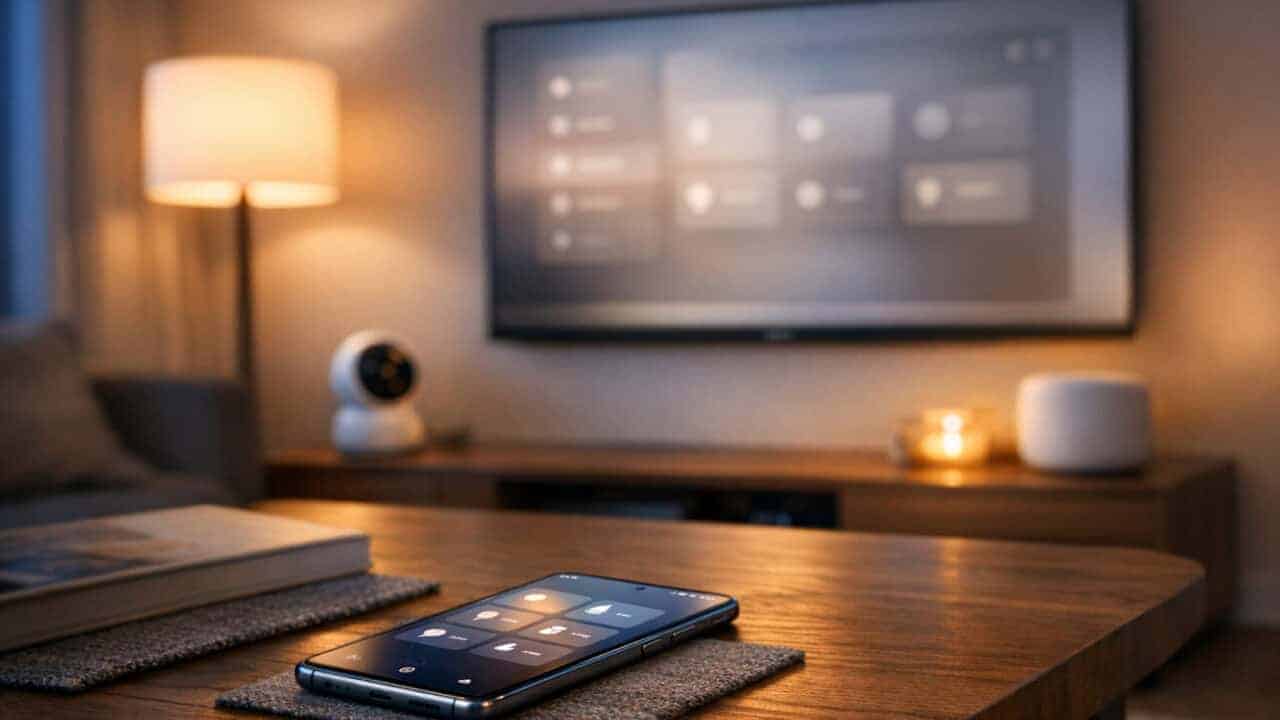
SmartThings quietly became a much more useful smart home app by turning Samsung TVs, Galaxy phones, and other everyday devices into the brain of your house. With built-in hubs on Samsung TVs from the Q60 line and above released after 2022, and Galaxy phones acting as universal keys for locks from brands like Aqara and Schlage, smart home control now feels more normal and less like a hobby. If you tried SmartThings years ago and moved on, it may be time to look again.
SmartThings became useful because Samsung turned devices people already own into the main way to run their smart home
Many Samsung TVs already double as SmartThings hubs
SmartThings became useful for a lot of people once Samsung TVs started shipping with a SmartThings hub built in. Samsung says TVs in the Q60 line and above released after 2022 include a built-in SmartThings Hub. The TV in your living room might already be your smart home brain without you realizing it. If you bought a Samsung TV in that range, there is a good chance it has Thread, Matter, and Zigbee support built in, with no extra box, so you can pair lights, sensors, and plugs straight to your TV and control them from the SmartThings app or the TV remote.
This setup removes one of the biggest pain points of smart homes: needing a separate $50 to $150 hub box that plugs into your router. If your TV is already on and connected to Wi‑Fi, SmartThings can reach most of your devices from that single spot. You can also use the TV screen as a dashboard to see cameras, check who rang the doorbell, or change the thermostat without pulling out your phone. For a lot of homes, the “hub” is something they already own and were using every day anyway.
Galaxy phones turned into universal keys for smart locks
SmartThings also became more useful because Galaxy phones now act like universal keys with Aliro support and Samsung Wallet integration for smart locks. Recent Galaxy S and Galaxy Z models can use Aliro (the new CSA standard for phone-as-key access that pairs with Matter onboarding) to talk directly to supported locks over NFC and ultra wideband. Aliro-certified locks from brands like Aqara, Nuki, ULTRALOQ, and Schlage are now available on Samsung.com and integrate with SmartThings and Samsung Wallet. That turns your phone into a secure key that works at your front door, apartment gate, or office.
Once a lock is in Samsung Wallet, you can tap your phone to open it. Samsung says these keys are stored on-device and protected by Knox, with biometric or PIN verification, and you can remove a key remotely through Samsung Find if your phone is lost. Guest lock-code management is changing too: SmartThings is retiring its standalone Smart Lock Guest Access service and moving lock-code management into each lock’s own device card in the app, with an in-app migration tool rolling out later this year. Since these locks also connect to the SmartThings app, you can run automations like turning on entryway lights or turning off a security mode when the door opens. With TVs acting as hubs and phones acting as keys, SmartThings shifted onto hardware people already carry or look at every day, instead of one more box by the router.
SmartThings caught up by getting easier, cheaper, and broader
IKEA’s 25 Matter-ready devices made cheap smart homes much simpler
SmartThings now talks to all 25 of IKEA’s Matter-ready smart home devices without weird workarounds, so you can build a cheap setup that actually feels polished. That lineup includes a scroll wheel remote, smart bulbs, plugs, temperature and humidity sensors, air quality sensors, motion sensors, door sensors, and water leak sensors, and they show up in SmartThings as normal devices with native controls. IKEA’s older TRÅDFRI and FYRTUR line runs on Zigbee, not Matter, so those still need a Dirigera hub bridged in over Matter to join the same app. You don’t have to juggle the IKEA Home Smart app just to check a sensor or change a bulb color. For anyone on a budget, IKEA prices plus one SmartThings app is a big shift from the old “cheap but clunky” experience.
Because Matter runs locally when it can, those IKEA lights and plugs respond faster in SmartThings than older cloud-to-cloud links. A starter setup with a few Matter smart bulbs and a plug or two now drops straight into SmartThings scenes and Routines. You can put an IKEA button in the hallway and have it control a Samsung TV, Philips Hue lights, and a robot vacuum in one tap. That kind of mix-and-match used to mean a bunch of bridges and odd integrations; now it mostly just means scanning a Matter QR code.
Family Care, Pet Care, and Home Security tightened into one view
The latest SmartThings update moved Family Care, Pet Care, and Home Security into Now Brief on Galaxy, bringing all three into one feed instead of three separate places to check. Family Care picked up a new Care on Call tool and upgrades to its existing Safety Patrol and Care Insight features. Pet Care connects to compatible motion and open/close sensors, Galaxy Tags, and Jet Bot robot vacuums so you can check on pets alongside the same Routines that control lights and temperature. Home Security brings security mode status, door lock activity, and door sensor alerts into that same feed.
This merge means one automation can handle real-life combos like “Away” mode that arms security, turns on Pet Care notifications, and tracks when kids get home. You do not need separate logins or apps just to switch security modes or silence a pet alert when someone walks in the door. It also cuts down on notification spam because SmartThings groups alerts from those three features by event. Instead of acting like three different products, Now Brief behaves like one feed for people, pets, and protection together.
What actually changed in SmartThings during 2026
Five changes landed in 2026 that a 2025 SmartThings user would not recognize.
- Samsung Wallet Digital Home Key went live in March 2026, built on the Aliro standard. Set the lock up in SmartThings over Matter, then tap to unlock over NFC, with hands-free ultra wideband proximity added on select phones in April 2026.
- The IKEA lineup grew to 25 Matter-over-Thread devices in April 2026. Those bulbs, plugs, remotes and sensors join a SmartThings hub directly, with no IKEA hub in the middle.
- Home Security, Family Care and Pet Care moved into Now Brief, Galaxy first, then TVs from 2024 or later and Family Hub fridges from 2021 or later. Family Care also gained Care on Call and upgraded Safety Patrol and Care Insight.
- SmartThings introduced its own service tier. SmartThings Safe added a Premium tier in June 2026 with round-the-clock professional dispatch handled by Arlo, on top of a Basic tier that stays free. Premium is a U.S. beta with limited-time free access for now, and Samsung has not published a price.
- The SmartThings API is going paid in October 2026. Free access ends after Q3 2026. Samsung says app users are unaffected, but third-party platforms that poll the cloud are affected.
SmartThings is worth a second look for many people, but it still is not the best pick for everyone
SmartThings now works well for a lot of homes, but power users and strict privacy fans still have better choices.
SmartThings vs. Home Assistant for power users
If you want deep customization, local-first control, and heavy automation tinkering, Home Assistant still wins by a mile. Home Assistant lets you run everything on your own hardware, like a Raspberry Pi or a small Intel NUC, and you can keep most devices talking locally over Zigbee, Z-Wave, Thread, or Matter. You can build automations with YAML, Node-RED, and complex conditions that SmartThings’ Routine editor just cannot match.
SmartThings has made progress with things like Edge drivers, local processing for some devices, and advanced Routines, but you are still mostly living inside Samsung’s cloud and app rules. If you want per-room presence detection, custom dashboards on a Fire tablet, or 50+ condition automations that trigger based on multiple sensors and calendars, Home Assistant is still the better sandbox. SmartThings is great if you want “set it once and forget it,” but not if you like spending weekends tweaking automations and graphs.
SmartThings vs. Apple Home for privacy and simple Apple-only homes
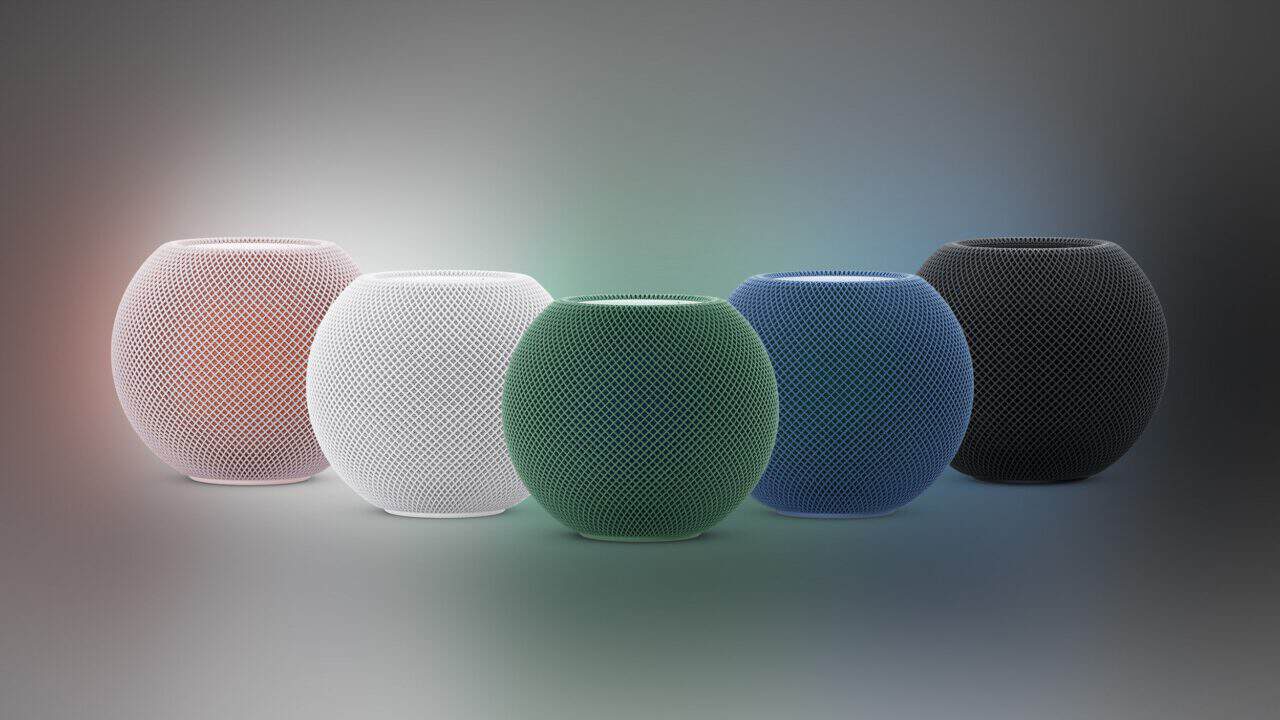
If your top priority is privacy and you live inside the Apple world, Apple Home with HomeKit and Matter still has the cleaner story. Most HomeKit automations run locally on a HomePod mini, Apple TV 4K, or a HomePod as the hub, and Apple leans hard into on-device processing and minimal data collection. If you already have an iPhone, Apple Watch, and a couple of HomePods, staying with Apple Home keeps everything under one company’s privacy rules.
SmartThings makes more sense if you own Samsung gear or a mixed bag of devices and just want an easy setup. A Samsung TV, Galaxy phone, or SmartThings Station can act as a hub, and the app talks to Matter, Zigbee, Wi-Fi, and cloud devices from brands like Philips Hue, TP-Link Kasa, and Ecobee in one place. You trade some of Apple’s tight privacy stance for better support across Android and iOS, cheaper device options, and a simpler path if your family does not all use iPhones.
Frequently Asked Questions
How does SmartThings compare to Google Home and Apple Home in 2026 for device support?
SmartThings supports a wider mix of brands and device types than Google Home or Apple Home, especially for older Zigbee and Z-Wave gear. It works with Matter, Wi‑Fi, and many legacy hubs and sensors, while Google and Apple focus more on Wi‑Fi and Matter devices and have tighter limits on niche or regional brands.
What new features did the SmartThings app add in 2026 that made it more useful?
SmartThings picked up several real upgrades in 2026 rather than one flashy redesign. Samsung Wallet added Digital Home Key support so compatible locks open with a tap of your phone. The IKEA lineup grew to 25 Matter-ready devices, and Family Care, Pet Care, and Home Security moved into Now Brief on Galaxy. You can also link multiple SmartThings Stations together into one hub network that covers a bigger home, though that Hub Groups feature dates back to November 2024 rather than 2026. One feature people sometimes assume is new, Map View, was actually unveiled at CES in January 2024 and launched that March. It shows a 3D floor plan of your home with each device marked active or inactive, not a tool for diagnosing failed automations.
Can SmartThings control Matter and Thread devices from different brands in one app?
Yes, SmartThings can control Matter and Thread devices from different brands in one app. You can add Matter-certified devices using a QR code or numeric setup code, and SmartThings will manage them alongside older Wi‑Fi, Zigbee, and Z‑Wave products in the same interface.
Do I still need a SmartThings hub in 2026, or can I just use the app and my existing devices?
You do not always need a SmartThings hub now, because many Wi‑Fi, Matter, and cloud‑connected devices can connect directly through the SmartThings app. You still need a hub (like the SmartThings Station, Aeotec Smart Home Hub, or a built‑in TV/fridge hub) if you want Zigbee or Z‑Wave devices, local automations, or more reliable control when your internet goes out.
Is SmartThings free to use in 2026, and are there any paid plans or subscription fees?
SmartThings is free to use, and there is no required subscription fee for the core app and basic device control. You can download the app, add compatible devices, and run automations without paying. Samsung also now offers its own service tier: SmartThings Safe has a free Basic tier plus a Premium tier, added in June 2026, that adds 24/7 professional emergency dispatch handled by Arlo. Premium is activated through Samsung Checkout and is currently a U.S. beta with limited-time free access; Samsung has not announced what it will cost after the beta. Some third-party services or advanced features from partner brands may also have their own separate subscriptions.
Who should switch, who should stay, and who should just try it
SmartThings became the most useful smart home app this year because Samsung quietly turned TVs, Galaxy phones, and cheap Matter gear into a single, normal-feeling control system you might already own. If you have a Samsung TV from 2024 or newer or a recent Galaxy phone, open SmartThings and see what shows up before buying any new hub. When you add new gadgets, look for Matter support and confirmed SmartThings compatibility so everything drops into one app with fewer extra boxes. If you are a heavy tinkerer or care most about strict privacy, keep SmartThings in mind as a secondary option while you stick with Home Assistant or Apple Home as your main setup.