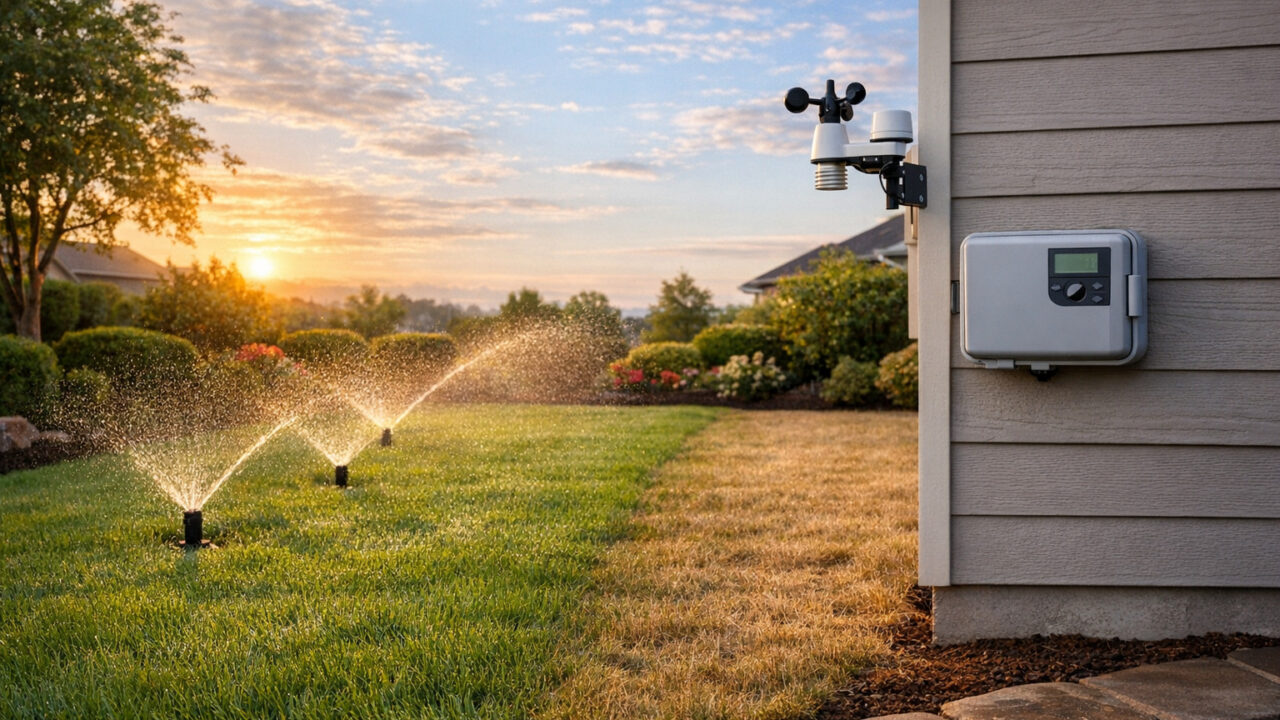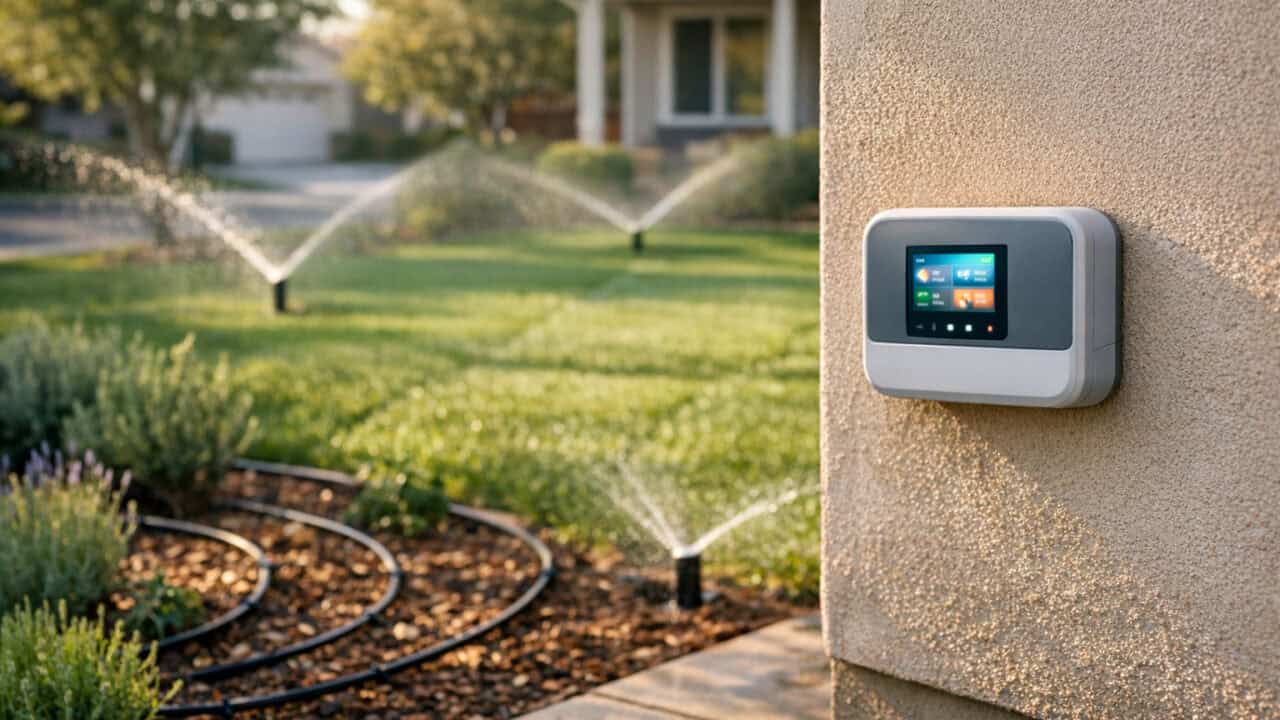
Smart sprinklers can cut your outdoor water use by a fifth or more compared with a basic timer, and EPA WaterSense puts the savings at up to 15,000 gallons a year for a typical home, without turning your lawn into a crunchy brown mess. By flipping on a few settings in apps like Rachio, Rain Bird, Orbit B-hyve, or Hunter Hydrawise, you can let the controller make smarter decisions for you all summer. Keep reading to see the simple automations that lower your bill while your grass stays green.
Turn On Weather-Aware Rain Skip for an Easy Water Cut

Weather-aware rain skip is an app setting that can cut sprinkler water use noticeably compared with a dumb timer, without frying your lawn. Rachio calls it Weather Intelligence Plus and Rain Bird Smart Wi-Fi controllers offer Predictive Rain Delay, both pulling local forecasts over Wi-Fi so they can cancel a run if real rain is on the way or just fell. A simple starter rule is to keep the controller’s default rain threshold, which on Rain Bird means a 70% chance of at least 1/8 inch, which keeps you from watering right before or right after a storm.On most Rachio, Orbit B-hyve, and Hunter Hydrawise controllers, you’ll find this under weather or smart schedule settings, where you can tweak thresholds instead of guessing day to day. You still keep your normal schedule, but the controller auto-hits the rain delay button for you, which is basically what a careful homeowner would do if they stared at the forecast all week. Over a season, those skipped cycles can mean hundreds or thousands of gallons not sprayed onto already-soaked soil, which shows up as a smaller bill without any brown spots.
Set Different Schedules for Lawn Zones, Garden Beds, and Drip Lines
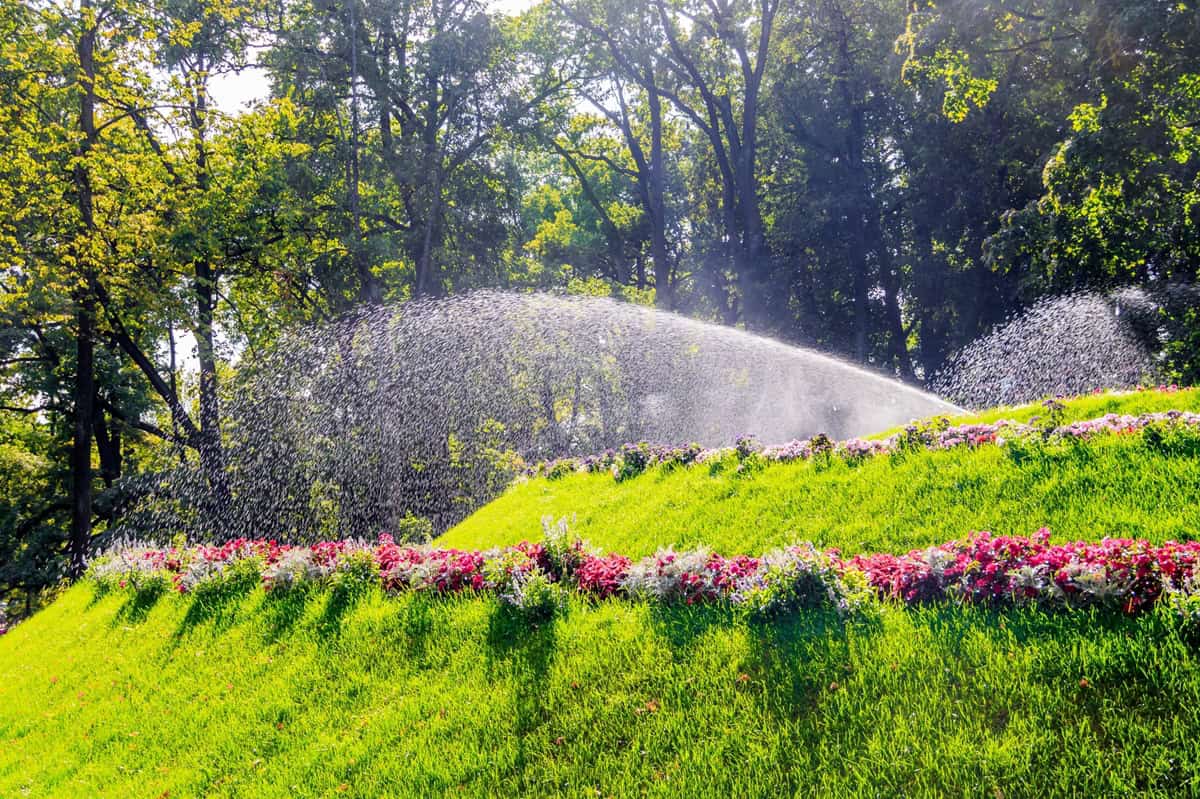
Smart sprinkler controllers cut your bill without frying the grass by letting you run lawn zones, garden beds, and drip lines on totally different schedules instead of one generic program. In the Rachio, Orbit B-hyve, or Hunter Hydrawise app, set turf zones for deep, early-morning watering 2–3 times per week, garden beds for shorter daily runs, and drip lines for long, infrequent cycles that might run only once or twice a week. This lines up with how each area actually uses water, so you stop dumping lawn-level gallons onto mulch and potted plants that only need a fraction of that.Most smart controllers let you customize each zone with its own start times, days, and durations, then save those as separate programs you rarely touch again. If your lawn zones run 18–25 minutes per sprinkler head but your drip zones run 45–90 minutes through emitters, that alone can shave a noticeable chunk off your bill without any brown spots. You’re basically doing what a careful landscaper would do by hand, then letting the app repeat it for you all summer.
Add a Soil-Moisture Trigger So Watering Only Runs When the Ground Needs It
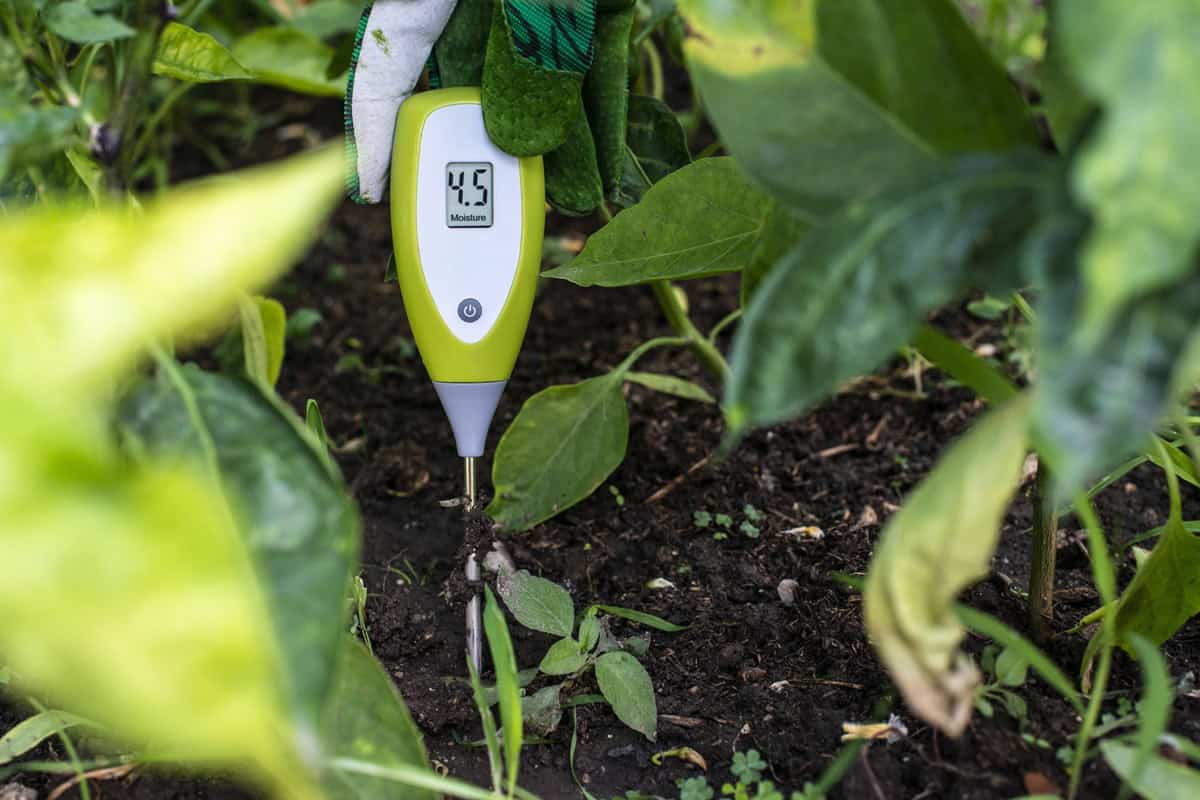
Adding a soil-moisture trigger turns your smart controller into “water on demand” instead of “water on a timer,” so zones only run when the ground is actually drying out. With a Rachio 3, that means wiring a compatible soil moisture sensor to the controller’s sensor terminals, while standalone probes like the Ecowitt WH51 can feed data into platforms like Home Assistant that your controller listens to. The basic move is simple: set your normal schedule in the Rachio, Orbit B-hyve, or Hydrawise app, then let a soil moisture sensor hold watering off while the ground still reads wet. That one tweak can grab the biggest savings of all these tricks, since you cut out pointless cycles after a cloudy week without risking a brown lawn.
Use Flow Alerts to Catch Leaks Before They Spike Your Water Bill

Flow alerts on a smart sprinkler catch leaks early by flagging weird water use before it turns into a sky‑high bill. With a Rachio 3 paired to its wired EveryDrop flow meter or a Hunter Hydrawise controller with an HC Flow Meter, the app learns how many gallons each zone normally uses, then pings you when a run suddenly doubles or drops toward zero, which usually means a broken head, cracked drip line, or stuck valve.Set a per‑zone flow threshold in the app so it alerts you if usage jumps more than, say, 20–30% over normal or keeps running after a schedule ends. A single broken rotor spraying the sidewalk can waste hundreds of gallons in a weekend, so a push alert while you are at work can easily prevent a surprisingly high water bill and a swampy patch of lawn.
Enable Heat-Based Runtime Bumps Before a Hot Stretch Browns the Lawn

Enabling a heat-based runtime bump keeps your lawn green when temps jump into the 90s without you wasting water all season. In Hunter Hydrawise this shows up as “Predictive Watering,” where the controller reads the forecast high and adds extra watering on hot days, with the trigger values adjustable in the app. Rachio has no per-day heat bump: its “Seasonal Shift” only adjusts Fixed schedules once a month from historical averages, so for a hot stretch either tap Adjust Watering on the upcoming run or move to a Flex Daily schedule, which looks at the forecast. A good rule: turn it on, then cap the bump at something like 10 minutes extra for spray zones and 15–20 minutes for rotors so you are offsetting heat, not drowning the yard.This single setting is the difference between a lawn frying during a heat wave while you are on vacation and one that looks normal when you get home. Pair it with your rain-skip rules so the system never bumps runtime on days that are both hot and rainy, which just sends water (and money) down the street. When dialed in, many homeowners see meaningfully less water use than with a fixed “set and forget” summer schedule, because the controller only adds water when the weather actually calls for it.
Add a Flow Meter So You Track Real Gallons, Not Estimates

Without a flow meter, the gallon numbers in your Rachio or Hydrawise app are estimates calculated from nozzle type, zone area, and runtime, not water that actually flowed. Pair a Rachio EveryDrop wired flow meter, which connects to the Rachio 3’s sensor terminals since the old wireless meter was discontinued, or a Hunter Hydrawise HC Flow Meter (available in ¾”, 1″, 1½”, and 2″ sizes) with your controller and the app starts reporting actual gallons used per zone and per month. The hardware adds anywhere from under a hundred to a couple hundred dollars depending on brand and size, but it pays for itself by catching the over-watering and slow leaks the estimate-based view misses.
Neither app shows a built-in dollar amount, so do the math yourself: take your monthly gallons from the flow meter, multiply by your local water rate from your utility bill, and set a personal target. If next month’s gallons jump 30% over baseline, that’s the early warning a stuck valve, broken head, or too-aggressive summer schedule is bleeding water, usually a few hundred gallons a day before it shows up on the bill. Pair that with the leak alerts from earlier and your controller stops being a fancy timer and starts acting like a guardrail for your water bill.
Summary
Smart sprinkler settings can realistically cut your outdoor water use by a fifth or more without browning the lawn, and EPA WaterSense puts a labeled controller’s savings at up to 15,000 gallons a year. Open your controller app and turn on weather-based rain skip, set separate schedules for each zone type, and add soil-moisture or flow alerts if your hardware supports them. If you have a flow meter, multiply monthly gallons by your utility rate so you spot when usage runs hot before the bill arrives, and tweak runtimes a bit each week until the grass stays green and your usage graph flattens out.