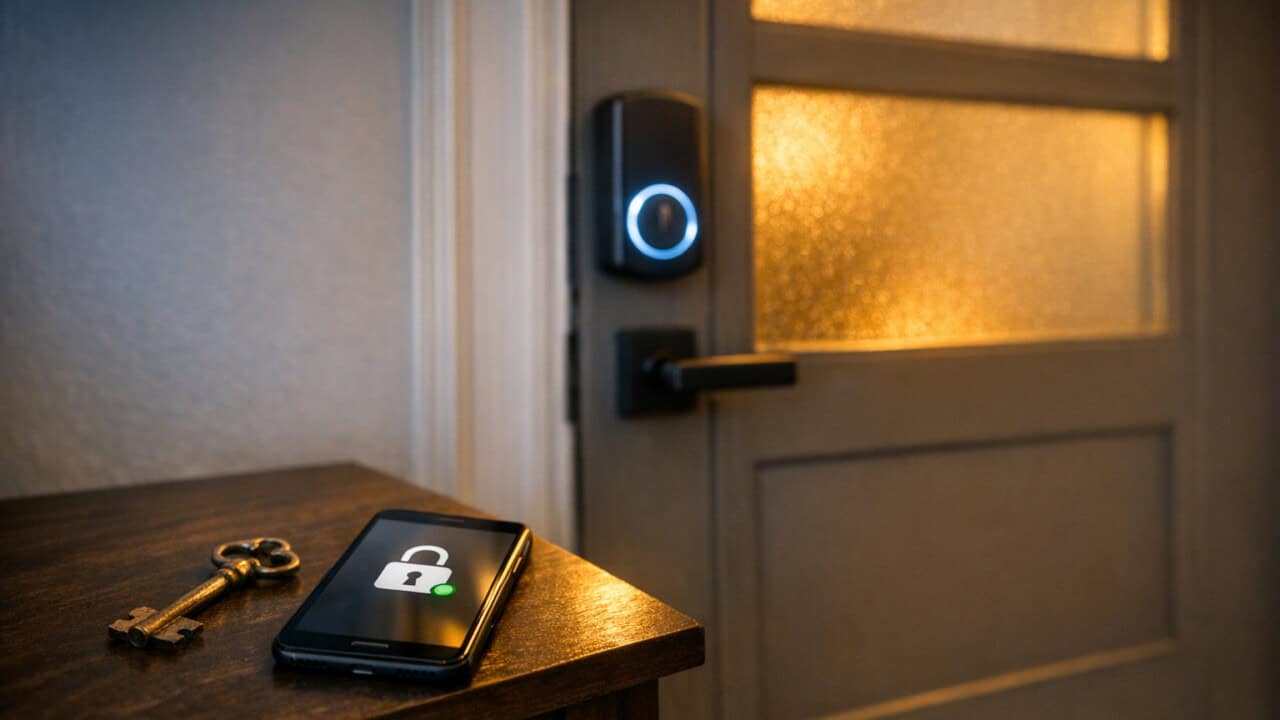
Smart locks are taking over because they fix the everyday annoyances metal keys never could. You stop losing keys. You let the dog walker in from your phone. You give one-time codes to the plumber instead of leaving a key under the mat. The hot take in 2026 is that smart locks are not really about security, they are about convenience, and that is why they are winning. Metal keys are not going away yet, but for most people they are sliding into backup status.
The real win is convenience, not security
Security marketing tried to sell smart locks for years and mostly failed. A $30 deadbolt locks the door just fine — that is not the problem most people have. What actually gets you to spend $250 on a smart lock is the small daily friction it removes:
- Never losing your keys — your phone is already in your pocket, and most smart locks accept fingerprints, codes, or auto-unlock-on-arrival. No more digging through coat pockets at 11 p.m. while groceries melt on the porch.
- Letting people in when you are not home — dog walkers, cleaners, plumbers, family members, package deliveries. Tap a button in the app and they are in, without you driving home to open the door.
- One-time codes for short stays — Airbnb guests, babysitters, that friend crashing for the weekend. The code expires when their stay ends, no key to chase down.
- No more re-keying — when a roommate moves out or you stop using a cleaning service, you delete their code instead of paying a locksmith to swap the cylinder.
- Seeing who came in and when — the lock logs every entry, so you know the dog walker actually showed up at 3 p.m. like she said.
None of these are huge problems on their own. But stack them together and you can see why someone who has used a smart lock for six months looks at a regular deadbolt the way they look at a flip phone.
Phones are starting to act like the key
Today’s locks still layer keypad, app, and metal key
Most current smart locks layer keypad + app + metal key onto the same door, so household members end up switching between three different ways to get in.
Aliro is the new cross-brand standard from the Connectivity Standards Alliance (Matter’s parent group). It sets shared rules for how a phone and a door reader talk over NFC and Bluetooth, so any Aliro-certified phone can tap-unlock any Aliro-certified lock. Samsung is the first big phone maker to commit. Recent Galaxy phones (S24 and S25 series) store digital home keys in Samsung Wallet next to credit cards. Expect the rest of the industry to follow.
Codes, fingerprints, and palm or face scanning round out the options
Phones are only one entry method on modern locks. The keypad is still the workhorse — guests, babysitters, and contractors get a 4-to-8 digit code instead of an app login, so they never have to install anything to get in. Fingerprint readers are standard on locks above $150, which is how kids get home from school without a key or a phone or having to remember a PIN. The premium tier is moving into palm scanning (hover your palm and the lock reads the vein pattern) and face scanning (Face ID, built into the door). Both are faster than fingerprint and work with gloves on. eufy (FamiLock S3 Max) and ULTRALOQ (Bolt Sense) have shipped palm-vein locks for a few years; eufy and a handful of others now ship face-scan locks where biometric data is processed locally.
Where the market is today
Smart locks have crossed the line from “early-adopter only” to “you can walk into a hardware store and buy one.” But there is still a gap between what is on sale today and what actually makes sense to put on your front door — and even after you upgrade, the metal key on your ring is not going away.
What to look for when shopping
For shopping new, target a $200–$300 deadbolt-replacement smart lock and require three things on the box: a physical keypad so guests do not need an app, a fingerprint reader so kids and partners get in without anything in hand, and an “Apple Home Key” badge or “Aliro-ready” mark so your phone-tap method survives the next ecosystem shuffle.
Reliable picks at this price include the Aqara U100 or U400 (best Apple Home Key value), Schlage Encode Plus (Apple Home Key safe pick), Nuki and ULTRALOQ (Aliro-certified, strong for Galaxy households), and the Yale Assure 2 if you already live inside Yale Access. Skip sub-$100 no-name locks that ship without Home Key or Aliro support, no real fingerprint reader, and no firmware update path. And skip premium $400+ palm or face-scan locks for now unless that specific feature is a must — the convenience gain over a fingerprint reader is small for the price jump.
For ecosystem fit, an iPhone household should look for “Works with Apple Home” plus Home Key. A Galaxy household should look for “Works with SmartThings” plus Aliro. Mixed-phone households should look at the Aqara U400 — the first lock certified for both Apple Home Key and Aliro 1.0, so it works for iPhone and Galaxy households alike.
Why physical keys are sticking around as backups
Regular keys are sticking around because people replace front door locks slowly, often only when something breaks or during a remodel. Many homes still use basic deadbolts that cost $30, and owners are not in a rush to swap those for a $250 smart lock if the old one still works. Even if smart locks get cheaper, you are looking at a replacement cycle that can stretch 10 to 20 years for a lot of houses and apartments.
Battery-powered locks also have to prove they are convenient over the long term, not just on day one. Most smart deadbolts run on AA batteries that last anywhere from about 6 months to a year, depending on use, temperature, and Wi‑Fi features. For someone who never worries about a key losing power, the idea of a dead battery on the front door is a real concern. Until smart locks can promise multi-year battery life or smarter backup options, many people will keep their old keys on the ring, even if they start tapping their phone most of the time.
Frequently Asked Questions
Are smart locks actually safer than regular deadbolts for my front door?
Smart locks are not automatically safer than a good, properly installed deadbolt, but they can add security features that a regular lock does not have. Many smart locks let you track who comes and goes, set temporary access codes for guests, and get alerts if your door is left unlocked, which can reduce common user mistakes like hiding spare keys.
What happens to a smart lock if the power goes out or the WiFi stops working?
Most smart locks keep working during a power or WiFi outage because they run on batteries and store your access codes locally. You usually lose app and remote control features, but you can still unlock the door with a PIN code, Bluetooth, or a physical key backup, depending on the model.
Can hackers break into my house through a smart lock, and how common is that?
Yes, hackers *can* target smart locks, but successful break-ins through hacking are rare compared with old-fashioned methods like kicking in a door or picking a lock. Most reported problems involve weak passwords, reused login details from other breaches, or people not updating their lock’s app and firmware.
How much does it cost to install a smart lock and do I need a professional to do it?
Installing a smart lock usually costs between about $100 and $300 for the lock itself, plus $75 to $200 for professional installation, and you can often do it yourself if you are comfortable with basic tools. Most smart locks are designed to fit standard doors and come with step‑by‑step instructions, but hiring a pro can help with tricky doors, wiring for hardwired models, or connecting it to a larger smart home system.
Do smart locks work with both iPhone and Android, and can I still use a physical key?
Most smart locks work with both iPhone and Android, and many models still let you use a regular physical key as a backup. Many lock apps are available in both the Apple App Store and Google Play, and the lock often keeps a standard keyhole so you can get in if your phone battery dies or the app has issues.
In Summary
Smart locks are winning because they make every annoying key moment go away — no more lost keys, no more hiding spares, no more racing home to let the cleaner in by 4 p.m. on a Tuesday. If you are shopping, look for locks that support Apple Home Key or mention Aliro so you are ready for shared tap standards across phones and brands. Keep a physical key in your bag or with a trusted neighbor as a backup, because dead batteries and dead phones happen — but for the daily routine, you will probably never reach for it.