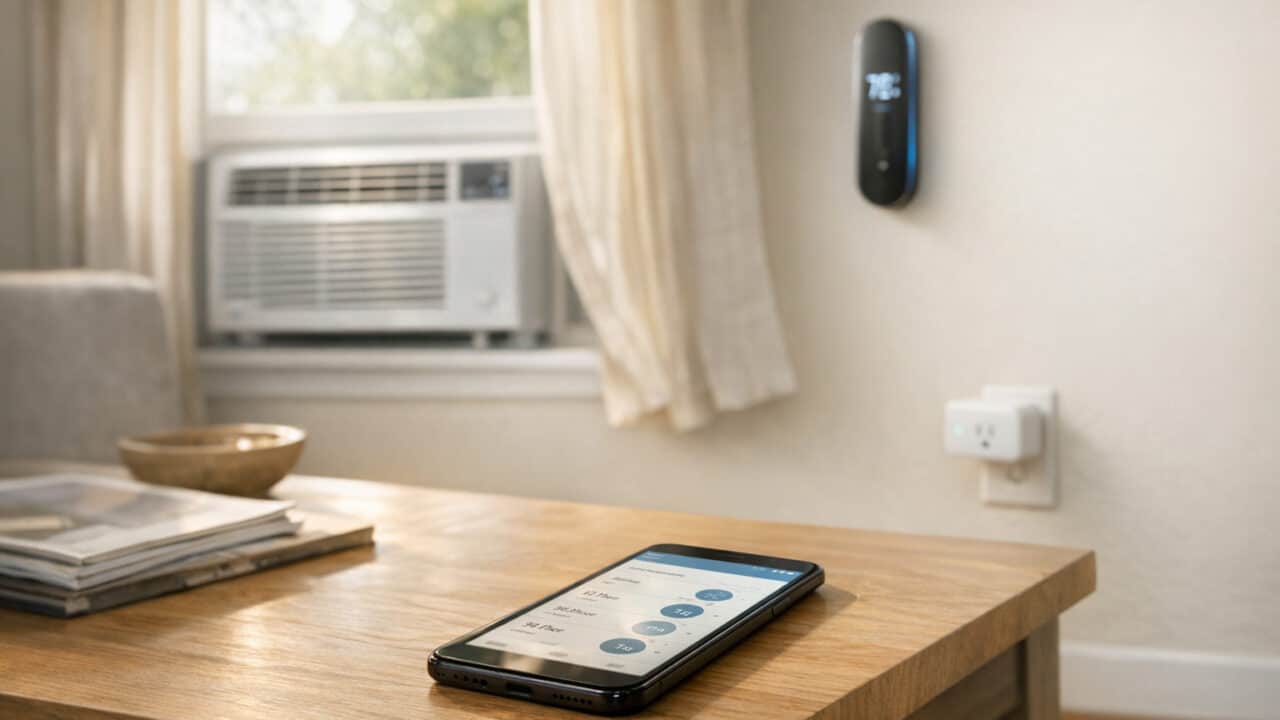
You can use smart AC tricks to save real money this summer: a few app tweaks, sensors, or other tech tools can cut your heating and cooling costs by as much as 10% a year, per the Department of Energy, if they get your thermostat set back 7°F to 10°F for about eight hours a day, while keeping your place cooler when it actually matters. Keep reading to set this up now, before the temps spike.
Pre-Cool Before You Get Home
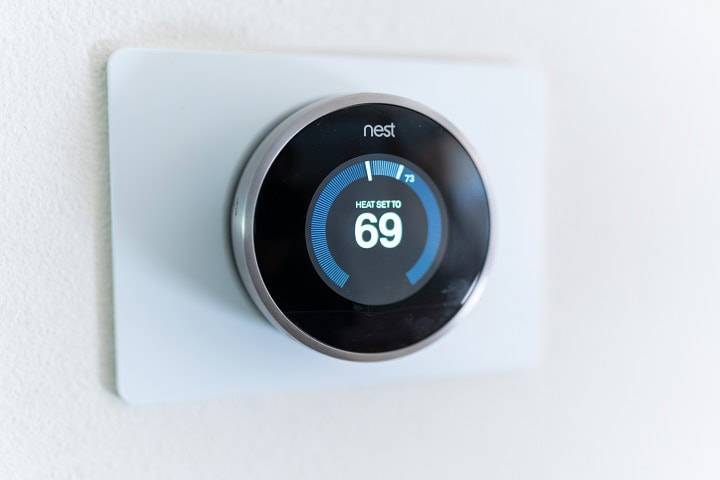
Pre-cooling your place 30 minutes before you arrive keeps it comfortable without paying to chill empty rooms all afternoon. With a smart thermostat such as the Nest Learning Thermostat, Ecobee Smart Thermostat Premium, or Honeywell Home X2S, set a weekday routine so cooling starts about half an hour before your usual return time instead of running from lunch onward. Set the AC to turn on at 5:30 p.m. and off at 10 p.m., and you’ll likely trim hours of mid-day runtime off your weekly energy use.
Set a Geofenced Away Mode
Set a geofenced “away” mode by having your Nest Learning Thermostat or Ecobee Smart Thermostat Premium bump the setpoint up 4°F whenever the last phone leaves your home. Nest does this from every phone on the account; ecobee’s app tracks one phone unless you route it through Apple Home. You turn a normal 72°F cooling setting into a 76°F away setting that kicks in only when nobody is actually there, then drops back to 72°F as soon as the first phone returns to your home zone. Use your thermostat’s app with built-in location services instead of relying on manual voice commands, so this runs quietly in the background. A simple 4°F setback for just the hours you are gone can substantially cut compressor runtime over a season, especially if you are not blasting the AC for an empty apartment all afternoon before you get back.
Use an IR Bridge to Make your Window AC Smart

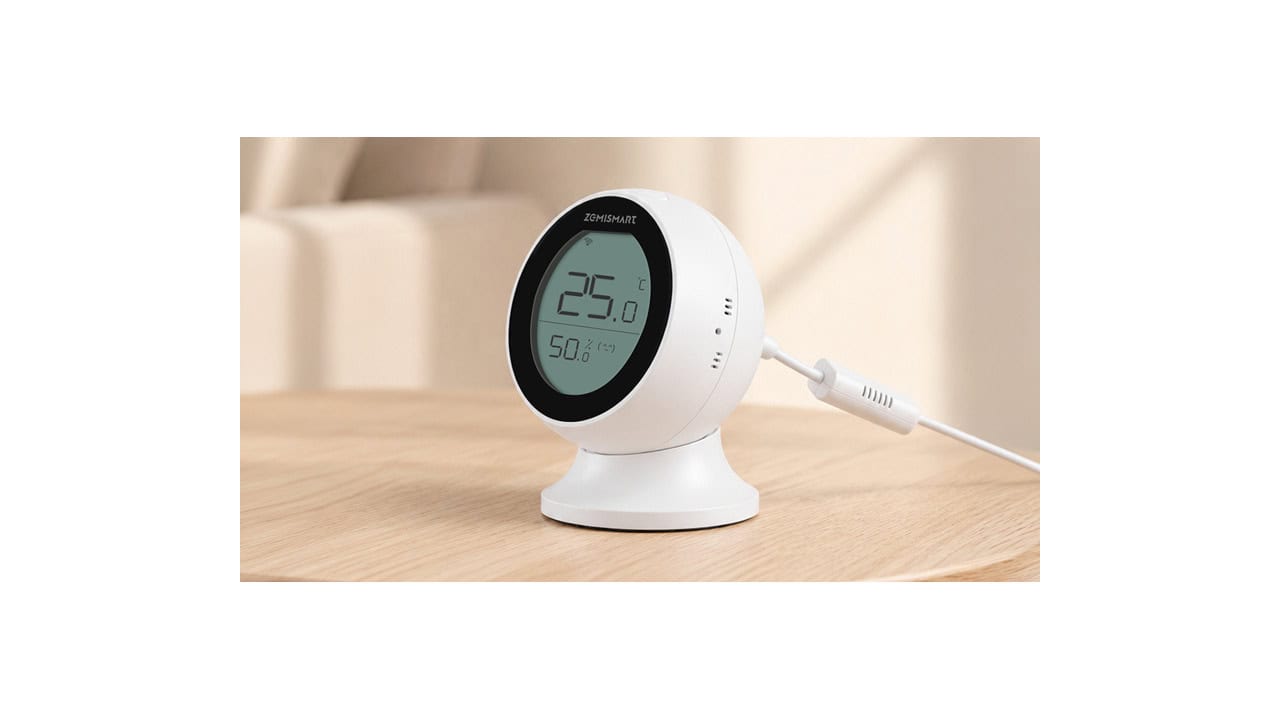
Smart plugs aren’t the right tool for window ACs because most consumer-grade smart plugs cap inductive (motor) loads at about 1/6 HP, well below what even a 5,000 BTU AC pulls at startup, and cycling power to a compressor can damage both the plug and the AC. The smarter retrofit is an IR bridge that mimics your AC’s existing remote signals: a Sensibo Sky, Cielo Breez Max, or Mysa’s mini-split and AC thermostat sits on a shelf, recognizes your AC’s remote codes, and adds schedules, geofencing, comfort mode (temperature + humidity), and Alexa and Google Home control; Mysa and the Sensibo Air add HomeKit, and ZemiSmart’s Matter IR AC controller reaches Apple Home too. The AC keeps using its own controls, and the bridge just sends remote signals, so there is no power cycling involved.
If you’re buying a new window unit anyway, skip the bridge and grab one with Wi-Fi built in. The Midea U-Shaped Smart Inverter (buy current stock; units sold through May 2025 were recalled in June 2025 for a mold-related drain fix), LG Dual Inverter Smart Window AC, and GE Profile ClearView all ship with native apps and work with Alexa or Google Home out of the box. Hisense is adding Alexa+ natural-language control to select units as well. You get real per-unit temperature control (not just on/off), true inverter compressors on the Midea, the LG, and the larger ClearView sizes, and significantly quieter operation than most older window units they replace.
Run Your AC From Temperature and Humidity Sensors

Smart AC routines that watch both temperature and humidity keep your place comfortable without running the compressor all day. Pair an Aqara Temperature and Humidity Sensor or SwitchBot Meter with your smart hub so the AC kicks on only when the room is above, say, 74°F and humidity climbs past about 55%, which is when the air starts to feel sticky. On muggy days that means shorter but smarter cooling bursts, and you avoid that cold-but-damp basement vibe.You can set one rule for the whole house and a tighter one for bedrooms, like 72°F and 50% humidity after 9 p.m. so you actually sleep. If you already use a Nest Learning Thermostat or Ecobee Smart Thermostat Premium for temp control, let the separate sensor drive humidity-based automations through your hub’s app. This kind of “set it once” scene can trim runtime enough to noticeably move the needle on your monthly bill, especially in humid climates.
Have a Bedtime Cooling Routine

For those that like to sleep cooler, you can either set a schedule or have a one-phrase bedtime cooling routine by teaching Alexa or Google Assistant a custom command that does three things at once: drop the bedroom AC to about 68°F, dim the lights, and close any smart curtains. In the Alexa app, create a Routine called “Sleep mode” triggered by you saying “Alexa, sleep mode,” then add actions to set your Nest Learning Thermostat or Ecobee Smart Thermostat Premium to a cooler setpoint, turn off main lights, and maybe switch a smart plug on for a small bedside fan.
You can go a little nerdy by adding a sensor rule so the routine only nudges the setpoint if the room is still above 72°F. Run that temperature condition in your hub’s app (SmartThings, Home Assistant, Aqara Home, or SwitchBot) using an Aqara Temperature and Humidity Sensor or SwitchBot Meter, and have Alexa only fire the resulting scene. Once it is set, the whole wind‑down becomes one phrase instead of three or four taps, and you are less tempted to blast the AC all evening just to make sure the bedroom is cool by lights‑out.
Track Per-Room AC Wattage to Spot the Energy Hog
Tracking per-room AC energy use turns guesses into hard numbers so you can see exactly which room is draining your power bill. If your unit is a Wi-Fi smart window AC, some manufacturer apps, GE Profile’s SmartHQ for one, already surface real-time wattage and daily kWh. For older units on an IR bridge, the bridge estimates runtime, so multiply by the AC’s nameplate wattage for a usable kWh number. For whole-house visibility, a circuit-level monitor can fill the gap: Emporia Vue clamps onto individual circuits, so it isolates an AC that has its own breaker; Sense tries to recognize devices by their electrical signature and can miss small window units.
After a few days, compare totals for your bedroom, living room, and that “just for comfort” unit in a garage or guest room that maybe no one is actually using. The one racking up the most kWh for the fewest occupied hours is the first place to cut runtime or bump the setpoint. Before the heat wave hits, set a simple rule in your smart-home app to match what you see in the data.
For example, if a garage or other unused room AC pulls 800 watts and runs 6 hours a day while empty, that’s 144 kWh a month, and over a four-month cooling season at today’s average residential rate that is a noticeable chunk of the bill. Add a schedule that shuts it off during work hours and only allows a manual override, and that single tweak frees up real money without touching the units that keep people comfortable. The goal is not to suffer through the heat, but to stop paying to refrigerate empty rooms.
Summary
Smart AC tweaks like pre-cooling, geofenced away modes, and IR bridges can realistically save as much as 10% on cooling each summer, per the Department of Energy’s estimate for a 7°F to 10°F setback held eight hours a day, while keeping your place more comfortable. If you have a smart thermostat, set a 4-degree away mode and a pre-cool schedule that starts before you usually walk in the door. If you are using window units, add an IR bridge (Sensibo, Cielo, or Mysa) or upgrade to a Wi-Fi-enabled smart AC, then build a simple evening schedule and track power use through the AC’s app or a whole-home monitor like Sense or Emporia Vue. Take 20 minutes to set this up now so your AC runs on your routine, not the other way around, once the heat wave hits.