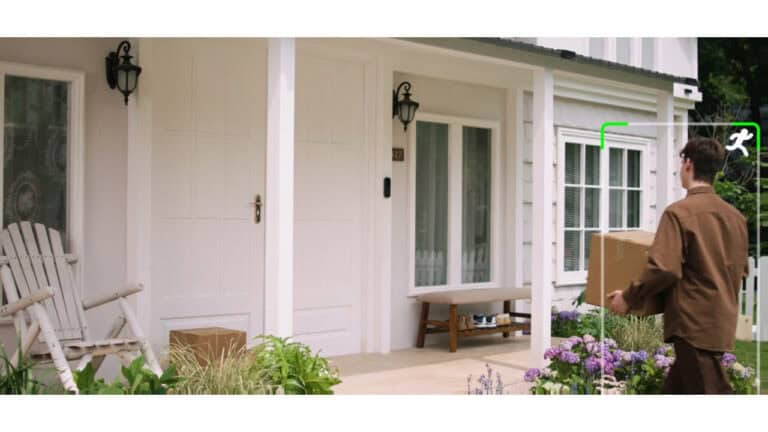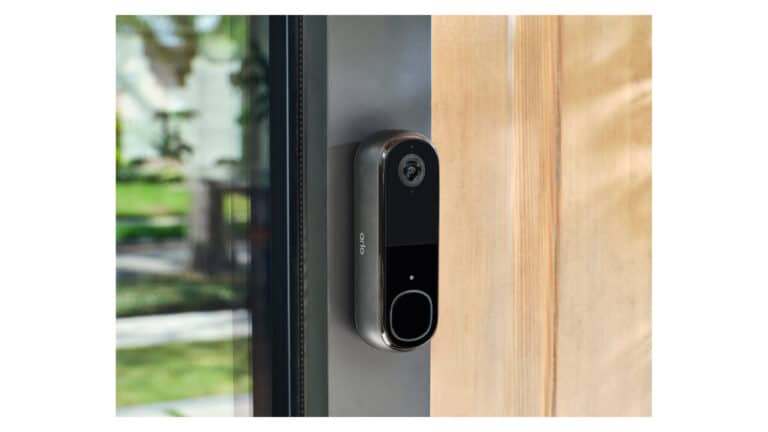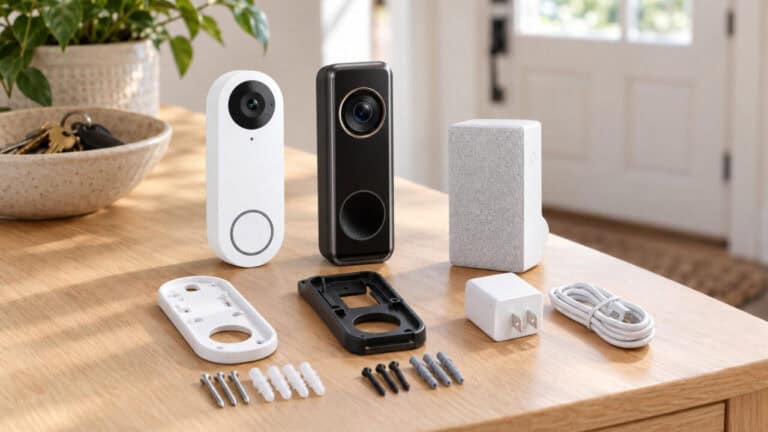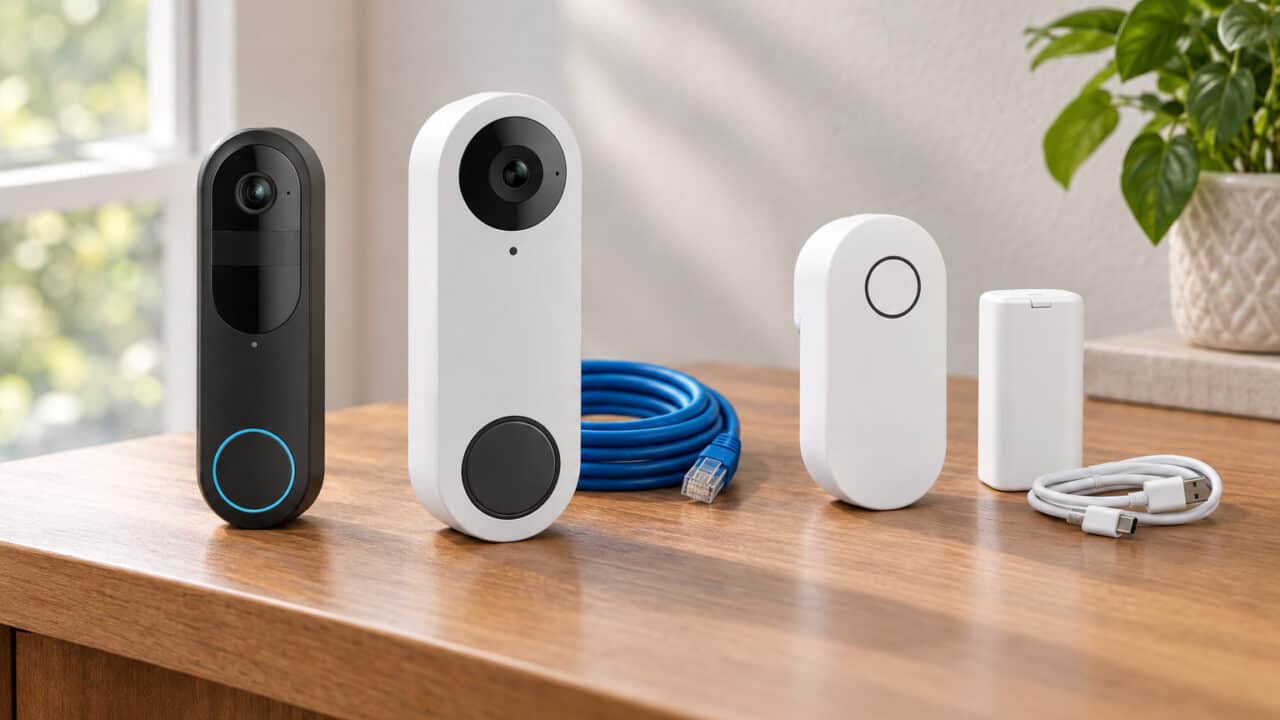
Reolink sells its video doorbells in three main versions, and the right one mostly comes down to how you’ll power it. The Video Doorbell WiFi runs on your existing doorbell wiring and connects over Wi-Fi, the Video Doorbell PoE runs over a single Ethernet cable for the most reliable connection, and the Battery Video Doorbell (2nd Gen) works with no wiring at all. All three record locally without a required subscription, so pick the PoE if you can run Ethernet, the WiFi if you have doorbell wiring, and the Battery if you have neither.
If you’re in a hurry (or just curious!) –
✅ Check deals on all three doorbells
Reolink Doorbells at a Glance


Reolink Doorbell WiFi vs PoE vs Battery: The Key Differences
Power and connection
The Video Doorbell WiFi has no battery: it runs on 12–24V AC doorbell wiring or the included power adapter plugged into an outlet, and connects over 2.4GHz or 5GHz Wi-Fi.
The Video Doorbell PoE gets power and data over one Ethernet cable from an 802.3af PoE switch or injector, or it can run on 12–24V AC or 24V DC power. It doesn’t support Wi-Fi at all, so you’ll need to run a network cable to the door.
The Battery Video Doorbell (2nd Gen) runs on its built-in battery, and Reolink claims up to 300 days per charge based on 5 minutes of recording per day. You can also connect it to doorbell wiring to keep the battery topped up, and it connects over 2.4GHz or 5GHz Wi-Fi.
Recording
The WiFi and PoE doorbells both support 24/7 recording with pre-motion recording, so you can see what happened just before an event. Reolink says the PoE doorbell captures 6 seconds before motion is detected.
The Battery doorbell (2nd Gen) records 24/7 with pre-recording only in its wired power mode (16–24V AC or 24V DC). On battery, it records when it detects motion.
Video and view
The white Video Doorbell WiFi uses a 5MP camera in a tall 3:4 frame for a head-to-toe view, with a 180° diagonal field of view.
The PoE doorbell we link to is the black version, which uses a 5MP camera (Amazon markets it as 2K) in a wide 4:3 frame (135° horizontal, 100° vertical, 180° diagonal). If you want the head-to-toe view and package detection, choose the white version, which has a tall 3:4 frame.
The Battery doorbell (2nd Gen) uses a 4MP camera in a square 1:1 frame with a 150° horizontal and vertical view.
Storage
All three record to a microSD card. The WiFi and PoE doorbells take cards of up to 256GB, while the Battery doorbell (2nd Gen) takes up to 512GB. The WiFi and PoE doorbells can also record to Reolink’s own NVRs or Home Hub, or to an FTP or NAS server. The Battery doorbell (2nd Gen) can also record to a Reolink Home Hub or NVR or over FTP, though Reolink says its 24/7 recordings are stored only on the microSD card. The PoE doorbell’s Amazon listing says it doesn’t support third-party NVRs.
Detection
The Battery doorbell (2nd Gen) detects people, vehicles, animals and packages. For the white Video Doorbell WiFi, Reolink’s spec table lists person and package detection. Reolink says package detection on the PoE doorbell is only available on the white model, so the black PoE doorbell detects people.
Chimes
The WiFi and PoE doorbells each come with a plug-in Reolink chime (the PoE’s is listed as Chime V2 on Amazon). Reolink’s FAQ says neither works with a pre-existing mechanical chime, so plan on using the included plug-in chime.
The Battery doorbell (2nd Gen) doesn’t include a chime: it works with the Reolink Chime Plus, sold separately, and Reolink says the older Chime V1 and V2 aren’t supported. Reolink says it can ring a compatible mechanical chime in battery mode when wired to an 8–24V AC transformer. In wired power mode, keeping that chime working takes Reolink’s RLA-PK1 Power Kit, sold separately.
Home Assistant
Home Assistant has an official Reolink integration. It lists the Video Doorbell WiFi as a Works with Home Assistant certified device, with no hub requirement listed, and lists Reolink’s PoE doorbells and the Battery doorbell (2nd Gen) as tested with a direct connection. Reolink’s spec sheet says the same for the Battery doorbell (2nd Gen): direct connection, no Home Hub required. Only Reolink’s first-generation battery doorbell, which isn’t one of our picks, is listed as needing a Reolink Home Hub. We covered the change in our post on the battery doorbell going direct with Home Assistant.
What they have in common
All three are Reolink video doorbells with two-way audio, infrared night vision and an IP65 weather rating, and none requires a monthly subscription to record locally. Reolink sells optional cloud features separately. If you’re weighing Reolink against eufy, see our Reolink vs eufy video doorbell comparison.
Reolink Doorbell Comparison Table
| Feature | Video Doorbell WiFi (white) | Video Doorbell PoE (black) | Battery Video Doorbell (2nd Gen) |
|---|---|---|---|
| Power | 12–24V AC doorbell wiring or included power adapter (no battery) | PoE (802.3af), or 12–24V AC / 24V DC | Built-in battery; optional wiring to top it up |
| Connection | 2.4GHz / 5GHz Wi-Fi | Ethernet (no Wi-Fi) | 2.4GHz / 5GHz Wi-Fi |
| Camera | 5MP, 3:4 head-to-toe | 5MP (marketed as 2K on Amazon), 4:3 wide | 4MP, 1:1 square |
| Field of view | 100° H x 135° V, 180° diagonal | 135° H x 100° V, 180° diagonal | 150° H x 150° V, 180° diagonal |
| 24/7 recording | Yes, with pre-motion recording | Yes, with 6s pre-roll | Wired power mode only |
| microSD | Up to 256GB | Up to 256GB | Up to 512GB |
| Detection | Person, package | Person (package on white model only) | Person, vehicle, animal, package |
| Chime | Plug-in chime included | Plug-in chime included (Chime V2 on Amazon) | Chime Plus sold separately |
| Battery life | n/a | n/a | Up to 300 days (5 min of recording per day) |
| Home Assistant | Official integration; Works with Home Assistant certified | Official integration, direct | Official integration, direct |
Reolink Video Doorbell WiFi Details

The Video Doorbell WiFi is the easiest upgrade if you already have a wired doorbell. It runs on your existing doorbell wiring, connects over dual-band Wi-Fi, and its tall 3:4 view covers the doorstep top to bottom.
Product Features:
- 5MP camera with a 3:4 head-to-toe view
- 12–24V AC doorbell wiring or the included power adapter
- Dual-band 2.4GHz and 5GHz Wi-Fi
- Person and package detection
- microSD up to 256GB, plus Reolink NVR, Home Hub or FTP/NAS
- Plug-in chime included
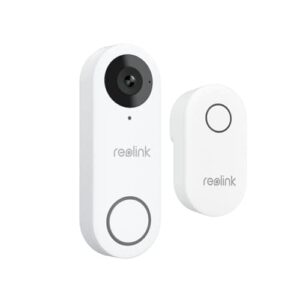
Reolink Video Doorbell WiFi
Reolink Video Doorbell PoE Details
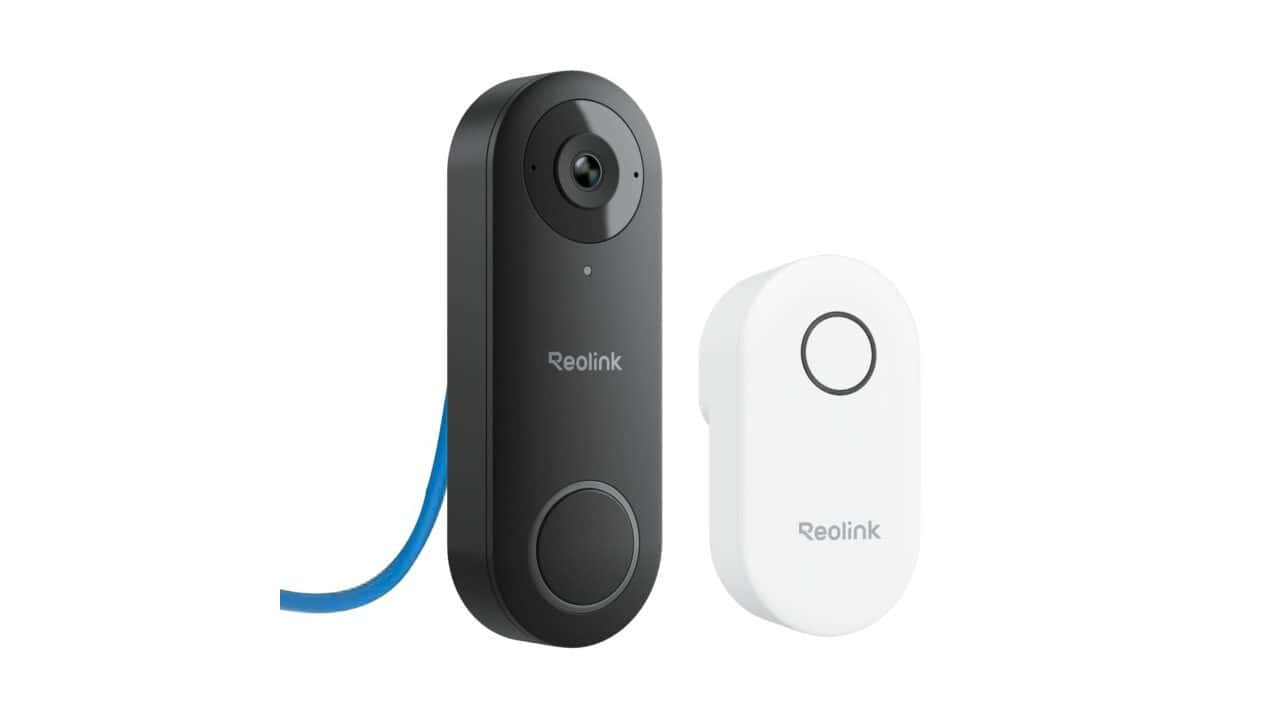
The Video Doorbell PoE is the most dependable option if you can run a network cable to your door. One Ethernet cable handles power and data, and it supports 24/7 recording with a 6-second pre-roll.
Product Features:
- 5MP camera with a wide 4:3 view (black model)
- Power over Ethernet (802.3af), or 12–24V AC / 24V DC
- Wired Ethernet connection; no Wi-Fi
- 24/7 recording with 6-second pre-roll
- microSD up to 256GB, plus Reolink NVR, Home Hub or FTP/NAS
- Plug-in Reolink chime included (Chime V2 on Amazon)
Reolink Video Doorbell PoE
#B0B7S1HMPC
$119.99 as of Nov 4
Reolink Battery Video Doorbell (2nd Gen) Details
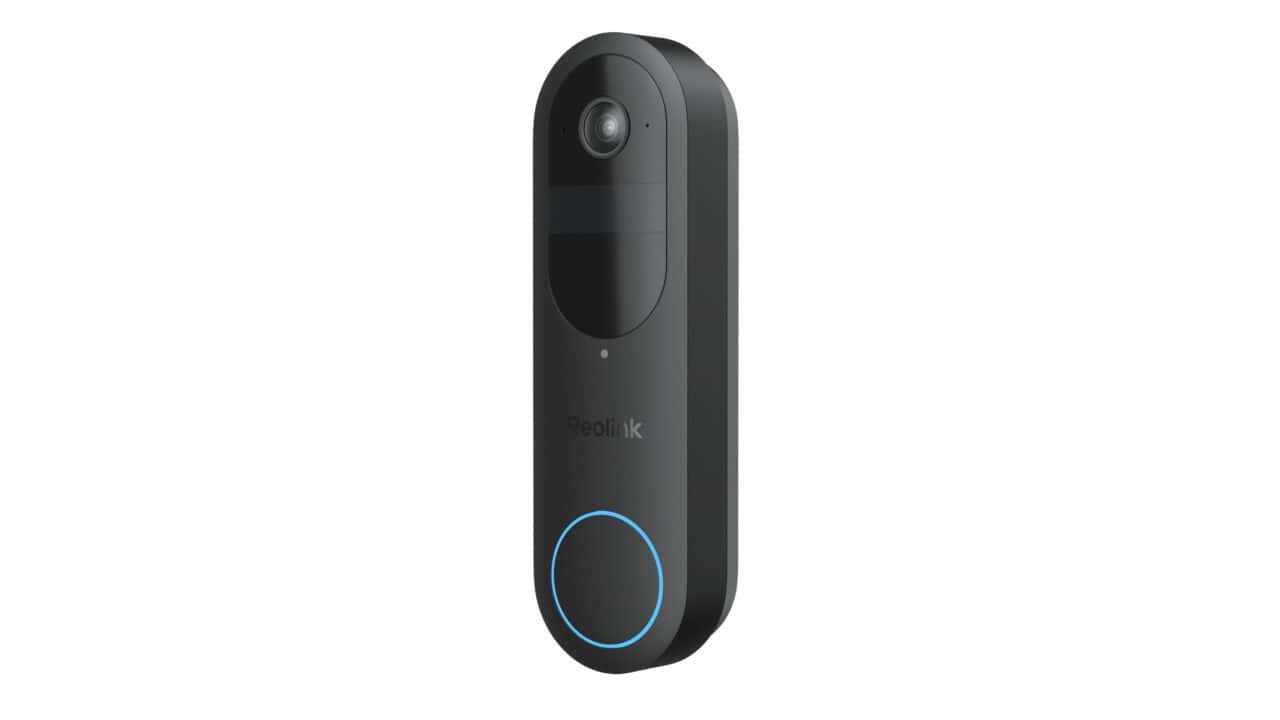
The Battery Video Doorbell (2nd Gen) is the pick when there’s no wiring at the door. Reolink claims up to 300 days per charge at 5 minutes of recording a day, and you can still wire it in later for 24/7 recording.
Product Features:
- 4MP camera with a square 1:1 view
- Built-in battery; up to 300 days per charge (Reolink, 5 min of recording per day)
- Optional wired power for 24/7 recording and pre-recording
- Person, vehicle, animal and package detection
- microSD up to 512GB, plus Reolink Home Hub, NVR or FTP
- Works with Reolink Chime Plus (sold separately)
Reolink Battery Video Doorbell (2nd Gen)
The Verdict: Match the Doorbell to Your Wiring
Buy the Video Doorbell PoE if you can run an Ethernet cable to your door. It’s the most reliable connection, and it records 24/7 with a pre-roll.
Buy the Video Doorbell WiFi if you have existing doorbell wiring or an outlet nearby, but no Ethernet at the door. The white version we picked has the head-to-toe view and package detection.
Buy the Battery Video Doorbell (2nd Gen) if you rent or have no wiring at the door. It has the widest detection list on its spec sheet and the biggest microSD support of the three, and you can wire it later for 24/7 recording. Budget for a Reolink Chime Plus, since no chime is included.
Reolink Doorbell FAQ
What’s the difference between Reolink’s WiFi, PoE and Battery doorbells?
Mostly power and connection. The WiFi doorbell runs on doorbell wiring and connects over Wi-Fi, the PoE doorbell gets power and data over one Ethernet cable, and the Battery doorbell (2nd Gen) runs on a rechargeable battery and connects over Wi-Fi.
Does the Reolink PoE doorbell work with Wi-Fi?
No. Reolink says the Video Doorbell PoE doesn’t support Wi-Fi; it connects over Ethernet.
How long does the Reolink battery doorbell last on a charge?
Reolink claims up to 300 days of battery life for the Battery Video Doorbell (2nd Gen), based on 5 minutes of recording per day. Heavier use will shorten that.
Do Reolink doorbells need a subscription?
No. All three record locally to a microSD card or a Reolink NVR or hub without a required monthly fee. Reolink sells optional cloud features separately.
Which Reolink doorbell works best with Home Assistant?
None of the three is listed as needing a Reolink Home Hub for Home Assistant’s official Reolink integration. The WiFi doorbell is Works with Home Assistant certified, and the PoE and Battery (2nd Gen) doorbells are listed as tested with a direct connection. The PoE doorbell’s wired link makes it the steadiest of the three.
In Summary
If you can run Ethernet to your door, the Reolink Video Doorbell PoE is the most reliable choice. If you have doorbell wiring, the Video Doorbell WiFi is the simplest upgrade, and if you have no wiring at all, the Battery Video Doorbell (2nd Gen) covers you with a long-lasting battery.