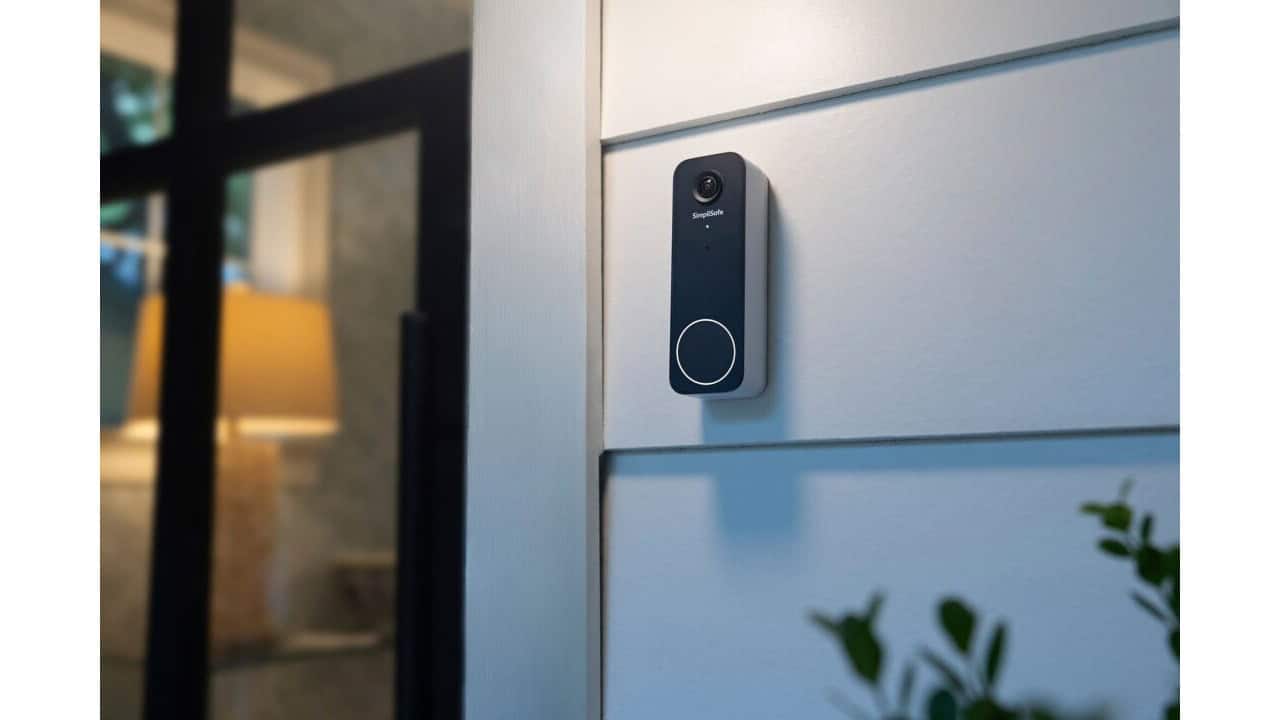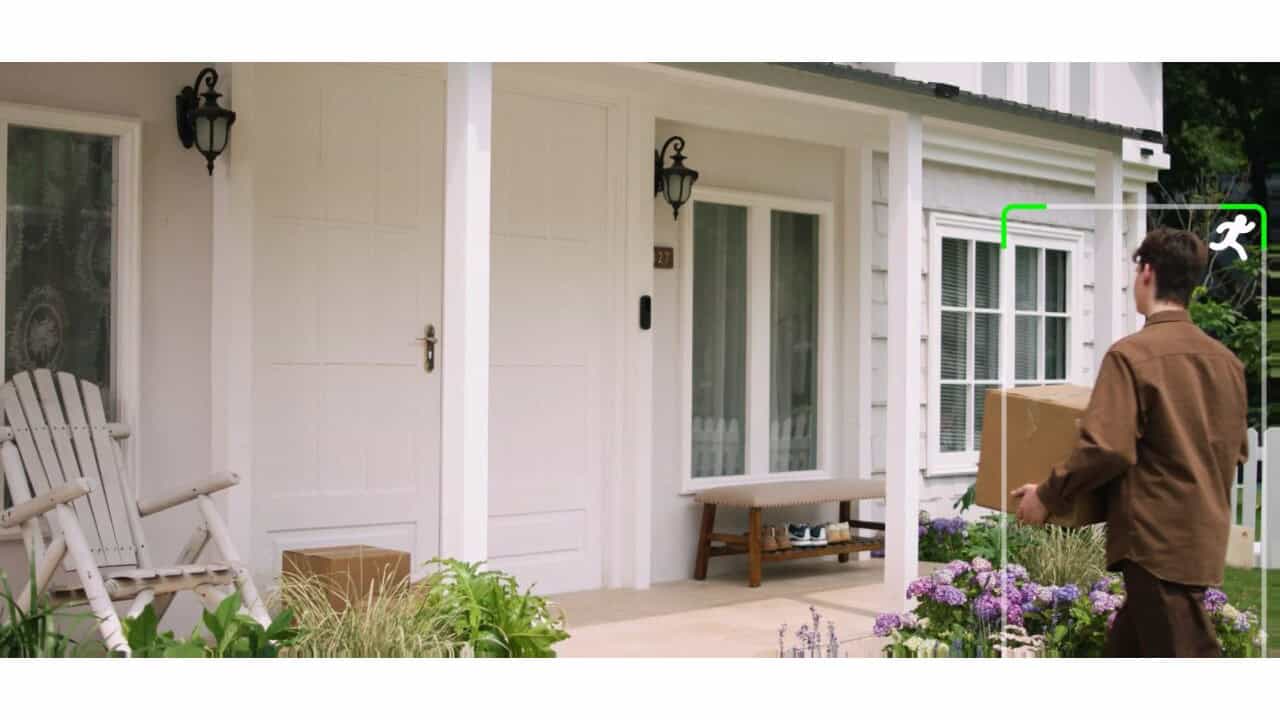
Reolink’s Battery Video Doorbell (2nd Gen) is getting a big smart home upgrade soon, with the company saying a new firmware update is set to let it talk directly to Home Assistant without needing a Reolink Home Hub. The change is aimed at owners who want their battery doorbell tied into custom automations and dashboards without buying extra Reolink hardware. The firmware is in beta and has been announced, but it has not been confirmed as publicly released yet, so this is all about what is coming once the update ships.
On Reolink’s own community forum, the company said on September 7 that an over‑the‑air update coming “this September” will expand the Battery Video Doorbell (2nd Gen)’s smart‑home interoperability, including that direct Home Assistant support. For people who already run Home Assistant, a battery doorbell that can report motion and AI events without a bridge device in the middle is set to make this a much more flexible option in a do‑it‑yourself smart home setup.
What Reolink Says Is Coming To The Battery Video Doorbell
Reolink is planning an over‑the‑air firmware update for the Battery Video Doorbell (2nd Gen) that is set to expand how it connects to other platforms, with direct Home Assistant integration as the headline change. The company’s forum post states that owners will be able to connect the doorbell straight to Home Assistant, with no Reolink Home Hub needed in the middle. That would be a shift from how Reolink’s battery devices have typically worked with third‑party systems.
Reolink frames this as part of broader smart‑home interoperability for the doorbell, not a one‑off toggle. The same doorbell is also documented as supporting Google Assistant and Amazon Alexa as “direct connection” options, so the planned Home Assistant update fits into that pattern of connecting directly to common platforms. The key change here is narrower than it sounds. Home Assistant 2026.6 already let Reolink battery cameras connect directly, with no Home Hub or NVR acting as a bridge, but motion and AI event sensors did not work on that setup. This firmware is what is meant to fill them in.
Closed Beta And No Public Firmware Yet
This firmware is not a surprise to people watching Reolink’s forums, because the company started talking about it earlier in the summer as a closed beta. On July 27, Reolink announced a beta firmware program specifically for Home Assistant integration on the Battery Video Doorbell (2nd Gen). That test was limited, and Reolink did not publish a general download link or version number for everyone.
By September 3, Reolink told users, “We’re currently in the beta testing phase for the Home Assistant integration firmware of our Battery Video Doorbell (2nd Gen). The official version is on the way, stay tuned!” Four days later came that September 7 announcement, and the picture has not changed much since. As late as September 22, owners on Home Assistant’s community forum were still asking each other whether the update had been officially released or was limited to beta testers. Reolink has still not published a firmware version number or a firm public release date. Owners should expect this as a “coming soon” feature, not something they can install right now.
Why Direct Home Assistant Support Matters For A Battery Doorbell
Reolink battery cameras have historically needed a Reolink Home Hub or NVR in the mix to work with Home Assistant. Home Assistant’s own Reolink integration documentation still states that “Battery-powered Reolink cameras can be used with Home Assistant with the help of a Reolink Home Hub or NVR,” and describes that hub as acting “as a bridge between the battery-powered cameras and Home Assistant, conserving the battery life.” The hub was the workaround to avoid draining batteries by talking to the camera too often, and Home Assistant still calls it the preferred method even though a direct path arrived in version 2026.6.
That hardware requirement has in fact already eased. The Home Assistant 2026.6 release notes said Reolink battery cameras can connect directly, without needing a Home Hub or NVR as a bridge, while cautioning that not all models and features are supported yet and that a hub or NVR remains the preferred method. Owners without that hardware can already add the Battery Video Doorbell (2nd Gen) on the network; what the new firmware is set to add is the motion and AI event push that setup is missing today. That means fewer boxes to plug in and manage, and one less thing to buy, while still tying the doorbell into Home Assistant automations, notifications, and dashboards.
The Technical Problem Reolink And Home Assistant Had To Solve
The delay in getting direct support for battery devices was tied to how Home Assistant talks to cameras. The maintainer of the Home Assistant Reolink integration explained in July that keeping the connection to a battery camera open and sending it commands “will murder the battery life of the camera.” That kind of traffic is fine for a wired camera, but on a battery doorbell it would quickly drain the battery and make the product frustrating to use.
The answer for this doorbell is new firmware that supports local webhook push. With webhook push, the doorbell does not have to be polled over and over. Instead, it is set to push motion and AI event data straight to Home Assistant only when something happens. Snapshot functionality was already working as of Home Assistant 2026.6.3, but motion and AI event sensors were still waiting on this Reolink firmware to come together. Once the new firmware is out of beta, those extra sensors are expected to come online without hammering the battery.
What Reolink’s Own Docs Say Today
Reolink’s support documents already hint at where this is headed, even while the firmware is still in beta. In the FAQ for the Battery Video Doorbell (2nd Gen), Reolink lists Home Assistant as a “Direct connection” in both Battery Mode and Wired Power Mode, and notes that the camera needs to be running the latest firmware. That wording matches what the company has been saying on its forum about the upcoming over‑the‑air update and the need to be on current software.
The same FAQ draws a clear line between Home Assistant and other standards. ONVIF and RTSP are listed as supported only in Wired Power Mode, and only when the Reolink App is on version 4.62 or above. Google Assistant and Amazon Alexa show up as direct connections in both Battery Mode and Wired Power Mode, like Home Assistant. The important distinction here is that the Wired Power Mode requirement applies to ONVIF and RTSP, not to Home Assistant, which Reolink lists as a direct connection regardless of how the doorbell is powered, as long as it has the latest firmware.
What You Will Need When It Lands
Once Reolink’s firmware leaves beta and rolls out as an official update, you will need a few pieces in place for direct Home Assistant support on the Battery Video Doorbell (2nd Gen). First, you will need a Home Assistant install with the Reolink integration available, since this update builds on that existing integration rather than creating something new. Second, you will need to update the doorbell to the latest firmware that Reolink releases for this feature, because older firmware is not expected to support the new webhook‑based setup.
On the Home Assistant side, the connection path is already the manual add flow: going to Settings > Devices & Services > Add Integration > Reolink, then entering the doorbell’s IP address along with the camera’s username and password. That is the same style of setup Home Assistant already uses for many cameras and NVRs. ONVIF and RTSP will still be limited to Wired Power Mode, with the Reolink App on version 4.62 or above, since those are separate features from the direct Home Assistant connection Reolink is now preparing for its battery video doorbell.
View the original announcement.