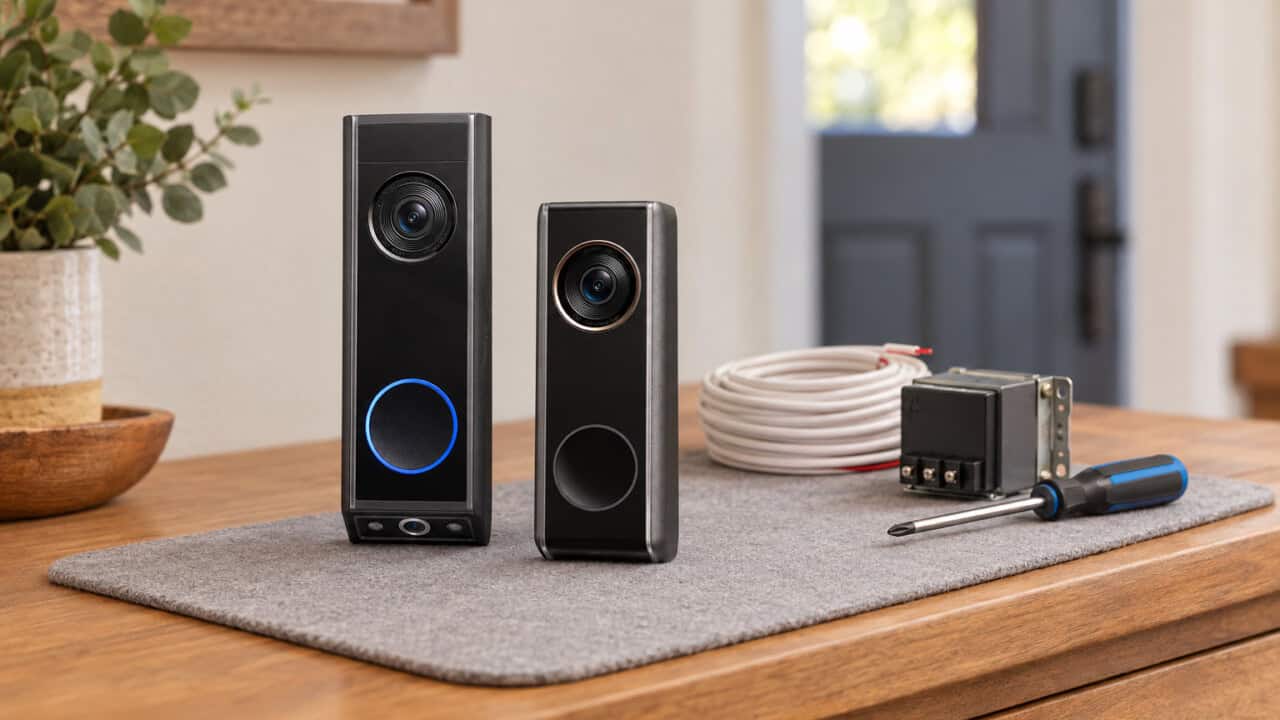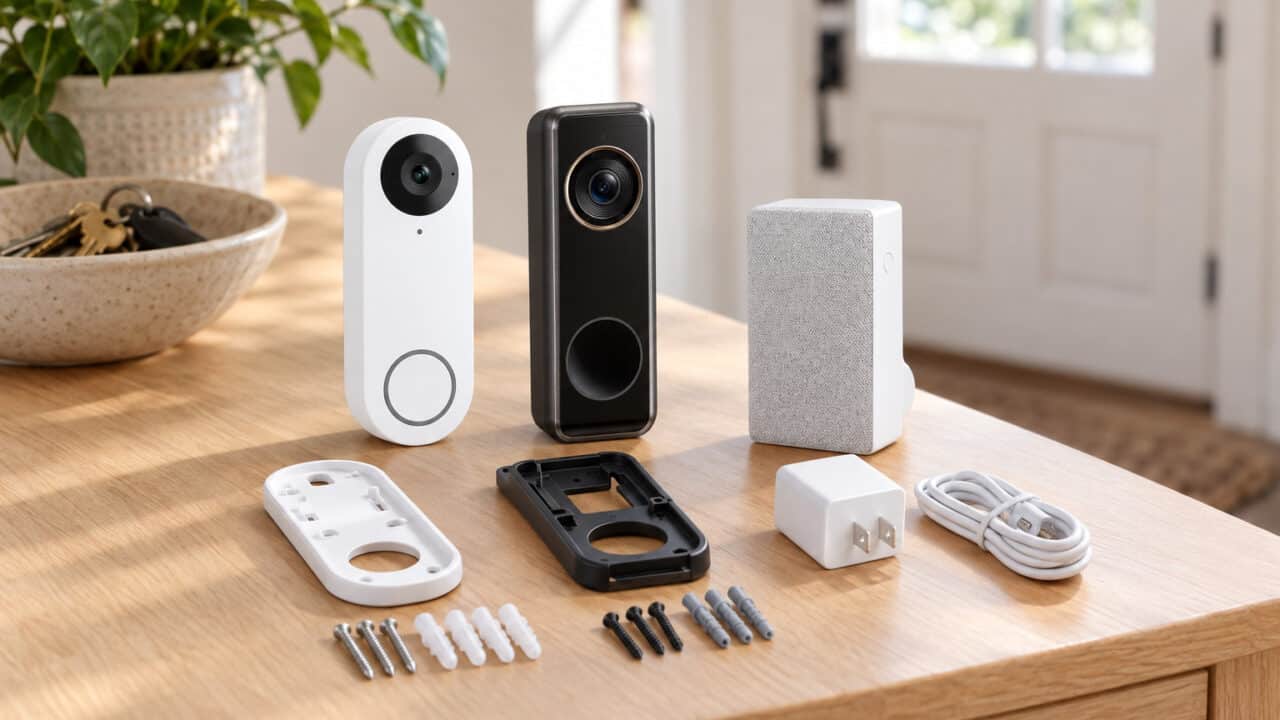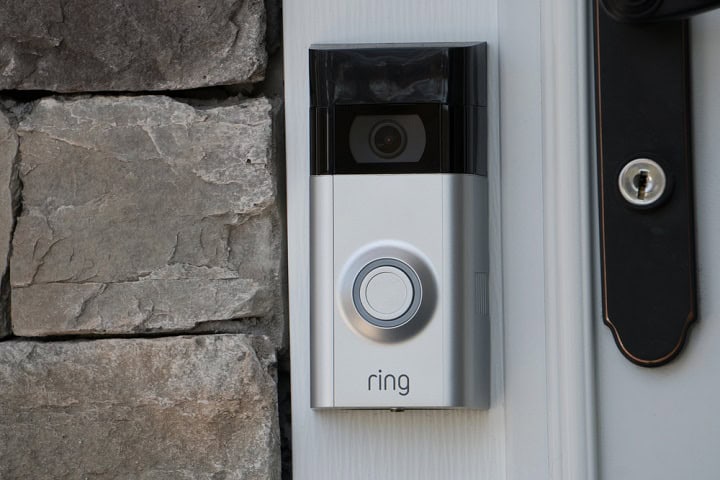
TL;DR: Pick Ring if you’re deep into Alexa; pick Nest if you’re deep into Google
If you already use Echo speakers or a Fire TV, Ring is the easier fit. If you use a Pixel, Google Photos, or a Nest Hub, the Nest Doorbell feels more natural.
Ring works best for people who already have Echo Dots or Echo Shows, since your doorbell can ring through those speakers and show video on the screen. It also tends to be easier to move if you rent or plan to move soon, because the battery doorbells are simple to take down and reinstall. Nest leans toward people who live in Google apps all day, use Android or a Pixel, and back up their photos to Google Photos. For them, the Nest Doorbell is more “set it and forget it,” with tighter phone and smart display integration.
On price, Ring usually starts lower, with wired models often around $60 to $100 and battery models usually around $100 to $180 depending on sales (Pro models go higher). Nest Doorbell (battery) is often around $180, while the wired Nest Doorbell sits closer to the higher end of that range. Both brands charge for long-term video history. Ring Home Basic is $5 a month per device or $50 a year per device. Google Home Premium Standard starts at $10 a month and covers all compatible Google Nest cameras, doorbells, speakers, and displays in the same home. For a first smart doorbell, either brand is a safe pick, because both have reliable apps, easy sharing, and clear ways to upgrade if you add more cameras later.
The fast decision filter
If you want a quick pick, answer five questions about cost, ecosystem, package alerts, family sharing, and whether you are really willing to switch platforms.
1. Cost: Are you trying to spend under $100 on the hardware and keep the subscription bill low? If yes, Ring usually wins on budget, especially if you grab a wired model and a Ring Home Basic plan. If you are okay spending a bit more up front and want a plan that can cover multiple Google cameras, Nest starts to make more sense.
2. Ecosystem: Do you talk to Alexa already or do you say “Hey Google” all day? Stick with the one you actually use. Ring makes more sense if you own Echo speakers, Fire TV, or a Ring Alarm kit, while Nest fits better if you have a Nest Hub, Chromecast, Pixel phone, or other Nest cameras.
3. Package alerts: Do you care most about knowing when a box hits your porch instead of every random motion? Both brands offer package detection with their paid plans, using the camera to spot boxes and send smarter alerts. If you already plan to pay for cloud recording, package alerts are basically a tie, so you can choose based on app and hardware instead.
4. Family sharing: Do you want everyone in the house to see alerts and answer the door? Ring lets you add Shared Users in the app so other adults can view video and respond to doorbell presses. Nest uses Home and Family accounts, which work especially well when everyone already uses Gmail and the Google Home app.
5. Is switching worth it? If you already own cameras or a doorbell from one brand, switching to the other usually means juggling two apps and two subscriptions. Unless you are really unhappy, it rarely feels worth rebuilding everything just for a few small perks. If you are starting fresh with no gear, pick based on which assistant you like talking to and where you expect to add more devices over the next few years.
Ring costs less for multi-door homes, while Nest is simpler with one flat price
Ring often works out cheaper if you have several doors or plan to add more cameras, while Nest is easier to budget if you prefer one flat subscription for your whole home.
Ring’s pricing centers on its Ring Home plans. Ring Home Basic costs $5 per month per device, or $50 per year per device, which fits a single doorbell or camera. If you have more than a couple of cameras, Ring Home Standard at $10 per month or Ring Home Premium at $20 per month covers every Ring device in your home, so the cost per device drops as you add more gear.
Google’s Home Premium plans are priced by home, not by camera. Google Home Premium Standard starts at $10 per month and Google Home Premium Advanced is $20 per month, and both cover all Nest cameras and doorbells in that home. Without a Google Home Premium subscription, you only get live view and alerts, with no saved video history to review later.
For both brands, the 3-year cost matters more than the sticker price of the doorbell if you expect to grow your system. One Ring doorbell with Ring Home Basic runs about $5 per month, but three years of Ring Home Standard at $10 per month can be a better deal once you add a few more cameras. Google Home Premium’s flat $10 or $20 per month looks simple from day one, so if you know you want full history and a handful of cameras right away, your total spend over three years may end up closer than the hardware price alone suggests.
Nest usually looks better at night, while Ring gives you more useful porch framing
Nest doorbells generally give you cleaner, more balanced video at night, while Ring doorbells are better at showing more of your porch and the area around your doormat.
Most current Ring and Nest models record at 1080p or higher, and some support HDR, which helps keep bright skies and dark shadows in the same shot. On supported models, some also use pre-roll buffering, so you get a few seconds of video from before motion was detected. That extra context can show how a person walked up, not just the moment they rang or triggered motion. If you care about facial detail and reading clothing or small items, pick models that list HDR and pre-roll in the specs.
Google’s Nest Doorbell Battery and Nest Doorbell Wired tend to handle tricky lighting and low-light scenes better than most Ring models. Their HDR keeps faces from blowing out when someone is backlit by a bright porch light or sun. At night, Nest usually shows a more even image with less blown-out glare around lights and a bit more detail in shadows. That difference stands out on porches with a single bright bulb or strong sunlight by the door.
Ring counters with framing that is often more useful for package watchers. Ring Battery Doorbell Plus and Ring Wired Doorbell Pro use a head-to-toe style view that can capture people from about 4 feet tall down to packages sitting near the doormat. That taller field of view makes it easier to confirm if a box is still there or see where a driver placed it. If package theft is your main worry, that framing can matter more than slightly better low-light image quality.
The better pick depends on whether your home runs on Alexa or Google Home
If your home is mostly Alexa gear, Ring is the better pick, and if you’re deep into Google Home, Nest is the better pick.
Ring feels most natural with Alexa
Ring doorbells plug into an Alexa setup more smoothly, especially if you already own an Echo Show 5, Echo Show 8, or Fire TV. You can say, “Alexa, show me the front door” and the live feed pops up on the screen with almost no extra setup. Two-way audio works right from the Echo Show, so you can talk to someone at the door without pulling out your phone. For renters, the battery-powered Ring Video Doorbell and Ring Battery Doorbell Plus are easy to add without touching existing wiring.
Ring also works well with other Amazon gear and many third-party smart locks and lights. You can set up simple routines, like turning on a smart porch light when the doorbell detects motion at night. If you plan to add Ring cameras, Ring Alarm, or more Echo speakers later, staying in the Ring and Alexa world keeps everything under one app and one voice assistant.
Nest fits best with Google Home
Nest doorbells fit more cleanly inside a Google Home setup with devices like Nest Hub, Nest Hub Max, and Nest Mini speakers. You can say, “Hey Google, show me the front door,” and the video feed appears on your Nest Hub screen. When someone presses the Nest Doorbell, you can get a chime on compatible Google speakers and a video preview on compatible Nest Hub displays. The controls live right in the Google Home app, next to your other Nest cameras and thermostats.
For families, Familiar Faces is a real edge. With a Google Home Premium subscription, Nest can learn regular visitors by name and send alerts like “Alex is at the door” instead of just “Person seen.” That can make notifications much more useful if grandparents, babysitters, or older kids come and go a lot. It also cuts down on guesswork when you’re checking alerts quickly during work or at night.
Sharing access: both work, Ring gives slightly more control
Both Ring and Nest let multiple people in your home see notifications and view the doorbell feed on their own phones. With Nest, you add people as invited members in the Google Home app so they can access the doorbell, cameras, and other devices. Everyone has about the same level of access to view footage and manage settings, depending on how you share the home.
Ring splits things out a bit more with Owner and Shared User access, plus separate guest-style access for Ring Alarm. The Owner controls everything, from changing settings to managing Ring Home subscriptions. Shared Users can answer the door, view live video, and get alerts, but they have fewer admin powers. Guests can be limited to things like Ring Alarm access or certain features, which gives you finer control if you want to include roommates, kids, or a dog walker.
My pick for Amazon households and renters: Ring
For homes full of Echo speakers and Fire TV sticks, Ring is the clear pick. The quick voice commands on Echo Show and the role options in the Ring app match well with how people already use Alexa. Renters also get an easy win with battery models that can go up with a bracket and a couple of screws instead of working with doorbell wiring. If you might add Ring cameras, Ring Alarm, or more Alexa devices later, starting with a Ring doorbell keeps your setup simple.
My pick for Google-heavy homes and families: Nest
For homes built around Google Home, Nest Hub, and Nest Hub Max, a Nest doorbell makes more sense. The video previews on smart displays and voice commands using “Hey Google” feel intuitive when everything else in your house already works that way. For families, Familiar Faces through Google Home Premium can turn random “person” alerts into useful “Mom is at the door” alerts. If you care more about smarter notifications than about deep Alexa ties, Nest has the edge.
My pick for first-time buyers with no strong ecosystem: Ring by a small margin
If you are buying your first smart doorbell and do not care much about Amazon or Google yet, Ring wins by a small margin. The app is simple, battery-powered models are easy to install, and integration with Alexa is ready for you if you add Echo devices later. Ring’s Owner, Shared User, and Guest roles also give you more fine-grained control out of the box. That said, if you already like Google services more, picking Nest instead is totally fine and you will still get a solid smart doorbell.
Frequently Asked Questions
Is Ring or Nest doorbell better for video quality and night vision?
Nest doorbells are generally better for video quality and night vision than most Ring models. Nest versions tend to handle lighting shifts well, and their HDR helps keep faces clearer in bright sun or shadows, while night vision often shows more detail in low light.
Does Ring or Nest have lower monthly fees for video storage and smart alerts?
Ring usually has lower monthly fees for video storage and smart alerts than Nest. Ring’s basic subscription tier tends to cost a few dollars less per month than Google Home Premium Standard, while still covering video history and motion alerts. Google’s plans often add features like longer video history and familiar face alerts, but you typically pay more for them.
Which works better with Alexa and Google Home, Ring doorbell or Nest doorbell?
Ring doorbells work better with Alexa, while Nest doorbells work better with Google Home. Ring is owned by Amazon, so features like voice announcements on Echo devices and viewing the doorbell feed on Fire TV are built in. Nest is made by Google, so it connects more smoothly with Google Assistant speakers and Chromecast.
Do Ring or Nest doorbells work without a subscription, and what do you lose if you don’t pay?
Both Ring and Nest doorbells work without a subscription, but you lose video history and most smart alerts if you don’t pay. Without a plan, you can still get live view, motion alerts, and two-way talk, but recordings are limited to real-time only and you usually can’t review or download past clips.
Which is easier to install, Ring or Nest doorbell, and can I use my existing doorbell wiring?
Ring doorbells are usually a bit easier to install than Nest, especially if you choose a battery-powered Ring that doesn’t need wiring at all. Both Ring and Nest wired models can use your existing low-voltage doorbell wiring, as long as the voltage and chime type are compatible with the model you pick.