These 10 phishing scams still work every day because they prey on habits, panic, and trust more than on tech. From fake delivery texts to lookalike login pages, scammers keep recycling the same tricks with small twists that can fool anyone in a rush. Keep reading to see what to watch for and how to stay safe.
Fake Delivery Texts That Push You to Click

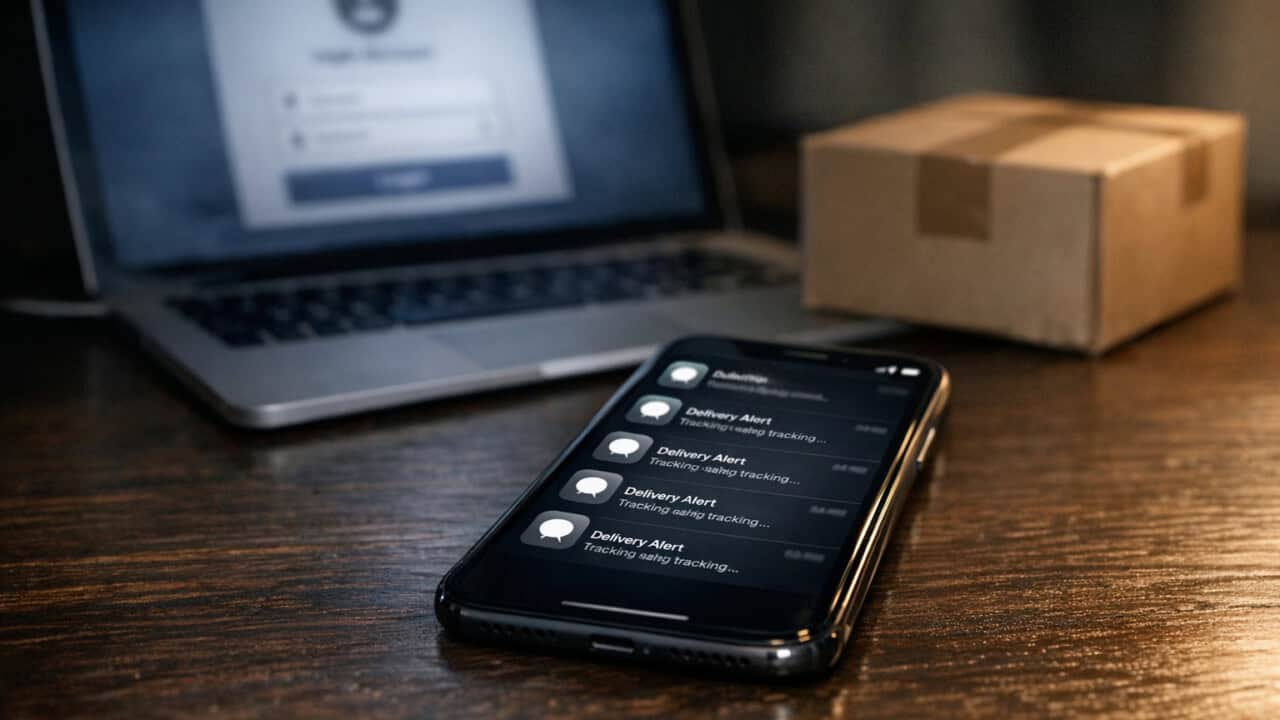
Fake delivery texts still work because scammers know almost everyone is waiting on something from Amazon, UPS, FedEx, or USPS. The text usually says your package is “on hold” or “needs a small redelivery fee” and includes a tracking link that looks close to real, like “usps-redelivery-help.com” instead of “usps.com.” The safe move is to ignore the text link, open the real Amazon app or the official UPS/FedEx/USPS site, and check your tracking there instead. If the message says to pay a fee, double-check your order history first, and report the text as spam or junk through your phone’s messaging app.
“Your Account Is Locked” Emails That Rush You to Sign In
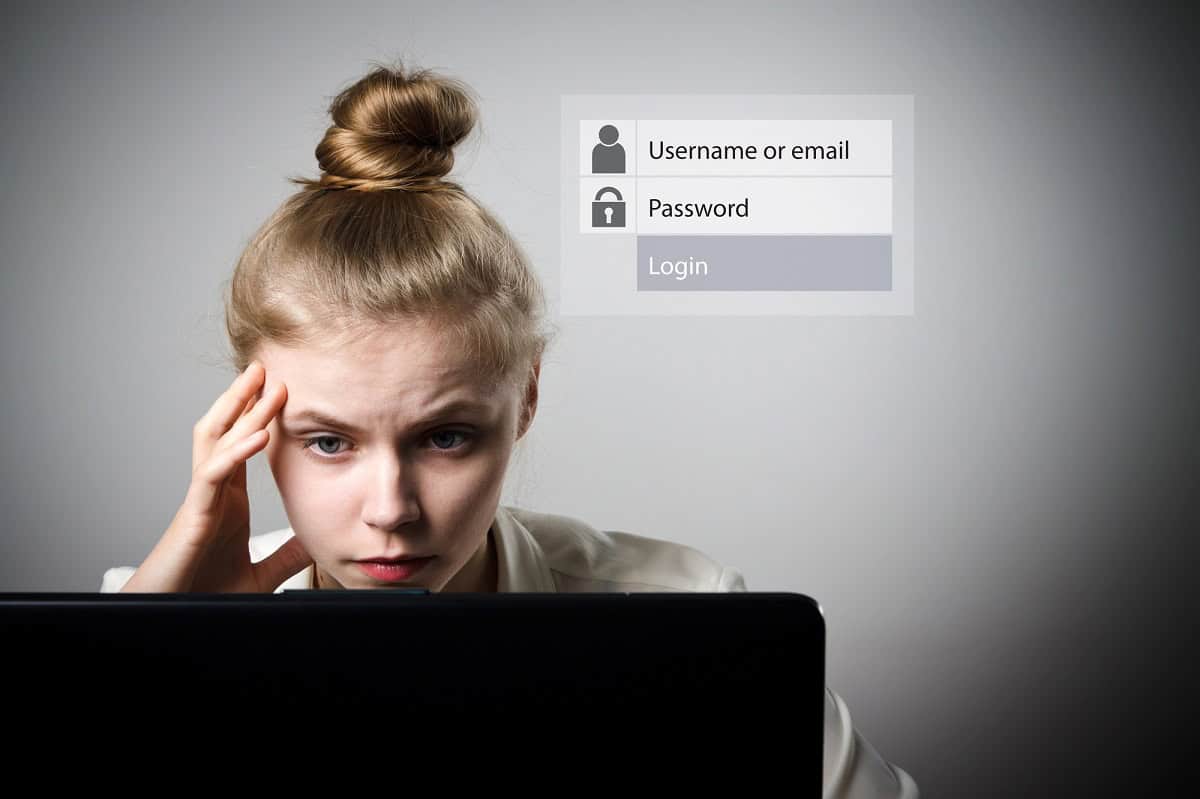
“Your account is locked” phishing emails still work because they copy real alerts from brands you know, like PayPal or Netflix, and try to rush you into clicking a fake “Sign In” or “Restore Access” button. The message usually claims someone just logged in from another country, or says your account will be deleted in 24 hours if you do nothing. The big red flags are bad grammar, a generic greeting like “Dear user,” or a sender address that looks close but not exact, such as “support@paypall-security.com.”The safe move is to ignore the link in the email and go straight to the account yourself by typing the address into your browser or using the official app. You can also check your account’s security or login history in settings for services like Google, Apple, and Microsoft instead of trusting the email. If you clicked the link and typed your password, change it right away, turn on two-step verification, and watch for any “new login” alerts. Then report the message using the “Report phishing” option in Gmail, Outlook, or Yahoo Mail so it helps filter similar scams for other people.
MFA Push Spam That Tries to Wear You Down

MFA push spam still works because attackers keep sending login approval requests to your phone until you hit “Approve” just to make the popups stop. You might see a flood of “Are you trying to sign in?” prompts from apps like Microsoft Authenticator, Duo, or a Google sign-in prompt when you are not logging in anywhere. That nonstop buzzing is the red flag. The safe move is to tap “Deny,” turn on airplane mode or Wi‑Fi off, then log in to the real site yourself, change your password, and check your sign‑in history for anything strange.Some scammers make it sneakier by sending just one or two prompts that look normal, often late at night when you are tired. If you ever get an unexpected push prompt, treat it like someone knocking on your door at 3 a.m. and asking for your keys. Never approve a login you did not start yourself, and if you are not sure, contact your company’s IT help desk or the service’s official support page using a known-good phone number or link.
QR Code Scams That Send You to Fake Sites
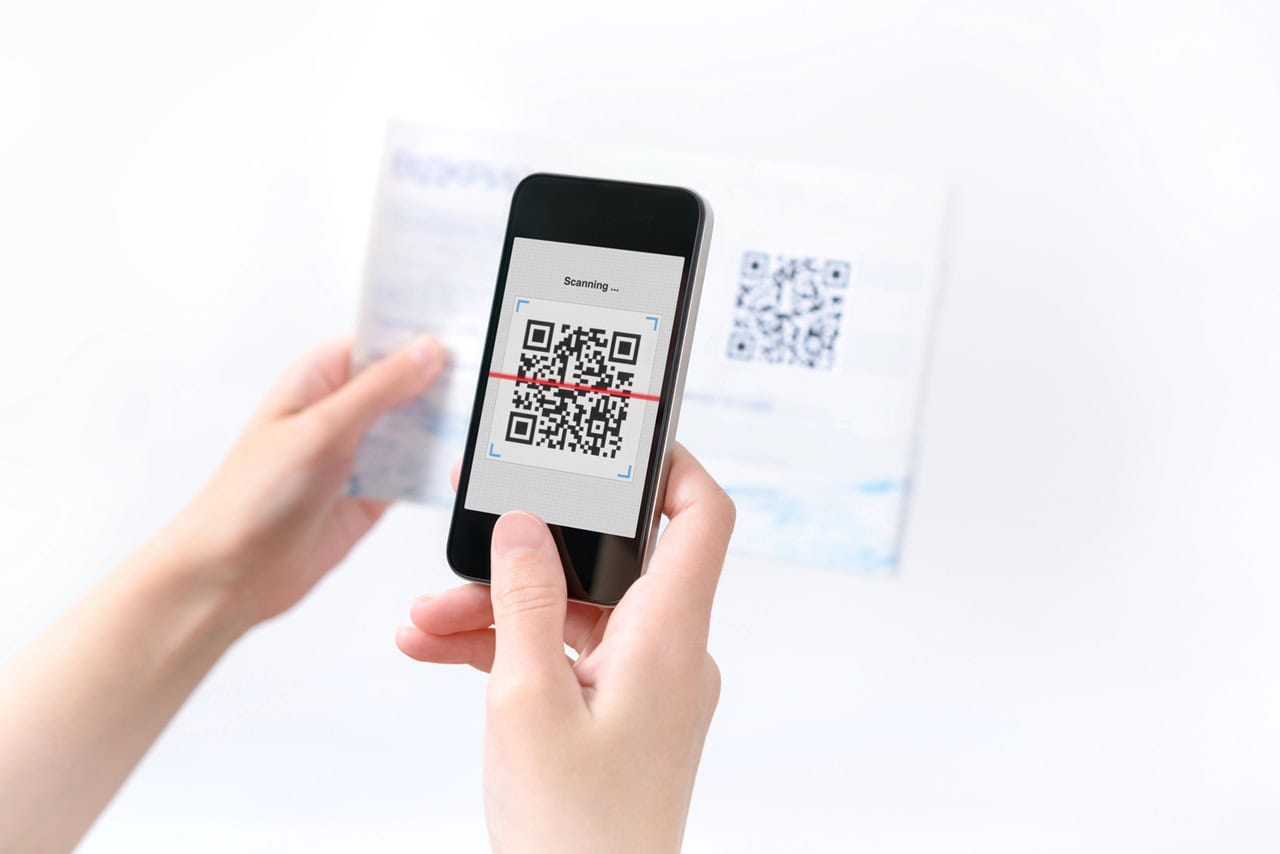
QR code scams still work because people trust that little black-and-white square more than a sketchy link in a text. Crooks stick fake QR code stickers over real ones on parking meters, restaurant tables, or “Scan to pay” posters, then send you to a fake site that looks like Bank of America, PayPal, or a Google sign‑in page to steal your login or card number. The big tell is anything that rushes you, like a code on your windshield with a message saying “Immediate payment required” or a restaurant code that asks for your email, full card details, and billing address before you even order.The safe move is to ignore surprise QR codes, especially for payments, fines, or account login, and go straight to the real app or site yourself. For parking, open the city parking app you already use or type the URL printed on the meter instead of scanning. For menus, ask the server for a paper menu or check the restaurant’s official website. At home, use your phone’s browser or a trusted app store search instead of scanning random QR codes from flyers, emails, or social media posts.
Boss or CEO Gift Card Requests That Sound Urgent

Boss or CEO gift card scams still work because they hit people with fake urgency and name-drop a real manager. The message usually looks like a quick request from a Gmail or Outlook address that is one letter off from your boss’s real company email, asking you to buy Apple, Google Play, or Visa gift cards “right now” and text the codes. The tells are no normal greeting, no context, bad grammar, and a strange excuse like “I’m in a meeting, can’t talk, just send the codes.”The safe move is to stop, ignore the message, and verify the request using a channel you control, like calling your boss at their known phone number or starting a fresh email from your address book. Never send gift card numbers or photos of cards based on a text or email, and never reply to that message to “confirm,” because you are still talking to the scammer. If it came to your work address, report it to IT or security, and if you already sent codes, contact the card issuer and your company’s help desk right away.
Romance and Crypto Scams That Build Trust First

Romance and crypto phishing scams still work because scammers spend weeks or months building trust before asking for money. A scammer might start on Tinder, Facebook Dating, or Instagram, move you to WhatsApp or Telegram, then talk every day about family, work, and future plans. The red flag is when the talk shifts to “safe” investments like Bitcoin, Tether (USDT), or a specific trading app or website you have never heard of, and they pressure you to move money off your bank or Cash App into a wallet or sketchy trading platform. The safe move is to refuse any money, crypto, or gift card requests from people you have never met in person, check the company or app name through a quick search plus the word “scam,” and run the situation by a friend or family member before sending a single dollar.
Tech Support Pop-Ups That Claim Your Device Is Infected

Tech support pop-ups that hijack your screen and scream “Windows Defender: Your PC is infected with 5 viruses!” still trick people into calling fake phone numbers. These scams often lock your browser with a full-page alert, use the Microsoft or Apple logo, flood you with beeping sounds, and show a big red “Toll-free” number that a real company like Microsoft never puts in a security warning.The red flags are simple: real security tools like Windows Security or the macOS Privacy & Security settings use small system notifications, never full-screen browser windows, and never ask you to call a random number or give remote control to someone through apps like TeamViewer or AnyDesk. If you see one of these pop-ups, do not click anything in the message, do not call the number, and do not let anyone remote into your computer; instead, press Ctrl+Alt+Delete (on Windows) or Option+Command+Esc (on Mac), force close your browser, then run a scan from your built-in security app or a trusted antivirus you installed yourself.
Fake Unpaid Invoice Emails That Pressure You to Pay Fast

Fake unpaid invoice emails still trick people because they look like real QuickBooks, PayPal, or DocuSign payment requests and try to scare you into paying fast. The message often claims you owe $497.89 or some other oddly specific amount, says “overdue” or “last notice,” and pushes you to click a “Pay Now” button or wire money to a new bank account. The tell is pressure plus a surprise: you do not remember the bill, the sender’s email address is slightly off, or the invoice number does not match anything in your records. The safe move is to ignore the email links, log in to your real billing or bank account by typing the address yourself, or call the company or vendor using a phone number you already trust to confirm if the invoice is real before sending any money.
Job Offers That Sound Great but Ask for Too Much

Job phishing scams still work because scammers send “job offers” that sound like remote-work dreams but demand personal data or money right away. You might see a message about a $40-per-hour data entry job with “no experience needed,” sent from a generic Gmail address, then they ask for your Social Security number, driver’s license photo, or a Zelle or Cash App payment to “buy equipment.” Real employers do not ask you to pay for a company MacBook or pre-hire background check using gift cards or crypto, and they use official domains like @companyname.com, not @outlook.com or random misspellings. The safe move is to stop, search the company on your own, apply only through its official careers page or LinkedIn listing, and refuse to send documents or money until you have a signed offer and can call a verified HR number to confirm the job is real.
Lookalike Login Pages That Steal Your Password
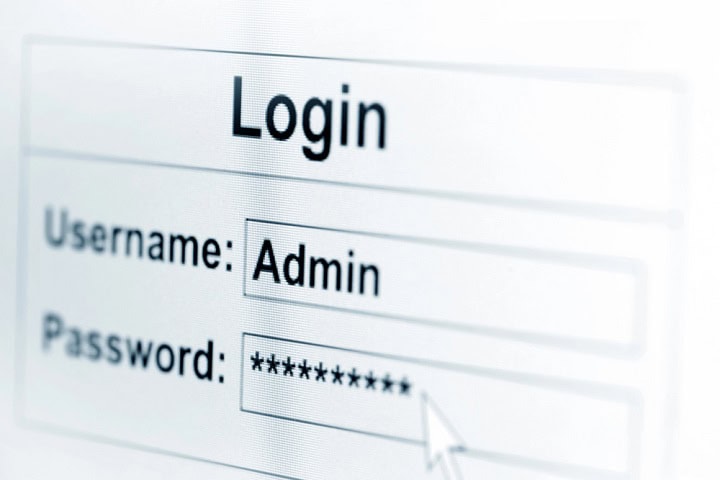
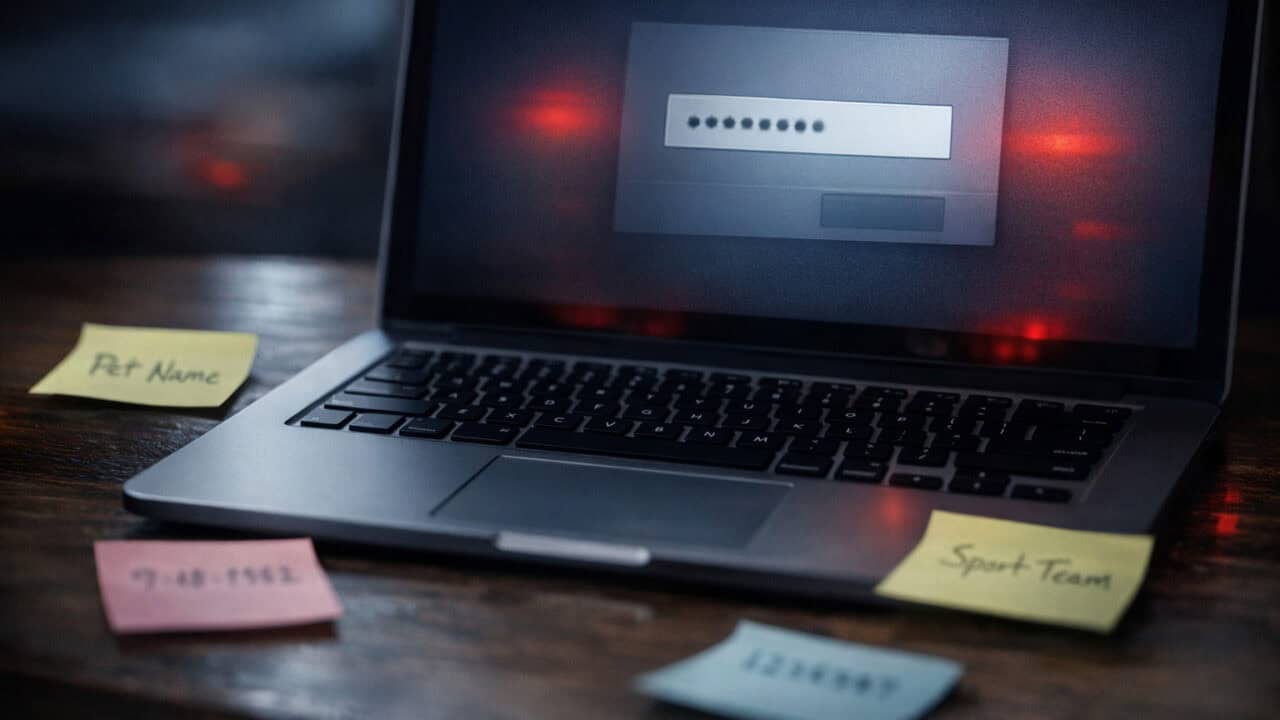
Lookalike login pages still trick people because they copy real sites like Chase, Microsoft 365, or Facebook almost pixel for pixel, then steal whatever you type. The fake link usually comes in an email or text that says something like “Your account is locked” or “Unusual sign‑in on your Apple ID,” and the page URL will be slightly off, such as micr0soft.com or chase‑secure-login.net. The safe move is to ignore the link, open your browser, and type the site yourself or use a saved bookmark, then sign in only there. Before entering any password, check the address bar for the exact domain name and watch for misspellings or extra words, since HTTPS and a padlock only mean the connection is encrypted, not that the site is real, and turn on a password manager from your browser, iCloud Keychain, or a tool like 1Password, which usually will not auto‑fill on fake pages.
Summary
The single most important fact is that almost every phishing scam in this list only works if you click a link, scan a code, approve a prompt, or send money without stopping to verify it first. Before you act, pause and check the sender address, web address, or phone number using a source you look up yourself, like a saved bookmark, official app, or known-good contact. Any message that mixes urgency with a request for passwords, codes, gift cards, crypto, or remote access should be treated as suspicious. When in doubt, do nothing, close the message, and reach out to the company or person through a channel you already trust.