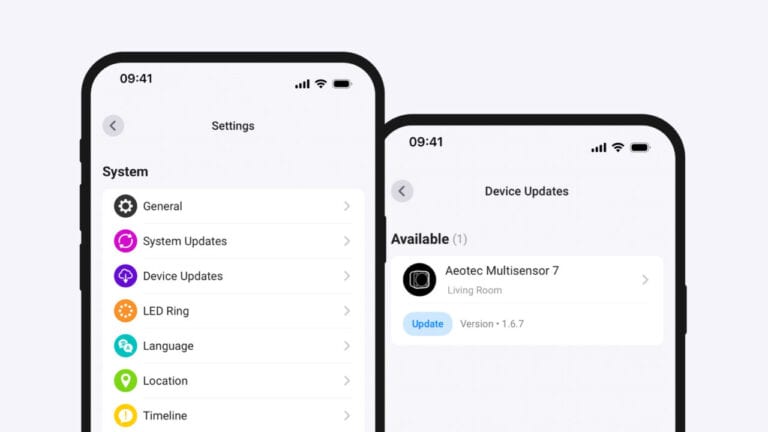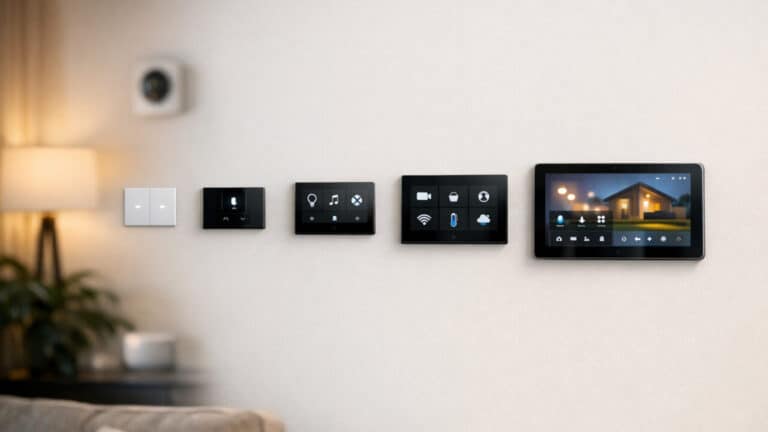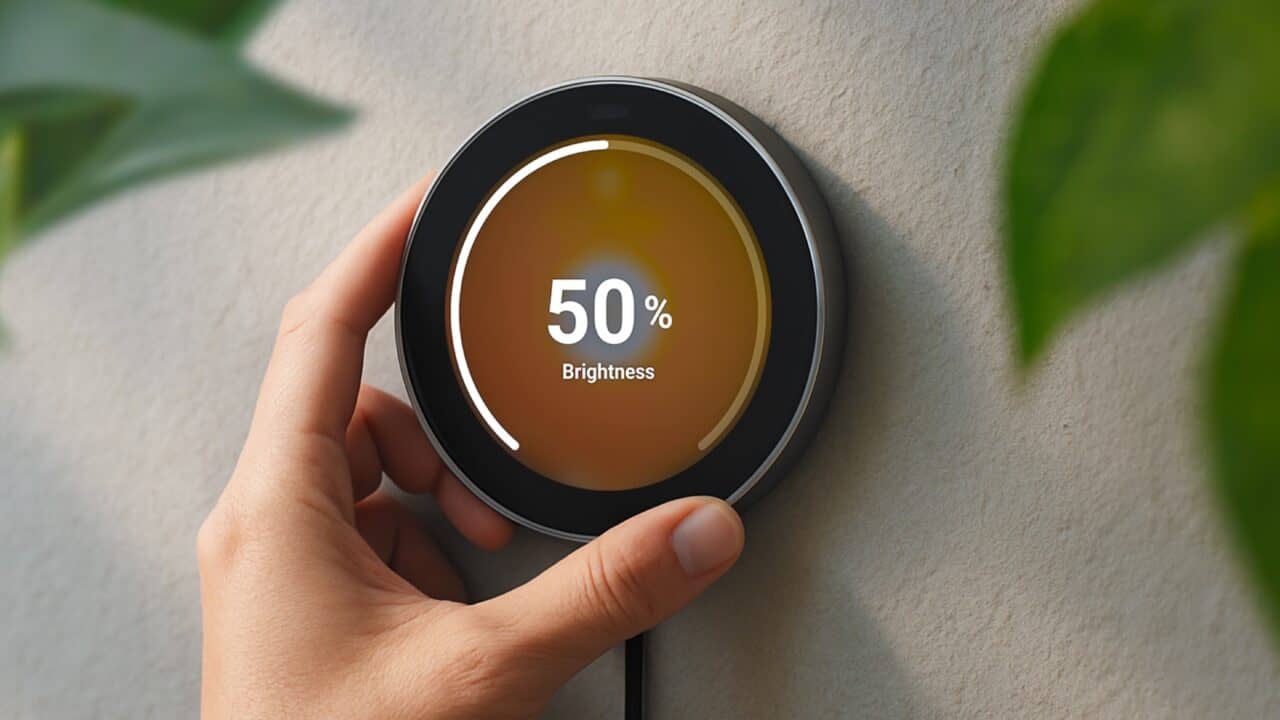
Homey’s new Portal controller is built around a simple idea: you turn a physical dial on the wall or your desk to control your smart home. Athom introduced Homey Portal at IFA 2026 as a new way to interact with a Homey system, using a 2.8-inch round touchscreen surrounded by a stainless steel rotary ring. The ring adjusts things like light brightness, speaker volume, and temperature, while the touchscreen handles navigation and other controls. The device can sit on a stand or be mounted on a wall, and it is meant to live in a specific room and manage the smart devices in that space.
Portal is an add-on, not a standalone hub
Homey Portal is a controller, not a hub, and that detail matters for anyone thinking about pre-ordering one. The device does not replace a Homey system and cannot run a smart home by itself. It works only when paired with a Homey platform, including Homey Cloud, Homey Pro (from the 2023 through 2026 models), Homey Pro mini, or a Homey Self-Hosted Server.
That means a Portal always needs a Homey platform behind it, though that platform can be a free Homey Cloud account rather than a hub you have to buy first. Athom says Homey Cloud sets up in minutes with no hardware required, and is free for your first five devices. That free tier has a limit worth checking before you count on it: Athom lists it as official apps only, and says Zigbee, Z-Wave, Bluetooth, 433 MHz and infrared devices need a separate Homey Bridge, so Homey Cloud on its own reaches Wi-Fi and cloud-connected devices. The Portal is meant as a dedicated control point for people running Homey who want a physical interface to go with the apps and other ways they manage their devices. Athom is positioning it as a way to make everyday actions quicker and more tactile, instead of always reaching for a phone or tablet.
Dial and touchscreen for everyday controls
The core of Homey Portal is the combination of a 2.8-inch round touchscreen and a stainless steel rotary ring that surrounds it. Turning the ring is how you handle the most common adjustments, such as dimming lights, changing speaker volume, or tweaking the temperature. The touchscreen handles navigation through menus, device lists, and other controls that are not just “up or down” changes.
This split between physical and touch input is meant to keep simple actions fast. For example, once you are on the screen for a particular light or thermostat, you can twist the ring to get the setting where you want it without tapping through sliders or tiny icons. The touchscreen, on the other hand, moves you between devices, Flows, and Moods, and Athom says you can spread those shortcuts across multiple pages depending on how you customize the home screen. Athom is leaning on that mix to make the Portal feel more like a home control dial than just another small tablet.
Room-focused control with zones and customization
Every Homey Portal is assigned to a “zone,” such as a Living Room or Kitchen, and it controls the devices that belong to that zone in the Homey system. This zone-based design is meant to keep the Portal focused on whatever room it lives in, though it is not a hard wall: Athom says a Portal also controls any zones nested inside its own, and you can still tap a device outside the current zone or pin a shortcut to any device in your home. When you walk up to the Portal in your living room, you work with your living room lights, speakers, or climate devices. Place another Portal in the kitchen, and that one can focus on the appliances, lights, and other devices in that space.
The home screen of the Portal can be customized so that the controls you use the most are always at hand, though that setup runs through a phone: Athom’s FAQ says you need the Homey app for iOS or Android to set up and customize a Portal, including managing its shortcuts. You can pin Flows, which are Homey’s automation routines, so a single tap can trigger a whole set of actions, and Athom also lets you assign a double tap as the zone’s quick action to start a Flow, set a Mood, or toggle the lights. You can also pin Moods, which represent preset scenes for a room, or select individual devices that you adjust all the time. On top of that, the Portal can display household energy use, giving you a quick snapshot of how much power your home is drawing. That readout depends on extra hardware, though: Athom says it requires a Homey Energy Dongle or a third-party energy meter, and on Homey Cloud a third-party meter also needs Homey Premium.
Flexible placement with wall and desk mounting
Athom designed Homey Portal for both wall-mounted and desk-mounted use, and every unit ships with hardware for both options. Out of the box, you get a wall mount if you want a more permanent, thermostat-style install in a hallway, kitchen, or near the front door. You also get a desk stand if you prefer to keep it on a countertop, side table, or desk where you might move it from time to time. Either way it stays tethered to power: Athom’s box contents list a 1.5-meter USB-C cable and a 5V/3A adapter, with no battery, so whichever spot you pick needs an outlet within reach.
That flexibility means you can treat the Portal like a small control console in a home office or media room, or as a fixed control point that everyone in the household can reach on their way in or out. Since the device is zoned, some people may choose to put one Portal in a main living area and another in a bedroom or kitchen, each tuned to the devices that matter most in that space. Athom’s message around mounting is that you do not have to choose one style at purchase time, because both options are included.
Pre-orders and what buyers should expect
Homey Portal is available to pre-order in the United States, with deliveries for the next batch of orders expected to begin in January 2027. Athom’s store listing says those shipments will be handled on a first-come, first-served basis, so later orders fall later in that queue. The company’s original launch announcement mentioned that the first production run would ship before the end of 2026, but that initial run is not what is being offered now: Athom’s store page says the first batch sold out, and the pre-order on the listing today is for the next batch. Buyers placing orders from the current listing should plan around the January 2027 timeline instead of expecting a 2026 delivery. Athom’s FAQ does say a pre-order can be cancelled any time before it ships, for a full refund, which takes some of the risk out of the wait.
For anyone interested, the biggest decision is not the mount or the room, but which Homey platform will sit behind it, since a free Homey Cloud account is enough to get a Portal running even without a Homey hub, as long as the devices you want to control are Wi-Fi or cloud-connected. Since Homey Portal is only a controller for Homey Cloud, Homey Pro (from 2023 to 2026), Homey Pro mini, or Homey Self-Hosted Server, it is aimed at people running Homey in some form, whether that is a hub on the shelf or a cloud account. For that group, Portal offers a new way to use Homey with a physical dial and a small touchscreen that lives in the room you are controlling. For everyone else, it is a signal of how Athom sees the future of home control: less about phones, more about putting simple controls back on your walls and tables.
View the original press release.