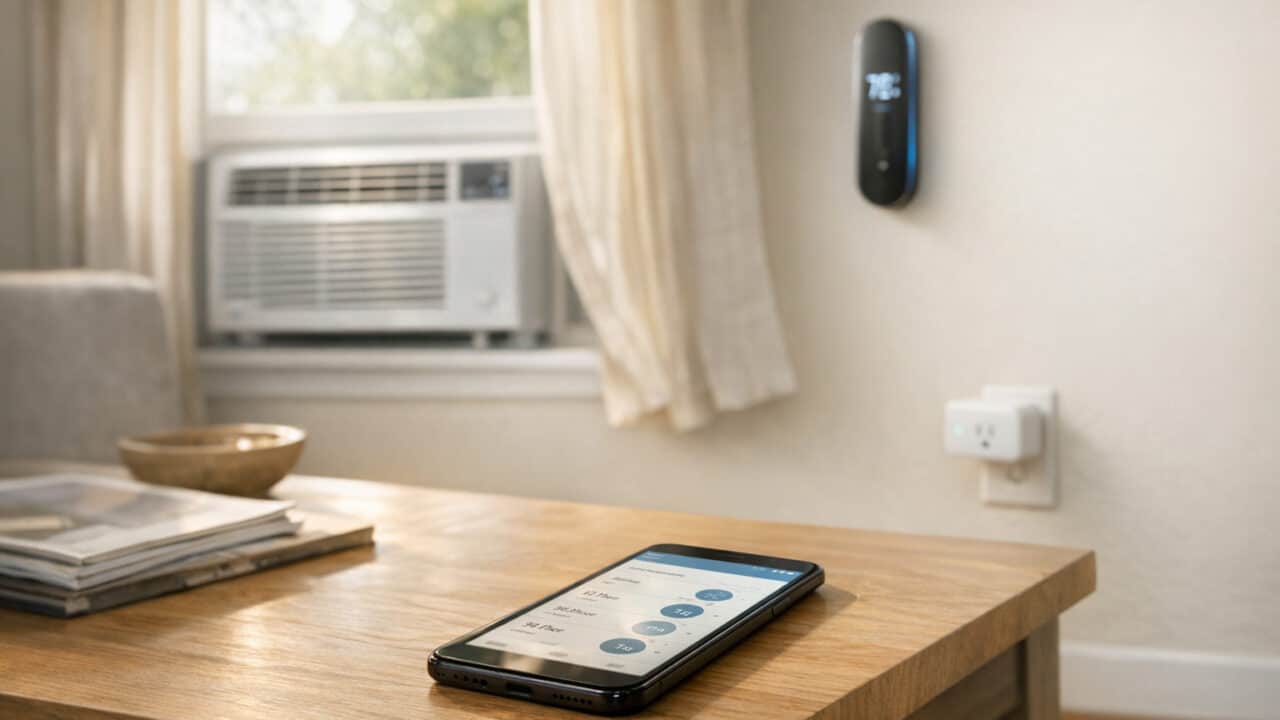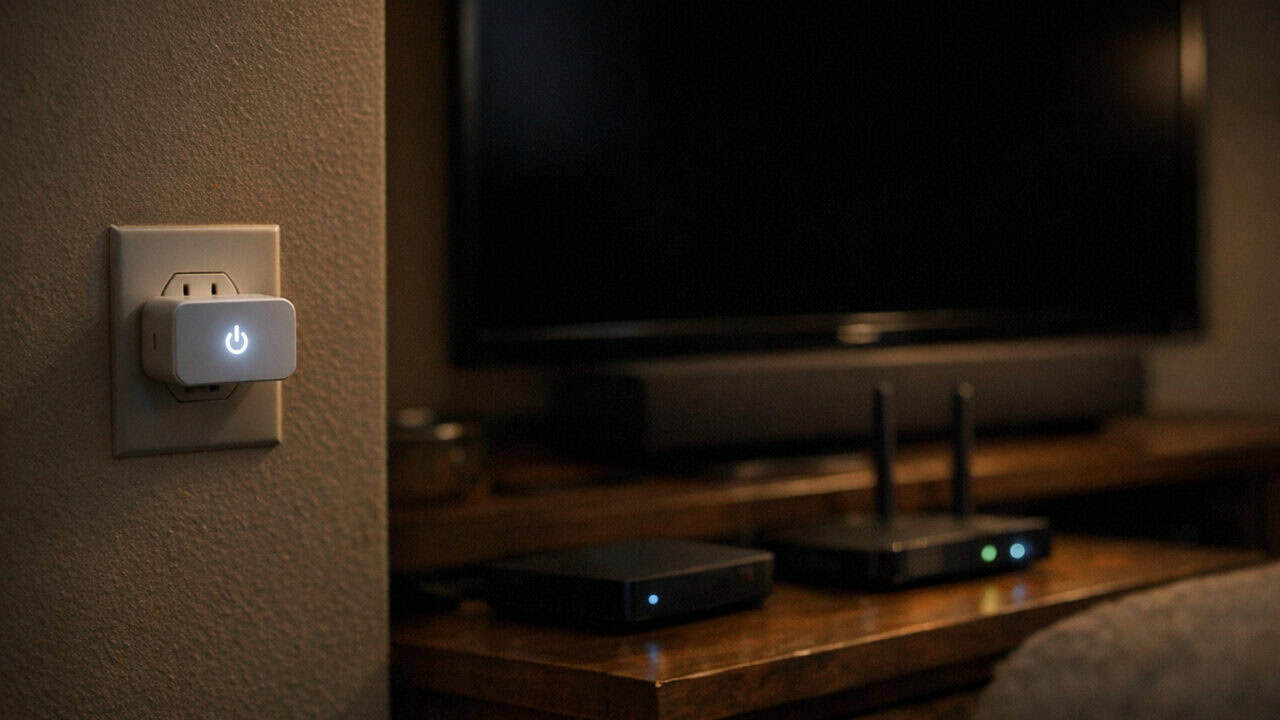
Your house really does have a bunch of quiet “energy vampires,” and a single $15 smart plug with energy monitoring can show you exactly which ones are silently adding $5, $10, or more to your bill. Plug a cheap smart plug with energy monitoring into one outlet for a week, track the watts in the app, and you will see which gadgets are worth fixing and which ones you can ignore. Keep reading to see where those sneaky watts are hiding and how to shut them down.
The $20-a-Year Standby Drain Hiding in Your Xbox

Your Xbox Series X can quietly burn about $20 a year just sitting there in “instant-on” standby mode. With instant-on enabled, an Xbox Series X or Series S usually pulls around 10 to 15 watts all day and night so it can wake up fast, which adds up to roughly 90 to 130 kWh a year, or about $14 to $21 at $0.16 per kWh. A PlayStation 5 in rest mode is far thriftier at roughly 1.5 to 3 watts (about $2 to $4 a year), though Sony’s rest-mode options for USB charging and overnight downloads can push the number higher, so it’s still worth measuring. Plug either console into a $15 energy-monitoring smart plug like the TP-Link Tapo P110M or Kasa KP125M, and you’ll see the wattage sit there even when you swear the console is “off,” with a daily or monthly cost in the app so you can’t ignore it.Once you see the number, the fix is simple and doesn’t mess with your gaming. On Xbox, turn off “instant-on” in the console’s power settings so it drops to a true low-power state. PS5 owners can keep rest mode but switch off “Supply Power to USB Ports” and “Stay Connected to the Internet” to drop the draw further — or just set the smart plug to cut power during hours you never play, like midnight to 6 a.m. That one menu change or schedule usually takes your phantom draw from double digits of watts down to almost nothing, which is like getting a free game every few years just for changing a setting.
The Old Garage Fridge That Can Cost More Than Your Main Fridge

Your house can quietly spend more to power an old garage fridge than your main shiny kitchen fridge. That hand‑me‑down unit from 2005 humming next to the lawn mower might be burning 80–150 kWh every month, which works out to about $13–$24 at $0.16/kWh. Plug that fridge into a $15 energy‑monitoring smart plug like the TP-Link Tapo P110M or Kasa KP125M for a week, and you’ll see exactly how many kilowatt-hours it eats on a normal schedule.Once you have a real number, you can compare it to your main fridge and decide if that garage unit is worth keeping just for a few backup drinks. If the smart plug app shows it using more power than your kitchen fridge, it may be cheaper over a year to retire it and pick up a newer Energy Star model or downsize to a small, efficient beverage fridge. Even if you keep it, the data might push you to only plug it in when you actually need the extra cold space, instead of letting it run 24/7.
The Always-On Network Printer Burning Watts Between Print Jobs

Your home network printer probably draws power 24/7 just so it can answer a print job that might come once a week. A typical inkjet or laser in “ready” mode pulls 3 to 10 watts continuously to keep its Wi-Fi alive, its sensors warm, and its display lit, with older or larger all-in-ones sometimes sitting closer to 15 watts. At $0.16/kWh, that’s roughly $4 to $14 per year for a device you actively use a few minutes a week (or less!) — climbing past $20 for older 15W all-in-ones. Plug the printer into a $15 energy‑monitoring smart plug like the TP-Link Tapo P110M or Kasa KP125M for a week, and you’ll see a nearly flat wattage line broken only by the brief spikes when you actually print something. Once you have the real number, the fix is almost too easy: set the smart plug to power the printer off overnight and during work hours when nobody is home, or only flip it on for the few minutes a week you actually need it. A schedule that runs the printer 12 hours a day instead of 24 cuts the idle cost in half with zero practical downside — most modern printers boot to ready in under a minute. If you only print a handful of pages a month, you can drop runtime even further and treat the printer like a toaster: on when needed, off the rest of the time.
The Sound System That Still Uses Watts When the TV Is Off

Your AV receiver or soundbar keeps sipping power even when the TV is off, and a $15 smart plug like the TP-Link Tapo P110M or Kasa KP125M will show you exactly how much. Many home theater receivers sit in standby at 5 to 20 watts so they can wake up fast or stay ready for HDMI-CEC, and “always-listening” soundbars that wait for Alexa or Google Assistant can sit closer to the high end of that range. At $0.16 per kWh, a 15‑watt standby draw runs about $21 a year just for the privilege of instant sound. Put the receiver or soundbar on an energy-monitoring smart plug for a week, check the kWh total in the app, then set a routine so the plug cuts power whenever the TV turns off, and you’ll see that standby number drop to almost zero without changing how you watch.
The Basement Dehumidifier That Runs Longer Than It Needs To
Your house really does have energy vampires, and a cheap energy‑monitoring smart plug like the TP-Link Tapo P110M or Kasa KP125M can show you exactly how much your basement dehumidifier is costing you. A typical portable unit pulls 400–700 watts while running, and if you just leave it on “continuous” all summer, your smart plug may report 60–100 kWh per month on that one outlet. At a common rate of $0.16/kWh, that is $10–$16 every month, or $120–$190 a year, just to keep the basement a bit drier than it needs to be.The trick is pairing the smart plug’s usage stats with an actual humidity reading so the dehumidifier is not running when the air is already dry. Many people find that setting a separate humidity sensor to kick it on only above about 55% relative humidity cuts runtime roughly in half, while the basement still feels fine. That simple change, guided by the plug’s kWh history, can turn an invisible energy drain into one of the easiest $50–$100 per year savings in the house.
The Charger Brick Pile-Up and a One-Week Plan to Cut the Waste
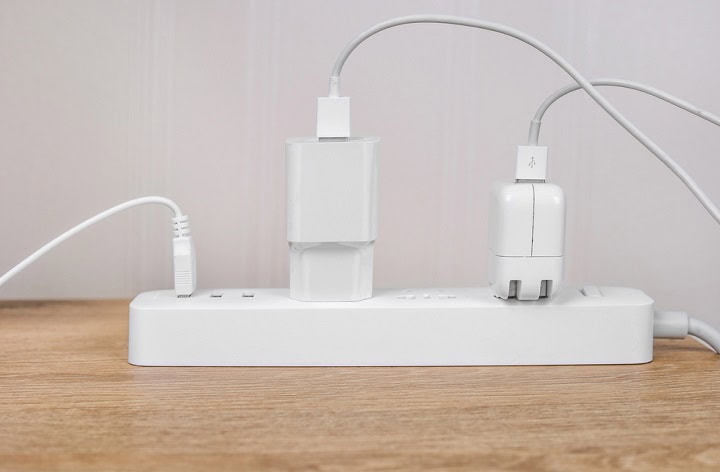
Your house really does have a pile of “energy vampire” charger bricks, and a $15 smart plug with energy monitoring can show exactly what they cost you in a week. A bare laptop or phone charger left plugged in but not charging usually sips around 0.1 to 1 watt, which sounds tiny, but a kitchen counter with 6 bricks plugged in 24/7 can sit at 3 to 6 watts all day. At $0.16/kWh, that is roughly $4 to $8 per year for one busy outlet, and that is before you count the chargers hiding in bedrooms, the home office, and the garage.To get real numbers, plug a TP-Link Tapo P110M, Kasa KP125M, or similar energy‑monitoring smart plug into your busiest charger zone and leave it there for seven days. The app will total up kilowatt-hours for the week, and you can multiply by your rate to see what that cluster of bricks costs per year. Once you see the number, move the smart plug down the line: test the home office strip, the nightstand chargers, and the power‑tool battery corner, then rank which spots bleed the most. By the end of the week, you will know exactly where a single smart power strip on a schedule, or just consolidating chargers to one switchable outlet, saves the most money without touching anything you actually use during the day.
Summary
A single $15 smart plug with energy monitoring can show you exactly which “always on” gadgets in your house are quietly burning real money every year. If you have not bought one yet, pick up a cheap smart plug with energy monitoring and spend a week moving it between your console, garage fridge, printer, sound system, dehumidifier, and charger zones. Watch the kWh and dollar numbers in the app, then either tweak settings, add schedules, or retire the worst power hogs. That one-time checkup can cut your bill every month without changing how you actually use your stuff.