AI can already handle real smart home jobs for you, from writing automations in plain English to summarizing what your cameras saw while you were at work. With tools like Home Assistant and newer AI-powered voice assistants, you can hand off a lot of fiddly setup and troubleshooting to a bot. Here is what AI can actually run in your home and where it still falls short.
Build Automations From a Plain-English Request

AI can turn a plain-English request like “when my Pixel 8 gets home, turn on the porch lights and set the Ecobee to 72” into a working smart home automation without you touching YAML or code. In Google Home (with a Google Home Premium subscription) and Alexa, newer routines let you describe a trigger (“after sunset, when the living room camera sees motion”) and an action (“dim Hue lights to 30% and play Spotify on the Sonos One”), then the system suggests an automation you can tweak. Tools built on Home Assistant and open-source hubs go further by generating full YAML snippets from chat-style prompts, such as tying a Shelly energy plug to a notification when your gaming PC pulls more than 600 watts for over 10 minutes. The catch is you still need devices added to the platform first, and the AI sometimes guesses wrong on room names or sensor types, so you have to double-check every suggestion before you trust it with things like door locks or alarms.
Get a Daily Summary of What Your Cameras Saw

Your cameras can report back to you at the end of the day, with AI writing the summary so you do not have to scrub through hours of clips. With Google Home’s Home Brief recaps (part of the paid Google Home Premium Advanced plan) and a Nest Cam or Nest Doorbell, you can get a short recap that says “two Amazon deliveries at 10:14 a.m. and 3:42 p.m., kids came home at 3:18 p.m., motion on the backyard camera from a raccoon at 1:07 a.m.” instead of 50 separate motion alerts. Home Assistant users can feed recordings from Reolink or Eufy cameras into an add-on that uses an LLM to turn events into a plain‑English log, like “garage door opened twice, no people detected in driveway after 9 p.m.”The limits show up fast, though, because AI still needs good motion zones and object detection from the camera to avoid constant false positives. If your Logitech Circle View or Blink camera sees every car on the street, the summary will be noisy unless you tune the activity zones and turn on “person only” alerts. Privacy matters too, so you want local processing where possible or at least encrypted cloud storage, and you should be careful about sharing clips with third‑party AI tools outside your main smart home platform.
Troubleshoot a Smart Device by Describing the Problem
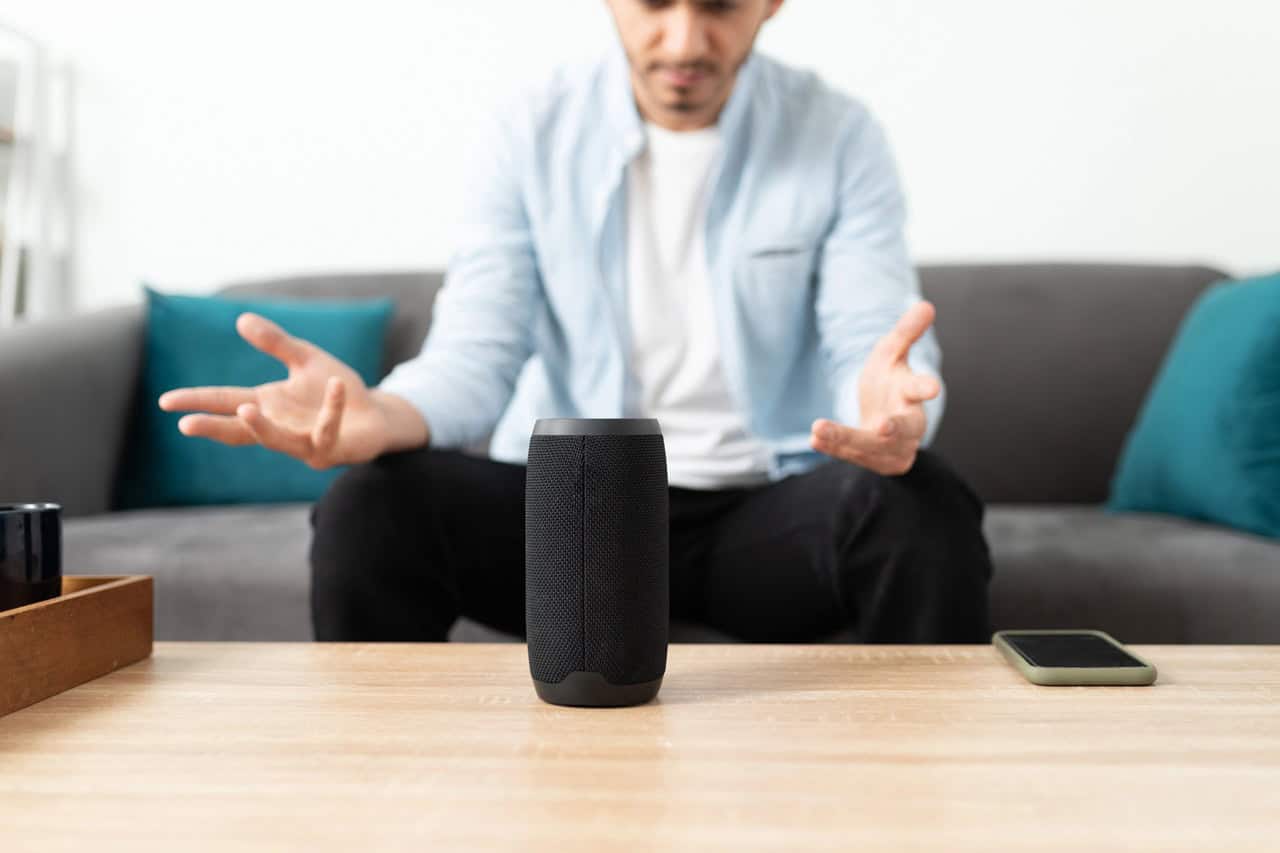
Describe what’s going wrong in normal language, and AI can walk you through the smart home troubleshooting itself. For example, you can paste a screenshot of your Philips Hue app error or say “my Ecobee thermostat keeps saying ‘offline’ after every firmware update,” and an AI helper can suggest steps like checking your 2.4 GHz Wi‑Fi SSID, power‑cycling the hub, or turning off IPv6 on your router. If you export Home Assistant logs or copy a chunk of MQTT errors, an AI model can explain what “entity not available: light.kitchen_strip” probably means and point you to renaming or re‑adding that device.This works best for pattern‑matching problems, like a TP‑Link Kasa plug that refuses to connect after you change routers or a Google Nest speaker that always drops from a stereo pair. You still have to do the hands‑on fixes yourself, and AI can be wrong about brand‑specific quirks or hidden menus in older apps. But as a smarter version of searching forums, it can save time by translating vague symptoms into a short checklist you can try before opening a support ticket.
Plan a Whole-Room Upgrade Without Compatibility Mistakes

Planning a whole-room smart upgrade is the kind of cross-checking job AI is quietly great at, because compatibility mistakes usually hide in spec-sheet fine print. Give it your starting point, like “living room with a 2015 TV, dumb recessed lights, and an Alexa speaker,” plus a budget and what you want the room to do, then ask for a shopping plan that keeps everything on protocols that actually work together. It can flag that a Zigbee bulb needs a hub you do not own, that a Thread device wants a border router, or that a bargain plug only speaks its own proprietary app, before any of it hits your cart.The payoff is a parts list where the “works with” fine print has already been read for you, with an alternate or two per slot. Paste in product pages or model numbers as you shop and have it re-check the plan when you swap pieces. It will not catch every firmware quirk, and stock and pricing change fast, so confirm availability yourself, but starting from a compatibility-checked plan beats discovering the hub requirement after the boxes arrive.
Spot Energy Use Patterns Across Your Home

Spotting energy use patterns is one of the few things AI is already good at in a smart home, especially when you feed it real data from devices like an Emporia Vue 2 or Sense energy monitor. Instead of staring at 15‑minute usage graphs, you can ask an AI tool wired into Home Assistant, “Why was my power draw so high between 6 p.m. and 10 p.m. this week?” and get a plain‑English breakdown like “dryer, oven, and 3x smart window units were all on at once.” With per‑device data from smart plugs such as a TP‑Link Kasa KP115 or a Shelly Plug US, an AI model can group appliances into “always‑on,” “peak‑time,” and “phantom load” categories and suggest concrete changes, like moving a 1,500 W space heater to a different schedule or flagging that your “off” TV is still pulling 20 W all night. Early on you will want to double‑check the suggestions and train it with good device names and rooms, but once that’s set up, it’s much easier to spot weird patterns like a garage dehumidifier that started running 24/7 or a dishwasher that’s always kicked on during your utility’s peak pricing window.
Get Routine Ideas Based on How You Actually Live

Routine suggestions get a lot smarter when AI studies your real habits, matching what you already do instead of asking you to start from scratch. Systems built on Home Assistant, SmartThings, or Alexa can look at logs like when your Ecobee thermostat switches to Away, when your Philips Hue lights turn off, and what time your August lock is usually locked, then propose an automation like “if the front door locks after 10:30 p.m., turn off all lights and set Nest to 68°F.” Some platforms already surface “suggested routines” when they notice patterns, such as your living room LIFX strip always turning on around 6 p.m. and your Sonos soundbar starting at the same time. Review and approve each idea before it goes live, since the system sometimes guesses wrong about guests, pets, or odd schedules, but even the misses beat starting from a blank automation editor.
Turn a Room Description Into a Lighting Scene

A plain-English room description is all AI needs to build a smart lighting scene that actually feels right for that space. In apps like Philips Hue and Home Assistant, you can describe something like “warm, low light for watching Netflix in the living room, with the floor lamp brighter than the ceiling lights,” and an AI scene builder will pick color temperatures around 2200K to 2700K, drop brightness to around 20–30%, and save it as a reusable scene. Some tools even let you paste a photo of your room so the AI can match wall colors and avoid weird tints, or auto-name scenes like “Cozy Night” and “Morning Focus” based on your description. Decent bulbs, groups, and rooms need to exist first, and the result usually takes a tweak or two, but it beats manually tuning every bulb and slider from scratch.
Identify an Unknown Smart Home Device or Part
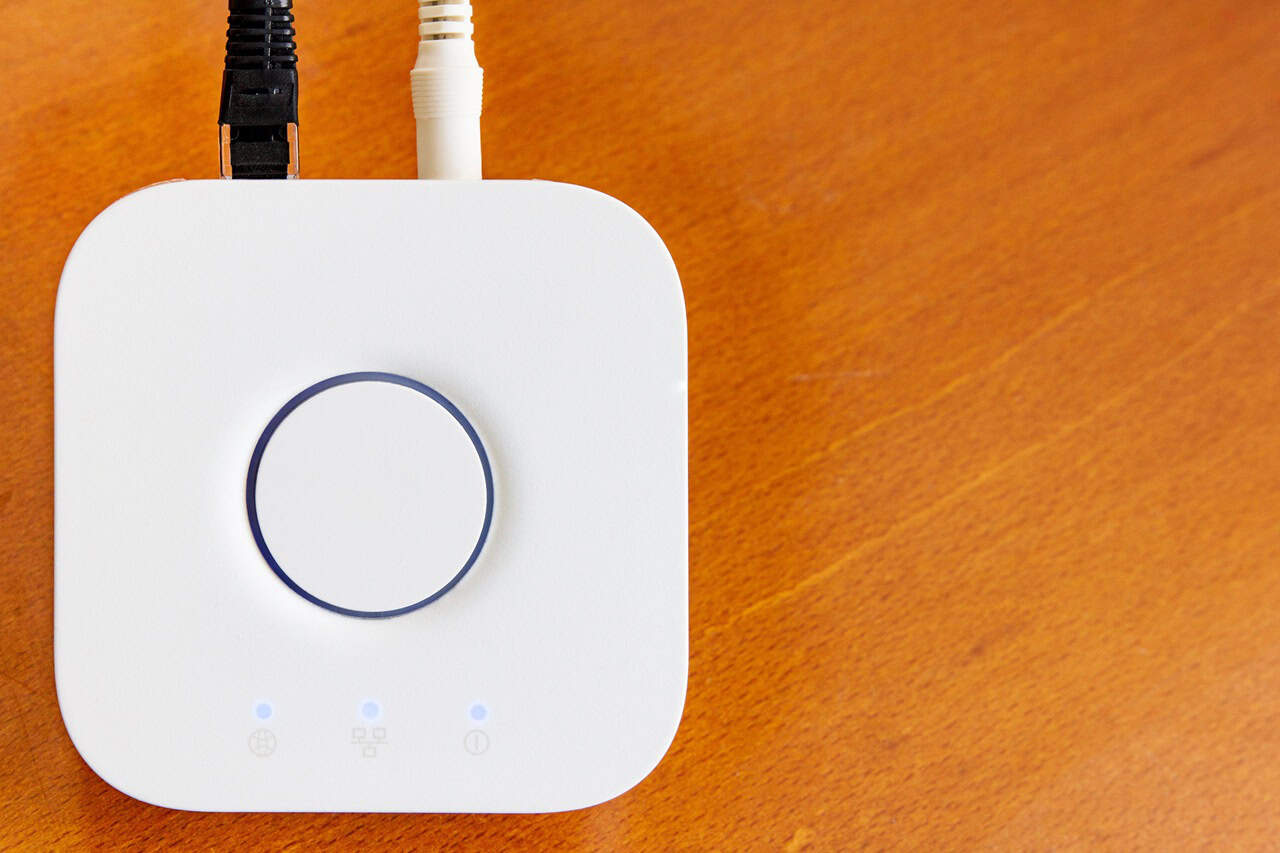
What is that thing, anyway? AI can match mystery smart home gear to real products so you know what you are actually looking at. With a phone camera and something like Google Lens or an LLM-based assistant, you can snap a photo of an unbranded Zigbee button, a random “Tuya” Wi‑Fi plug, or a loose sensor and get likely matches from Amazon listings, FCC ID databases, or Home Assistant forums. Some tools can use printed model numbers, QR codes, or odd logos to suggest the right app (Smart Life vs. Jinvoo), the hub it needs (Philips Hue Bridge vs. generic Zigbee USB stick), and whether it supports Matter or only legacy protocols. This still breaks when the plastic shell is truly generic or the label is worn off, but it saves a lot of guesswork compared to trying 10 different apps or tossing a part in a drawer forever.
Make a Confusing Manual Easier to Understand

A dense smart thermostat or Z-Wave dimmer manual becomes a short, plain-English cheat sheet you can actually use once AI takes a pass at it. You can paste a PDF or text from a Philips Hue bridge guide, a Sonos setup leaflet, or a Govee strip light booklet into a chatbot and ask for “the 5 steps I need to get this working in my living room.” Some tools can go further and turn that into action items, like a Home Assistant YAML snippet, specific Alexa routines, or a wiring checklist for a 3-way switch using the model number in the manual. The limits show up with missing diagrams, bad translations, or safety-critical steps, so anything involving mains voltage, gas, or door locks still deserves a check against the original instructions.
Use New LLM Voice Features for More Natural Control

New LLM-powered voice features let you talk to your smart home almost like a person instead of yelling short commands at a speaker. With Amazon’s Alexa+ or Google’s Gemini for Home, you can say things like “make it cozy for movie night in the living room” and have the system dim Philips Hue lights, close the Ikea smart blinds, and turn on a Samsung TV scene without listing each step. Some setups even remember context, so you can follow up with “a bit brighter” or “turn it off after the movie” instead of repeating the room and device name every time. The limits are still real though, since you need your devices linked in Home Assistant, Apple Home, or another hub first, and longer, rambling requests can still confuse the assistant or trigger the wrong room.
Summary
AI can already run real, useful smart home tasks for you, as long as you give it good data, clear permissions, and a bit of oversight. Start by picking one platform you trust, like Home Assistant, Apple Home, Google Home, or Alexa, and turn on the AI features for automations, camera summaries, or natural voice control. Then add devices with clear names, tune your camera motion zones, and treat every AI suggestion as a draft you review before you let it touch locks, alarms, or anything safety‑related.