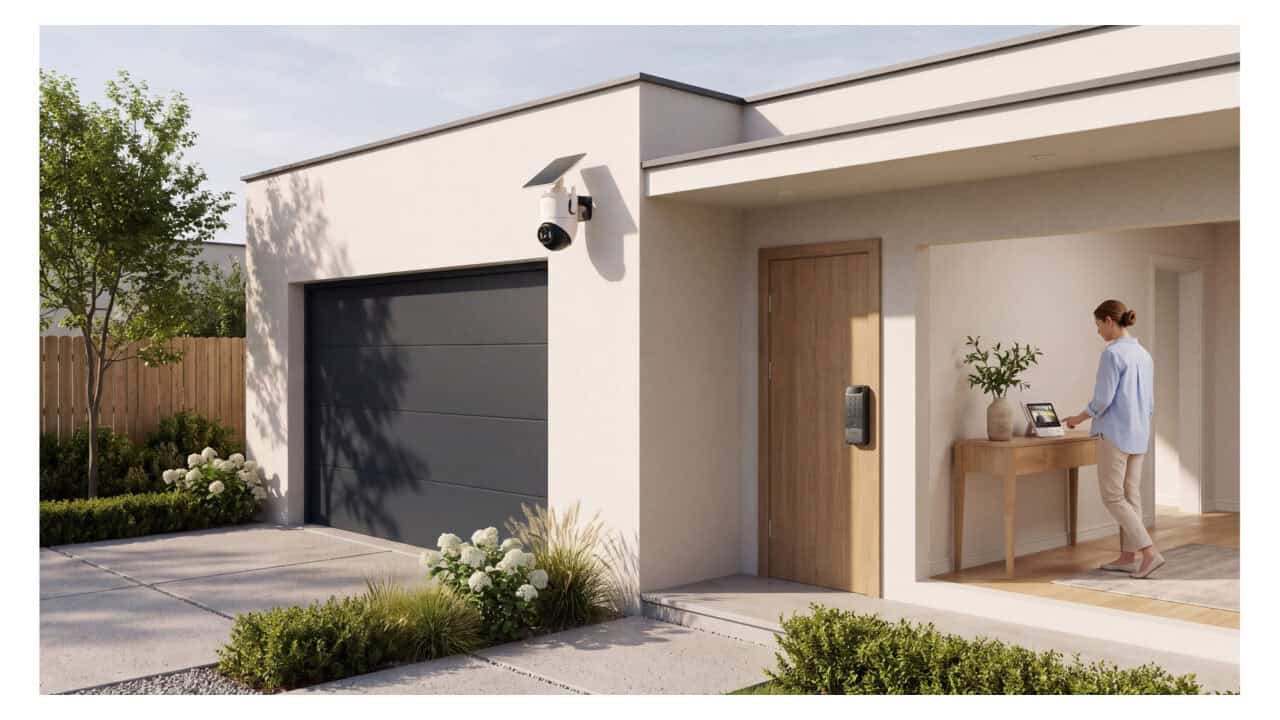
Most people just want to see who is at the door, talk to them, and decide whether to unlock the door without reaching for a phone or walking to the entry. SwitchBot’s new Connected Home Security Combo is built around that idea, putting everything on one small screen inside the house. The combo pairs the new SwitchBot Solar Pan/Tilt Cam 2K ViewStation Kit with the SwitchBot Lock Vision Pro, so someone at home can check the porch, talk to a visitor, and unlock the door from a single indoor display.
What ViewStation does
ViewStation is an indoor screen with physical buttons that acts like a control panel for your front door. It has a 4.3-inch display that shows a live feed from the outdoor camera, so you can see who is at the porch without grabbing a phone or going to the door. From that same screen, you can turn the camera toward the porch, speak to whoever is there through the camera, and unlock the front door if you choose.
The screen shows one camera at a time, but it can switch between up to eight compatible cameras. That gives the option to watch a driveway camera, a backyard camera, or another entry, one view at a time, from the same indoor panel. The physical buttons let anyone at home turn the camera and use the panel without reaching for a phone.
Does it need a subscription?
The basic setup does not require a subscription for recording or playback because ViewStation saves clips locally. Recordings are stored on a microSD card that plugs into ViewStation, with support for cards up to 512 GB, which are sold separately. With this local storage, the system can keep recording and let you review clips even without paying for extra services.
Some of the camera’s AI features are tied to subscriptions called AI Guard Plus and AI Guard Ultra. With these subscriptions, when the camera is online, owners can see what triggered an alert directly from the image in the notification. They can also search recordings in the SwitchBot app with a phrase like “person in the driveway” instead of scrolling through a long list of clips.
What happens when the internet goes down
The setup is designed to keep working for people inside the home even when the internet drops. During an internet outage, the outdoor camera continues recording as long as the camera and ViewStation both have power and stay connected to each other. That means motion or visitors are still captured on video, stored indoors on the microSD card inside ViewStation.
Residents can still see and speak to visitors from the indoor screen during an outage. The live view on ViewStation and two-way talk through the camera keep working inside the house without an internet connection. Remote control from the app when away from home does depend on an internet connection, but seeing and talking to a visitor from the couch or kitchen can keep going offline.
How the camera and solar panel work together
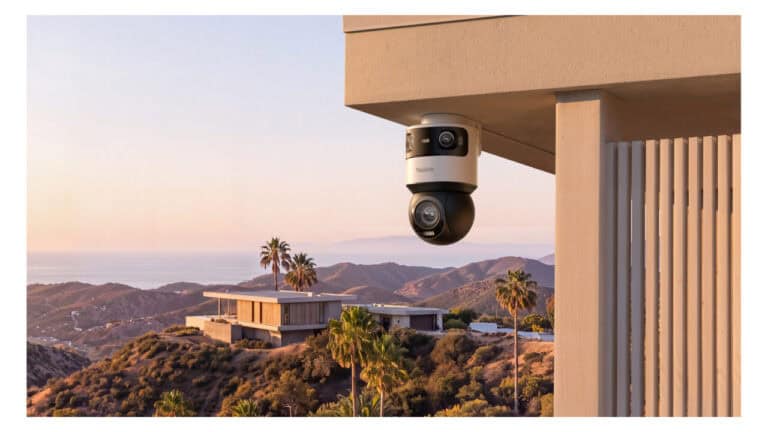
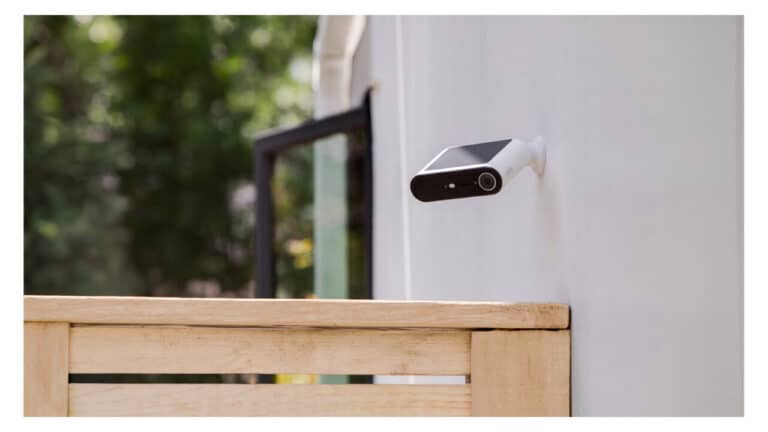
The outdoor part of the ViewStation Kit is a solar-powered pan-and-tilt camera that records in 2K resolution. It can pan 360 degrees and tilt 75 degrees, so owners can adjust the view to cover a wide area such as a driveway and front walk. The camera can also follow a person walking up the driveway, and it has both infrared and white-light night vision for low light situations.
Power comes from a separate solar panel that connects to the camera with a 3-meter (about 10-foot) cable. That lets the camera sit under an eave or similar sheltered spot, while the panel can be placed in direct sun. SwitchBot says about two hours of strong direct sunlight can replace a typical day’s power use, based on around five minutes of recording per day, though results vary with sunlight, placement, weather, and how much the camera is used.
How the lock unlocks
Lock Vision Pro is the door lock part of the combo, and it supports several ways to unlock the door. It can recognize a face in 3D, read a palm vein pattern, or scan a fingerprint to open the lock. The biometric data for these methods is encrypted and kept on the device itself instead of being stored elsewhere.
For people who prefer more traditional options, the lock can also open with a passcode, an NFC card, or a physical key. Lock Vision Pro replaces a compatible deadbolt, so it takes the place of an existing lock without needing new holes drilled in the door. When paired with ViewStation and the outdoor camera, the lock can be controlled from the indoor screen or from the SwitchBot app when away from home over an internet connection.
Where to buy the new combo
SwitchBot launched the Connected Home Security Combo in the United States and Canada on November 17, 2026. The combo centers on the new SwitchBot Solar Pan/Tilt Cam 2K ViewStation Kit together with the Lock Vision Pro smart lock. The combo is made up of two products you buy separately: the camera kit and the lock.
The ViewStation Kit is available starting November 17, 2026 from SwitchBot’s official website and from Amazon. Lock Vision Pro is already sold separately through the same two stores. With the combo in place, people at home get one indoor screen to see who is outside, speak to them, and decide on the spot whether to unlock the door.
View the original press release.