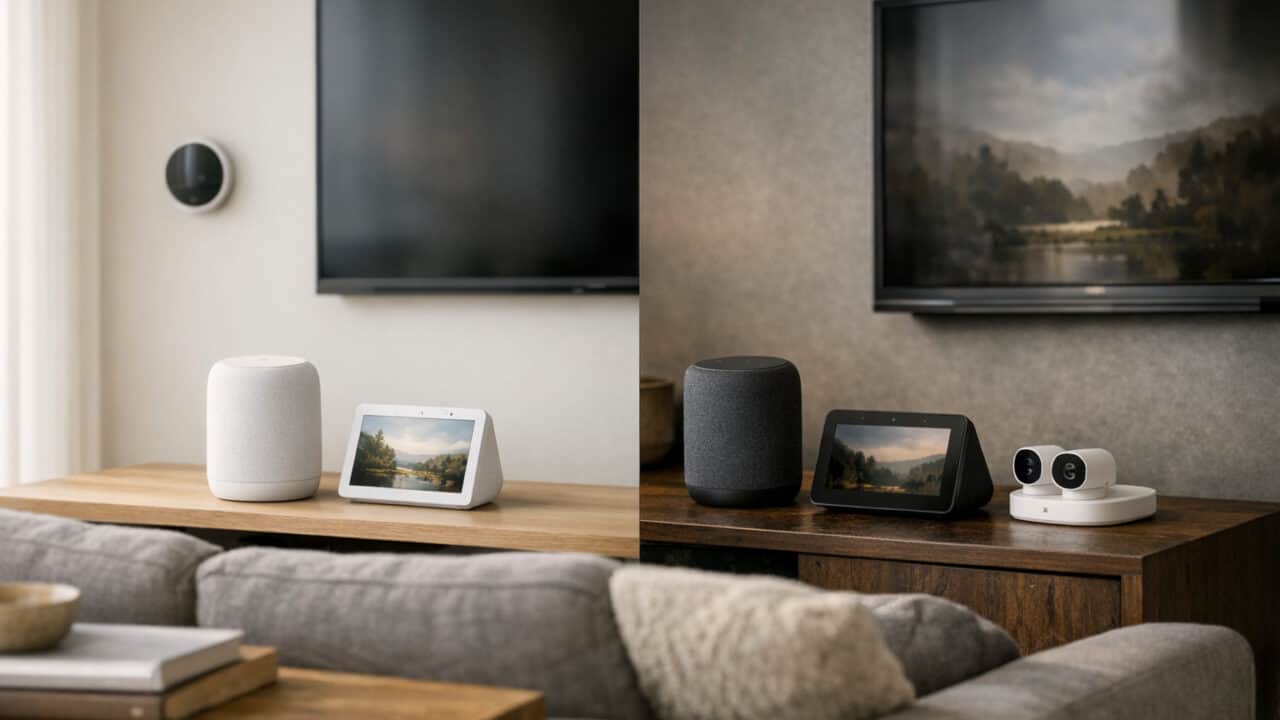
Starting to build a smart home and wondering which home hub you should pick? With Amazon Echo speakers, Fire TV sticks, Nest Hub displays, and Pixel phones all in the mix, the right choice often comes down to what you already own and which apps you use every day. Keep reading to see which one actually fits your home and habits.
Pick the Platform That Matches the Devices You Already Own
The smart home platform you should pick usually comes down to which gadgets you already own and use every day.
If most of your tech is from Amazon, Alexa will plug into your life with less setup and fewer workarounds. Echo speakers, Fire TV sticks, Fire tablets, and Ring doorbells all speak the same language, and you can control them from one Alexa app. That means things like saying, “Alexa, show the front door” on a Fire TV Stick 4K or Echo Show 8 just work without hunting through settings. You also get small perks, like asking any Echo to play something on a specific Fire TV or read an Audible audiobook aloud.
On the flip side, if your house leans Google, Nest, or Android, Google Home will feel more natural and usually more reliable. Nest thermostats, Nest Doorbell, Nest Cam, and Nest Wifi all live inside the Google Home app, though some Nest devices and features may still require the Nest app. If you already cast YouTube or Netflix with a Chromecast or Chromecast with Google TV, voice control with “Hey Google” ties right in. Pixel and Samsung Galaxy phones also tend to work smoothly with Google Assistant features like routines, presence detection, and location-based automations.
Alexa Fits Best if You Already Use Echo, Fire TV, Ring, or Kindle
Alexa is the better pick if you already have at least one Echo speaker or display, a Fire TV device, and any Ring cameras or doorbells. An Echo Dot can act as a cheap Wi-Fi-only smart home hub for around $50 or less on sale, and it connects instantly to Ring Video Doorbell and Ring Floodlight Cam without extra hardware. Fire TV 4K models let you use your voice to open apps, jump to channels, or see camera feeds, all through Alexa skills. If you read on a Kindle or use a Fire tablet, you can pair those with Echo for audiobooks and hands-free reading controls.
This combo is especially strong if you like Amazon services such as Prime Video, Amazon Music, and Audible. You can put an Echo in each room for about $30 to $100 per device, then run whole‑home music, intercom calls, and routines like “Goodnight” that lock doors and turn off lights. Alexa also works well with many third‑party brands like Philips Hue bulbs and smart plugs from major retailers. When most of your gear has an Amazon logo on it, choosing Alexa cuts down on weird app conflicts and manual work.
Google Home Feels More Natural if You Own Nest Gear, Chromecast, or a Pixel or Galaxy Phone
Google Home makes more sense if you already own Nest gear, use Chromecast, or carry a Pixel or Galaxy phone in your pocket. Nest Learning Thermostat, Nest Thermostat, and Nest Doorbell all live inside the same Google Home app, with no skills to enable. A $30 to $50 Chromecast or a Chromecast with Google TV turns any regular TV into a screen you can control by saying “Hey Google, play Stranger Things on the living room TV.” If your everyday phone runs Android, you can control your home straight from Google Assistant or Quick Settings without opening a separate app.
People who live in Gmail, Google Calendar, YouTube, and Google Photos usually find Google Home routines easier to build around their schedule. You can say things like “Good morning” and get your calendar, commute time, and weather, then have lights and a Nest thermostat adjust at the same time. Pixel phones can trigger automations based on when you arrive or leave home, and Galaxy phones tie into Google Assistant just as well. When most of your screens and services already belong to Google’s world, picking Google Home keeps everything in one place and cuts down on setup time.
Your Music App and Smart Display Habits Usually Break the Tie
If you already live in Spotify, YouTube Music, or Amazon Music, and you care about photo slideshows or home security cameras, that combo usually decides whether Alexa or Google Home makes more sense for you.
Both Alexa and Google Home work well with Spotify, so if Spotify is your main music app, you can pick either one without losing much. You can say “Play my Discover Weekly on Spotify” to a Nest Audio or an Echo Dot and get the same playlist. You might notice small differences in how fast playback starts or how smart the recommendations feel, but there is no clear winner for Spotify alone.
Things change once you lean hard on YouTube Music or Amazon Music. YouTube Music ties directly into the Google Home app and Nest speakers, and it usually feels more natural on a Nest Audio or Nest Hub because Google treats it as the default. Amazon Music has the same home-field advantage on Echo speakers and Echo Show displays, especially if you use an Amazon Music Unlimited plan that bundles HD or family streaming. If you pay for either of those two services, matching your speaker brand to your music app usually gives you fewer glitches and better voice commands.
Spotify Is Basically a Tie, While YouTube Music Favors Google Home and Amazon Music Favors Alexa
For most Spotify users, Alexa and Google Assistant handle the basics the same way: play playlists, skip tracks, ask what song is playing, and control volume. On both sides you can set Spotify as the default music service in a few taps, so you do not have to say “on Spotify” every time. Multi-room audio with Spotify also works on Nest speakers and Echo speakers, including groups of two or more devices.
YouTube Music and Amazon Music are different stories. YouTube Music comes baked into Nest Audio, Nest Mini, and Nest Hub, and it can use your YouTube history to power mixes and radio stations. Amazon Music feels more natural on Echo Dot, Echo Pop, and Echo Studio, and Alexa voice commands can reach deeper into Amazon Music playlists and stations. If you like asking for “that new song from the car commercial” and getting a match, you will usually be happier when your speaker matches your music brand.
Nest Hub Max Is Better for Google Photos, While Echo Show 8, 10, and 15 Fit Ring and Blink Homes Better
If you love using your smart display as a digital photo frame, Nest Hub Max is the easy pick for Google Photos users. You can point it at specific albums in Google Photos, and it will auto-update as you add new pictures of trips, kids, or pets. The 10-inch screen, adaptive brightness, and face detection help it surface recent photos of the people who are actually in the room.
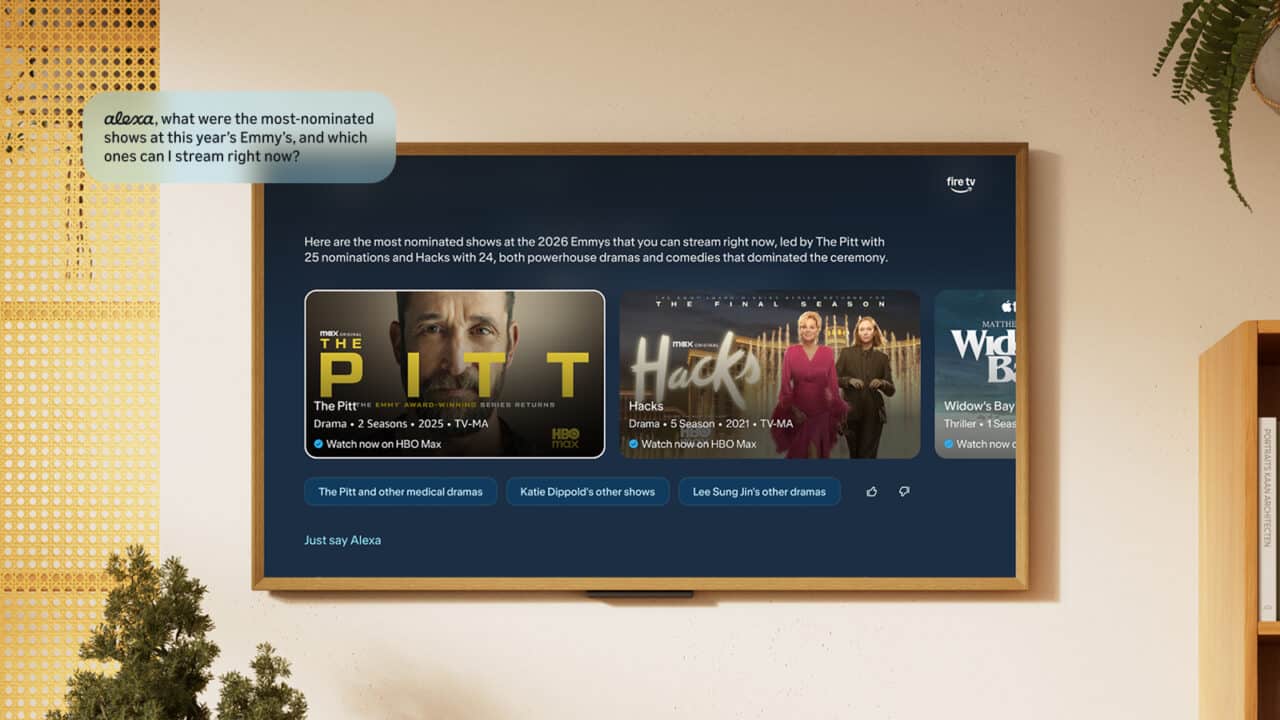
Echo Show models like the Echo Show 8, Echo Show 10, and Echo Show 15 lean more toward security and the wider Amazon ecosystem. If you already own Ring or Blink cameras or doorbells, these displays pull up live feeds with simple commands like “Alexa, show the front door.” You can also arm Ring systems, talk to visitors, and see alerts on the screen without grabbing your phone. Photos still work on Echo Show through Amazon Photos or Facebook, but the main draw is how tightly they connect to Amazon-owned cameras.
Price can swing things too. Google’s larger smart displays have typically sat near the higher end of the category, while Echo Show 8 and Echo Show 10 often drop under their list prices during Amazon sales. If your smart home is already built around Ring, Blink, and Amazon Music, an Echo Show fits right in; if your digital life lives in Google Photos, YouTube, and YouTube Music, a Nest Hub Max feels more natural on your counter.
Google Home Is the Better Fresh Start, but Alexa+ Is the Easier Upgrade
Google Home is usually the better choice if you are starting from nothing, while Alexa+ makes more sense if you already live in Amazon’s world and want an easy upgrade.
Google Home Has the Better Default Pick for New Buyers Who Want Stable Matter Support and Strong Android Pull
If you are new to smart homes, Google Home speakers and Nest Hub displays tend to be the safer default pick. Every current Nest speaker, from the Nest Mini to the Nest Audio and Nest Hub Max, supports Matter over Wi‑Fi, so you can add Matter bulbs, plugs, and sensors from many brands without worrying much about compatibility. Pair that with Android features like Fast Pair, Google Home controls in Quick Settings, and Google Assistant inside Android Auto on car displays, and you get a setup that feels tightly connected if you carry a Samsung or Pixel phone.
Google’s routines keep getting richer for first-time users who want simple automations. You can create “Good Morning” and “Bedtime” routines in the Google Home app that trigger lights, thermostats, and media with one phrase or on a schedule. Most of the big smart home brands, from Philips Hue to TP‑Link, have long-standing Google Assistant support, and Matter fills in a lot of gaps so you are not stuck buying only one company’s gear.
Alexa+ Makes More Sense if You Already Own an Echo, Use Prime, or Want Broad Third-Party Routine Options
If you already own one or more Echo speakers, subscribe to Amazon Prime, or buy a lot from Amazon, upgrading with Alexa+ usually makes more sense than switching to Google. Echo Dot and Echo Show devices are often on sale, and they drop into an existing Alexa household in a couple of minutes. Features like Amazon Music, Prime Video on Echo Show, and shopping lists tied straight to your Amazon account all lean in your favor if you are already paying for Prime.
Alexa routines are still among the most flexible for people who want to build custom automations with a lot of third‑party triggers. Many security cameras, smart locks, and plugs let you trigger Alexa routines based on motion, door status, or device state, not just voice or time of day. If your home is already wired with Eero routers, Ring doorbells, or older, non‑Matter smart plugs that support Alexa, sticking with or upgrading to an Alexa+ hub usually means less re-buying and fewer headaches.
Frequently Asked Questions
Is Alexa or Google Home better for controlling smart lights, plugs, and thermostats?
Alexa is slightly better than Google Home for controlling smart lights, plugs, and thermostats because it supports a wider range of smart home brands and devices. Alexa works well with big names like Philips Hue, TP-Link, and many Wi-Fi thermostats, and routines in the Alexa app make it easy to group devices and trigger them with one voice command.
Which smart home hub has better voice recognition, Alexa or Google Home?
Google Home generally has slightly better voice recognition than Alexa, especially for understanding natural, conversational speech. Google’s models handle accents and messy, mid-sentence questions well, while Alexa can be a bit stricter about phrasing but responds quickly and reliably to clear commands.
Does Alexa work better with Spotify and Netflix than Google Home, or are they about the same?
Alexa and Google Home are about the same for Spotify and Netflix support, with only small differences in how you control them. Both let you set Spotify as the default music service and use voice commands to play playlists, and both can launch and control Netflix on supported smart TVs and streaming devices. The main difference is that Alexa ties a bit more tightly into certain TV brands and Fire TV devices, while Google Home can feel a bit smoother with Chromecast devices.
Which is more private, Alexa or Google Home, and how do I turn off the microphones?
Alexa and Google Home are similar on privacy for most users, but Google generally processes more on-device now while both let you review and delete voice history. On Alexa speakers, you can press the physical mic-mute button (usually turns a light red) and use the Alexa app to auto-delete recordings, and on Google Nest speakers you can press the mic switch or button on the device and manage or auto-delete “Voice & Audio Activity” in your Google Account settings.
Can I use Alexa and Google Home together in the same house, or will they conflict with each other?
Yes, you can use Alexa and Google Home in the same house without them conflicting. They work on separate accounts and apps, so your lights, plugs, and other devices can be linked to both systems at the same time. Just give each speaker a clear wake word and place them a few feet apart so they do not both trigger at once.
In Summary
The single most important takeaway is that Alexa is usually the better pick if you are already deep into Amazon gear, while Google Home is usually better if you are starting fresh or live in Google and Android apps all day. Before you buy anything, make a quick list of the devices, services, and music apps you already use, then pick the hub that matches most of them. If you are still torn, start with one mid-priced speaker or display from the side that fits your phone and streaming habits best, try routines and voice control for a week, and expand from there only if it feels natural.