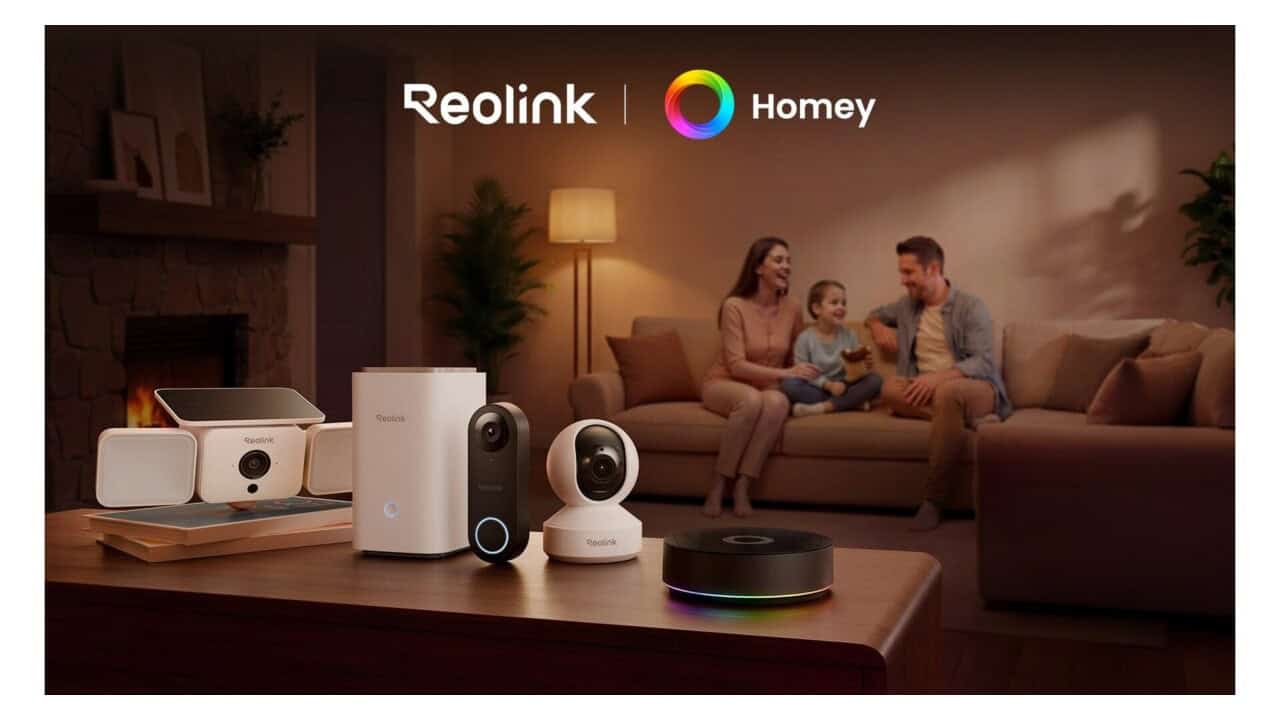
Reolink has added official support for Homey, a smart home hub from Athom, so people can connect Reolink cameras and other devices with a wider range of smart home products. Homey works with many brands and wireless standards, so this link lets users bring Reolink security gear into one control system instead of handling each app on its own. The goal is to make it easier to control and automate home security along with lighting, climate, and other smart devices through the Homey app and related tools. This move is part of Reolink’s plan to work with more third party platforms and give users more control over how their cameras and systems work in daily routines.
With the new support, users can add Reolink cameras to their Homey setup and then build what Homey calls “Flows.” A Flow is a simple rule that uses triggers, conditions, and actions. For example, someone can create a rule where motion from a Reolink camera triggers lights from another brand, or sends a push alert through Homey, or starts a siren that is already in the Homey system. These flows can stack, so a single motion event might start recording, turn on a hallway light, and send a notification at the same time. People can also use time based rules, so certain camera actions only run at night or when the house is set to “away” mode in Homey.
Reolink lists several use cases for Homey users. One common setup is linking a front door camera with a smart door lock and smart doorbell in Homey, to get a fuller view of who is coming and going. Another is joining indoor cameras with smart plugs and blinds to give the impression that someone is home. Homey’s app lets users see device status and manage these rules from one screen, so Reolink cameras become part of a wider routine instead of working as a stand alone security product. For people who already have a lot of Homey compatible devices, this connection makes it possible to fold Reolink into what they already use, rather than switching systems.
The technical side depends on Homey’s broad support for wireless standards like Wi Fi, Zigbee, Z Wave, and other protocols, along with its cloud and local control options. Reolink cameras connect over the network and share events and controls with Homey through this supported link. Once added, cameras can act as triggers in flows or respond to triggers from other devices. For example, a smart lock unlocking could tell a camera to start recording or mark a specific clip. Users can also adjust some camera features from the Homey app, though full control still stays in the Reolink app for more advanced settings.
Reolink notes that this Homey connection is one step in a longer plan to work with more smart home systems. In the past, the company has added support for voice platforms and other third party tools, and now it is bringing that same idea into the Homey system. The company says it plans to keep working with Athom to grow what is possible between the two brands, which may mean more trigger types, more camera settings inside Homey, or closer links with new Reolink products going forward. For people who already use Reolink and are thinking about smart home control, or those who run a Homey based setup and want more camera options, this new link brings the two product lines into one shared setup.
View the original press release.