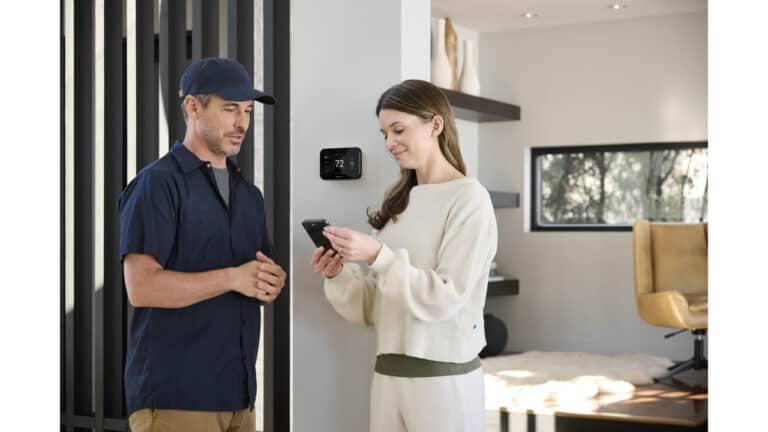
Starting in December 2026, the 4th-gen Nest Learning Thermostat can pair Matter temperature sensors from brands like IKEA, Eve, and Aqara, so you will not be stuck with just Google’s own sensors to manage hot and cold spots. Google’s November update also adds energy savings estimates, HVAC health alerts, and audio in camera event descriptions.
Which sensors work with the Nest Learning Thermostat?
The Nest Learning Thermostat is opening up to Matter temperature sensors from other companies. Before this update, room-based temperature control and better handling of hot and cold spots meant using Google’s own sensors. Google calls out IKEA, Eve, and Aqara by name but does not list specific models, so look for Matter-compatible temperature sensors from those brands when the feature goes live.
In the Google Home app, you will be able to see each room’s live temperature and an average across multiple rooms if you use more than one sensor. You can create schedules that tell the thermostat which sensor to prioritize at different times, like a bedroom sensor at night and a living room sensor during the day.
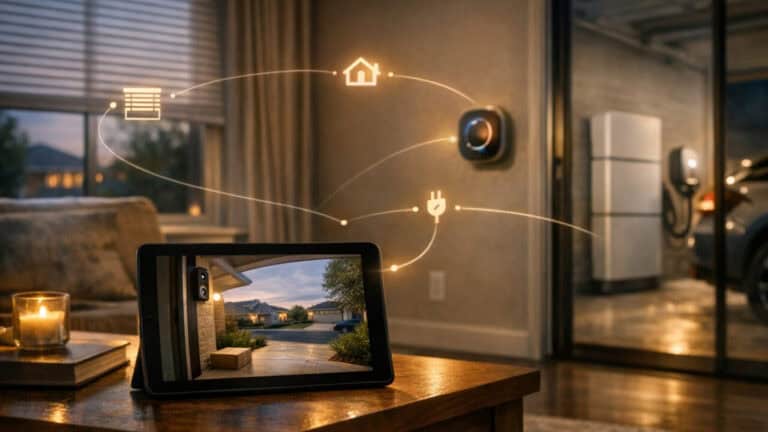
Google is also tying these readings into smart home automations, so changes in room temperature can help trigger routines or other device behaviors. Google describes the feature as “coming soon,” with the rollout beginning in December.
To use the sensors, you need:
- The Nest Learning Thermostat (4th gen). Google says the feature is for the 4th gen model only.
- The Google Home app, where you will see room readings, averages, and schedules.
- At least one compatible Matter temperature sensor from a supported brand.
How will the Google Home app show energy savings?
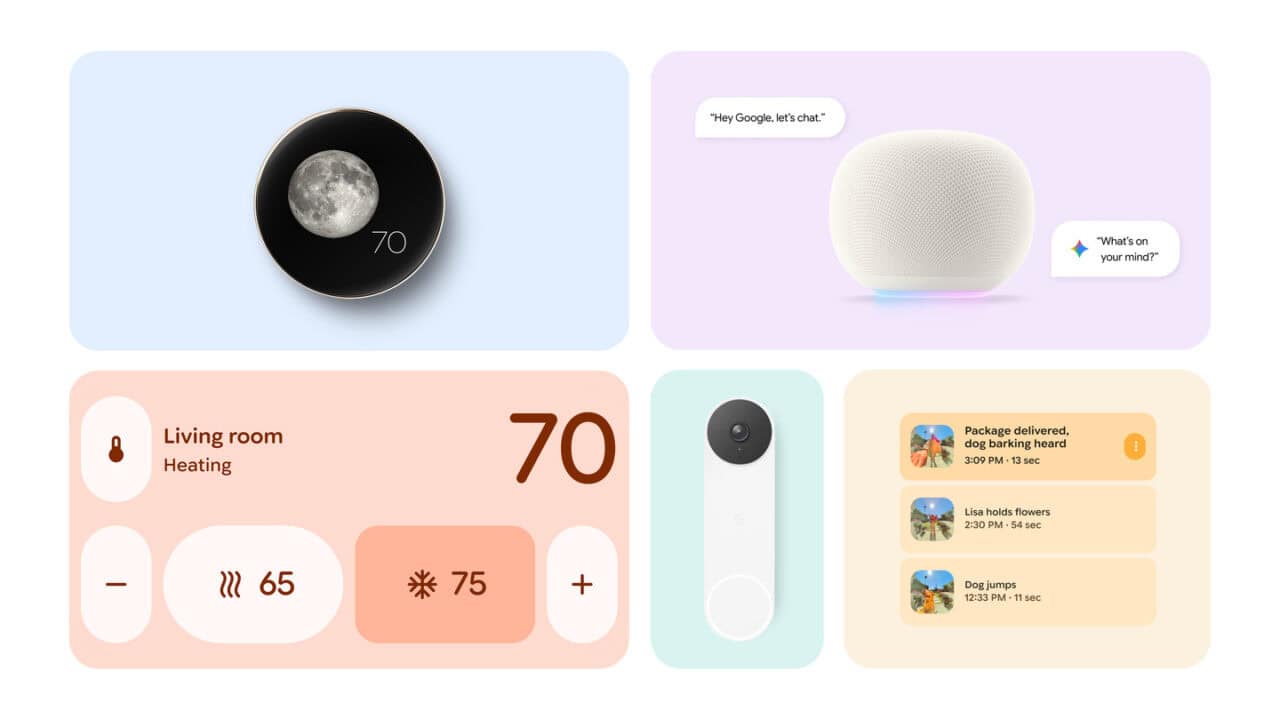
Nest thermostat owners in the US and Canada are also getting clearer information on how much money they may be saving. Starting in December, the Google Home app’s Climate space will show estimated cumulative dollar savings over time. These estimates will also appear on the thermostat controller screen and in the Favorites widget, so you do not need to dig through menus to see them.
Google describes these numbers as estimates, not guarantees. Actual savings will vary by home, climate, and how you use heating and cooling. The intent is to give people a simple, ongoing view of how their thermostat settings might be affecting their energy bills rather than just focusing on day-to-day temperature changes.
What are the new HVAC health alerts on Nest thermostats?
Google is also expanding what Nest thermostats can tell you about the health of your heating and cooling system. Compatible Nest models can now detect possible issues with a heat pump or air conditioning compressor and send an alert. Those alerts can appear on the thermostat itself, inside the Google Home app, or by email, giving you several ways to notice a problem early.
When an issue is detected, you can tap your certified Nest Pro installer’s phone number or email in the Google Home app to get help faster.
What changed in the Nest thermostat interface?
The thermostat controller screen in the Google Home app is being redesigned with one-tap access to Eco mode and presets, making it simpler to switch to energy-saving settings. There is also a single Fahrenheit or Celsius setting that syncs across devices, so you do not have to manage separate temperature units on different screens.
On the 4th-gen model, new Dynamic Farsight faces with seasonal animations and a Lunar face are rolling out starting in December, giving the wall display more visual variety.
Which sounds can Google Home camera alerts describe?
For people using the Advanced plan of Google Home Premium, camera and doorbell event descriptions will now factor in certain non-verbal sounds. When a motion trigger happens, the system can add notes about detected audio such as a dog barking, glass breaking, footsteps, or a siren, even if the sound happens just out of frame. Audio recording for the camera needs to be turned on, and there must be an initial trigger such as motion, a person, animal, vehicle, or package.
These audio-tagged events are also searchable with Ask Home, so you can ask questions like “When did this glass break in the hallway?” and jump to the relevant clip. Google notes that the feature supports only specified non-verbal sounds.
How much faster is Gemini for Home?
Google says routine tasks in Gemini for Home, such as smart home control or adding something to a shopping list, are up to 20 percent faster.
View the original press release.