Matter is finally at a point where smart home owners can count on it for real stuff like multi-platform control, basic energy tracking, and, as of version 1.5, native camera support. With cameras, unified “closures” like blinds and garage doors, and smarter energy management now in the spec, this is the year Matter feels useful instead of just hyped. Keep reading to see what Matter actually gets you today and where it still falls short.
Matter 1.5 Is the First Version That Feels Truly Practical

Matter 1.5.1 is the first version that feels truly useful because it finally adds cameras, unifies “closures” like blinds and garage doors, and upgrades energy management beyond simple on/off. Earlier 1.x releases already covered a long list of stuff, what changed is that 1.5 added real video support and new clusters, and 1.5.1 mainly cleans that up with stability and flexibility updates so devices and hubs crash less and negotiate features more smoothly.
Cameras are finally in the spec with WebRTC video, two-way audio, and both local and remote streaming using STUN/TURN, plus built‑in support for doorbells. The new closures cluster pulls blinds, curtains, awnings, gates, and garage doors into one system, with options for sliding or swinging movement and single or double panels, so you do not need five different device types for stuff that just “opens and closes.”
The Device Energy Management cluster is the quiet upgrade that changes smart plugs and appliances from “on/off with a power number” into devices that can report detailed usage and respond to grid or tariff signals. That opens the door for smarter control of things like EV chargers or battery-backed appliances when paired with advanced meters or utility programs, even if most apps still treat it as an advanced feature. On top of that, new categories like soil moisture sensors, water-leak detection, and richer robot vacuum support keep filling gaps, while multi-admin pairing means you can connect one device to Apple Home and SmartThings at the same time without wiping it.
What Matter Already Did Before Cameras Showed Up
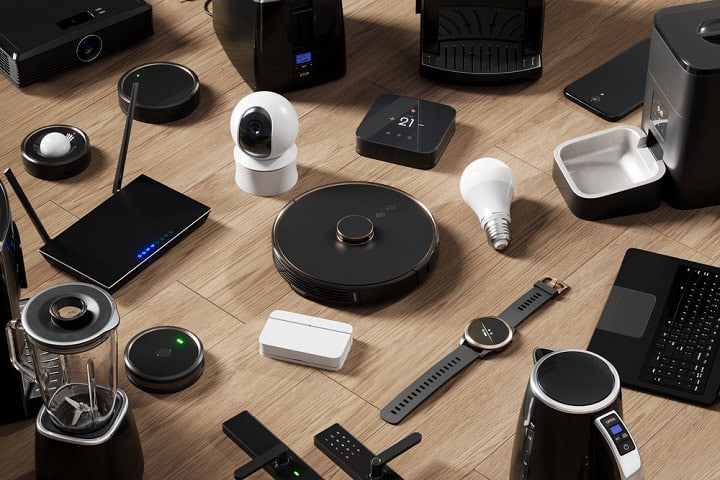
Matter already handled most of the “boring but important” smart home stuff long before version 1.5.1 showed up with cameras. Earlier 1.x releases locked in support for everyday gear like smart bulbs and dimmers, wall switches, plugs and outlets, deadbolts, contact and motion sensors, temperature and occupancy sensors, thermostats and HVAC systems, plus basic window coverings. It also covered safety and big appliances: smoke and CO alarms, robot vacuums, washers, dryers, refrigerators, dishwashers, fans, air purifiers, EV chargers, and simple energy reporting from plugs and appliances. If you bought a Matter device a couple of years ago, you were already getting multi-platform lighting, locks, and climate control, even if your hub still can’t see a camera feed.
Cameras Are Finally in Matter, With a Few Catches
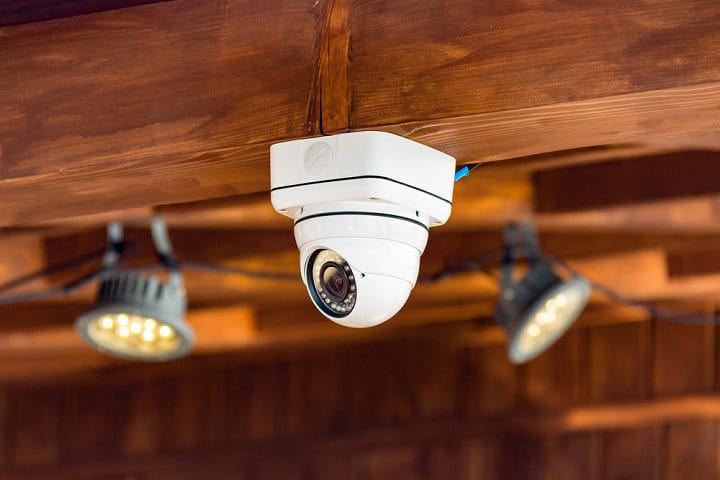
Matter 1.5 finally defines a camera device type, and it’s built on WebRTC. This is the same peer-to-peer video protocol your browser uses for video calls. That brings two practical wins: low-latency live streaming, and the ability to negotiate a direct connection between your phone and the camera over your home network instead of bouncing every frame through a vendor cloud. STUN and TURN handle the routing when you’re away from home, with a vendor relay as fallback only when a direct path can’t be opened. Two-way audio is part of the spec rather than a bolt-on, and doorbells get their own device subtype with a real “button pressed” event instead of the generic “motion detected” most Matter sensors emit.
What 1.5 doesn’t standardize is the part most camera buyers actually pay for: cloud recording, clip retention, person and package detection, and the rest of the AI feature set. Those still live in the manufacturer’s app and subscription tier. So a Matter-compatible camera in 2026 will likely give you an open, hub-agnostic live feed, but cloud features may still require a subscription and in your vendor’s app.
Matter Doorbells, WebRTC Video, and Two-Way Audio
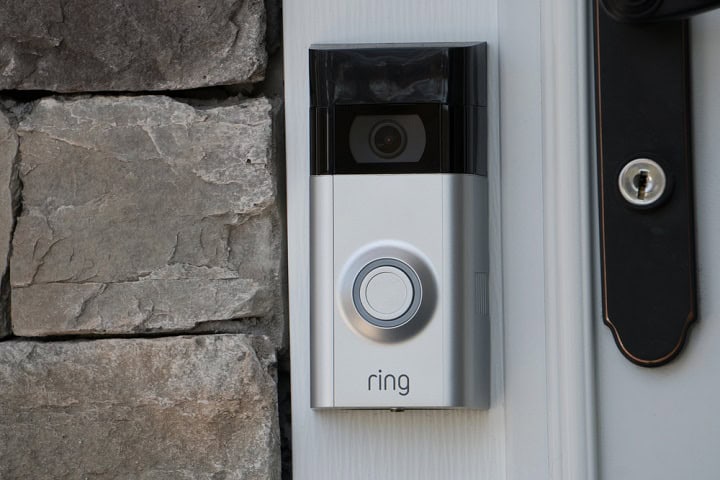
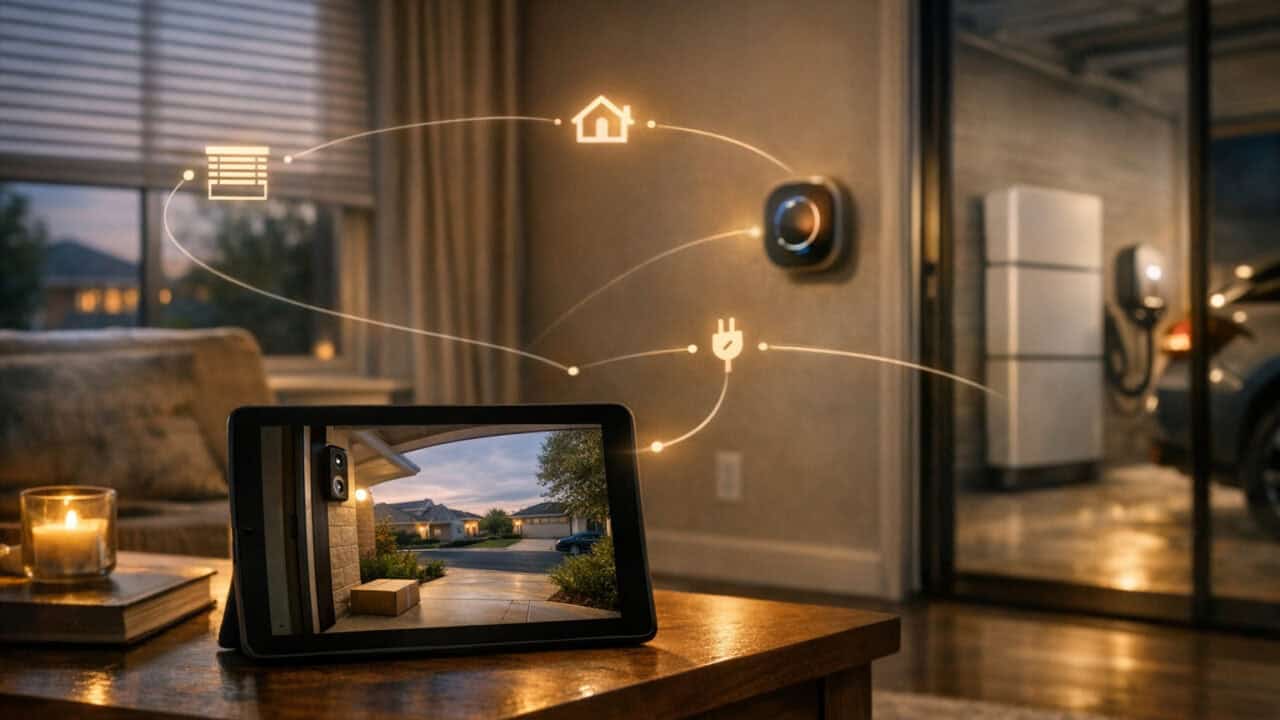
Matter 1.5.1 finally makes doorbells, cameras, and two-way audio part of the official spec, with WebRTC video and support for both local and remote streaming. Cameras sit on top of WebRTC with STUN/TURN, so in theory you get low-latency video and audio whether you are on your home Wi‑Fi or away. Two-way audio is baked in for doorbells and cameras, so a single Matter camera should be able to handle live talkback without a brand-specific workaround. The catch is ecosystem lag: SmartThings already speaks the newer camera spec, while Apple Home and Google Home are still catching up with earlier 1.x-level support, so that shiny “Matter” badge on the box does not guarantee your favorite app can see video yet.
The New Closures Class for Blinds, Gates, and Garage Doors
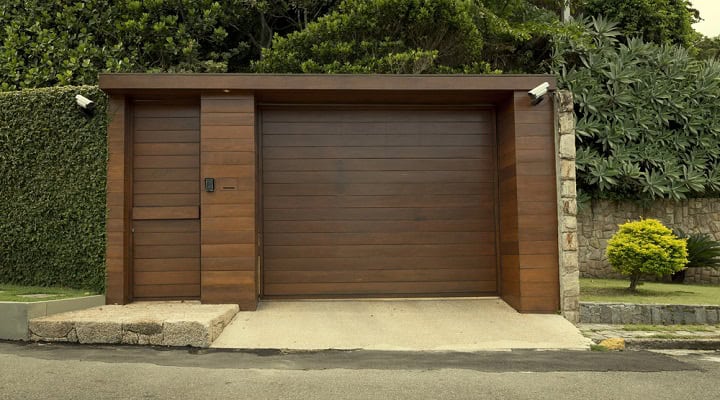
The new Matter “closures” class groups blinds, curtains, awnings, gates, and garage doors into one unified device type instead of treating each like a totally different thing. That means a Matter hub can talk to your roller shades, your driveway gate, and your sectional garage door using the same basic controls. The spec defines modular movement types like sliding, swinging, or tilting and supports single or double panels, so a double-car garage and a single side gate can share the same logic. In practice, that should cut down on custom automation hacks, like separate “shade” and “garage” routines that never work quite the same way.
For you, the closures class mainly means more predictable automations and simpler voice control across brands once your ecosystem actually supports Matter 1.5.1. A single “close all openings” scene can cover blinds, patio awnings, and the garage instead of juggling three device categories with slightly different states. It also opens the door for smarter safety rules, like stopping a gate if a sensor reports an obstruction while the motor is in motion, using the same status language as a motorized shade. Just remember that support is uneven across platforms, so a garage controller that behaves perfectly in SmartThings might still act like a basic on/off switch inside Apple Home or Google Home until their Matter versions catch up.
Energy Management Now Goes Beyond Simple On/Off

Matter’s new Device Energy Management cluster turns smart plugs and appliances from simple on/off switches into gear that can report real-time power use and react to grid signals. Instead of just telling a Matter outlet to turn off at 10 p.m., your hub can see that the outlet is pulling 900 watts right now, schedule heavier loads like dryers or EV chargers for off-peak hours, and even pause certain devices when your utility sends a demand-response signal. That means a washer, heat pump, or wall charger can be part of a real energy plan, not just a fancy timer.
Version 1.5.1 itself is mostly a stability and flexibility update, but the energy features that landed across the 1.x line are what make Matter feel useful for more than light switches. Before these energy tools showed up, Matter support was mostly about basic control across a long list of devices: lights, switches, dimmers, plugs, locks, thermostats and HVAC, window coverings, smoke and CO alarms, robot vacuums, big appliances, fans, air purifiers, EV chargers, and simple energy reporting. Now, the same spec that connects your Philips Hue bulbs and smart locks can treat loads like an EV charger or dryer as “energy actors” that your hub can schedule and throttle with some intelligence.
Multi-Admin Means One Device Can Live in More Than One App

Multi-admin means a single Matter device can be paired to multiple apps like Apple Home, Google Home, and SmartThings at the same time without factory resetting or re-pairing. You can add one Matter thermostat to Apple Home for automations and to SmartThings for advanced rules, or put the same smart plug in both Google Home and Alexa and control it from either. The device still has one “Matter identity,” but each ecosystem holds its own automations, scenes, and permissions. That makes mixing platforms less painful, especially if one app gets new 1.5.1 features faster than the others.
The catch is that multi-admin is only as smooth as the slowest ecosystem in your house. SmartThings already speaks Matter 1.5 features like the Device Energy Management cluster and the new closures types, while Apple Home and Google Home are closer to 1.2-era support for most users. That means you might see full power reporting and new shutter options in one app but just basic on/off in another, all for the same device. When you commission a new Matter device, use multi-admin to park it in every ecosystem you own, then stick with the app that actually exposes the controls you care about.
Matter Still Depends on Your Main Ecosystem More Than You Might Expect
Matter still rides on your ecosystem more than you think, even with version 1.5.1 finally bringing cameras, unified “closures,” and smarter energy controls to the spec. SmartThings already supports 1.5 features such as the new closures cluster for blinds, awnings, and garage doors, plus the Device Energy Management cluster that lets plugs and appliances report real power use and react to grid or tariff signals instead of just flipping on and off. By contrast, Apple Home and Google Home are only rolling out support closer to the 1.2 era, so a Matter camera or advanced energy‑aware device you buy today might show up as a basic sensor or not fully work in those apps.
Multi‑admin commissioning sounds like a fix, since it lets you pair one Matter device into multiple ecosystems at once, like Apple Home and SmartThings, without factory resets or re‑pairing, but it does not magically give each ecosystem the same feature set. A garage door opener that understands the closures cluster and energy reporting might expose per‑watt data and different motion types in SmartThings, while showing up as a simple door in Apple Home with no extra controls. New categories such as soil sensors, water‑leak detectors, and expanded vacuum features are in the spec, yet until your main ecosystem catches up with the right 1.x version, you will only see a slice of what those devices can actually do.
What Smart Home Owners Should Do Next
The single most important fact is that Matter only feels “unified” if your main ecosystem actually supports the newer 1.5.1 features. Before you buy anything with a Matter logo, check release notes or support pages for Apple Home, Google Home, or SmartThings to see which Matter device types and features they actually support, and whether cameras, closures, and energy management are really available in your ecosystem. When you do add new gear, use multi-admin to pair each device into every ecosystem you own, then stick with the app that exposes the video, energy data, and controls you care about. If a feature is missing, treat it as an ecosystem gap, not a Matter failure, and decide if it is worth switching hubs or waiting for an update.