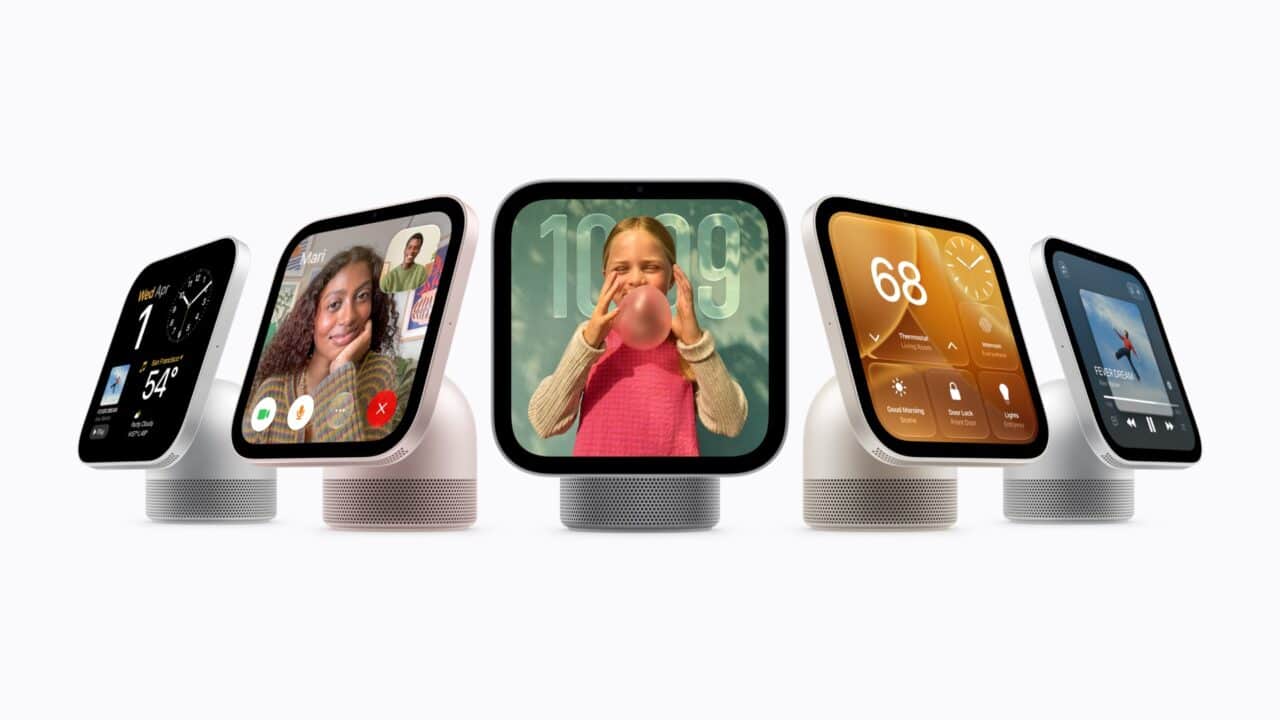
Apple is launching a new smart home display, Apple HomeView, and it looks a lot like an iPad joined to a small HomePod. The new device pairs a 7‑inch touchscreen with a domed speaker base on a tilting stainless steel hinge, and is built around a new version of Siri with conversational AI and deeper home control. Apple is pitching HomeView as a shared screen for the kitchen counter, hallway, or nightstand that still feels personal to each person in the home, thanks to facial recognition and separate Home Screens. Alongside the tabletop unit, there is also a wall-mounted version designed to act as a more permanent smart home controller.
A 7‑Inch Screen on a Tilting Speaker Base
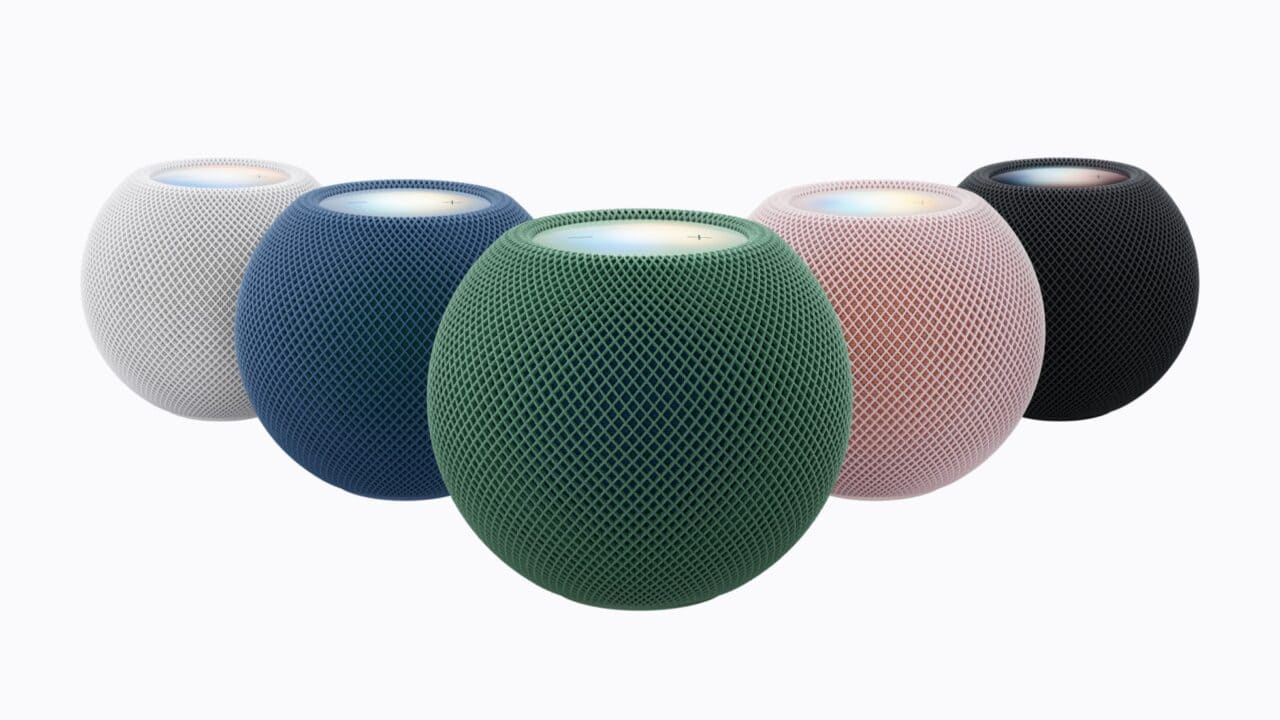
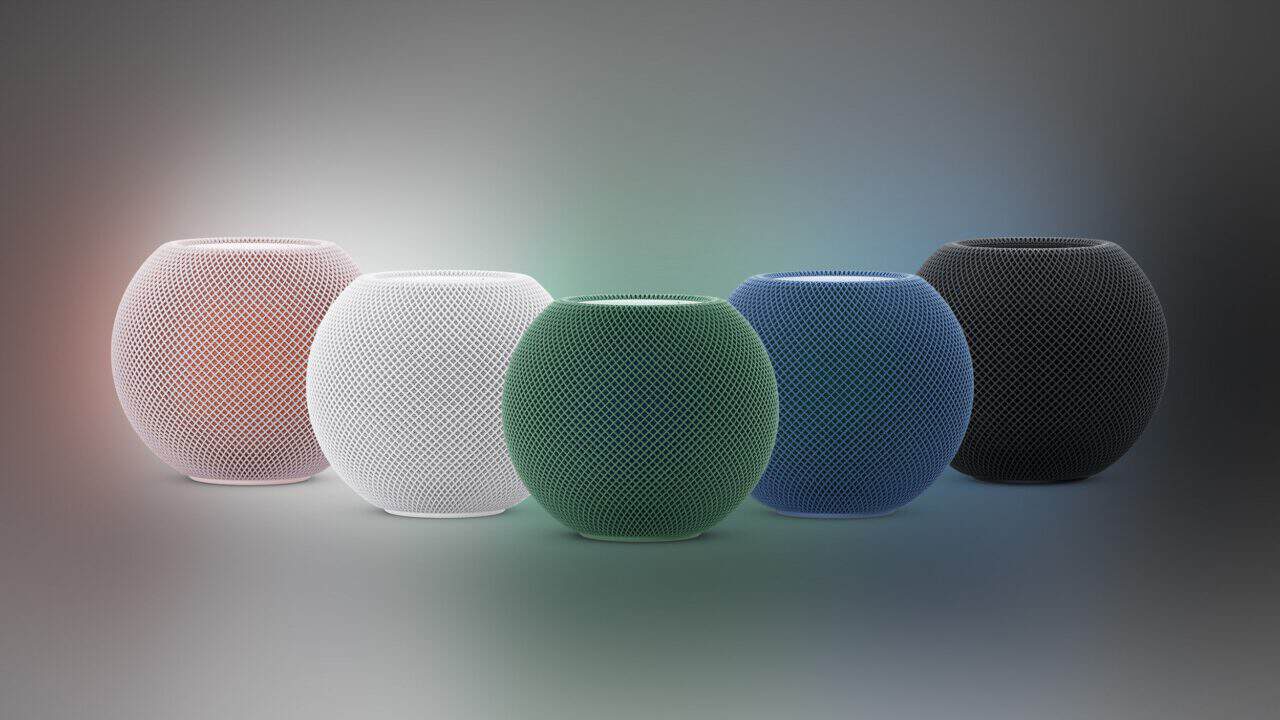
Apple HomeView centers on a 7‑inch Liquid Retina display mounted on a rounded speaker base, with the two pieces joined by a stainless steel hinge that tilts. The body uses an aluminum design and comes in four colors: silver, starlight, rose pink, and space gray, each paired with a matching USB‑C cable. The screen uses True Tone to adjust color to the room and automatic brightness that can go as high as 500 nits for daytime use and drop down to 0.3 nits so it can sit on a nightstand without being too bright.
The interface is designed to change based on how close you are to it. From across the room, HomeView shows simpler, glanceable information, while walking closer reveals more detailed controls and content. That flexible design aims to let the display double as a quick status board when you walk by and a more hands‑on screen when you stand in front of it.
Tabletop and Wall‑Mounted Models
HomeView comes in two versions: the standard tabletop model and a separate wall-mounted model. The wall unit is offered in space gray and silver and is meant to be fixed in a central spot such as a hallway or entryway. It works with three Schneider Home mounting options: a USB‑C wall connector, an AC wired mount, and a PoE wired mount scheduled to arrive in early 2027.
Owners can choose to install the wall model themselves or have it professionally installed. With that setup, Apple is clearly aiming at people who want a more permanent, always‑on smart home control panel, rather than just a portable display that moves around the house.
Face Recognition and Personal Home Screens
HomeView is designed to be shared while still feeling personal to each person who walks up to it. The device can recognize up to six people by their faces and shows each person their own Home Screen with their own apps and widgets. That setup tries to split the difference between a family device and a personal one.
Personal content from apps like Messages and Calendar appears only when two conditions are met: the enrolled user is recognized by face and their paired iPhone or iPad is both present and was recently unlocked. Shared content like shared photo albums and music can be enjoyed by everyone in the home, including guests. That approach lets HomeView stay useful as a shared music player and photo frame without exposing private conversations or schedules to every person in the room.
A New Siri AI in Beta on HomeView
HomeView runs an entirely new version of Siri with broader world knowledge and more natural back‑and‑forth conversation. On HomeView, this new Siri AI is available in beta in HomeView software version 27.2, in English only at launch, with Canadian French support coming later in a free software update. The assistant is meant to answer general questions, handle follow‑up questions more naturally, and help with everyday requests in a less rigid way than past versions.
When HomeView is paired with an Apple Intelligence‑enabled iPhone or iPad, Siri can draw on personal context from apps such as Calendar and Messages to give more tailored help. People who do not own a device with Apple Intelligence still get the expanded world knowledge, conversational style, and better help finding new music on HomeView. According to Apple, requests are processed either on the device itself or through its Private Cloud Compute system, which is designed to keep personal data protected when tasks need more processing power.
Smart Home Control and Security Features
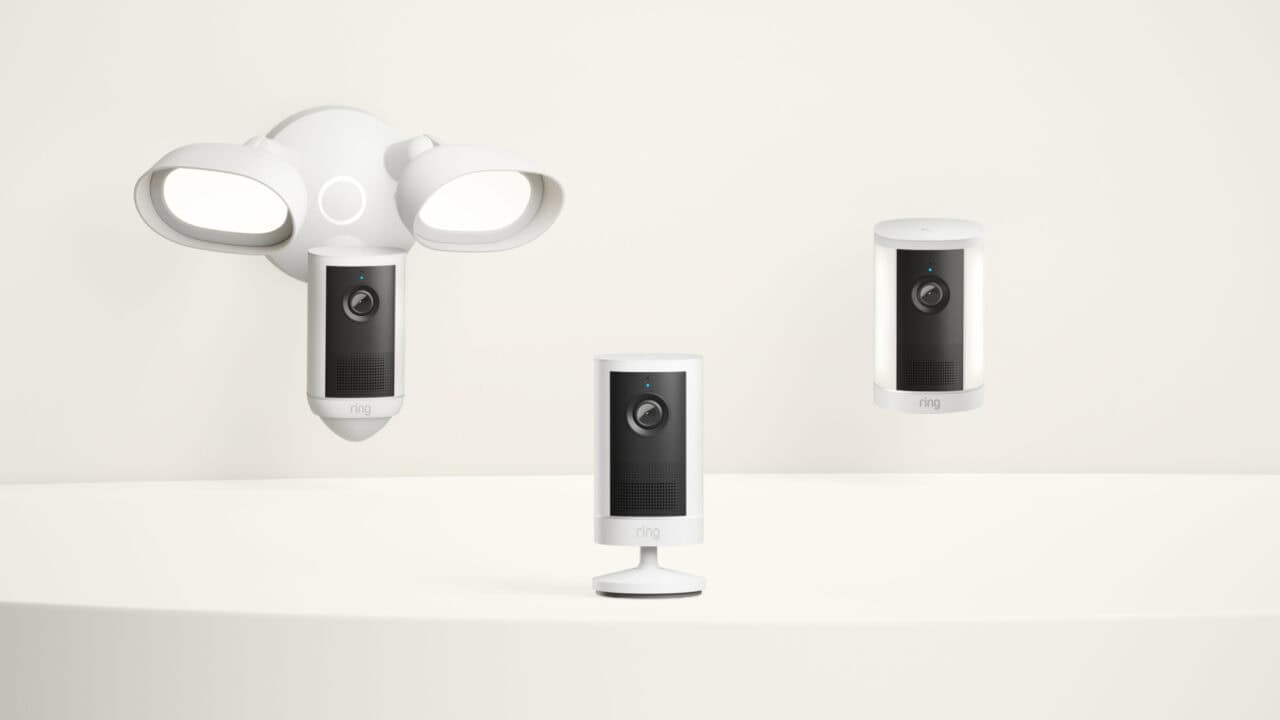
As a smart home hub, HomeView is built to control cameras, thermostats, lights, locks, and blinds by touch on the screen or by voice through Siri. A dedicated Home Camera face can show up to nine live camera feeds at once, turning the device into a monitoring console for people with multiple cameras around the house. With a supported iCloud+ subscription and compatible cameras, the system can recognize people, familiar faces, pets, packages, and vehicles in HomeKit Secure Video clips. With an Apple Intelligence-enabled iPhone or iPad set up, it can also describe what happened in those clips.
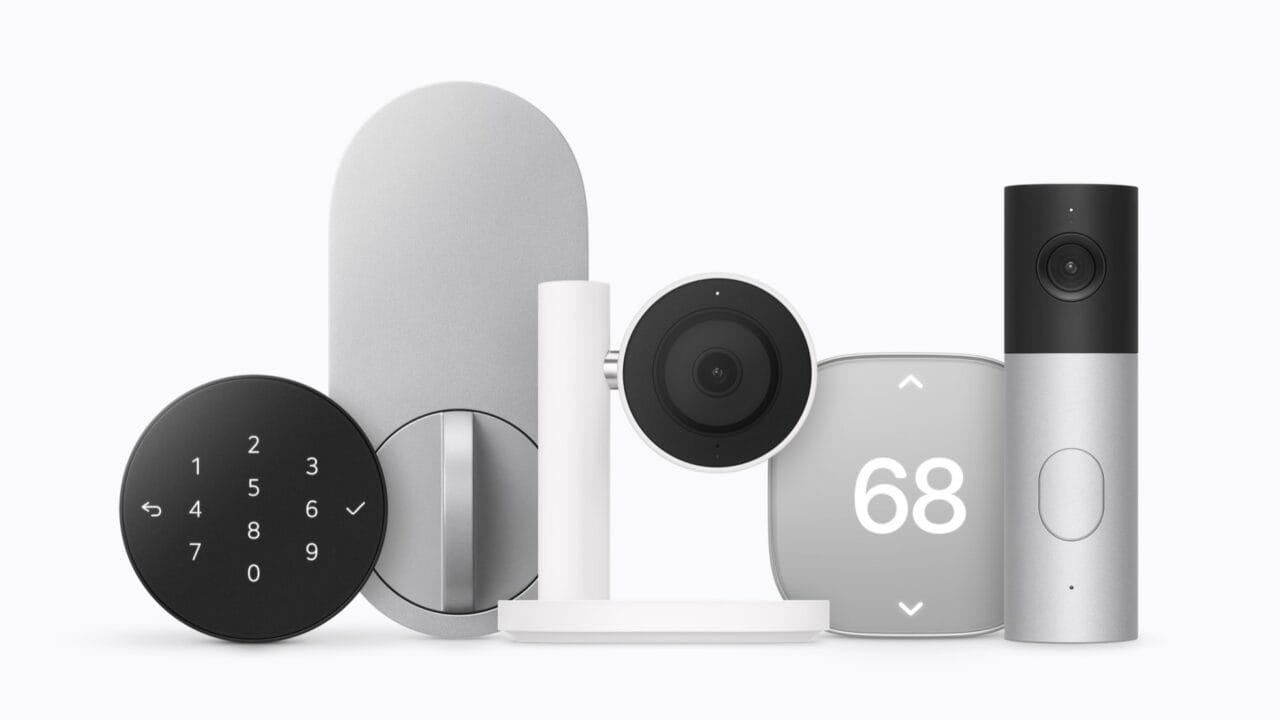
HomeView can also listen for the sound of smoke or carbon monoxide alarms and send alerts to an iPhone, iPad, or Apple Watch when it hears them. On the accessory side, the device works with Apple Home Collection, a new lineup of cameras, thermostats, and a lock that Apple developed with LG Electronics and Schneider Electric, along with other accessories marked Works with Apple Home and those that support Matter. Apple Home Collection starts arriving in December, with some accessories not available until early 2027. That range is aimed at letting HomeView sit at the center of both Apple’s own hardware and third‑party smart home products.
Entertainment, Communication, and Privacy
Behind the screen, Apple built HomeView’s speaker system to act as more than a simple voice assistant speaker. The display portion holds two full‑range drivers that deliver Spatial Audio, while the domed base contains a down‑firing woofer and two passive radiators for deeper bass. HomeView can play Apple Music, Apple Podcasts, Apple News, and Apple TV content, as well as audio and video from compatible third‑party apps, and it supports multiroom audio with HomePod and AirPlay speakers in other rooms.
On the communication side, HomeView supports FaceTime with Center Stage, which keeps people framed in the shot as they move, and it can act as an Intercom station for talking between rooms. It also supports step‑by‑step recipes with hands‑free timers, Find My for checking in on family members who share their locations or finding a misplaced iPhone or AirTag-tagged item, and Live Activities, which keep time‑sensitive information on screen. Users can switch between different faces, including Photos, which turns the display into a shared‑album photo frame, a Flow view, and a Snoopy face.
For privacy, Apple is using the A18 chip inside HomeView to separate out sensitive data. The chip includes Secure Exclaves that process camera and microphone data apart from the rest of the system. That design is meant to keep audio and video handling isolated from other software on the device.
Where and When You Can Get It
Preorders for Apple HomeView opened on October 13 in most launch countries, with both the tabletop and wall-mounted models scheduled to be available starting November 13. The launch countries include the United States, Canada, the United Kingdom, Australia, New Zealand, India, Singapore, and South Africa. Singapore preorders open October 15, and South Africa sales go through Apple Authorized Resellers. Setup and multiuser support require a compatible iPhone or iPad running the latest software, so buyers need to already be in the Apple ecosystem to bring the device online.
Apple is not selling HomeView in the European Union at launch. Between the two form factors, multiple color options, and focus on both personal and shared use, the company is clearly positioning HomeView as the new central screen for homes that are already built around iPhone, iPad, and Apple’s smart home system.
View the original press release.