These are the 10 passwords and password patterns hackers try first when they break into email, bank, and social accounts. From “123456” to “P@ssw0rd,” huge leaks show the same weak choices popping up millions of times. Keep reading to see if any of your go‑tos are on this list and how to swap them for something safer.
Passwords Like “123456” and Other Easy Sequences
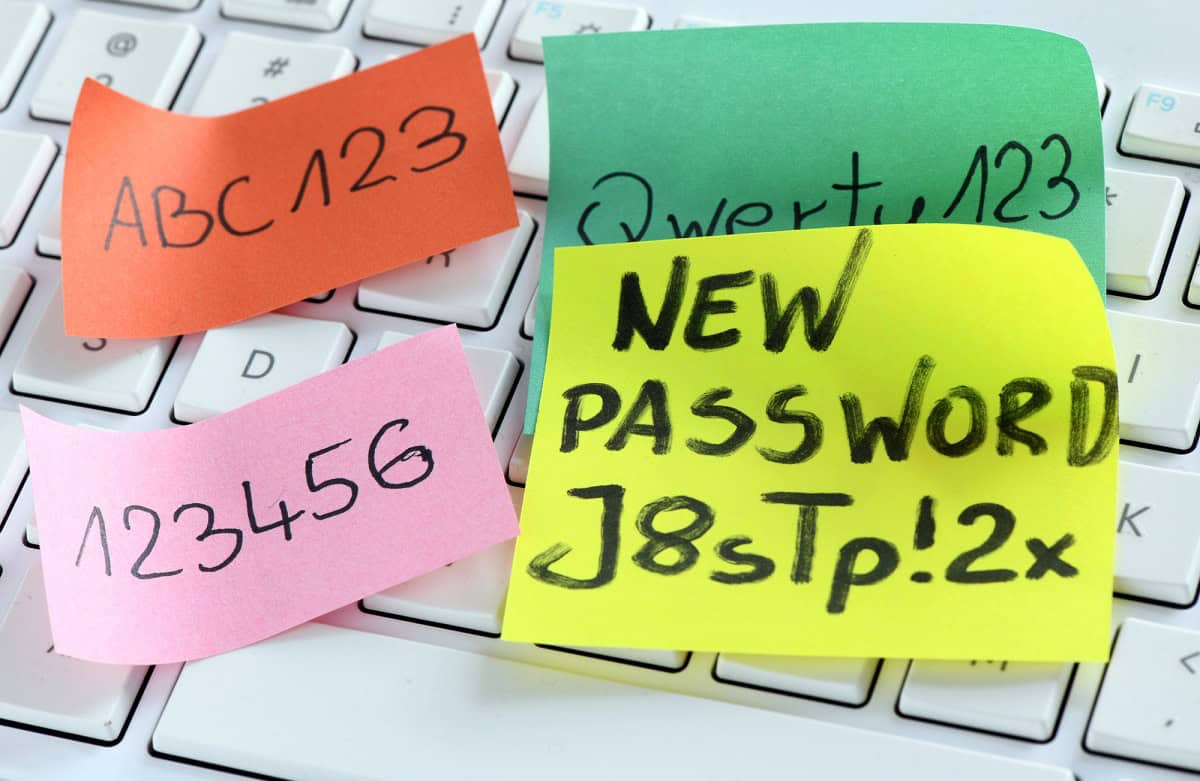
Passwords like “123456,” “111111,” or “000000” are usually the very first guesses in an attack because they sit at the top of every hacker’s wordlist. In NordPass’s 2025 study of leaked passwords across 44 countries, “123456” ranked first worldwide for the sixth time in seven years. Tools that run through common passwords can try “123456,” “123456789,” “12345,” and “123123” against your email or bank account in seconds, since these patterns show up in huge data breach dumps. Anything that looks like a straight sequence, such as “246810” or “abcdef,” falls for the same reason: the pattern is obvious, so it gets tested early. A simple fix is to ditch number runs and use a longer passphrase instead, like three or four random words from a password manager, for example “purple-train-92-coffee,” which is much harder to guess but still easy to remember.
“Password,” “Qwerty,” and Other Obvious Defaults
“Password” and “qwerty” are two of the first guesses in almost every hacking tool, still sitting near the top of leaked-password lists, with “password” at number six in NordPass’s 2025 study and “qwerty” a fixture of worst-password lists for a decade. Attackers run massive “dictionary attacks” that blast through common words, keyboard patterns, and defaults that ship with routers or Wi‑Fi devices, so anything that looks like a real word or straight keyboard row falls in seconds. Even dressed‑up versions like “P@ssw0rd” are built into these wordlists, so swapping a for @ and o for 0 does almost nothing against modern cracking tools.A stronger move is to drop obvious words and patterns and jump to length and randomness, like a 3 or 4 word passphrase such as “green-train-coffee-river.” Use a password manager from a trusted brand to generate 16+ character logins for your email, bank, and Netflix, and let it remember them for you. If a site lets you, turn on two‑factor authentication with an app like Google Authenticator or a hardware key so even a guessed password is not enough to get in.
Pet Names and Kids’ Names Hackers Try Fast
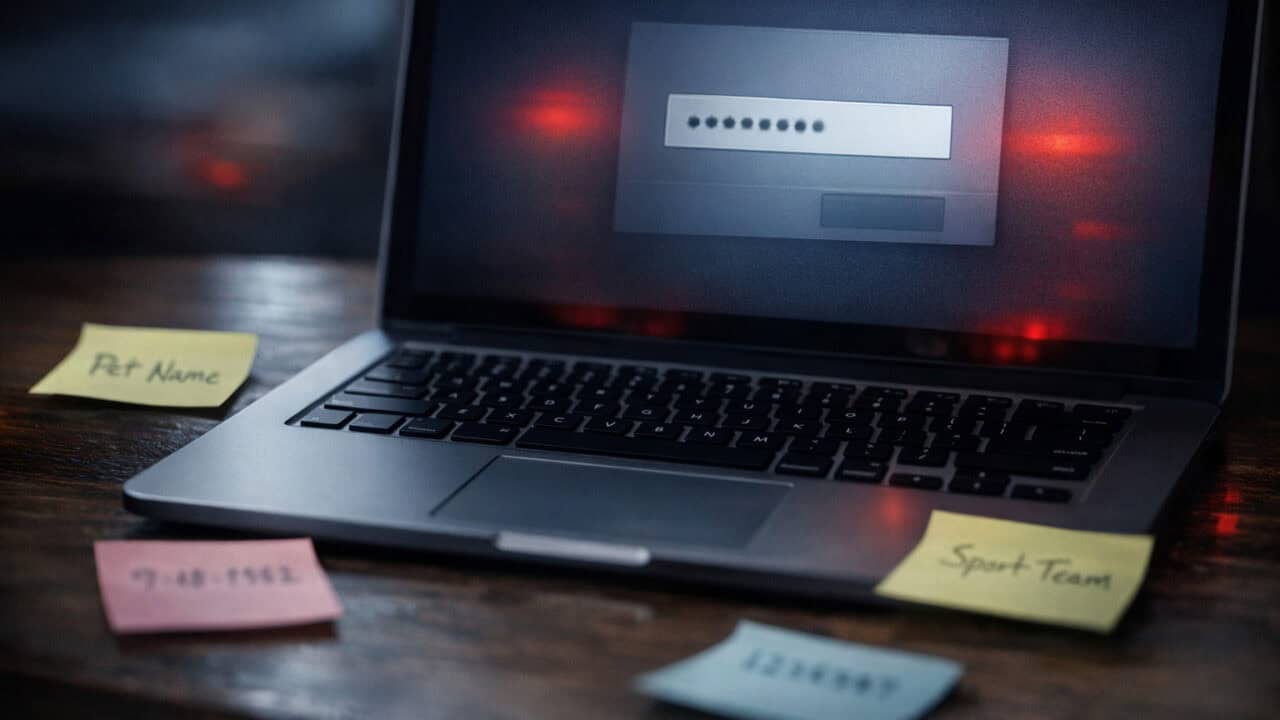
Pet and kids’ names are on hackers’ “guess first” list because they scrape them right off your Facebook, Instagram, or TikTok and plug them into attacks against your Gmail, bank, or Netflix. Attack tools try combos like “Bella123,” “Aiden2020,” or “Luna!” in seconds, and automated password-spraying bots test those same name-based passwords across dozens of sites at once.
On top of using good password practices, the fix includes leaking less. Set your Facebook, Instagram, and TikTok posts about pets and kids to friends-only, and skip the “name my dog” quiz threads that hand attackers free guesses. Then keep personal names out of passwords altogether, because a name nobody can scrape is a guess nobody gets to make.
Birthdays, Anniversaries, and Other Easy-to-Find Dates

Birthdays, anniversaries, and other dates are some of the first passwords hackers try because they are easy to spot in your Instagram posts, Facebook profiles, Zillow records, and public people-search sites. A date like 02142014, 7-4-76, or 2001-09-09 matches very common formats, so a basic password cracker will run through month-day-year combos in seconds, especially if it can see your city, school, or family names from public data. Attack tools also mash dates together with your name for quick guesses like “maria1990” or “Jake_0723,” which are all over stolen password lists from old breaches. A safer move is to keep real-world dates out of everything a stranger could be quizzed on, including security questions: answers like your anniversary or “first concert” leak from the same public posts, so give sites fake, random answers and store them in your password app’s notes. That way nothing about your life story helps someone break in, or reset their way past a strong password.
Your Favorite Sports Team Is a Weak Password

Your favorite sports team as a password is a gift to hackers, because names like “Lakers2026,” “Cowboys!” or “Yankees#1” are some of the first guesses in targeted attacks. Attack tools pull team names from ESPN, NFL, NBA, MLB, and Premier League lists, then combine them with common add-ons like “123,” “!,” or the current season year, so “Chiefs2026!” is barely stronger than “123456.” If you ever post about your team on Instagram, Facebook, or X, you also make it easier for someone to target “Liverpool19” or “Patriots12” on your email or Netflix account. The fix is not ditching your fandom, it is stretching it into a full, weird sentence only you would write, like “MahomesThrowsLeftOn3rdDown!” A whole sentence with a personal twist is far harder to guess than any team name with a year stapled on.
One Real Word Is Still Too Easy to Crack
One real word like “sunshine,” “dragon,” or “princess” is still one of the first things hackers try, because their tools run through huge dictionaries of common words in seconds. Attack programs test English words, sports names, movie titles, and slang pulled from leaked password lists, so a plain word on its own falls almost instantly, even if it feels personal to you.A stronger move is to build a longer passphrase that mixes unrelated words plus numbers or symbols, because length is the whole game: every character you add multiplies the guesses a cracking rig has to burn through. A single eight-letter word can fall in seconds, while a 20-plus-character phrase pushes the same attack from minutes into years, which is why long-and-weird beats short-and-clever every time.
Keyboard Patterns Like “asdfgh” and “1qaz2wsx”
Keyboard patterns like “asdfgh,” “1qaz2wsx,” and “qwertyuiop” are some of the very first passwords hackers try because they follow the exact shape of your fingers on a standard keyboard. Attack tools use pre-loaded lists that include these patterns, so they fall almost instantly in a brute-force or dictionary-style attack against your email, bank, or social accounts. Anything that runs straight across, up, or diagonally on a keyboard, like “zxcvbnm” or “1q2w3e4r,” is basically a giant “guess me” sign.The stronger move is to stop typing passwords at all. Let a password app generate each login and let autofill enter it, so those finger-memory shapes never form in the first place. As a bonus, autofill will not type into a lookalike login page, which quietly protects you from phishing too.
Your Name Plus a Year Is Easy to Guess

Your name plus a year, like “Alex1990” or “Jordan2015,” is one of the first patterns hackers try when they go after your email, bank, or Instagram. Attack tools pull your name from data leaks or your social profiles, then run it against common years like birth years, graduation years, or anniversaries, often cracking it in seconds. This gets even weaker if that same “Name+Year” combo is reused on Netflix, PayPal, and your Gmail.If you really want a year in your password, bury it in the middle of a longer phrase instead of tacking it onto your name, for example “drift1990lake!movie”, which breaks the exact Name+Year shape these tools are built to try. The goal is a password that cannot be assembled from public info someone can scrape off Facebook or LinkedIn.
Reusing the Same Password Across Every Account

Reusing the exact same password on email, banking, shopping, and Netflix accounts is one of the very first things hackers try. Once one site gets breached and your login hits a leak, attackers run that same email-and-password combo through huge lists of services using “credential stuffing” tools that can test thousands of logins in minutes. That means a password that felt “strong” on its own, like “PurpleTruck!23”, turns into a skeleton key to your whole life the second one company loses its database.The fix is boring but strong: every important account needs its own unique password, so one breached site never unlocks another. Turn on breach alerts too, since most password apps and free services like Have I Been Pwned will tell you the moment a site you use shows up in a leak, letting you change one password instead of panicking about all of them. Start with your email, bank, and main shopping account, then work through the rest as you log in over time.
“P@ssw0rd” and Other Predictable Character Swaps
“P@ssw0rd” and similar swaps like “Pa$$word” or “H0use!” get cracked almost instantly because hacking tools already expect those tricks. Attackers load huge lists of common passwords into tools like Hashcat, including every basic swap of “password,” “qwerty,” and “letmein” with @ for a, 0 for o, and $ for s. So “P@ssw0rd123!” feels clever but is just a slightly dressed-up version of one of the most common passwords on earth.The durable fix is to stop dressing up weak words and, where a site offers it, skip the password entirely. Passkeys let you sign in with your face, fingerprint, or device PIN, and they give a cracking rig nothing to guess. Big services like Google, Apple, Microsoft, and Amazon already support them, so turn passkeys on for your most important accounts and let “P@ssw0rd” retire for good.
Summary
The single most important fact is that any password on this “guess first” list can be cracked in seconds by common hacking tools. Go through your email, bank, and main social accounts and replace anything that looks like a name, date, team, or simple pattern with a long, unique passphrase. Aim for at least three or four random words plus numbers or symbols, or let a trusted password manager create and remember 16+ character logins for you. Turn on two-factor authentication wherever you can so a stolen or guessed password alone is not enough to get in.