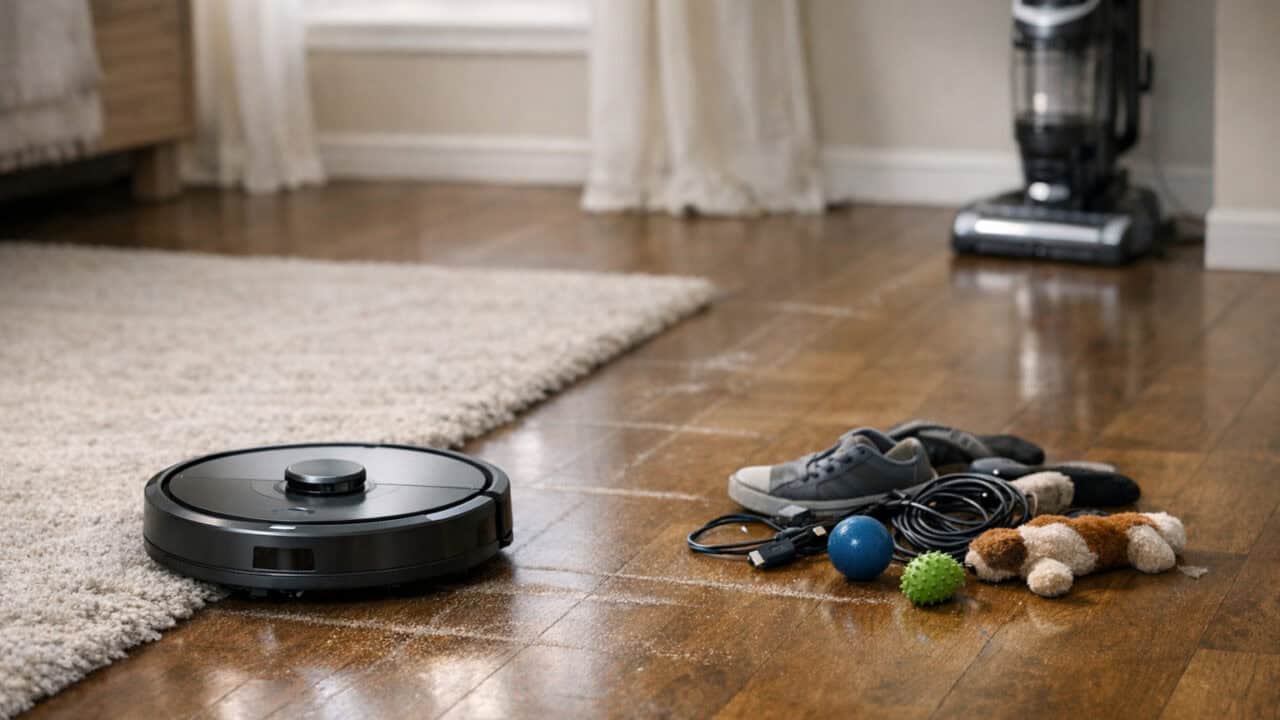
Robot vacuum myths are real and can push you into spending too much money or buying the wrong machine for your home. When you expect a cheap robot to replace your upright or skip features like mapping or a self-empty dock without thinking through how you clean, the cost shows up later in frustration and extra work. Use these myths to sanity-check what you really need before you pay for the wrong thing.
A Robot Vacuum Replaces Your Upright
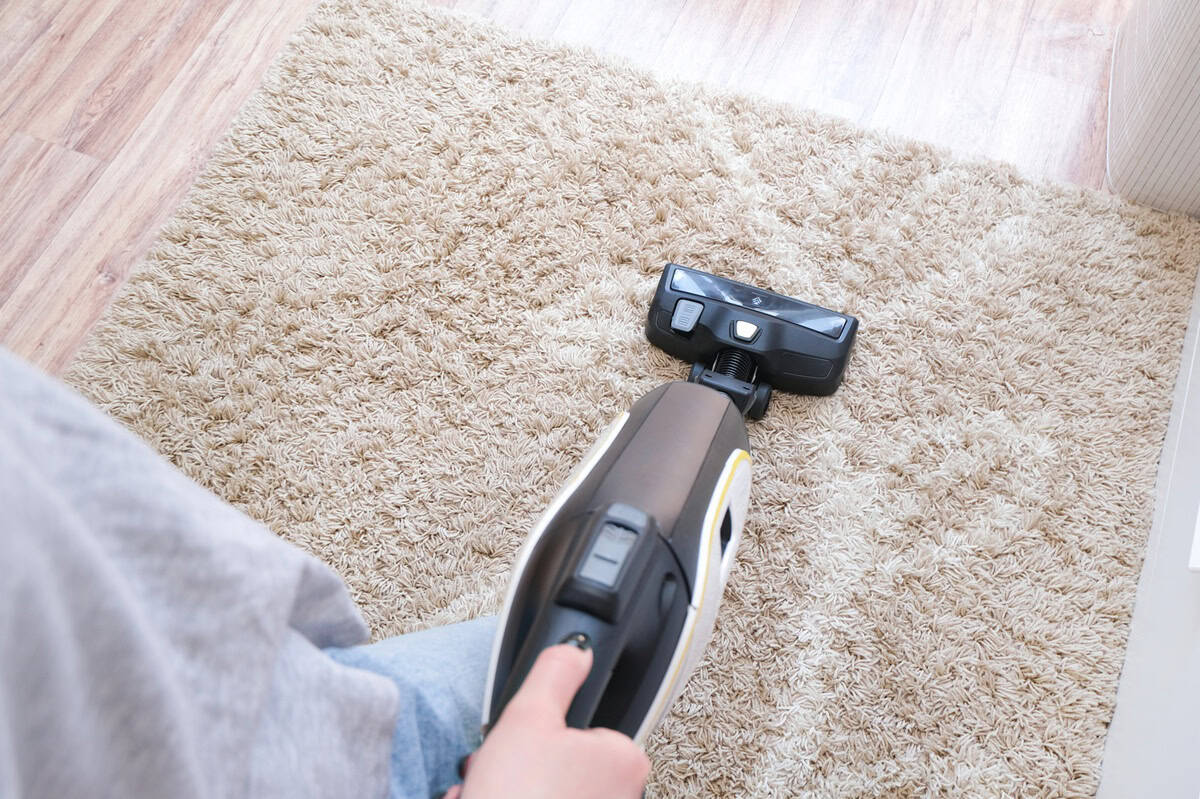
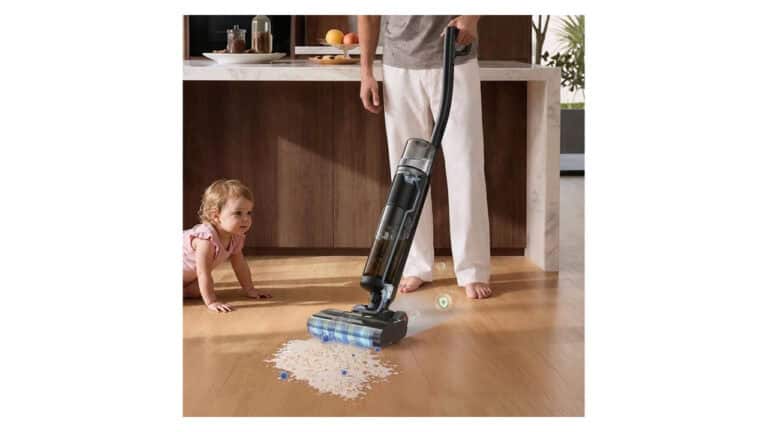
A robot vacuum does not fully replace a good upright or canister vacuum for most homes. Even flagship models with the highest suction ratings still struggle to deep clean thick carpet, stairs, and tight corners where a stick or upright with a crevice tool does better. Robots also have smaller dustbins, so they skim dirt more often instead of pulling up the packed-in stuff from padding and baseboards. If you toss your corded vacuum and depend only on the robot, you pay a lot and still end up with dingy high-traffic areas.The smarter way to buy is to treat the robot as a maintenance tool, not your only cleaner. Look for a robot with solid suction, a main brush that matches your floors, and features like room-by-room scheduling to keep daily dirt under control. Then keep a basic upright or stick vacuum for monthly deep cleans, stairs, upholstery, and spots the robot physically cannot reach. This combo costs less than chasing a “do-it-all” robot and gives you cleaner floors overall.
The Most Expensive Robot Vacuum Is Always the Best Buy
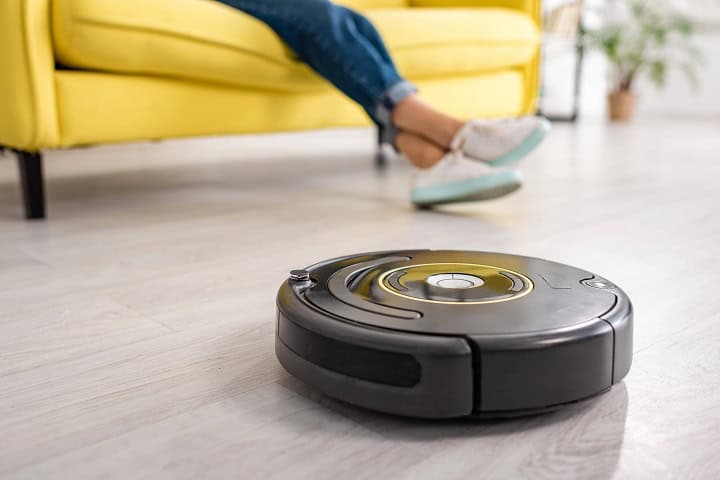
The most expensive robot vacuum is not automatically the best buy for your home. A flagship like Roborock’s Qrevo Edge 3 Pro with lidar navigation, a self-empty dock, and mopping might sound impressive, but if you live in a small apartment with mostly low-pile carpet, you may never use half those extras. Midrange robots around a few hundred dollars often give you strong suction, Wi‑Fi control, room mapping, and scheduled cleaning without the extra cost of auto-wash docks or advanced obstacle avoidance. Paying for features you do not need is what actually costs you, not “cheap vs. premium” on the box.Price also does not guarantee better long‑term performance or less hassle. A simpler robot from a known brand with a basic charging dock, shorter app feature list, and standard side brushes can run for years if you replace filters and brushes on schedule. Meanwhile, a top-tier robot with a complicated base station can mean more things to repair and more parts to buy, especially bags and mop pads. The smart move is to list the features that fit your space and habits, then compare models at different price points that match those needs instead of shopping by the highest price tag.
Robot Vacuums Constantly Get Stuck
Robot vacuums do not constantly get stuck if you match the features to your home. Cheap “bounce” bots that just pinball around are way more likely to wedge themselves under a low sofa, choke on a phone cord, or spend ten minutes trying to climb a floor transition. Newer models with lidar or camera navigation, obstacle detection for shoes and cords, and virtual “no-go” zones in the app are far better at avoiding traps in the first place. If you have bar stools, rugs with fringe, or cluttered kids’ rooms, paying for better navigation and adjustable “no-go” areas can save you from babysitting a beeping robot every other day.The idea that every robot needs a totally bare, cable-free floor is also exaggerated. Many midrange and higher models now have “anti-tangle” brush designs and can bump over 0.6 to 0.8 inch thresholds, so they do not stall on every rug edge or power strip. That means you can spend a bit more on smarter obstacle handling instead of wasting money on a bargain robot that spends its life stuck under the dining table.
Smart Mapping Is Just a Gimmick
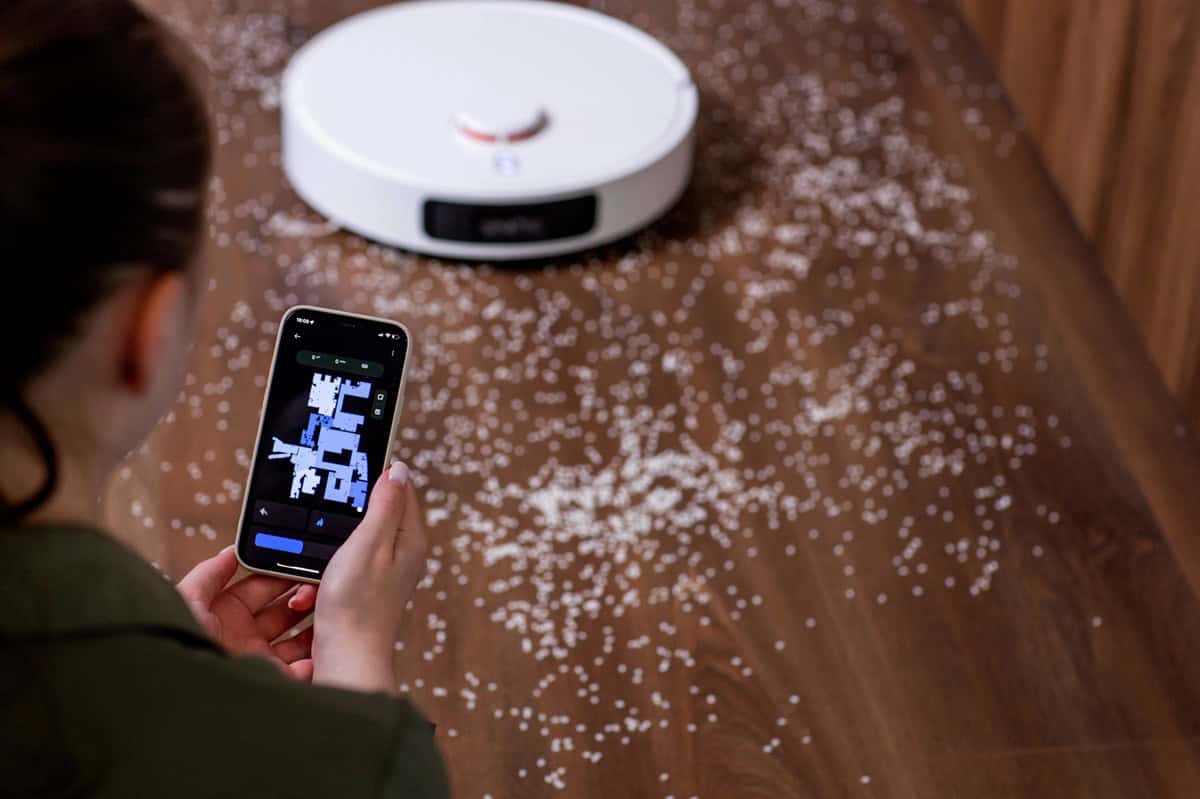
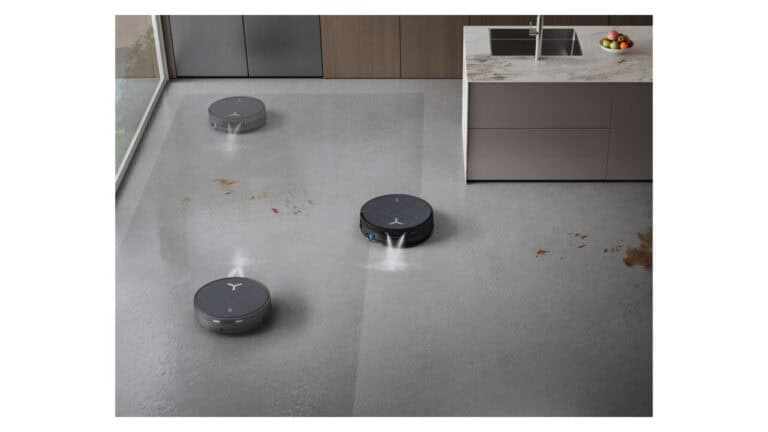
Smart mapping is not a gimmick; it is the feature that keeps your robot from vacuuming the same spot while ignoring half the room. Models with lidar or camera-based mapping can “see” your space, draw a floor plan, and clean in straight, room-by-room paths instead of random bump-and-go patterns that waste battery and time. That matters when you want it to clean the kitchen after dinner or avoid a kids’ playroom, since app maps let you set no-go zones, room names, and targeted cleanups.Treating mapping as fluff can cost you when a cheaper, map-free bot takes twice as long, misses crumbs under the table, or struggles in larger homes. If you have multiple rooms, pets, or mixed flooring, spending a bit more on a mapping model often means fewer re-runs, less babysitting, and better coverage over the life of the vacuum. If your place is a small studio with simple layout, you can skip mapping, but for most buyers it is the difference between “cute gadget” and a vacuum you actually use every day.
Self-Empty Docks Aren’t Worth Paying For
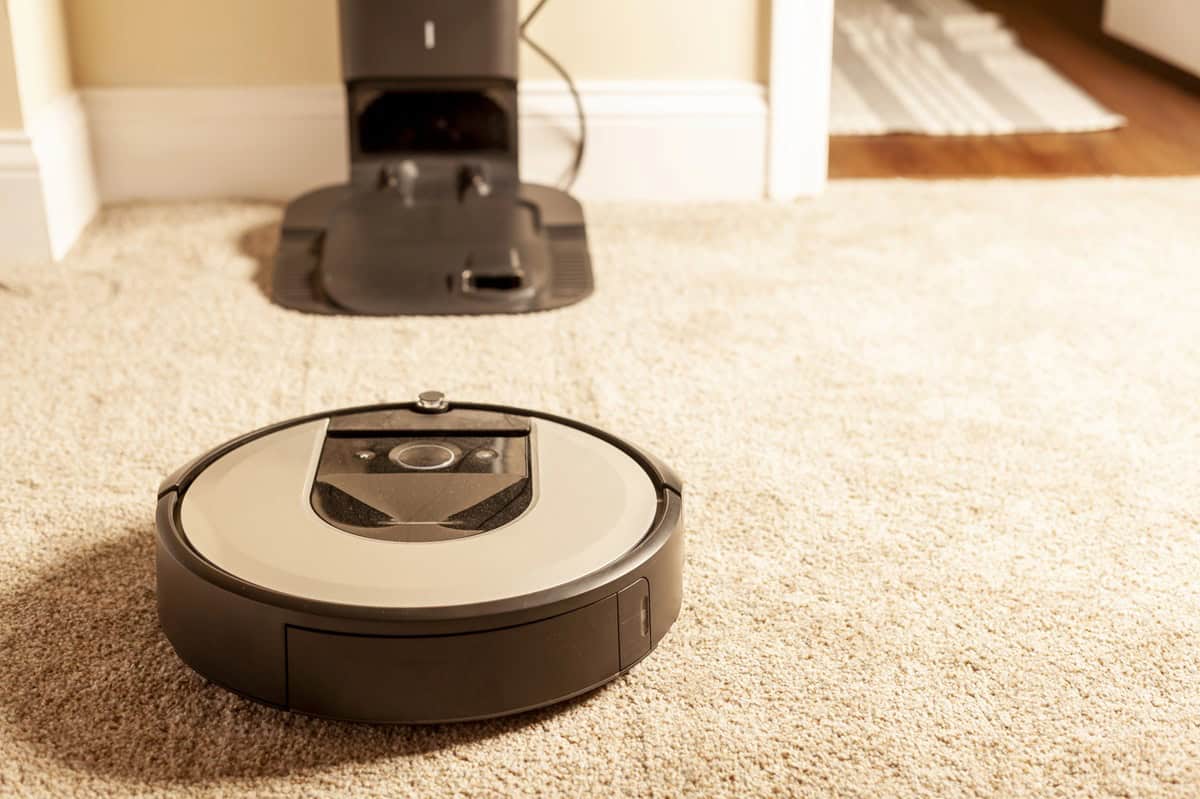
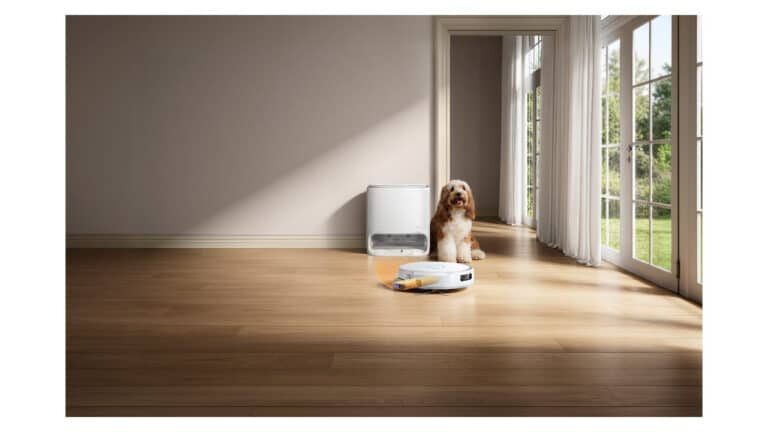
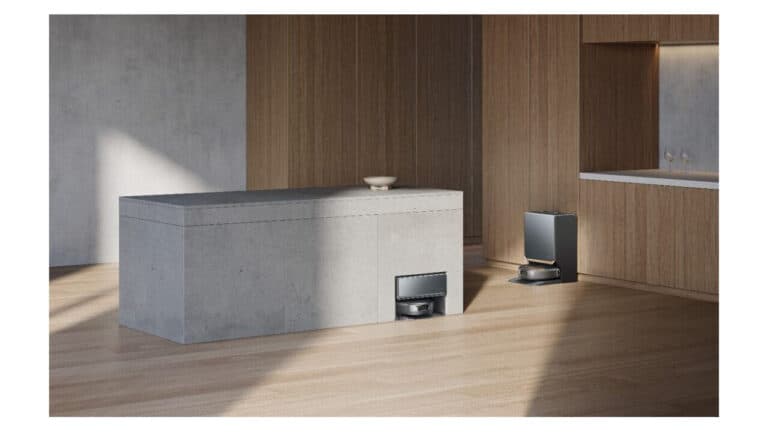
Self-emptying docks can save you money over time by cutting down how often you have to babysit your robot vacuum. The myth is that they are just a fancy trash can, but the reality is that a dock with a dust bag that holds 30 to 90 days of dirt lets the robot finish more runs without stopping when its tiny onboard bin fills up. That matters if you have carpets, pets, or a larger home, where a small bin on a basic robot can overflow mid-clean and leave dirt behind.Paying more for a model with a self-empty dock can make sense if you clean several times a week, have shedding pets, or hate emptying a dust bin every run. On the other hand, if you live in a small apartment with hard floors and no pets, you might be better off skipping the dock and putting that money toward stronger suction, smarter mapping, or better mopping. The cost mistake is assuming all docks are a ripoff, instead of matching that upgrade to how much dirt your home really produces.
Robot Vacuums Can’t Handle Pet Hair

Robot vacuums absolutely can handle pet hair when you pick one built for it. Models with higher suction, rubber brush rolls instead of bristle brushes, and “tangle-free” or “anti-hair wrap” designs are made to grab fur from carpet and hard floors. Many pet-focused robots also have HEPA or high-performance filters to catch dander, and larger dustbins so they do not fill up after one pass in a house with a shedding dog.The myth that “robots can’t deal with pet hair” can cost you if it scares you into skipping a robot or buying the cheapest one that clogs on day two. The real money move is to look for clear pet features in the specs and marketing, like “pet hair cleaning,” rubber rollers, and self-empty docks that can hold several days of fur. You might spend more up front than a basic budget robot, but you avoid constant jams, early motor failure, and the feeling you still need to vacuum by hand every day.
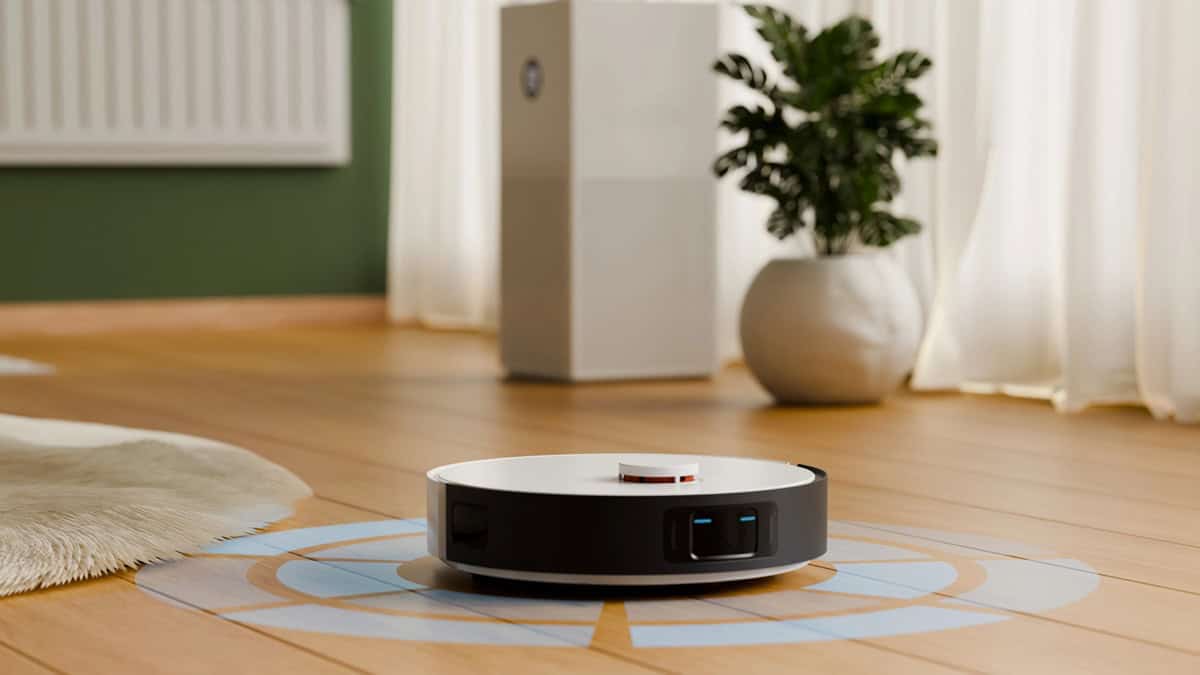
All robot vacuums do not navigate the same way, and treating lidar and camera systems as equal can waste your money. Basic bump-and-go models just wander until they hit something, which can mean missed spots and long runtimes, while lidar bots build a floor map with a spinning laser sensor so they clean in straight lines and return to the dock smarter. Camera-based models use on-board cameras to recognize furniture and doorways, which can help them move in a more human-like pattern but may struggle in low light. When you shop, compare how the robot navigates, look for features like room-by-room mapping and no-go zones in the app, and avoid paying premium prices for a vacuum that still wanders randomly.
A Robot Vacuum Needs No Maintenance

A robot vacuum absolutely needs regular maintenance or its performance and lifespan drop fast. If you never empty the bin, clean the main brush, or pull hair off the side brushes, suction drops and the robot starts pushing dirt around instead of picking it up. Even models with self-empty docks still need you to swap dust bags, wipe sensors, and check for clogs every couple of weeks.Skipping basic upkeep also makes you overspend on features that cannot work properly when the robot is dirty. A midrange robot with a simple brush and easy-access filter can be a smarter buy than a pricey model with tons of suction modes that you do not have time to maintain. When you compare options, look for tools like removable brush guards, top-access bins, and clear maintenance reminders in the app, so keeping it running well is quick instead of a chore you avoid.
A Cheap Robot Vacuum Is Fine Near Stairs and Ledges
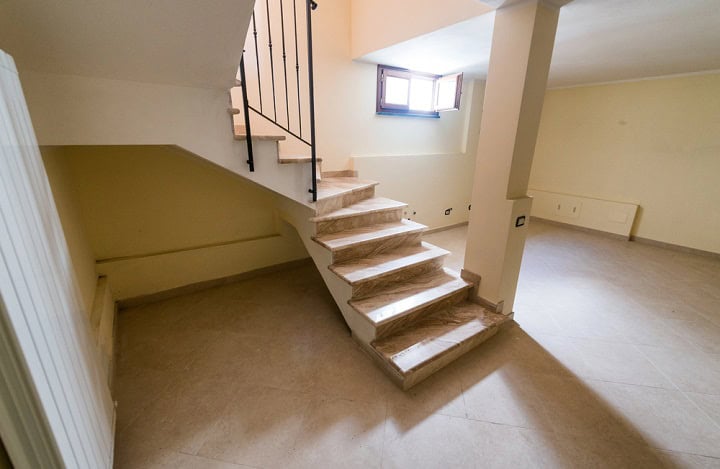
Cheap robot vacuums often struggle near stairs and open ledges because their basic infrared cliff sensors are easily confused by flooring: dark rugs and black stair treads absorb the sensor’s light, so many budget bots mistake them for drops and refuse to clean them, while dusty or smudged sensors can fail the other way and let the robot nose over a ledge.More midrange bots from brands like Roomba, Roborock, and Ecovacs usually add more sensors, better drop-detection logic (like Roomba’s dual-beam cliff sensors), and app features like no-go zones you can draw around stairs and landings. If you have stairs, a split-level living room, or kids who leave things near ledges, spending a bit more for stronger cliff detection and better navigation can save you from repairs, wall scuffs, and the cost of replacing a bot that took one tumble too many.
You Have to Use the App and Cloud to Own One
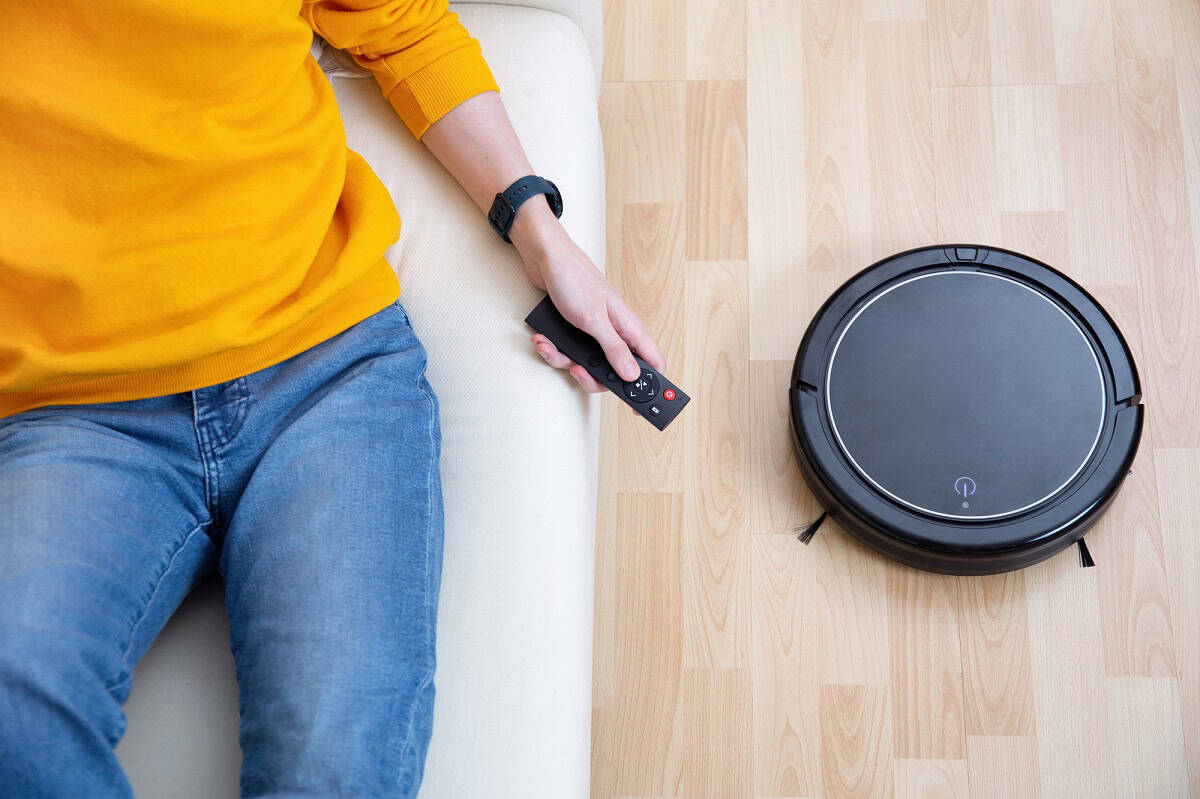
You do not have to use the app and cloud to own a robot vacuum, and nearly every model still lets you start and stop cleaning with buttons on the unit, and a handful, like eufy’s RoboVac 11S Max, even offer scheduling from an included remote with no app at all. Some Wi‑Fi models can run mostly in “local” mode, where you connect once to set a schedule, then block internet access in your router. That matters if you are worried about companies collecting mapping data of your home or want a robot that still works if the brand shuts down its cloud servers. That is not hypothetical: iRobot went through Chapter 11 in late 2025 and now belongs to Picea, which kept the Roomba line running.If you hate apps or have spotty Wi‑Fi, you just need to shop differently, not skip robot vacuums altogether. Look for models advertised as having on‑device controls, remote controls, or offline scheduling, and skip features that clearly depend on the cloud like voice‑assistant control or multi‑home sharing. Paying extra for a fully cloud‑connected model you will never link to Wi‑Fi is money wasted, while a simpler, non‑connected robot can clean the same floors for less.
Summary
The single most important fact is this: robot vacuum myths can push you to overspend on features you do not use while still leaving your floors less clean than they could be. Before you buy, think about your real space: size, stairs, pets, carpet vs. hard floors, and how often you want it to run, then match navigation, mapping, and docks to that list. Aim for a solid midrange robot with the right brush, suction, and mapping for your home, and plan to keep a basic upright plus a simple maintenance routine. If you do that, you get cleaner floors and avoid paying for “wow” extras that only look good on the box.