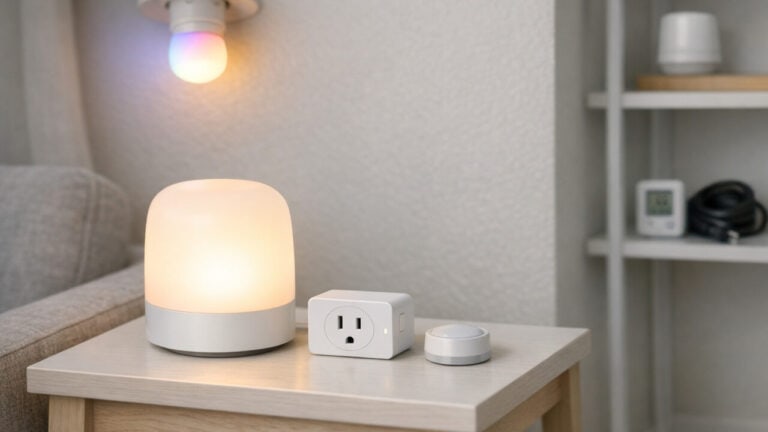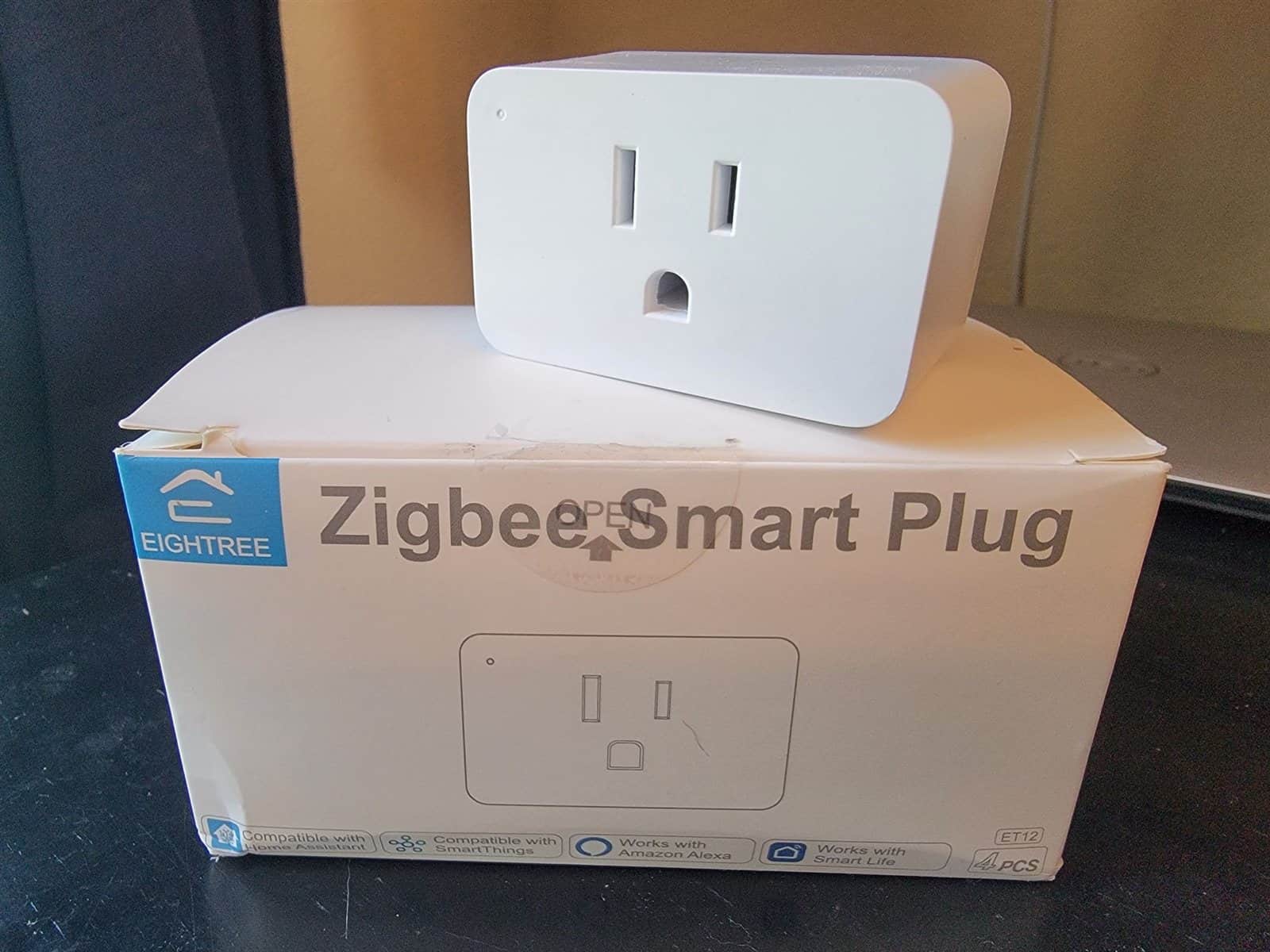
The EIGHTREE Zigbee Smart Plug won me over with two small settings: a power-on state that brings my devices back on after a power outage, and a backlight mode that turns off the indicator light. Paired with a Conbee III Zigbee coordinator in Home Assistant, each plug also reports live power, current, voltage, and energy use.
About the EIGHTREE ZigBee Smart Plug 4-Pack
Product Features:
- Zigbee 3.0 smart plug (hub required) – Works only with a Zigbee gateway that supports the Zigbee 3.0 protocol and does not work with Apple HomeKit.
- Wide Zigbee hub support – Works with Home Assistant, SmartThings, Hubitat (with a community driver), and Amazon Echo devices that support Zigbee 3.0, without a separate third-party app. Not compatible with the Hue app.
- Energy monitoring with graphs – Tracks real-time power use, current, and voltage, and can show detailed consumption graphs in Home Assistant, SmartThings, and Smart Life. SmartThings only shows power graphs.
- Zigbee mesh for stable, fast control – Uses a Zigbee mesh network to avoid Wi‑Fi congestion and pairs to the hub in a few seconds without a complicated setup process.
- Low standby power draw – Uses about 0.17 W in standby, which the brand states is 0.38 W less than standard plugs.
- Compact 15A design – Small enough to fit two plugs in a single wall outlet and rated at 15A / 120V for higher‑draw devices like electric kettles.
- Smart controls and automations – Supports voice control, app control away from home, schedules and timers, power‑off memory, scenes, and automation rules (depending on the hub and app you use).
What to Know About the EIGHTREE ZigBee Smart Plug 4-Pack
EIGHTREE ZigBee Smart Plug 4-Pack is best for people who already use a Zigbee 3.0 hub and want reliable, low-power smart outlets around the house. This set makes the most sense if you run Home Assistant, SmartThings, Hubitat (with a community driver), or an Amazon Echo device that has a built-in Zigbee hub, since you do not need a separate app for basic control. It is not a good match if you use Apple HomeKit or only rely on the Hue app, because it does not work with either of those. If you just have Wi-Fi and no Zigbee gateway, you would need to buy a hub first.
These plugs fit well for people who care about power usage and have several always-on devices. The built‑in energy monitoring can show real-time power, voltage, and current, and when paired with platforms like Home Assistant or SmartThings you can use those graphs to spot which gadgets waste the most energy. With a 15A, 120V rating, they work for common home gear like coffee makers or electric kettles, but you should still check the appliance label for anything heavy-duty.
The compact “mini” shape makes sense if you want two plugs in a single wall outlet without blocking the second socket. Since they sit on a Zigbee mesh network instead of Wi‑Fi, they are a strong pick for homes that already have a lot of Wi‑Fi smart gear and want to cut down on congestion. The ultra-low 0.17W standby draw is helpful if you plan to leave all four plugged in all year, so you are not adding much phantom load while trying to save power.
Our Review
The EIGHTREE ZigBee Smart Plug 4-Pack works smoothly in my Home Assistant setup with a Conbee III Zigbee USB coordinator. I added the first one about eight months ago, and I use the four plugs to control things like my cable modem and some voice assistant satellite speakers. In Home Assistant, each plug shows me live power draw in watts, plus current, voltage, and a running energy total. Each plug also has a child lock switch.
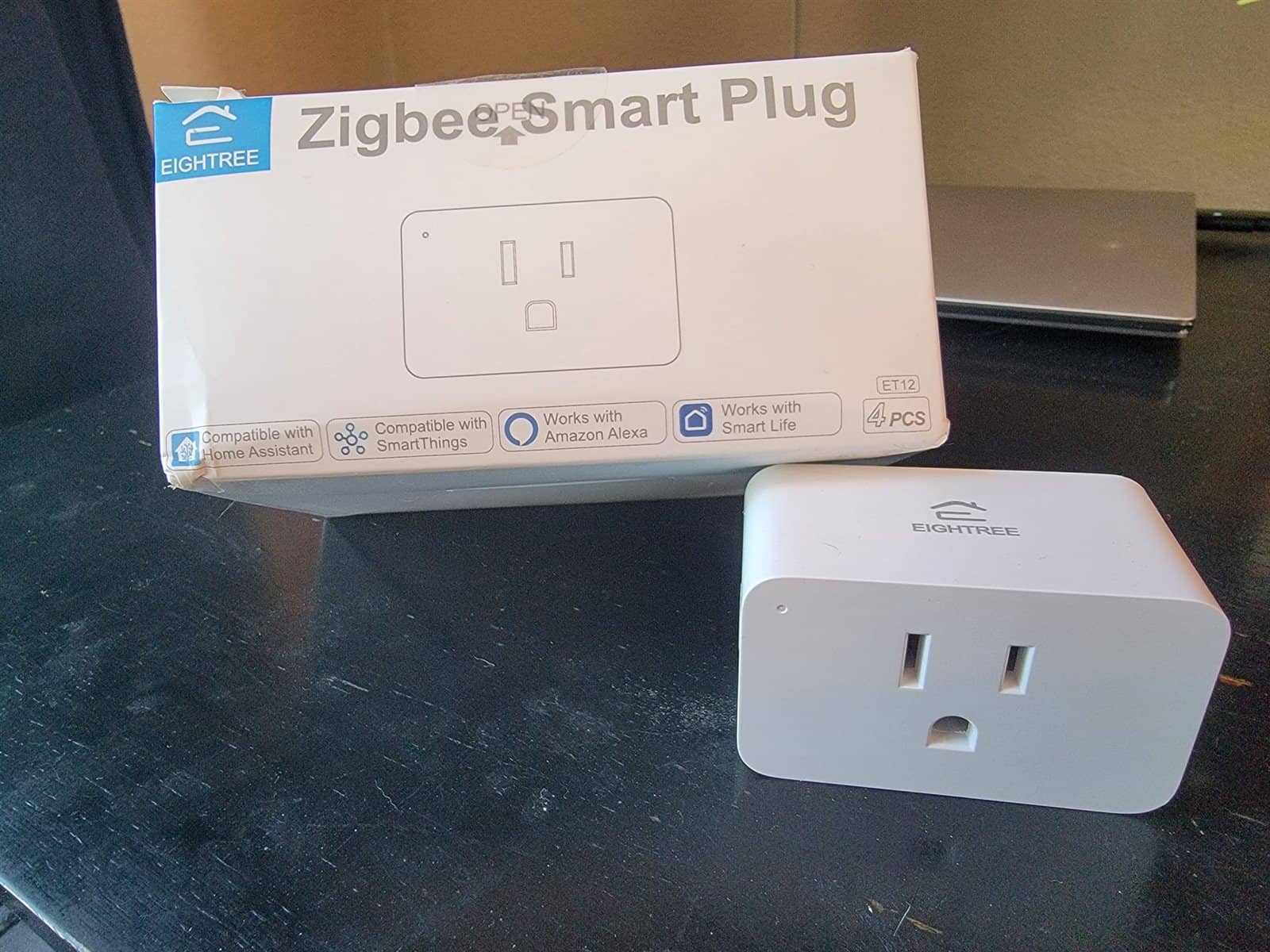
My two favorite features on these EIGHTREE ZigBee smart plugs are the power on state setting and the backlight mode. I set the power on state so the plug automatically turns back on after a power outage, which means my modem and other gear restart on their own when power returns. I also turn off the plug’s indicator light with the backlight mode, so there is no glow in a dark bedroom or office. Buyers need to know these are Zigbee plugs, not Wi‑Fi plugs, so you do need a Zigbee hub or coordinator to use them.
Pros and Cons of the EIGHTREE ZigBee Smart Plug 4-Pack
| Pros | Cons |
|---|---|
| Works with multiple Zigbee 3.0 hubs (Home Assistant, SmartThings, Hubitat, Echo with Zigbee) | Requires a separate Zigbee hub or coordinator, not a Wi‑Fi plug |
| Built-in energy monitoring with detailed power, voltage, current, and energy stats | Not compatible with Apple HomeKit or the Hue app |
| Compact 15A design fits two per outlet and handles higher-power devices | Hubitat use needs a community driver, not native support |
| Extra features like child lock, power-on state after outages, and LED backlight control | SmartThings only shows basic power graphs, fewer energy insights than other platforms |
Frequently Asked Questions
Does the EIGHTREE ZigBee Smart Plug 4-Pack work with Alexa and Google Home without a separate hub?
It depends on the speaker: the EIGHTREE ZigBee Smart Plug 4-Pack pairs directly with Amazon Echo devices that have a built-in Zigbee hub, but other Alexa speakers and Google Home speakers need a separate Zigbee hub or gateway. The EIGHTREE ZigBee Smart Plug 4-Pack requires a Zigbee 3.0 gateway, such as compatible Amazon Echo devices with a built-in Zigbee hub, for proper connection and voice control.
What is the maximum wattage or amp rating for each EIGHTREE ZigBee Smart Plug in the 4-pack?
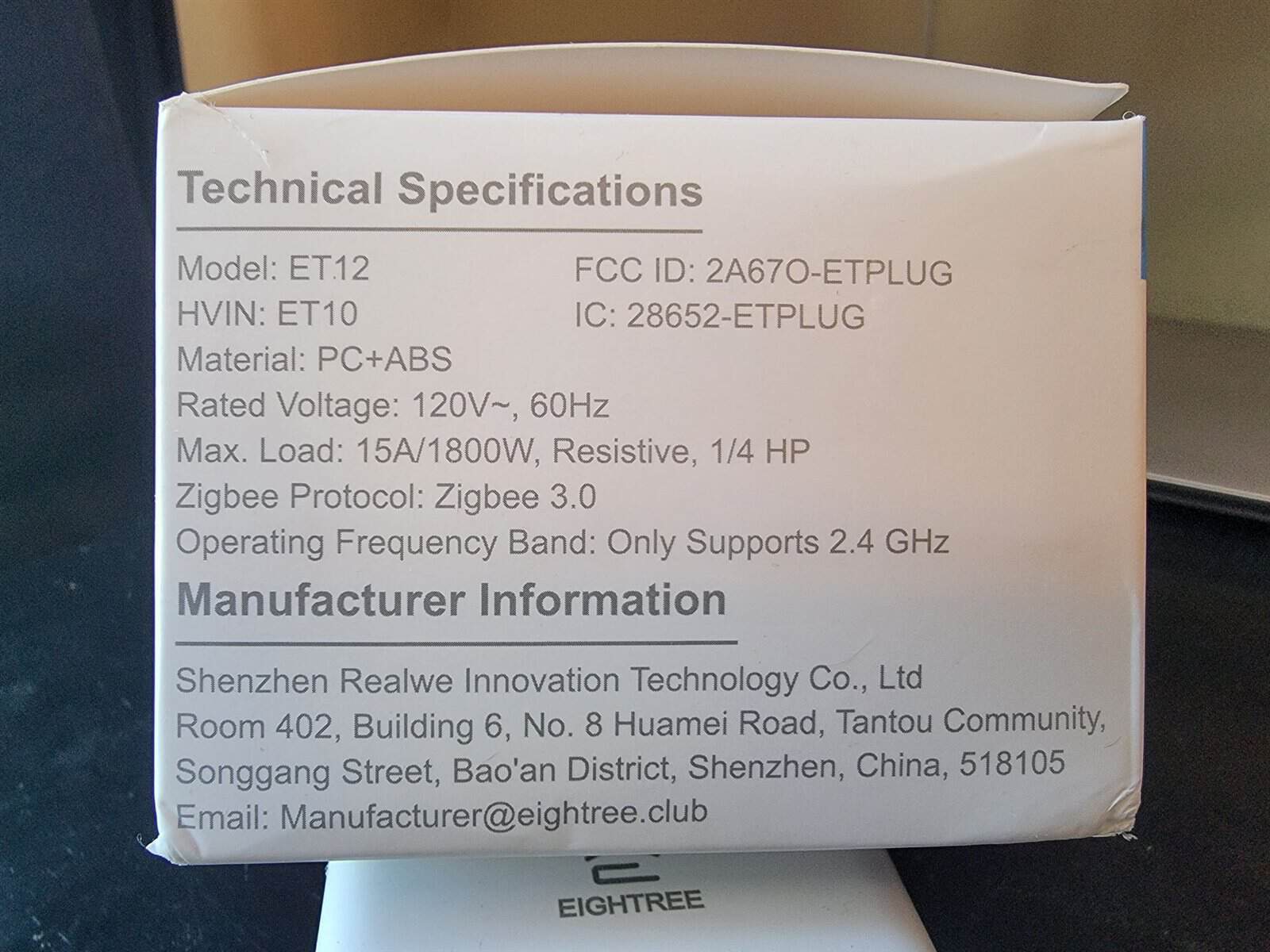
Each EIGHTREE ZigBee Smart Plug in the 4-pack is rated for up to 15 amps, or 1,800 watts, at 120 volts. The box lists the max load as 15A/1800W for resistive loads like electric kettles, and 1/4 HP for motors.
Can I use the EIGHTREE ZigBee Smart Plug 4-Pack with a ZigBee hub like SmartThings or Hubitat?
Yes, you can use the EIGHTREE ZigBee Smart Plug 4-Pack with ZigBee hubs like SmartThings and Hubitat that support the ZigBee 3.0 protocol. The EIGHTREE ZigBee Smart Plug 4-Pack works directly with SmartThings, and for Hubitat you need to install a community-developed driver.
Does the EIGHTREE ZigBee Smart Plug 4-Pack track energy usage for each outlet separately?
Yes, the EIGHTREE ZigBee Smart Plug 4-Pack tracks energy usage per individual plug, not as a combined total. Each EIGHTREE ZigBee Smart Plug 4-Pack outlet reports its own real-time power, voltage, and current, and can show separate usage graphs in supported apps like Home Assistant and SmartThings.
How do I reset or re-pair an EIGHTREE ZigBee Smart Plug if it stops responding?
You can reset or re-pair an EIGHTREE ZigBee Smart Plug 4-Pack by deleting the plug from your Zigbee 3.0 hub, putting the hub in pairing mode, and then following the plug’s pairing steps again to rejoin the mesh network. Make sure your Zigbee gateway supports Zigbee 3.0, since the EIGHTREE ZigBee Smart Plug 4-Pack will not respond correctly without a compatible hub.
Summary
The EIGHTREE Zigbee Smart Plug stands out because of two settings: a power-on state that restores power after an outage, and a backlight mode that turns off the indicator light. If those matter to you, confirm that any smart plug you consider exposes both settings in your hub before you buy. When you compare smart plugs, double-check app screenshots, user reviews, and spec sheets to confirm those two features work the way you want before you click Buy.