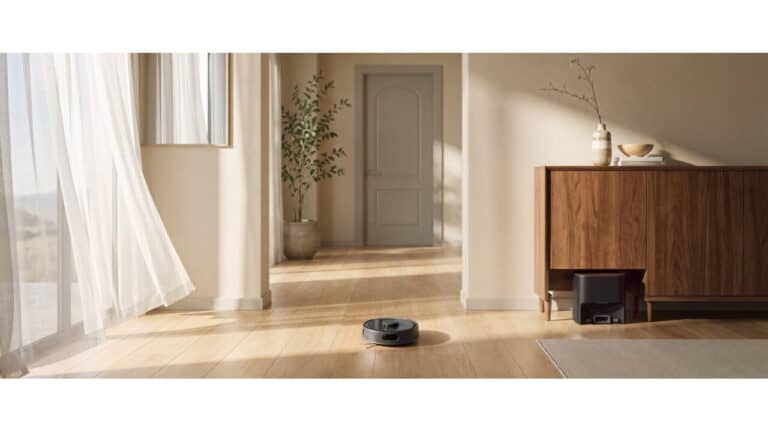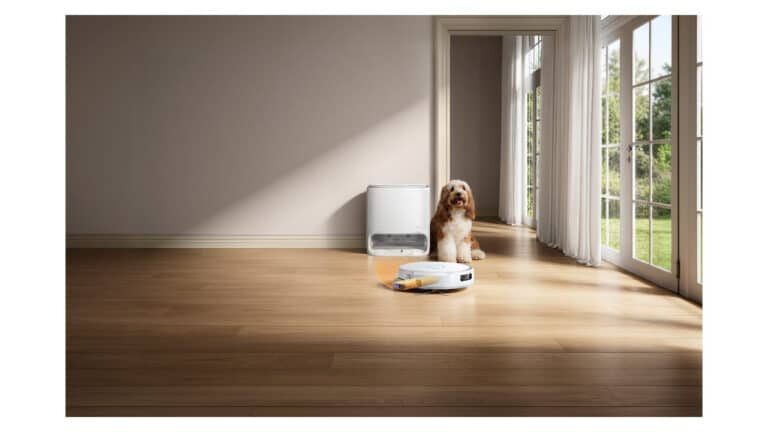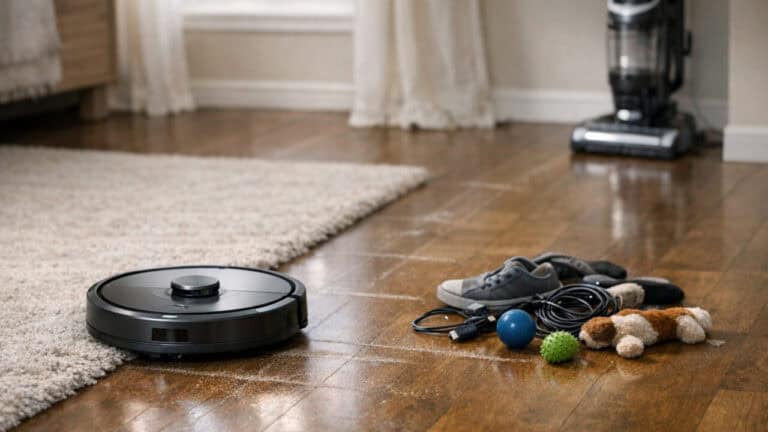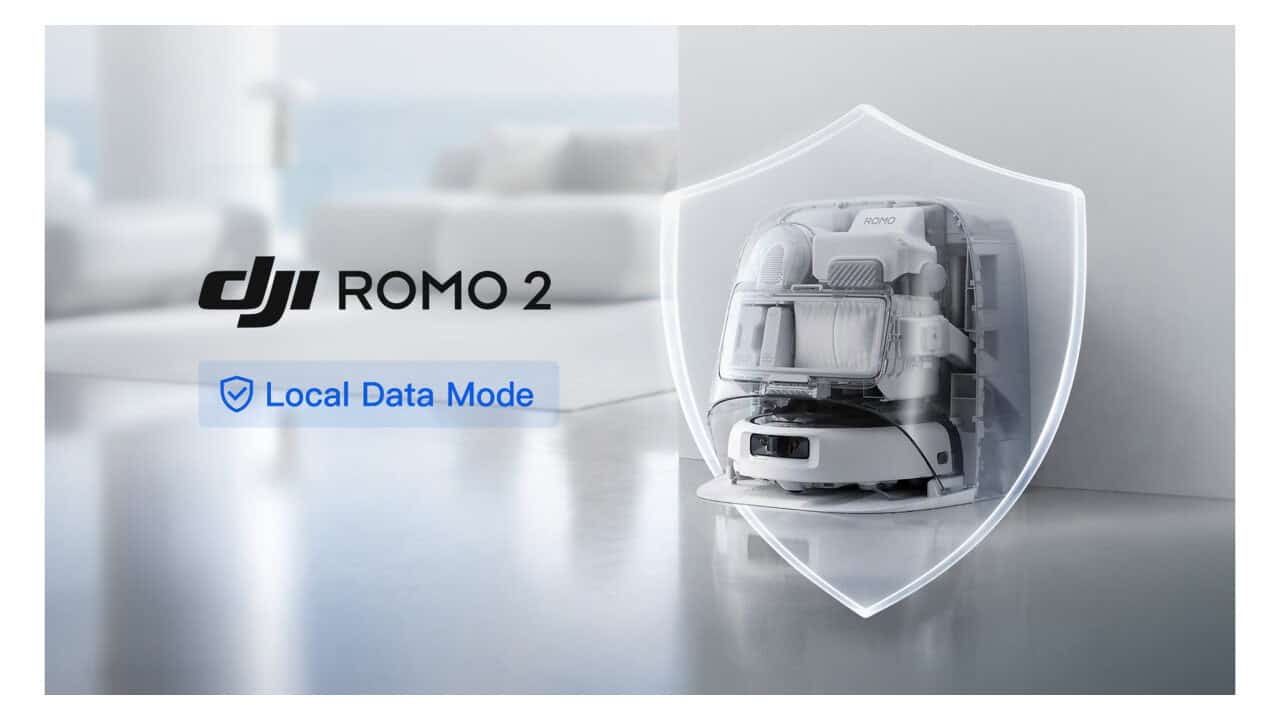
DJI’s ROMO 2 robot vacuum is getting a privacy-focused update that adds a Local Data Mode, a setting that keeps the robot’s data on the device. The new firmware lets ROMO 2 keep maps, images, and navigation data on the device once Local Data Mode is turned on, and it works alongside the Matter support DJI added to ROMO vacuums in a DJI Home app update earlier in 2026. DJI says the feature, which it first used on its drones in 2017, is now part of ROMO’s broader “multi-layer privacy protection system.” The update is available for ROMO 2 starting October 29, 2026, with future ROMO models planned to support Local Data Mode as well.
Local Data Mode keeps ROMO 2 data on the device
Local Data Mode for ROMO 2 is designed to cut off cloud connections while still keeping everyday cleaning controls working. Once you switch it on in the DJI Home app, the app disconnects from the internet and ROMO 2 stores and processes its maps, images, and obstacle-avoidance data locally. You can still start and customize cleaning runs and send the robot back to its dock while offline.
DJI first introduced Local Data Mode for its drones in 2017 and points to that history as the basis for bringing the feature to ROMO. The company describes this as an “industry first” for smart home products, bringing a dedicated local-only mode for the app connection and core navigation data to ROMO 2 through a firmware update. DJI frames the feature as part of a multi-layer system that protects user data from capture through storage and deletion, alongside passcode access, opt-in data permissions, end-to-end encryption, and automatic photo deletion.
Internet still required on first setup
ROMO 2 does still need an internet connection the first time you power it on and create its initial map. During this first phase, ROMO 2 builds an understanding of your home layout, which later powers its room-by-room navigation and obstacle avoidance. After that initial map is created, you can choose to enable Local Data Mode from the app, which stores that mapping data locally rather than in the cloud and keeps later data on the device.
Matter support connects ROMO 2 to major smart home platforms
DJI also highlights ROMO’s Matter support, which arrived for ROMO robot vacuums in a DJI Home app update earlier in 2026 and opens the door to wider smart home control. With Matter, ROMO can connect to Apple Home, Google Home, Amazon Alexa, SmartThings, and Home Assistant. DJI notes that compatibility and features vary by platform, so what you can do with ROMO inside each app depends on how that specific ecosystem handles Matter devices.
Matter is designed to let different brands and devices work together over a common standard. DJI says this lets users add ROMO to compatible smart home setups and use supported controls and automations across ecosystems.
How to turn on Local Data Mode on ROMO 2
Turning on Local Data Mode for ROMO 2 happens through a firmware update and a setting inside the DJI Home app. After you update the robot, you can find the setting by opening the DJI Home app, going to Device Settings, then Security Settings, and switching on Local Data Mode.
For now, ROMO 2 owners are the first to get Local Data Mode, as long as they install the latest firmware and turn the setting on in the app.
View the original press release.