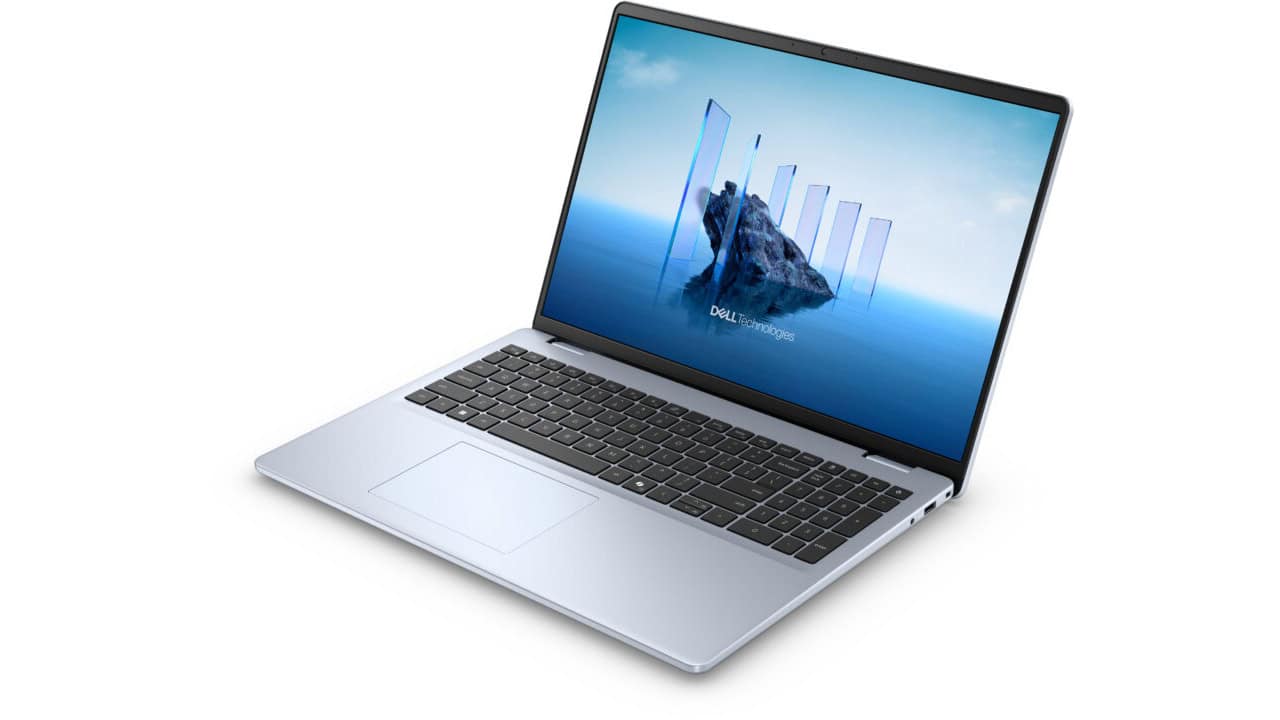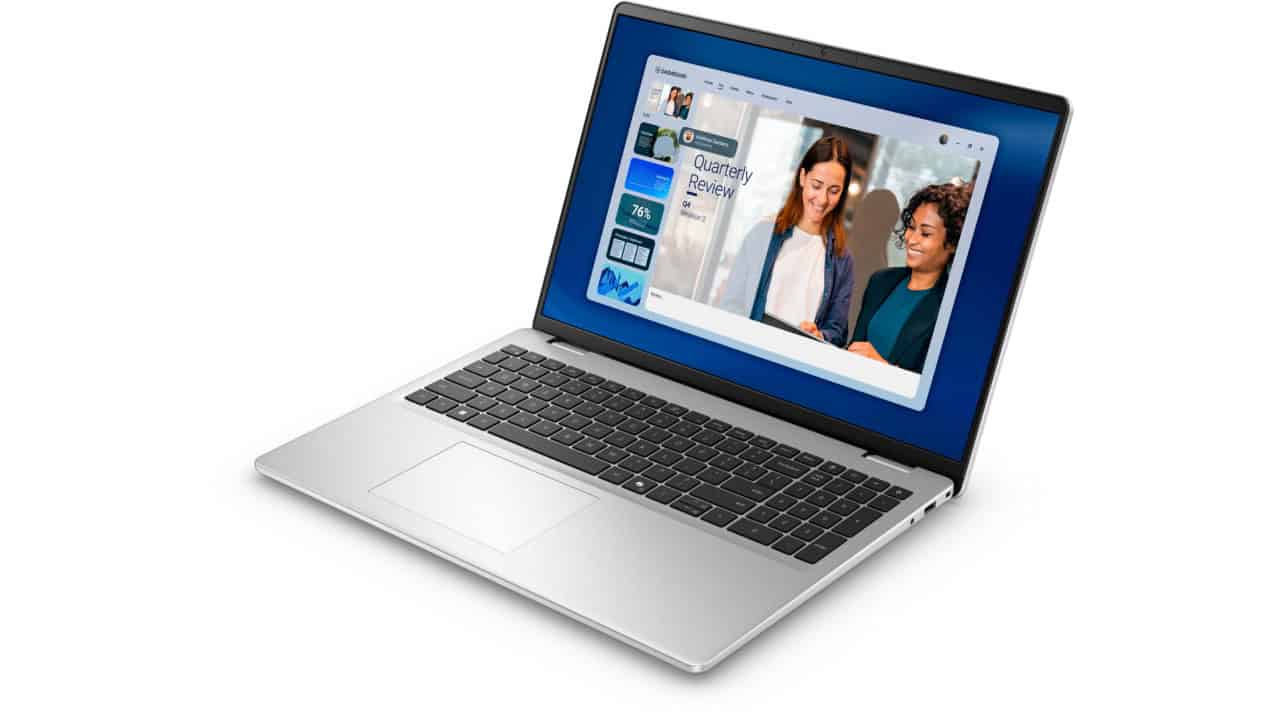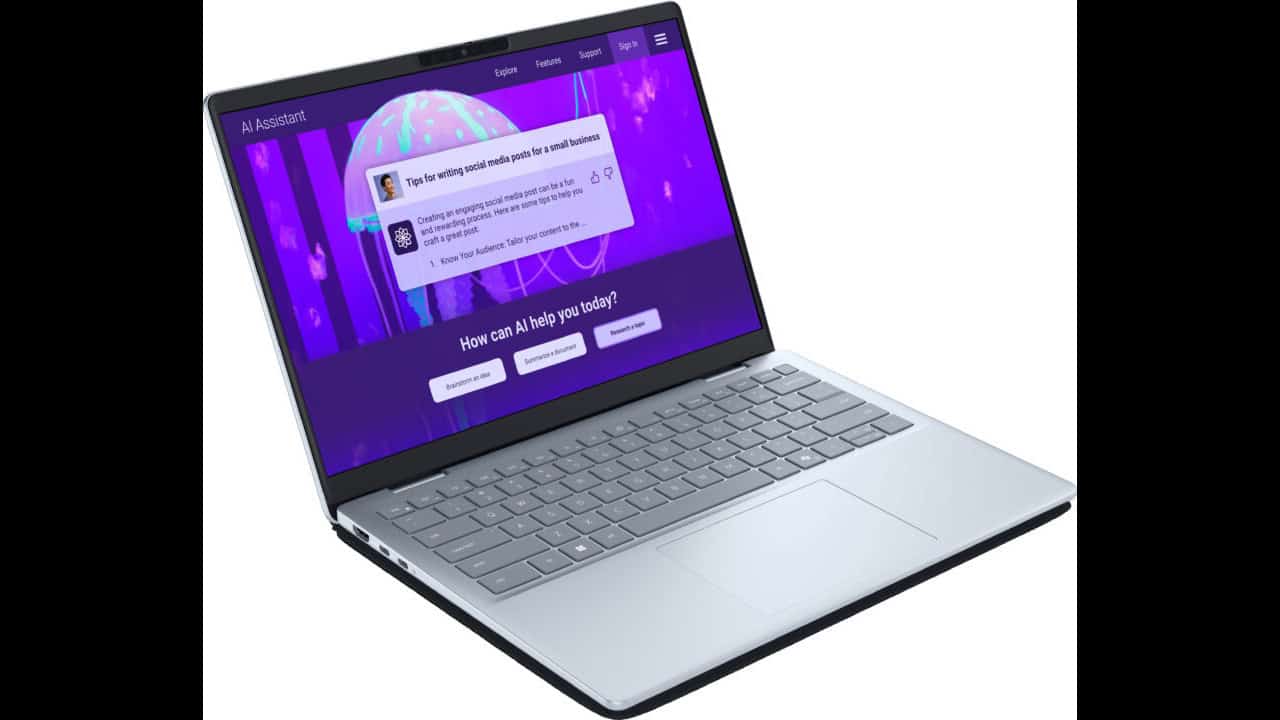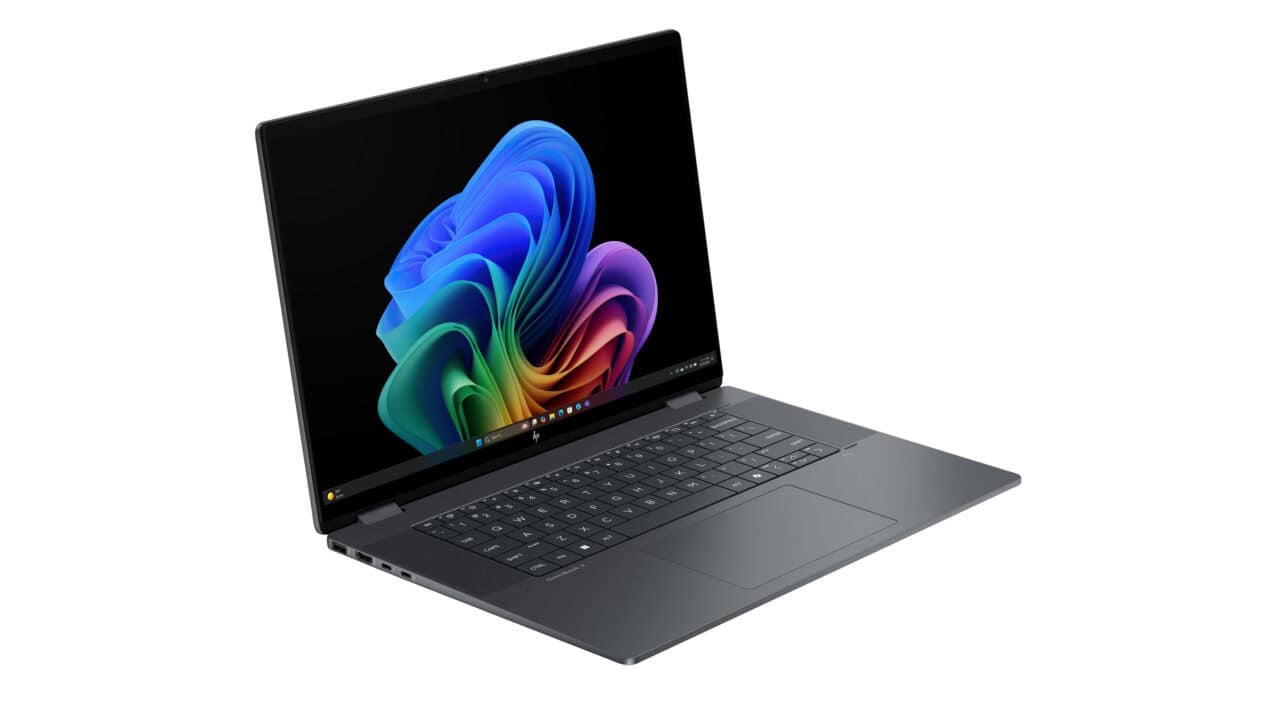
The HP OmniBook X Flip 2-in-1 Laptop Next Gen AI 16t-as00, 16″ for $819.99 is the kind of deal you look at twice, because on paper it checks a lot of boxes for the price. You are getting Windows 11 Pro out of the gate, which is nice if you use remote desktop, local group policy, or you just want some of the extra business features without having to upgrade later. The 2-in-1 design means you can fold the screen back and use it like a big tablet on the couch, prop it up in tent mode for movies, or keep it in normal laptop mode for work. If you are tired of juggling a tablet and a laptop, a machine like this lets you keep your stuff in one place while still having that touch-friendly flexibility.
On the inside, this build has an Intel Core Ultra 7 256V processor with 8 cores and 8 threads, paired with an Intel Arc 140V GPU with 8 GB of graphics memory and 16 GB of onboard RAM. For day-to-day use, that means you can handle the usual web browsing, Office work, video calls, and streaming without it feeling slow. You should also be fine doing photo edits, light video editing, or running heavier multi-tab workflows for school or work. The Arc GPU and the 16 GB of memory help if you like to keep a ton of apps open or run creative tools. You do not have to think much about “can my laptop handle this” for most common tasks, and you still have a solid base if you want to use AI tools, local models, or more graphic-heavy web apps as they become more common.
Storage and display are where this OmniBook X Flip gets more interesting for the price. The current configuration comes with a 512 GB PCIe NVMe M.2 SSD. That is enough for Windows, your main apps, several big games or creative tools, plus a good amount of personal files. If you know you hoard large video files or big project folders, you can look at the 1 TB or 2 TB options, but for many people 512 GB is a good middle ground without pushing the price up. The 16″ 2K (1920 x 1200) OLED panel with low blue light support and 100% DCI-P3 color is the real perk. OLED means deep blacks and punchy colors, which is great for watching movies, streaming shows, and viewing photos. The 16:10 ratio (that extra height over 1080p) is also nice for reading documents and browsing, since you see more on screen without scrolling. If you care about color for creative work, that 100% DCI-P3 spec alone is a strong reason to pick this over a basic LCD laptop.
At $819.99, you are paying for a mix of power, a quality screen, and the 2-in-1 design, rather than just the lowest basic laptop possible. You get Windows 11 Pro, a modern Intel Ultra 7 chip with built-in Arc graphics, 16 GB of RAM, fast SSD storage, and a 16″ OLED display in a single package that can flip into tablet mode. If you want one machine for work, school, streaming, and some creative hobbies, and you prefer buying something that will feel “current” for a good few years, this configuration makes sense. It is also a decent fit if you are trying to keep your budget under a thousand dollars but still care about screen quality and enough power to handle more than just email and spreadsheets.