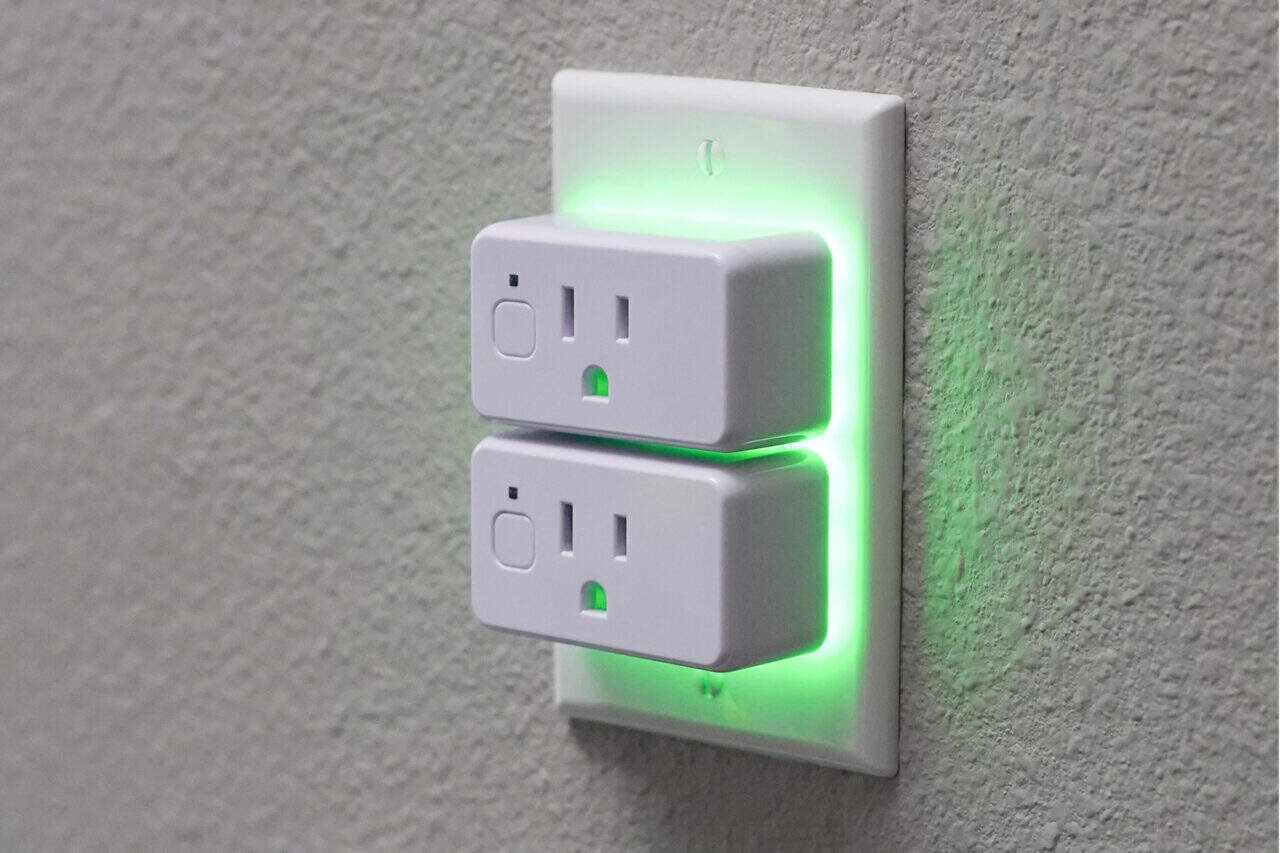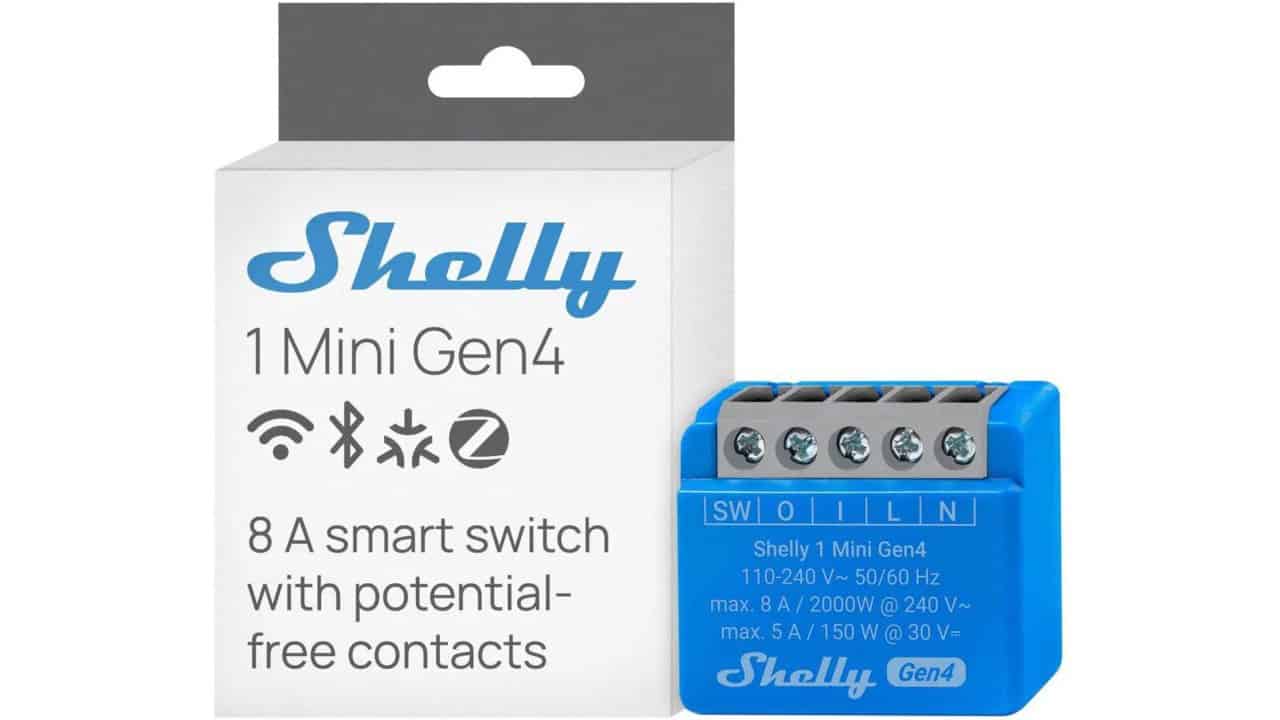
Shelly smart home devices are used for many tasks in houses, such as controlling lights, plugs, doors, gates, and garage doors. These devices have a simple setup process, similar to most every other Wi-Fi device. When first turned on, the device creates its own open wireless access point. You connect to that network, configure the device, point it at your home or IoT Wi-Fi, and once connected, the device would shut off its own access point. With the fourth-generation Shelly devices, this behavior has changed in a way that creates real security concerns. The new Shelly Gen 4 models keep their default open wireless access point active even after they are joined to an existing wireless network, unless the user manually turns that access point off.
Leaving the default open access point active creates several problems. Anyone in wireless range who spots that “Shelly” network can connect without a password. From there, an attacker can control the device just as the owner can. That includes turning the connected load on or off, uploading their own firmware to keep control of the device, or setting up notifications. If the Shelly is on a light switch, someone could track when lights go on and off as a rough sign of presence at home. An attacker could also switch power on and off in quick cycles, which may damage some connected devices. Since many users never change default settings or set passwords, an exposed access point is a simple path to remote control for anyone nearby who knows what to look for.
The issue does not stop at control of a single Shelly. Because the Gen 4 device is also connected to the internal Wi-Fi, an attacker on the open access point can try to reach other devices on that internal network. Tests have shown that it is possible to send commands from a compromised Gen 4 Shelly to other Shelly units that are not directly vulnerable themselves, as long as those devices still use default settings and have no password set. This means that one exposed Gen 4 device can act as a backdoor to a houseful of older Shelly devices. With that level of access, an attacker may also reach other internal devices that use HTTP. The Gen 4 devices do enforce stricter TLS checks than the earlier G3 controllers, which stops simple use of self-signed certificates and some direct attacks. Even so, with control of a Gen 4 scripting environment, there is a risk that someone could create a proxy or other path that helps attack older devices or internal services that use HTTPS.
There is also a physical security angle, which is more serious than just turning a lamp on and off. Shelly markets its devices for use on doors, gates, and garage doors, and many people wire them in to replace or extend traditional control buttons. When a Shelly in this role keeps its default access point active and open, anyone within Wi-Fi range can issue a basic web request to trigger the relay and open a gate, door, or garage. One unauthenticated HTTP request to the access point IP is enough to activate the output. This is not a theoretical problem. These open access points can be found and mapped at scale using services like wigle.net, which collect and geo-locate Wi-Fi networks. That means an attacker does not need to guess where the devices are; they can search for “Shelly” networks in a specific area, then go near those locations and attempt access.
The Fix:
Shelly stated that firmware version 1.8.0 would address the problem, but they did not give a date for the fix. This leaves owners without clear guidance on how to protect their devices, even though a temporary fix is simple. The access point can be turned off in the settings. After confirming that the device is reachable on the main Wi-Fi, the user can open the Shelly interface, go to Settings, then Access Point, and toggle off the “Enable” option.
These open access points are easy to find, and without an official fix Shelly device users are left with their home networks and potentially homes exposed. Clear communication from the vendor on how to disable the access point would have reduced this risk, but that has not happened so far, so users need to check their own devices and change the settings by hand.
View the original press release.