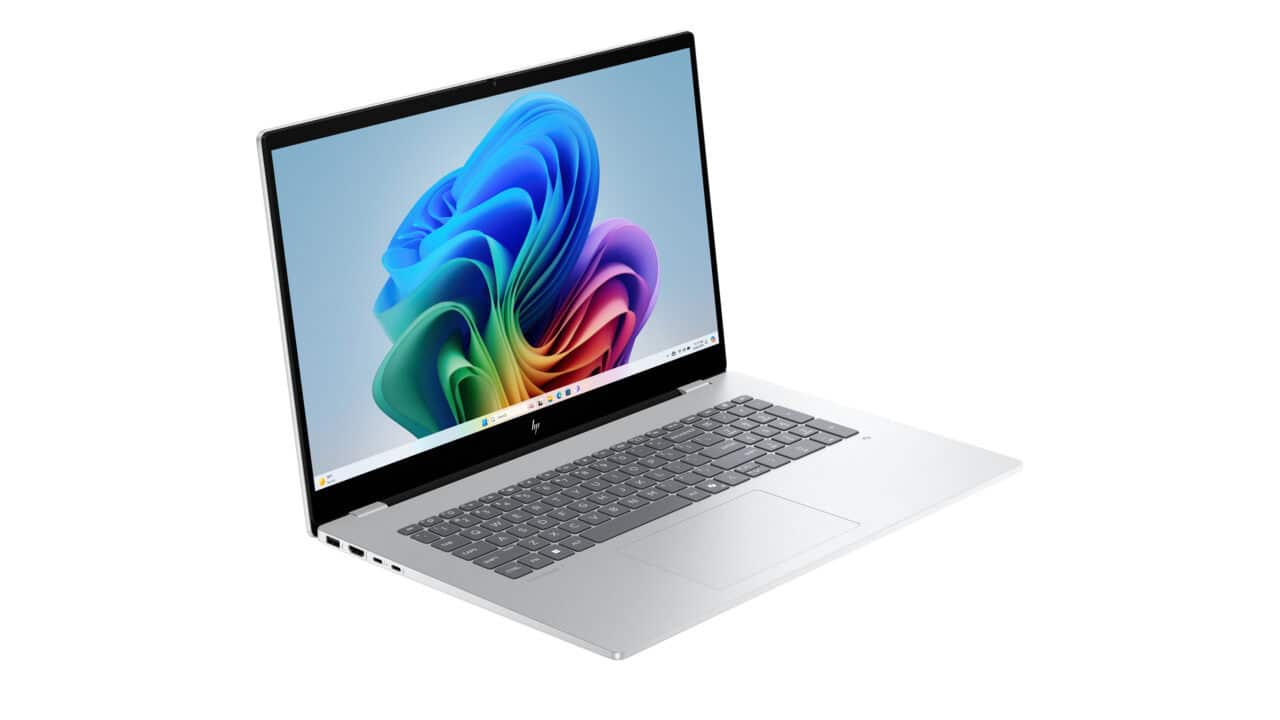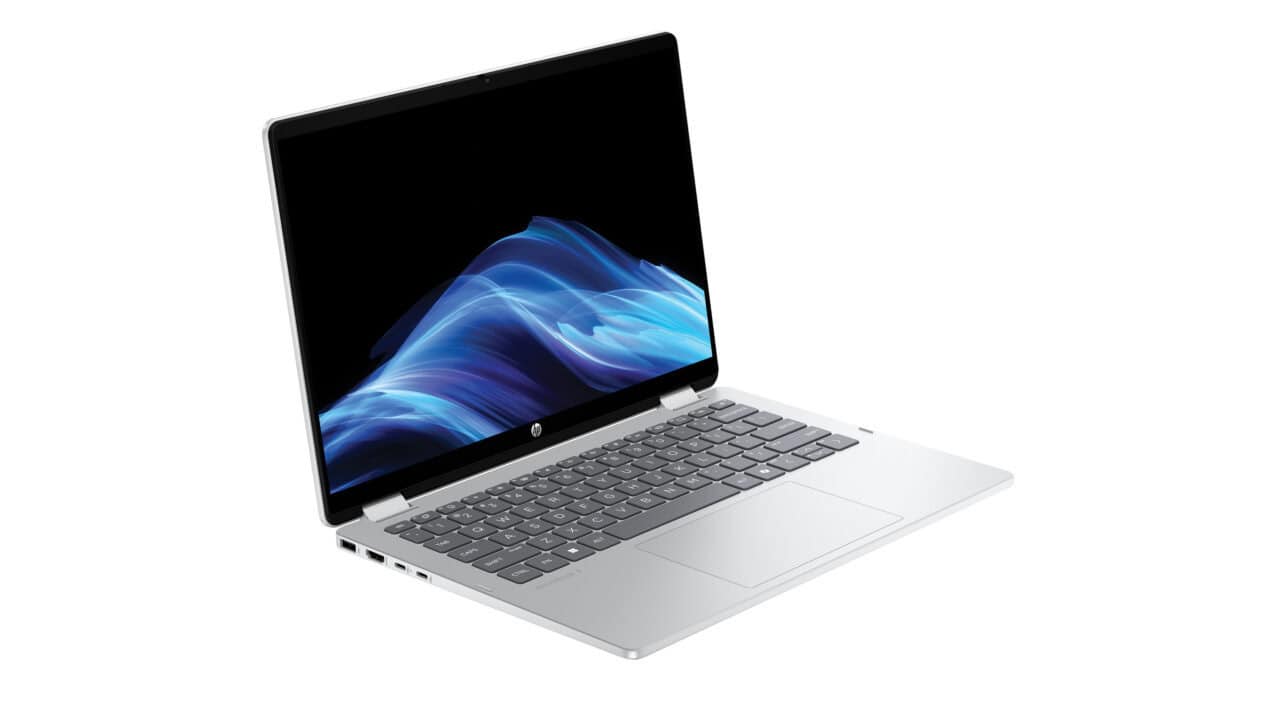
The HP OmniBook 5 Flip 2-in-1 Laptop 14-fp0000 at $529.99 is the kind of machine you grab when you want one device that can do a bit of everything without getting fancy or confusing. You get a 14-inch touch screen with a 1920 x 1200 resolution, so the picture is sharper than plain Full HD and gives you a bit more space from top to bottom. That extra space helps when you scroll through web pages, read long documents, or work in spreadsheets. Since it is a 2-in-1, you can flip the screen all the way around and use it like a tablet, stand it up for movies, or keep it in regular laptop mode when you type. If you stream a lot of shows, browse social media, or do school work, this kind of flexible setup fits well on a couch, plane tray, or small desk.
Inside, this configuration comes with an Intel Core 3 100U processor, Intel Graphics, and 8 GB of onboard memory. That combo is made for normal daily use: web browsing with many tabs, video calls, Office work, note taking, and light photo work. You are not buying a gaming rig here, but you will be fine with casual games and all your usual apps. The 256 GB PCIe Gen4 NVMe M.2 SSD gives you fast boot times and quick app launches, so you are not sitting there waiting for the laptop to catch up. For a lot of people, 256 GB is enough room for school files, work docs, some photos, and a few games. If you already know you keep a huge media library or store lots of large raw photos or videos, you might need to lean on cloud storage or an external drive, but for regular use this size works and keeps the price down.
The touch screen is multitouch-enabled IPS with edge-to-edge glass and a micro-edge design, which just means it looks modern and clean, and you do not have thick borders around the display. With 300 nits of brightness and 62.5% sRGB, the screen is fine for indoor use, streaming, and day-to-day tasks. Colors are good for normal use, even if you are not buying this for color-critical design work. If you like to swipe and tap instead of always using a trackpad, you will get used to the touch support fast, especially in tablet or tent mode when watching videos or reading. Windows 11 Home comes installed, so you have a familiar system with built-in apps, support for the latest software, and a layout that works well with both keyboard/mouse and touch.
If you want a thin, simple, do-it-all machine that flips between laptop and tablet, this deal makes sense. You avoid paying for high-end parts you do not need, and you still get modern parts like an Intel Core processor, fast SSD storage, and a sharp 14-inch touch display. At $529.99, it works well as a main laptop for a student, a family shared computer, or a second machine you move around the house or take on trips. You can handle work, school, streaming, and light creative tasks in one device that does not take up much room and can adapt to how you like to use it each day.