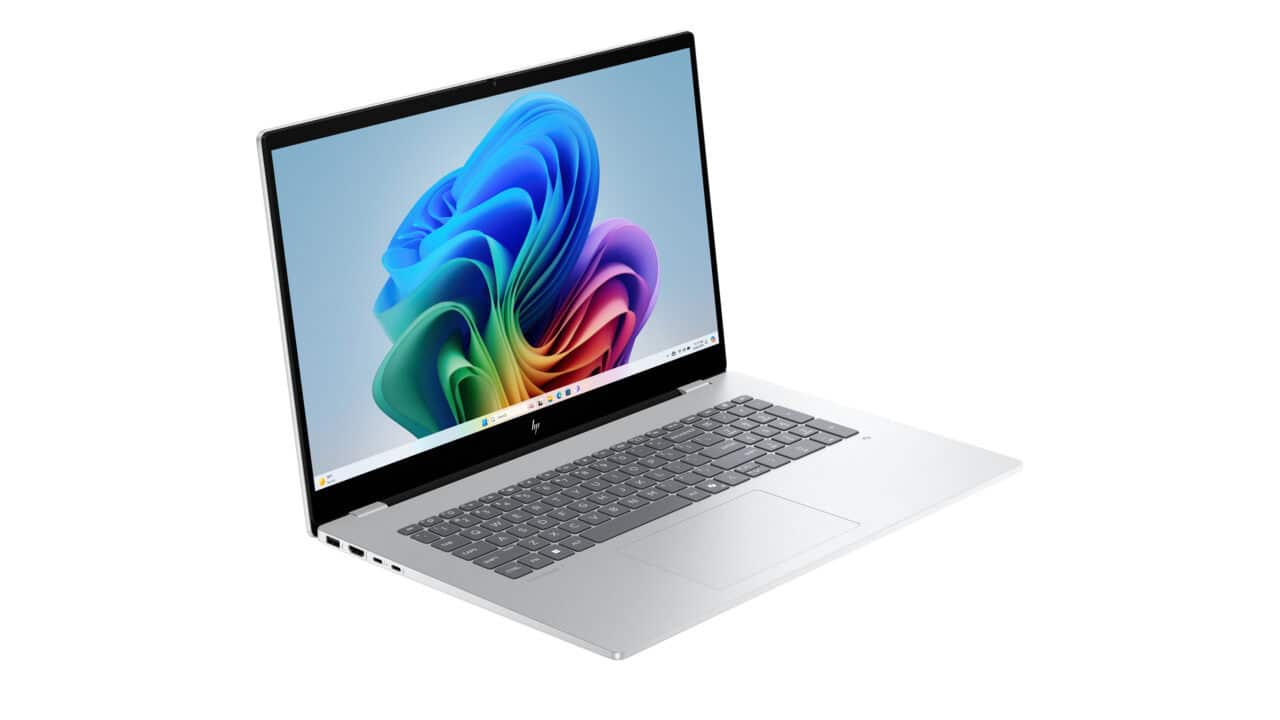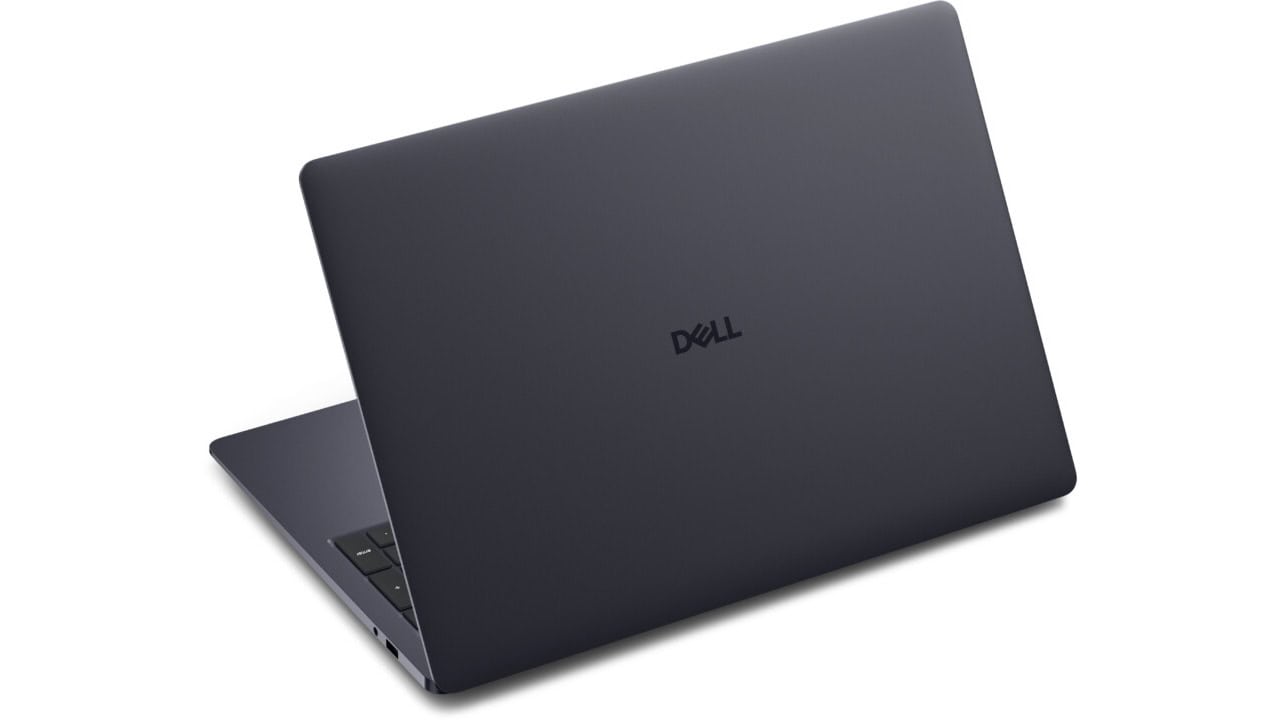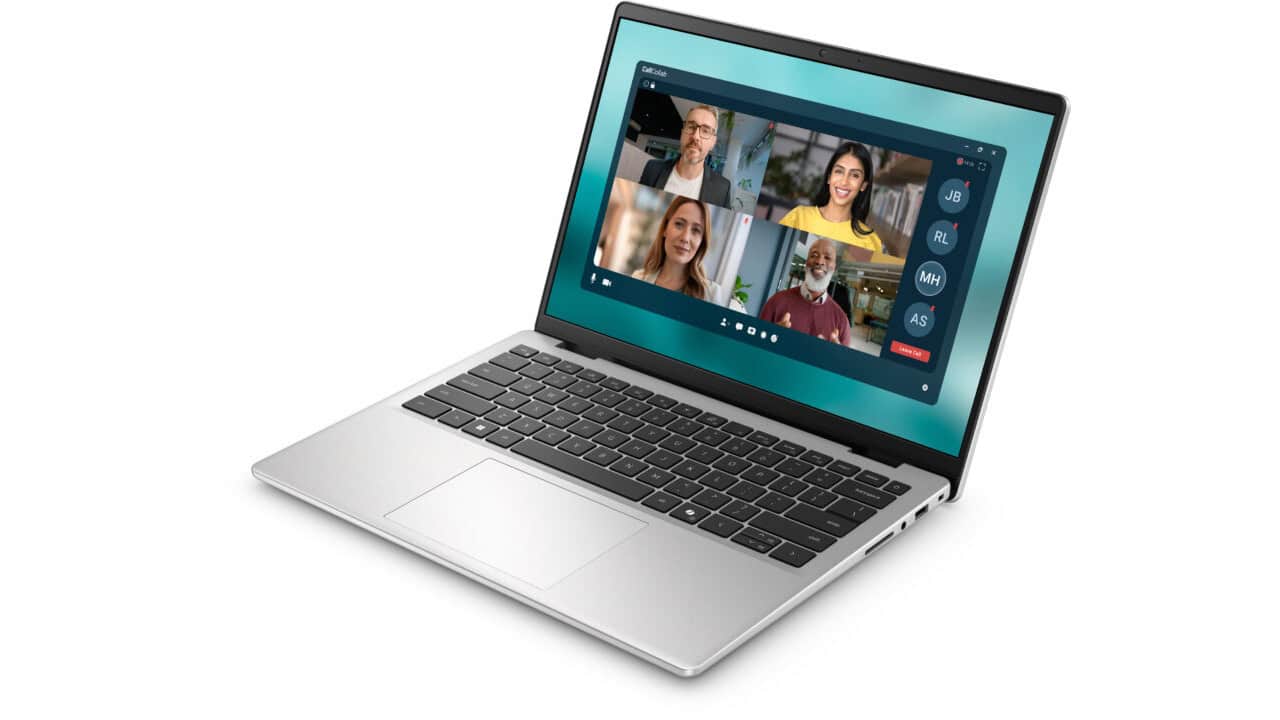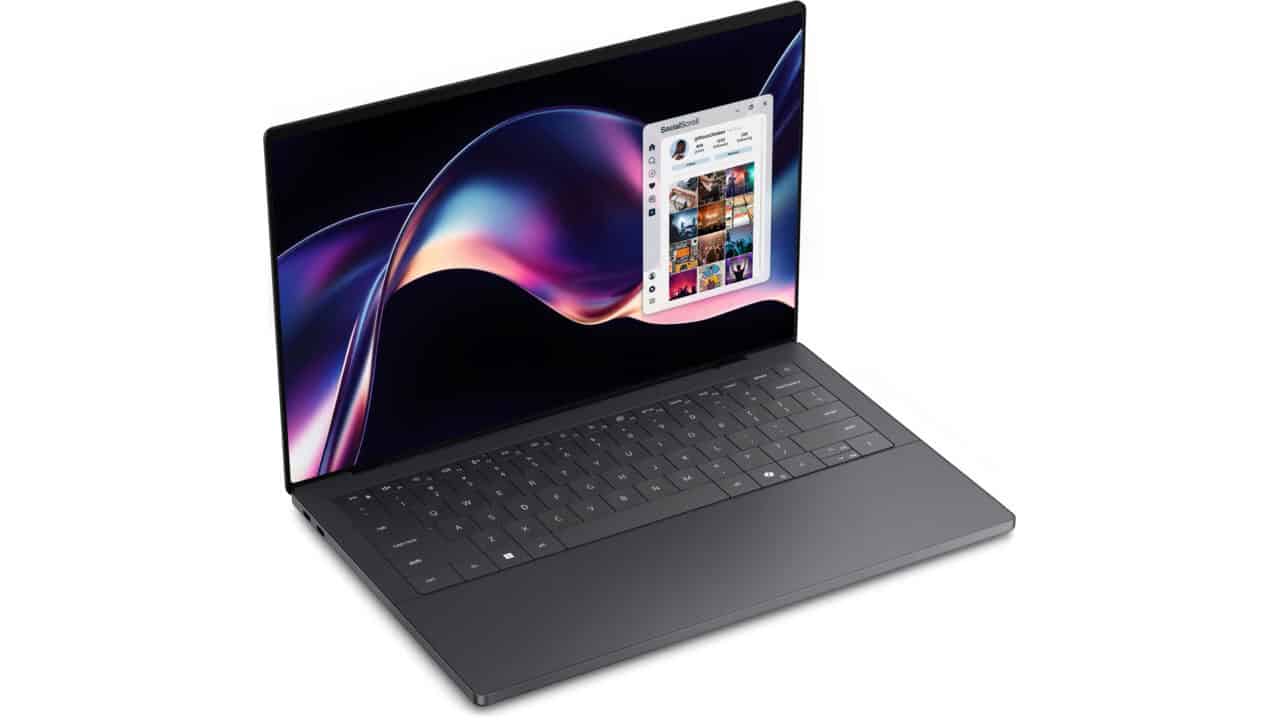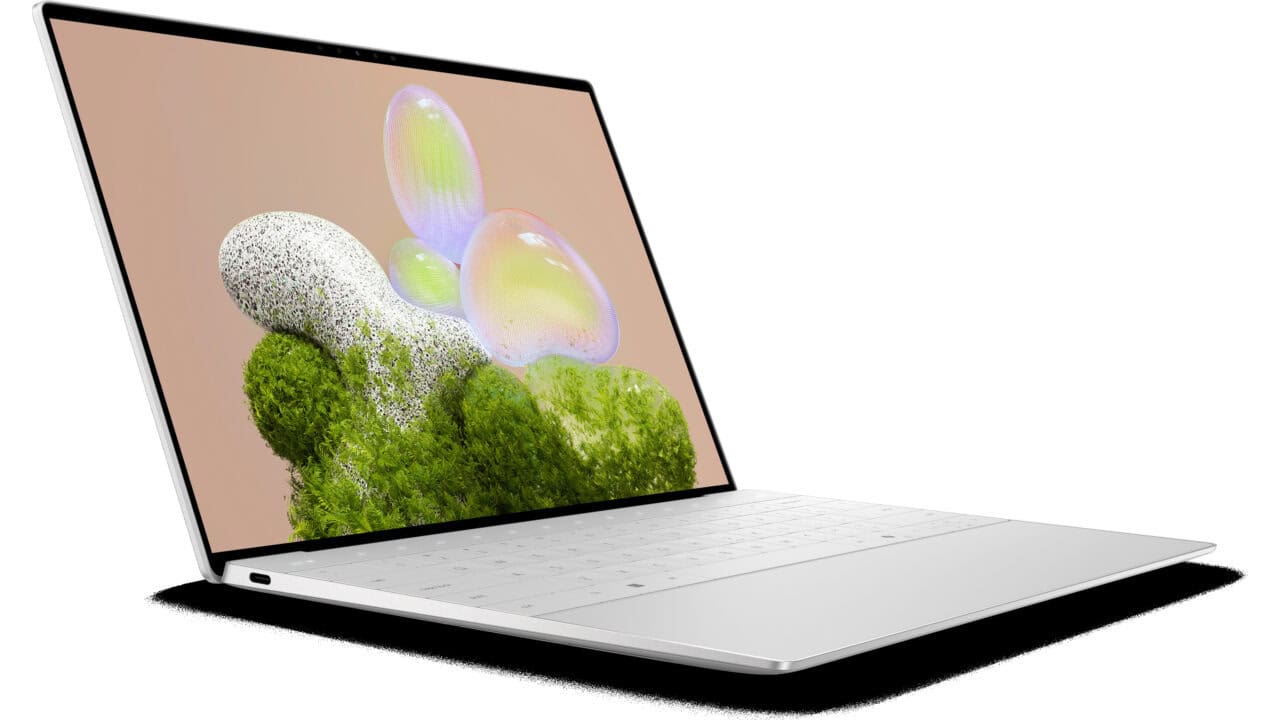
The Dell XPS 13 Laptop at $949.99 is the kind of machine you get when you just want your laptop to be fast, light, and not annoying. You’re getting the Intel Core Ultra 7 processor with 8 cores and boost speeds up to 4.8 GHz, which means you can run a bunch of browser tabs, code, office work, light photo or video edits, and video calls without it choking. The 16GB of LPDDR5X memory is more than enough for normal work and some heavier multitasking, and since it is fast RAM, things like app switching and loading feel smoother. With a 512GB PCIe NVMe SSD, you have room for your main apps, documents, school or work files, and a fair number of games or media before you need to think about external storage.
You also get a pretty nice screen setup for this price. The 13.4″ 2K display with a 30–120Hz refresh rate and 500 nits of brightness is a good mix for both work and media. Text will look sharp, and you’ll be able to see clearly in bright rooms or next to a window. The fast refresh rate is not just for gaming; it makes scrolling, dragging windows, and general use feel smoother. The InfinityEdge design means the bezels stay slim, so the whole laptop stays compact without giving up screen size. At about 2.6–2.7 pounds and just over half an inch thick, this is very easy to throw in a bag and carry all day, whether you are going to class, commuting, or moving between meetings.
This model runs Ubuntu Linux 24.04 LTS out of the box, which matters a lot for the kind of person who will like this deal. If you work in development, IT, or just like having a clean and stable Linux setup, this saves you from wiping Windows and doing your own install. You’ll want to keep in mind that Microsoft Office is listed as not compatible with Windows OS here because the system ships with Linux, so if you need Word, Excel, or PowerPoint, you’d be using web versions, Office alternatives, or your own Windows install in a dual-boot or virtual machine. The Intel Arc graphics are fine for normal work, media streaming, and some casual or older games, but this is not a heavy gaming machine. It is more geared toward coding, writing, web work, and general productivity.
On the hardware side, you get a platinum CNC‑machined aluminum chassis, which helps the laptop feel solid and not cheap. The platinum backlit keyboard with a fingerprint reader is handy if you like logging in with a touch instead of typing passwords all the time, especially if you share space or move around a lot. The touchpad is a precision multi‑touch pad, so gestures like two‑finger scroll and pinch‑to‑zoom feel natural. The quad‑speaker setup with 8W total power is better than what most small laptops give you, so calls, movies, and music will sound clearer and louder than you might expect from a 13‑inch system. For video calls, you get a 1080p FHD RGB camera plus an IR camera, both with dual‑array mics, so you can look and sound alright in meetings without scrambling for an external webcam and mic.
For ports and connectivity, it is pretty simple: you get two Thunderbolt 4 USB‑C ports, which can handle power, data, and video out through the same port. You’ll probably want a USB‑C hub or dongle if you use older USB‑A gear or wired Ethernet, but the tradeoff is a thin, clean design. Wireless is more up to date, with Intel Killer Wi‑Fi 7 and Bluetooth 5.4, so you’re ready for newer routers and get stable connections for wireless mice, keyboards, and headphones. The 3‑cell 55 Wh battery paired with a 60W USB‑C charger is a normal setup for this class: good enough for a work or school day with mixed use, and quick to top up. You also get 1 year of ProSupport with next business day onsite service after remote diagnosis, so if something does go wrong, you do not have to fight with support for weeks. If you want a light, sharp‑looking Linux laptop that feels high‑end without going over the $1,000 mark, this Dell XPS 13 at $949.99 is a solid deal to grab.