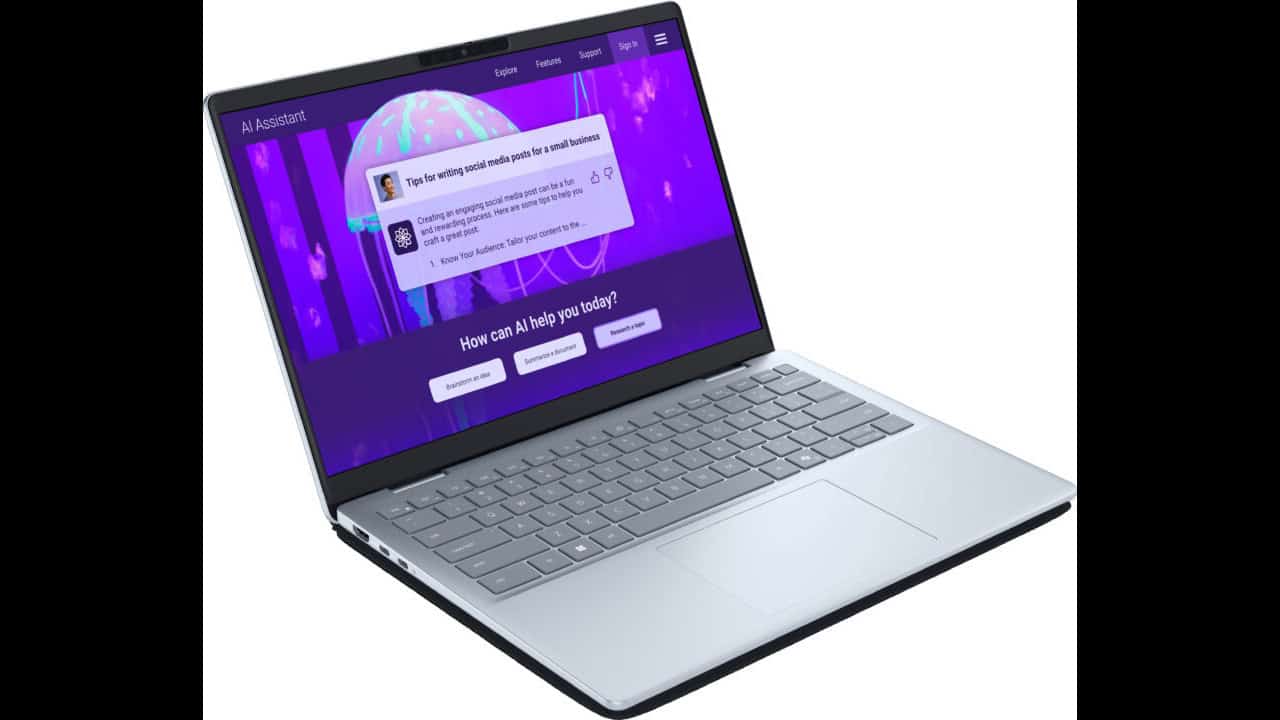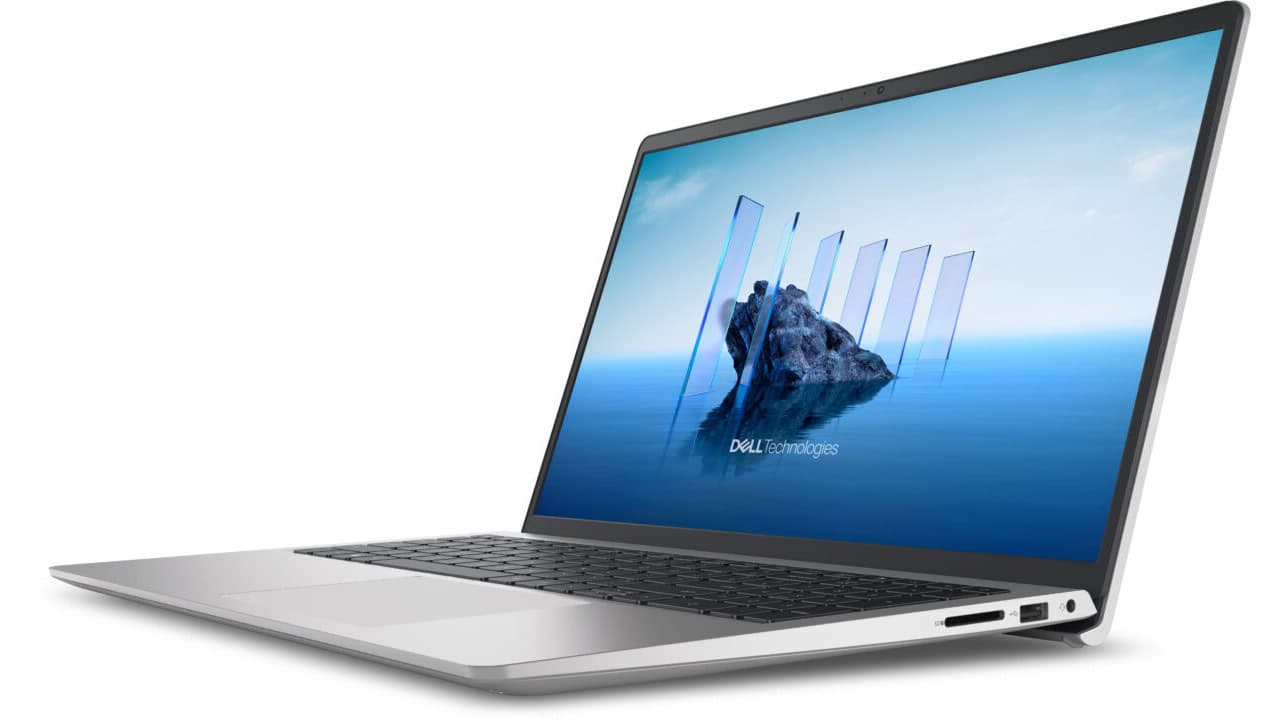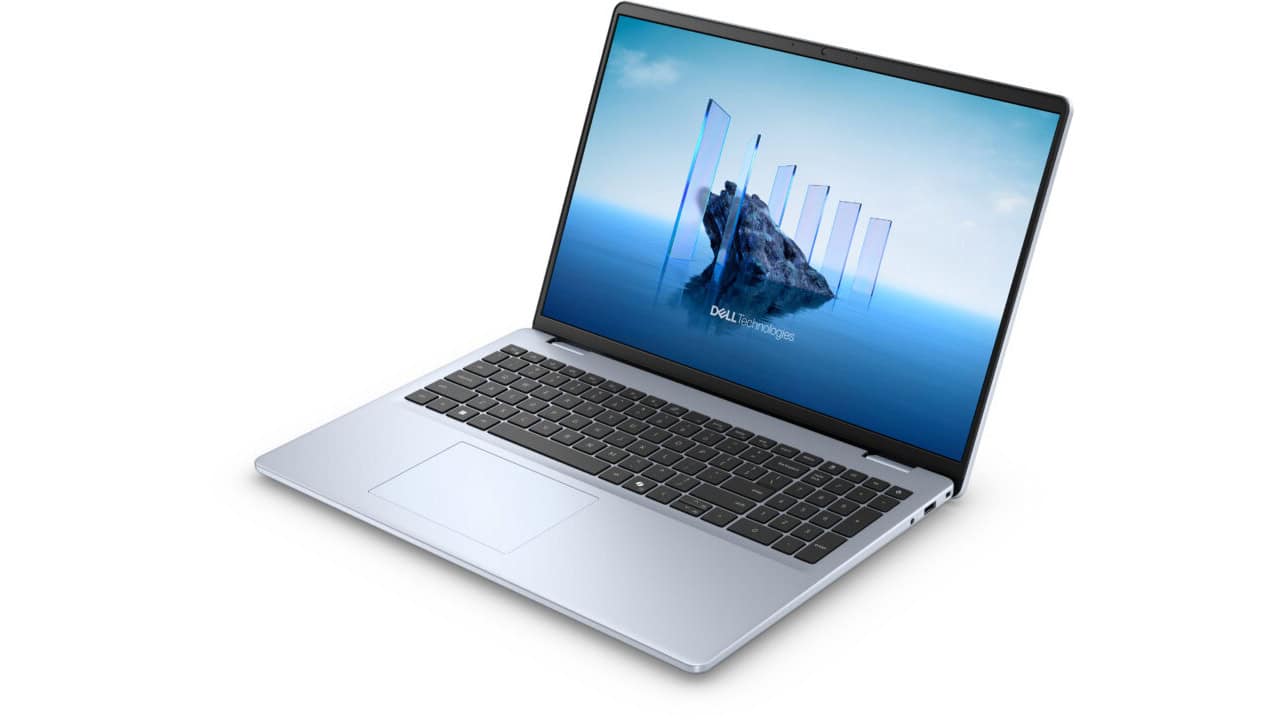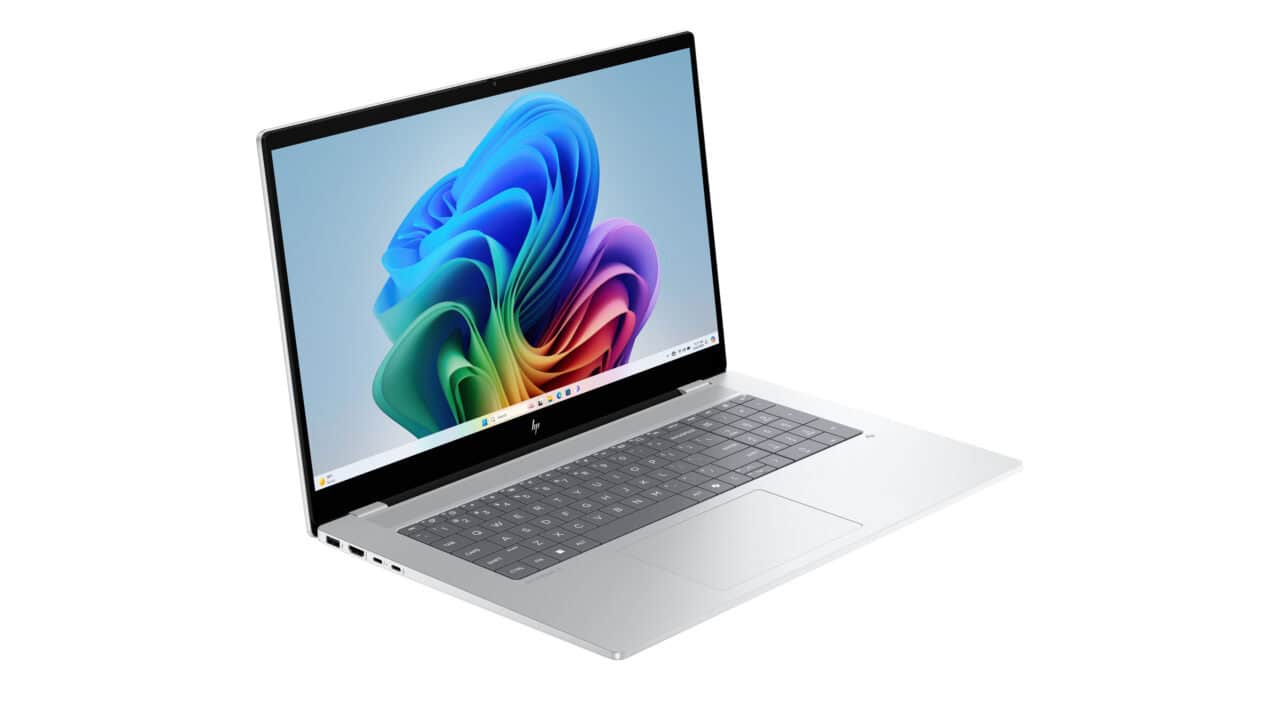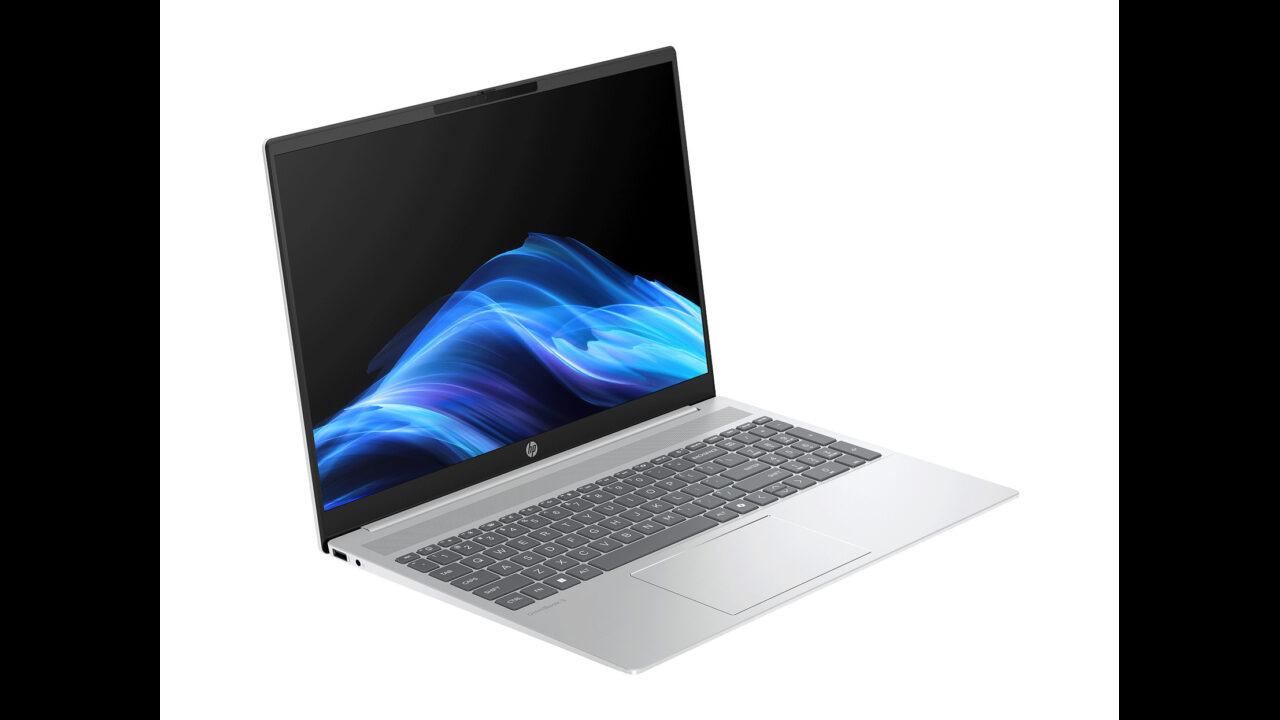
The HP OmniBook 5 Laptop 16t-ba100, 16″ is marked down to $449.99, which is $550 off the regular price, or 55% off. For a mid-range daily laptop with a current Intel chip and a 16‑inch screen, that price is pretty hard to beat. If your old laptop is slowing down, or you’ve been trying to get through work and streaming on a smaller 13″ or 14″ screen, this gives you a lot more room without jumping into the price range of a high-end machine. You’re paying budget money for something that leans closer to a solid mid-range setup.
You get Windows 11 Home out of the box, so you can just log in and start using your apps, school portals, or work tools right away. The Intel Core i5-1334U with Intel Iris Xe graphics is a good fit if you spend most of your time in browsers, office apps, Zoom calls, music streaming, and light photo work. It can also handle casual gaming and basic video editing when you need it. The base model has 8 GB of memory, which is fine if you tend to keep just a handful of apps and a normal number of browser tabs open. If you know you push your laptop with a lot of tabs, big spreadsheets, or light creative work, this same model line has options with 16 GB or even 32 GB, so you can pick the build that matches how you actually use it.
Storage is another strong point for the price. You start with a 512 GB PCIe NVMe M.2 solid-state drive, which is enough for Windows, your go-to apps, a big stack of photos, and a decent chunk of games or media. Since it’s NVMe, things like boot time, app launches, and file copies feel quick and not laggy. If you are the type who keeps large video files or big game libraries, the OmniBook 5 also comes in 1 TB and 2 TB options, so you can go bigger and avoid dealing with an external drive all the time. On the screen side, the 16″ WUXGA (1920 x 1200) IPS panel gives you a bit more vertical space than standard 1080p, which makes documents, spreadsheets, and web pages easier to see without scrolling as much. The anti-glare finish and 300 nits of brightness work well for typical indoor use in an office, classroom, or coffee shop with windows nearby. You can also pick a touch screen version or an OLED version in this same family if you want richer colors or pen-and-touch interaction.
You also get an 88.9% screen-to-body ratio, which means the bezels around the display are pretty thin. That helps keep the laptop from feeling huge, even with a 16″ panel. The Intel integrated SoC setup helps keep things simple and balanced, so you are not fighting fan noise or heat every time you open a few apps. If you just want a machine that you can open, log in, and get on with your day, this is the kind of spec sheet that gets the job done without paying for things you won’t use. At $449.99, saving $550 off the usual price, the HP OmniBook 5 Laptop 16t-ba100, 16″ makes sense if you want a larger screen, current Intel hardware, quick solid-state storage, and the option to go to more memory or storage later, all while keeping the cost down.