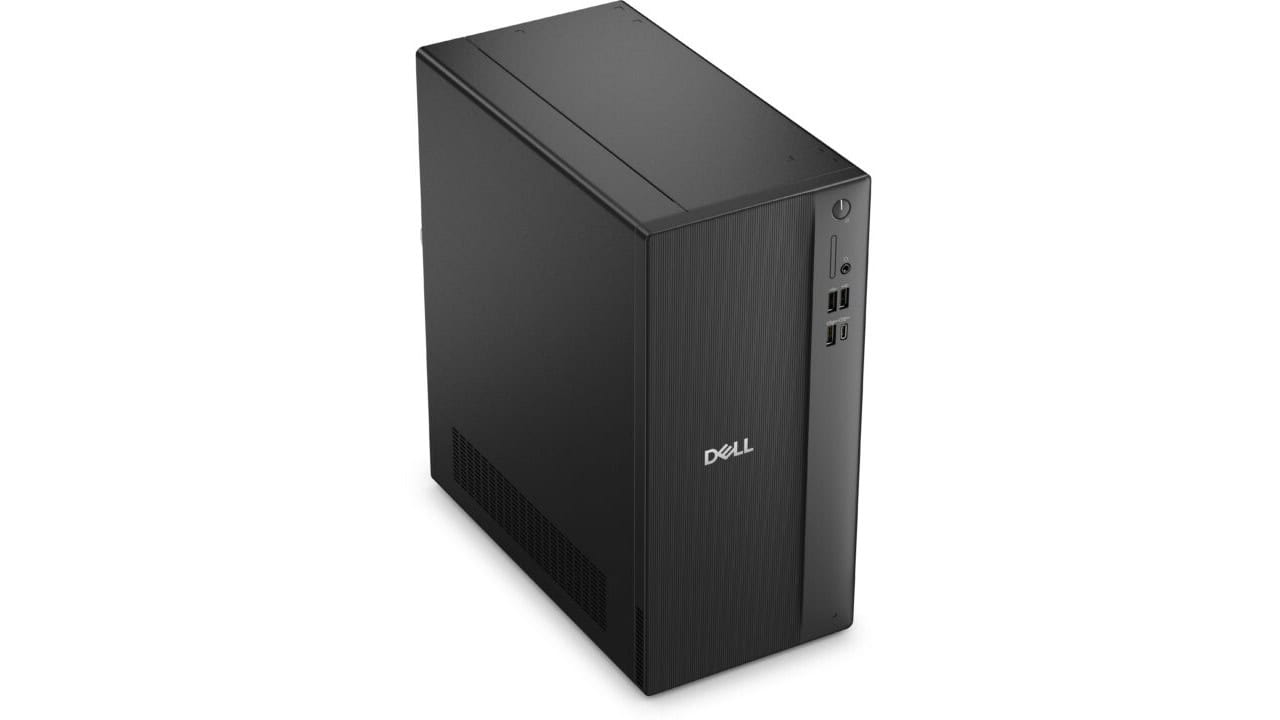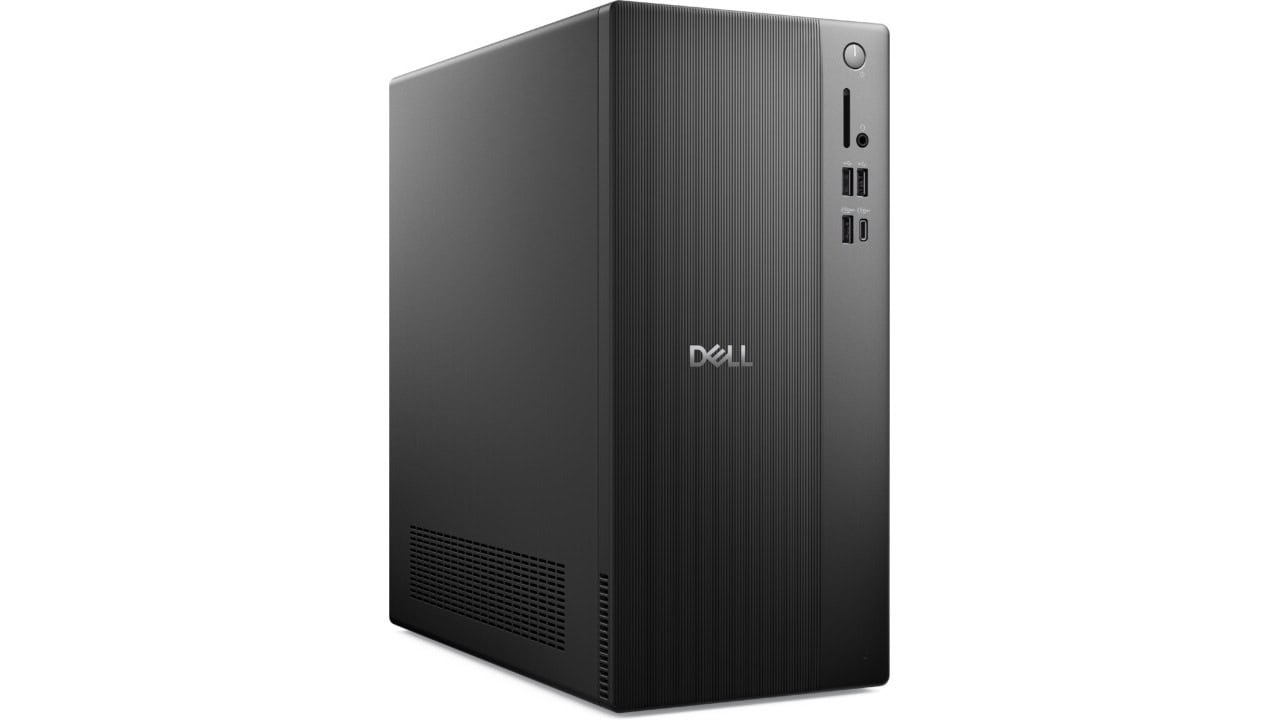
The Dell Tower Desktop at $679.99 is a solid pick if you want a home or small office PC that you can just plug in and start using. You get an Intel Core Ultra 5-225 processor, which is more than enough for web browsing, streaming, office work, schoolwork, and light photo or video editing. With 10 cores and a high clock speed, this tower can handle a bunch of browser tabs, big spreadsheets, and video calls without slowing down too much. Windows 11 Home comes preinstalled, so you do not have to mess with upgrades right away, and you also get a 30‑day trial of Microsoft 365 if you want to try Word, Excel, and other apps before you pay for them. For security, there is a 30‑day McAfee+ Premium trial, which is handy if you do not have another plan in mind yet.
The 8GB of DDR5 memory is fine for most people who spend their time online, in email, or in Microsoft Office. If you are the type who keeps twenty apps open and edits big files, you might want to add more RAM later, but the good thing is that this tower is easy to upgrade. The 512GB PCIe NVMe SSD makes the system feel fast when you boot up, open apps, or move files around. It is a good size if you keep most of your stuff in the cloud or on an external drive, and the internal slots give you room to add more storage down the road, including another SSD or a 3.5‑inch hard drive. Intel UHD Graphics is built in, which is fine for Netflix, YouTube, casual games, and basic creative work. If you want to get into heavier gaming or 3D work later, the full‑height PCIe x16 slot lets you drop in a dedicated graphics card.
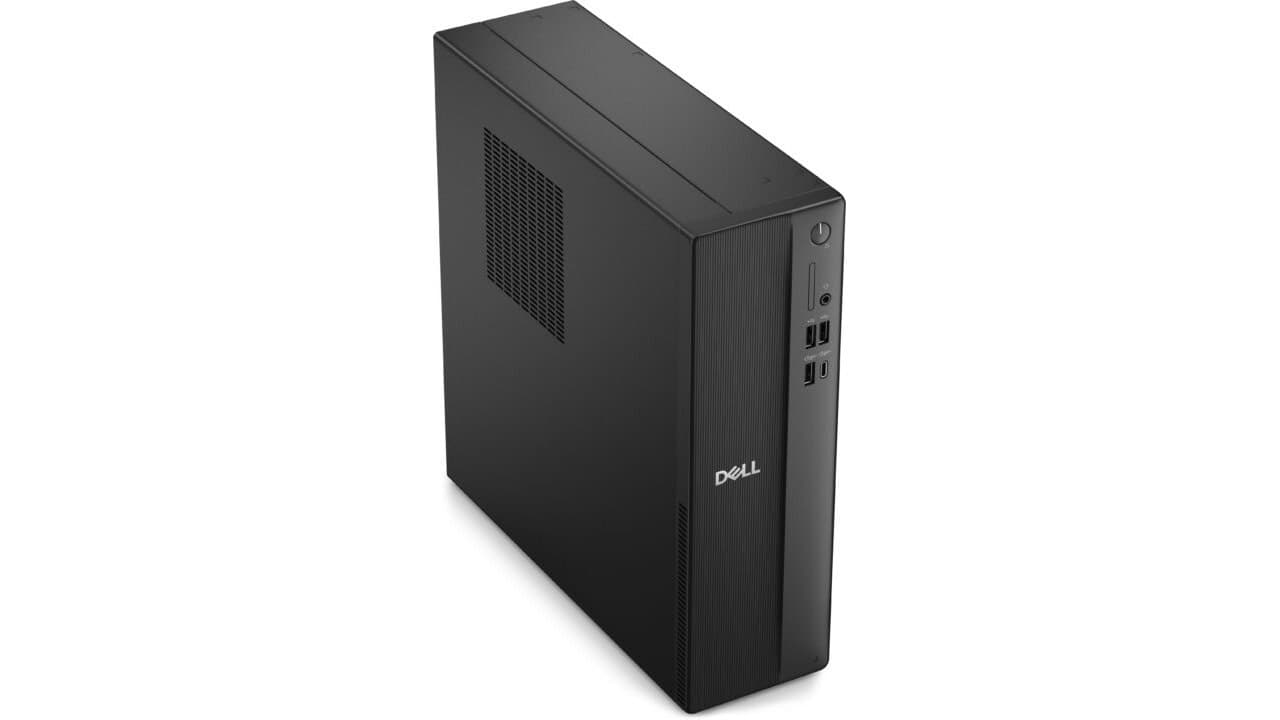
You also get a decent set of ports, which makes day‑to‑day use easier. On the front, you have USB 2.0 ports for simple gear like keyboards or older devices, plus a USB‑C and a USB 3.2 port for faster drives and newer accessories. There is a headset jack for your headphones and a media card reader, which is handy if you move photos from a camera. On the back, you get DisplayPort 1.4 and HDMI 2.1, so hooking up one or two monitors is pretty simple. There are more USB 3.2 and USB 2.0 ports for printers, scanners, and other gear, plus an Ethernet port if you want a wired internet connection. If you prefer wireless, the built‑in Wi‑Fi 6 and Bluetooth card covers you for fast Wi‑Fi and things like wireless keyboards, mice, and headphones. The tower also has a Kensington lock slot and padlock loop, which is nice if you plan to keep it in a shared space and want to secure it.
The size and power setup make this tower easy to live with. At a bit over 12 inches tall and just over 6 inches wide, it fits under a desk or next to a monitor without taking up too much room, and the starting weight of around 9 pounds means you can move it if you need to rearrange your space. The 180W internal power supply is enough for this setup and some modest upgrades, and the Realtek audio controller works well for speakers or headsets for calls, music, and movies. You also get a wired Dell keyboard and mouse in the box, so you do not have to buy those separately on day one. For the price, this Dell Tower Desktop gives you a strong general‑purpose PC with good upgrade paths, making it a smart buy if you want something that works well now and still gives you room to grow later.