A smart home lets you control lights, locks, and other things from your phone or by talking to a speaker. You do not need to be a tech expert or spend a lot of money to get started. There are a lot of choices, and it can be hard to pick what works best for you. This post will walk through the basics, like choosing between Alexa, Google, or Apple, and deciding if you need a hub. It will cover easy ways to start, such as adding smart lights or plugs. By the end, you will know how to start making your own smart home and what to look for when picking your first devices.
Choosing a Smart Home Ecosystem
Picking a smart home ecosystem is one of the first steps when setting up a smart home. The main choices most people consider are Amazon Alexa, Google Home, and Apple HomeKit. Each one works with different devices and has its own app. Alexa works with a large number of brands and is known for its wide support. Google Home connects well with most Android devices and Google services. Apple HomeKit focuses on privacy and works mainly with Apple devices. Before picking one, it helps to think about what phones, tablets, or computers you already use most often.
Voice assistants are a big part of smart home systems. Alexa, Google Assistant, and Siri each have their own way of handling voice commands. Alexa is known for its many skills and works with a lot of brands. Google Assistant is good at answering questions and connects well with Google services. Siri is built into Apple products and works best with them. Your choice can come down to which voice you prefer, which devices you own, or which services you already use every day.
Device compatibility is another thing to keep in mind. Not every smart device works with every system. Some brands only work with certain ecosystems or voice assistants. If you already have some smart home devices, look at the device box or website to see which systems it works with. This can help you avoid problems where your existing devices don’t work with the ecosystem that you pick.
Picking a Smart Home Controller
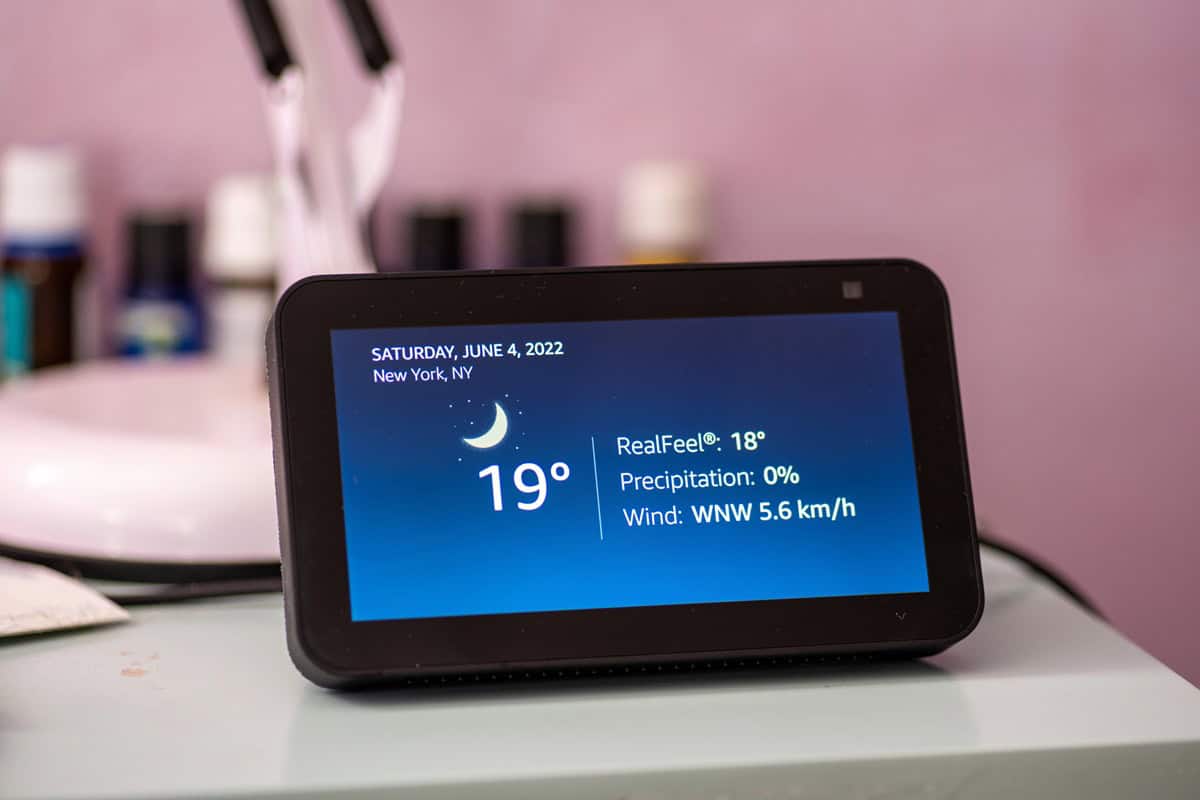
If you want to run a smart home, you need something to manage all your devices. Some people use a hub, which is a small box or gadget that connects to your internet and talks to your smart lights, locks, thermostats, and other items. A hub can help different brands and types of devices work together, even if they don’t use the same app. Some of the well-known hubs are Amazon’s Echo devices and Samsung SmartThings. Other people go for a hub-free setup. This usually means picking devices that can talk to each other over Wi-Fi or Bluetooth, and using a phone app or a smart speaker, like Google Home or Amazon Alexa, to handle everything. Hub-free setups can be easier to start, but you might find that you miss some of the features from having a hub.
When you pick a smart home controller, you also have to think about how you want your devices to connect. Some systems use local control, which means your devices talk to each other inside your house without sending information to the internet. This can make things faster and can keep your information more private. Other systems use cloud-based control, which sends your instructions and device data over the internet to a company’s servers. This can give you more features and let you control your home from anywhere with an internet connection, but it can be slower and may stop working if your internet goes out. Your choice depends on what you want from your smart home and how much you care about privacy and speed.
Selecting and Installing Your First Smart Devices
When starting with smart home devices, many people begin with smart lights. These lights can be controlled with your phone or by using voice commands if you have a smart speaker. You can set schedules for them to turn on or off at certain times. Some smart lights also let you change the color or brightness. Installing smart lights is usually as easy as screwing in a new bulb and connecting it to an app.
Another simple upgrade is the smart plug or outlet. These let you control appliances like lamps, fans, or coffee makers from your phone. You plug the smart plug into your wall, then plug your device into the smart plug. After connecting it to your home Wi-Fi, you can turn things on or off from anywhere. Some smart plugs can even track how much energy your device is using.
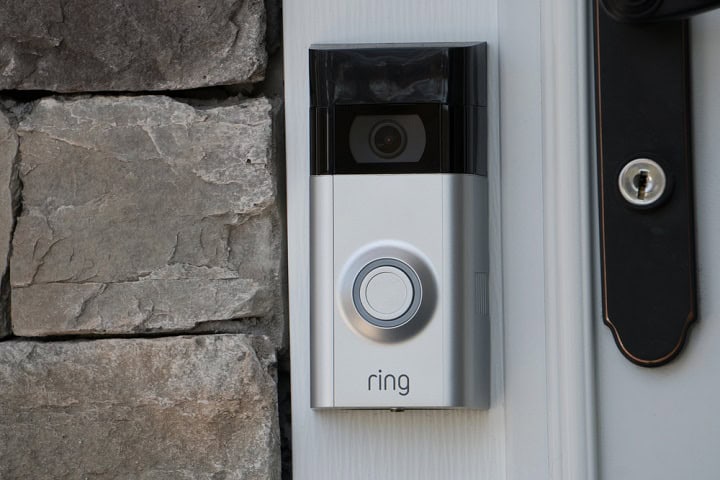
Smart locks are also common for people starting with smart home devices. They let you lock or unlock your door from your phone and give you the option to set codes for friends or family. Some models work with voice assistants and can be set to lock automatically after a certain time. Installing a smart lock usually means replacing your current lock with a new one, but most kits give step-by-step instructions to help you through the process.
In Summary
Setting up a smart home starts with picking the main system that fits best with your devices and daily habits. Once you choose a platform, you can decide if you want a hub or prefer to keep things simple with a hub-free setup. Adding your first smart lights, plugs, or locks is pretty easy, and you can always add more over time. Checking if devices work together before you buy helps make sure your smart home works the way you want. Starting small and building as you go can make the whole process straightforward.