If you are thinking about buying a Ring video doorbell or camera and you use Google Home, you might be wondering how well they work together. Can you ask Google to show your front door on a Nest display? Can you arm your Ring system with your voice? This post will walk through how Ring connects to Google Home, what you can and cannot do once they are linked, and which Ring devices work with Google. By the end, you should have a clear picture of whether using Ring with Google Home fits what you want from your smart home, and how to get everything connected if you decide to go ahead.
Ring and Google Home Compatibility Basics
Ring has limited compatibility with Google Home through the Google Home app and the Google Assistant. Ring is an Amazon owned company, and works best with Amazon’s smart home devices and Alexa.
That said, you can connect some Ring devices to Google home and get limited functionality. For devices that are supported, you first set up your Ring device in the Ring app, then link your Ring account inside the Google Home or Google Assistant app. Once linked, Google pulls in your Ring devices as linked devices. This connection is cloud based, so the two systems talk to each other over the internet, not through your local network.
With Ring connected to Google Home, you can use some voice commands, but full feature functionality will be limited to Amazon’s Alexa. Some features that Ring supports with Amazon Alexa, such as richer routines or two way talk through speakers, are limited or not present when using Google Home.
Supported Ring Devices and Features
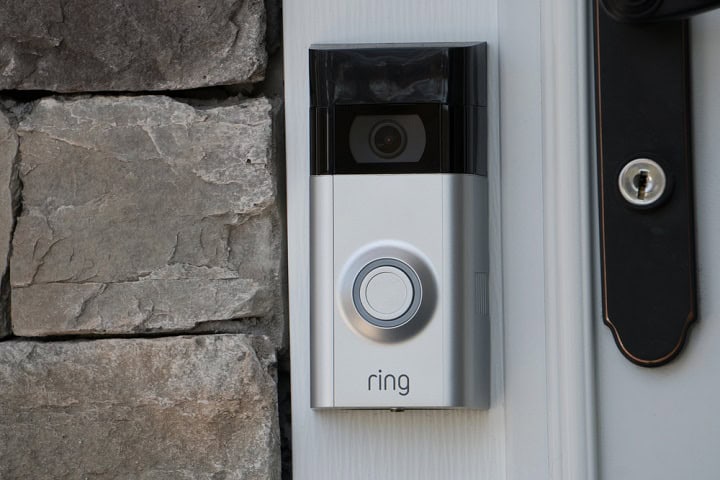
Most Ring Video Doorbells can connect to Google Home through the Google Home app. You can link your Ring account, then use simple voice commands with a Google Nest speaker or display to start a live view on a Chromecast or a smart display that works with Google. You can also ask for the status of the doorbell and turn motion alerts on or off with your voice in some setups. Features are not as wide as what you get with Ring and Alexa. For example, you do not get two way talk through Google devices, rich notification controls, or quick replies through Google Home. The main use is basic live view and a few simple controls.
Ring Security Cameras work with Google Home in a similar way. Once you link your Ring account, you can ask a Google Nest speaker or display to show a live view from supported Ring Stick Up Cams, Floodlight Cams, and other Ring camera models on a Chromecast or smart display. You can also use voice commands for basic actions like turning motion alerts on or off, if the device and region support that feature. More advanced camera controls, smart alerts, and camera specific settings still need to be handled in the Ring app, since Google Home only connects to a smaller set of features.
Other Ring devices, such as Ring Alarm and Ring smart lighting aren’t directly compatible with Google Home. You can sometimes work around this with third party routines or services, but direct features through the Google Home app are narrow. You cannot arm or disarm Ring Alarm with Google voice commands. Many of the rich features that tie Ring devices together, like linked events and detailed mode controls, only work inside the Ring app or with Alexa. When you link Ring to Google Home, it is mainly for viewing video from doorbells and cameras on Google screens and controlling a few simple settings by voice.
In Summary
Ring devices can work with Google Home, but only for a narrower set of features than you might expect. You can link your Ring account, see most cameras and doorbells in the Google Home app, and use simple voice commands to pull up live video on Chromecast or some smart displays. You still need the Ring app for almost everything else, like fine tuning motion zones, checking history, talking through the camera, and managing security modes. If your main goal is to see your Ring video on Google screens and use a few simple voice commands, the setup can make sense. If you want deep control over all Ring features by voice or rich routines, you will likely want to keep using the Ring app and, in many cases, Alexa as well.